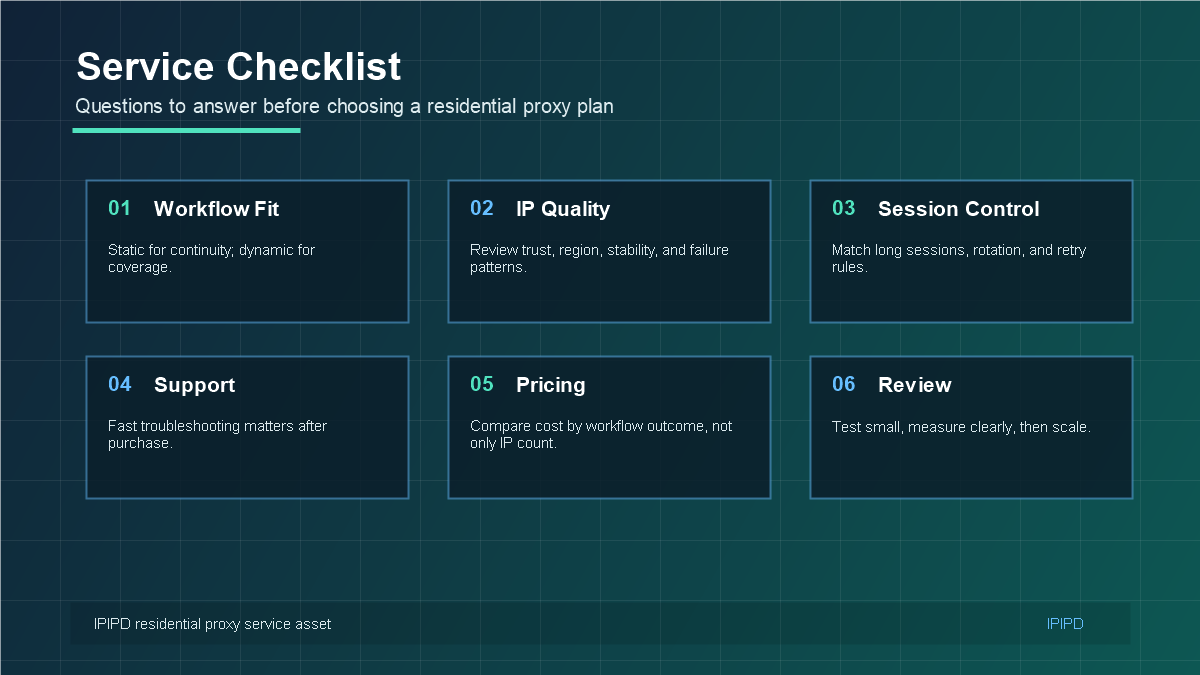
A residential proxy service should be evaluated by the job it helps a business complete. For IPIPD, the practical focus is static residential addresses and dynamic residential addresses. Static residential IPs support stable identity and long sessions; dynamic residential proxies support controlled rotation, regional coverage, and repeated public checks.
If the general proxy concept is new, the Wikipedia proxy server overview is useful background. For buying, however, the important question is narrower: which residential proxy behavior fits the workflow, budget, and risk level? You can compare IPIPD options on the IPIPD pricing page.
Quick Answer
Residential proxy selection should start from the workflow: stable identity, dynamic coverage, regional accuracy, or evidence review.
Basic Facts Table
Item
Practical Meaning
Business Check
Proxy behavior
Static residential addresses provide continuity; dynamic residential addresses provide distributed coverage.
Choose by workflow, not by proxy label alone.
Best fit
Stable sessions, public data checks, regional review, or evidence collection depending on the task.
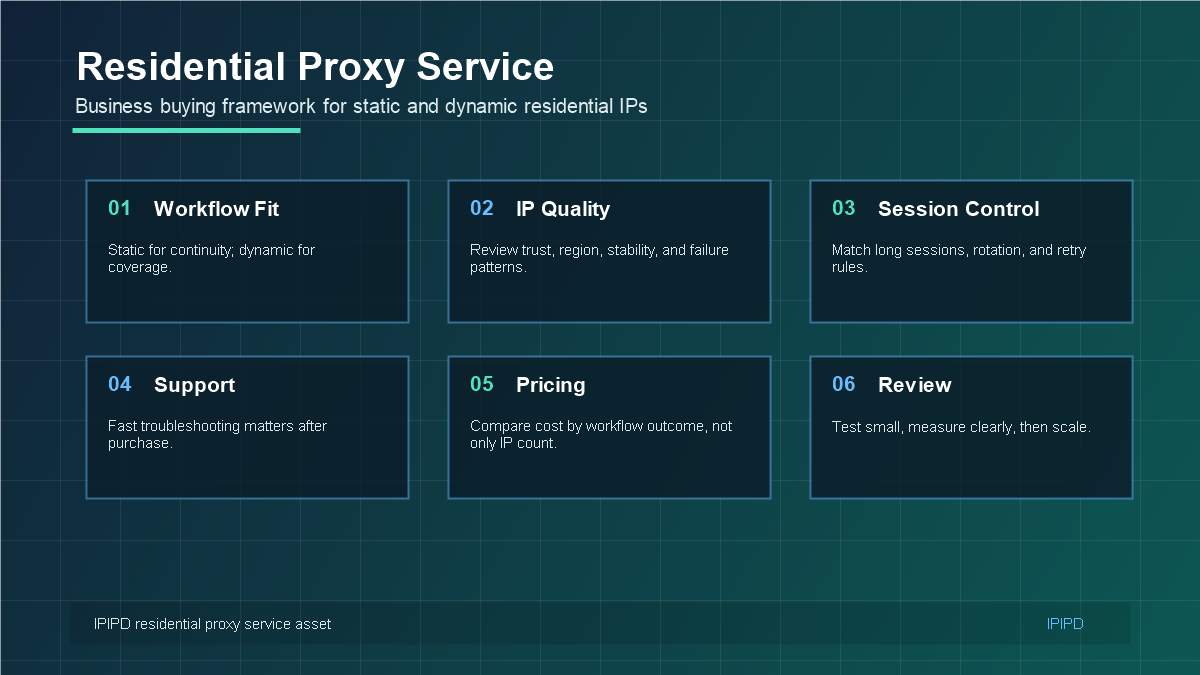
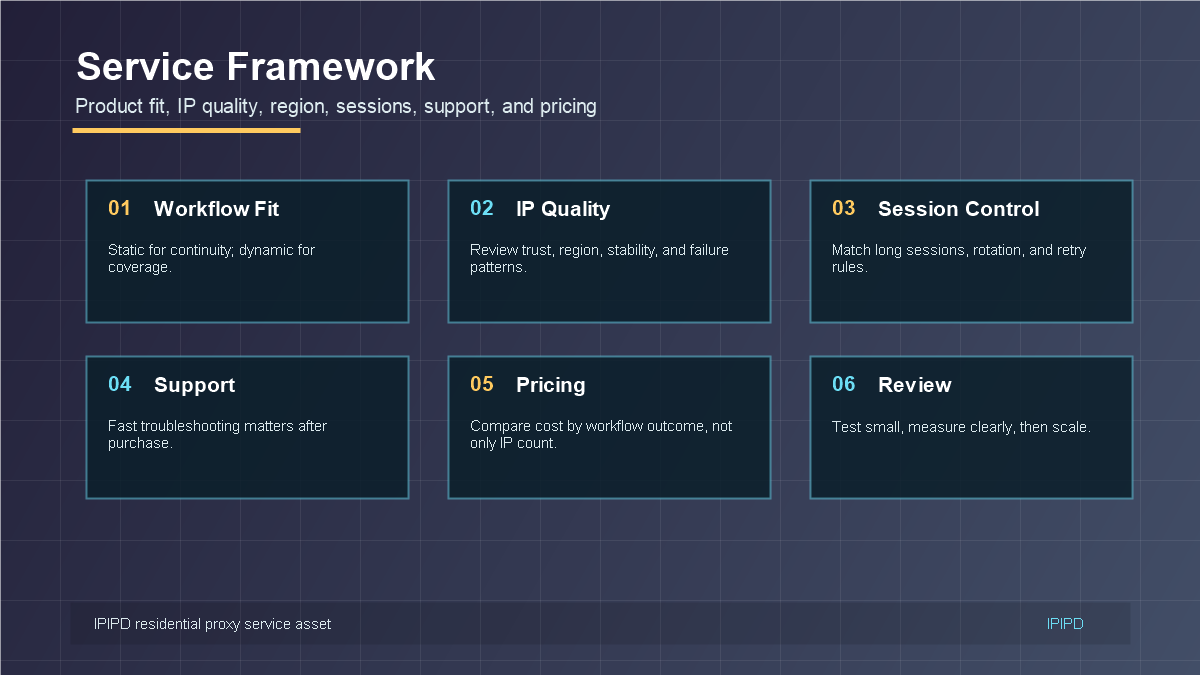
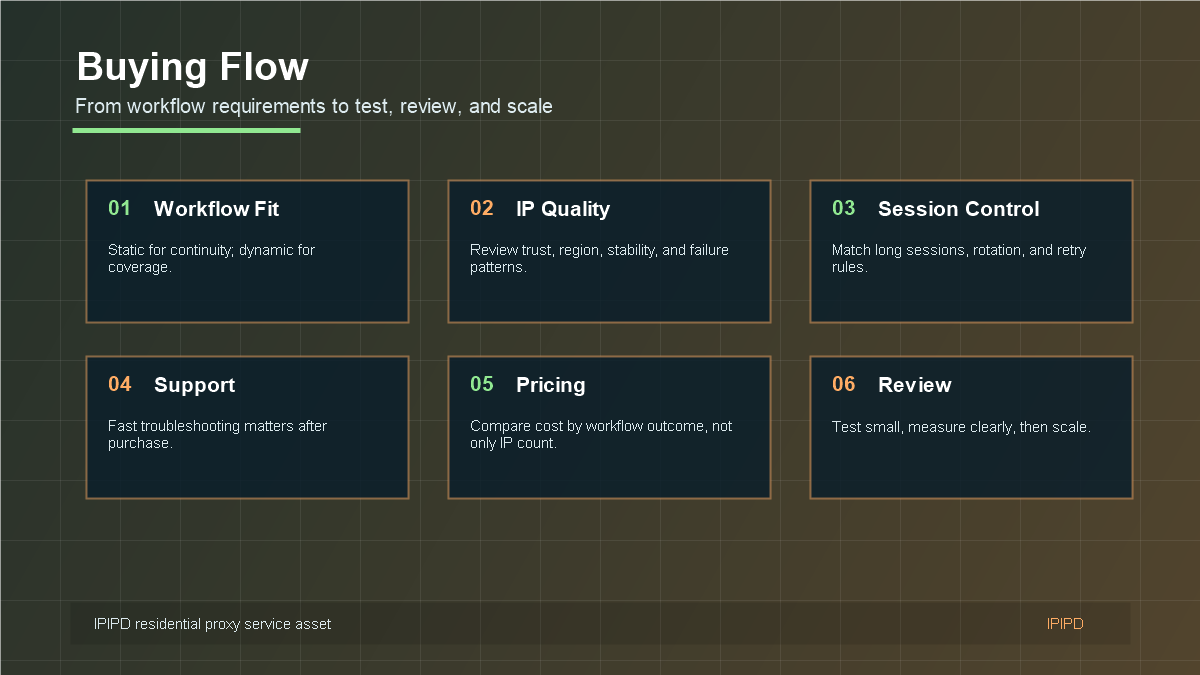
A residential proxy service should be evaluated by workflow fit, IP quality, sessions, support, and cost.The best service is the one that matches the actual workflow, not the largest headline pool.A controlled buying flow reduces mismatched proxy decisions.Use a checklist before committing budget to any residential proxy plan.
Frequently Asked Questions
What should a business check before buying residential proxies?
Check workflow fit, IP type, region coverage, session behavior, authentication, support response, and cost per usable result.
When should static residential IPs be used?
Use static residential IPs when identity continuity, long sessions, dashboards, or browser profiles matter.
When should dynamic residential proxies be used?
Use dynamic residential proxies when the task needs public-page coverage, location sampling, or controlled rotation.
What is the safest buying process?
Define session length, target region, and success condition before scaling.
Review logs, screenshots, status codes, and completed workflow cost.
IPIPD boundary
Static residential addresses and dynamic residential addresses
Adjacent proxy types are comparison context, not IPIPD product claims.
Source / Evidence Note
This update uses the article's original content, IPIPD's current static and dynamic residential address product scope, and Google Search Console page data. Proxy performance varies by target website, region, session duration, browser profile, request pacing, and compliance requirements, so the page avoids fixed success-rate claims.
Data Anchor
Google Search Console snapshot before this combined CTR and GEO update: 0 clicks, 3 impressions, CTR 0.0%, average position 3.0. Review again after 7 and 14 days for impressions, clicks, CTR, average position, Google indexing status, and AI answer mentions.
What is a residential proxy service?
A residential proxy service gives a business access to residential network IPs through authentication, region selection, session rules, rotation controls, and support. The right service is the one that matches the workflow: static residential IPs for continuity, dynamic residential proxies for broader public-page coverage, and clear testing before scaling.
Region accuracy, usable result rate, pacing, retry cost
Mixed team workflows
Separated static and dynamic rules
Owner, metric, proxy type, and review date for each workflow
Related IPIPD reading
Use these related pages to compare static residential IPs, dynamic residential proxies, pricing, and adjacent workflows without leaving the same topic cluster.
What a Residential Proxy Service Actually Provides
A residential proxy service gives users access to residential network IPs through a managed gateway, authentication method, region selection, session policy, and support process. The service is not only the IP address. It also includes how stable the IP can be, how regions are selected, how sessions are controlled, how errors are handled, and how quickly support can help when a workflow breaks.
For business users, this matters because proxy performance is rarely isolated. A static account workflow depends on browser profile consistency, cookies, region, login behavior, and IP stability. A dynamic monitoring workflow depends on rotation logic, target grouping, retry rules, pacing, and regional accuracy. A good service makes those workflows easier to operate, measure, and improve.
Static and Dynamic Residential Service Fit
Static residential addresses are better when the workflow needs continuity. Examples include account management, browser profiles, dashboards, customer systems, and other long-session tasks. Dynamic residential addresses are better when the workflow needs coverage. Examples include public-page checks, web scraping, SEO rank tracking, ad verification, ecommerce price monitoring, and market research.
Choose static residential IPs when login stability, identity continuity, and long sessions matter.
Choose dynamic residential proxies when many public checks, locations, or targets are required.
Use both carefully when a team has account workflows and public monitoring workflows at the same time.
Keep logs for account-to-IP mapping, region, session rule, success rate, latency, and failures.
Review cost by outcome, not only by IP count, traffic amount, or headline price.
A Practical Buying Flow
The safest buying process starts with a small workflow definition. Write down the target platform, region, login requirement, session length, request volume, success metric, and acceptable failure rate. Then test one static workflow or one dynamic workflow before scaling spend. This prevents the team from buying a broad service without knowing which result it needs.
During testing, measure the metric that belongs to the task. For static residential IPs, measure login stability, verification prompts, session duration, and recovery effort. For dynamic residential proxies, measure successful page retrieval, block rate, region accuracy, latency, and retry cost. These metrics reveal whether the service fits the real job.
What to Check Before Choosing a Plan
A strong residential proxy service should make the buyer confident about product fit, region availability, IP quality, session behavior, authentication, documentation, support, and pricing. It should also avoid overselling unrelated products. IPIPD content should stay honest: the site currently needs to convert users around static and dynamic residential addresses, not around products the company does not offer.
The right residential proxy service is not the one with the loudest claim. It is the one that matches the workflow. Choose static residential IPs for stable identity and dynamic residential proxies for controlled coverage. Test small, measure the right KPI, and scale only after the baseline is stable.
How to Turn Requirements Into a Proxy Plan
A residential proxy plan should start with a requirement sheet, not a shopping cart. The sheet can be simple: target platform, business owner, country or city, login requirement, session length, request frequency, success metric, expected failure rate, and review date. This makes the buyer decide whether the task needs stable identity, controlled rotation, or both. Without this step, teams often buy too much of the wrong capability.
For a static residential workflow, the requirement sheet should describe which account, browser profile, dashboard, or customer system needs a stable IP. It should also describe why the region matters and how long the session needs to remain consistent. For a dynamic residential workflow, the sheet should describe how many public pages or markets need to be checked, how often the task runs, and how failures should be retried.
Quality Signals That Matter in Real Use
Residential proxy quality is not only about whether the connection succeeds. A business user should watch region accuracy, IP stability, failure patterns, latency, authentication reliability, support response, and how easily the service fits the existing tools. A proxy can connect successfully but still be a poor fit if it causes frequent account verification or returns noisy market data.
For account workflows, quality means fewer unnecessary identity changes. For public-page workflows, quality means consistent coverage and measurable success. These are different outcomes, so they need different tests. The same residential proxy service may perform differently depending on whether the task is account management, SEO monitoring, web scraping, or ecommerce research.
Budget Review After the Pilot
After a pilot, review cost with evidence. If static residential IPs reduce verification and manual recovery, the plan may be worth more than a cheaper unstable option. If dynamic residential proxies improve public-check success across markets, the cost should be compared with reporting accuracy and saved labor. Budget review should focus on workflow outcome, not only traffic or IP count.
Implementation Table for Internal Review
Before the article is published or the service is purchased, the team should translate the recommendation into an internal review table. The table should include the workflow name, proxy type, target region, user or system owner, login requirement, session policy, test period, success metric, expected risk, and next action. This simple table makes the decision operational instead of theoretical.
For example, an account dashboard workflow may use static residential IPs, one browser profile, one region, and a success metric based on verification frequency and session stability. A public SEO monitoring workflow may use dynamic residential proxies, controlled rotation, multiple regions, and a success metric based on successful checks, latency, block rate, and region accuracy. Both are residential proxy workflows, but they should never be judged by the same measurement.
Practical Test Sample
A practical test can run for three to seven days. For static residential IPs, choose a small number of accounts or dashboards and keep the browser profile, region, and IP assignment consistent. Record every login prompt, unusual redirect, region warning, slow page, and manual recovery. For dynamic residential proxies, choose a small set of public pages or search queries, define the region list, set a rotation rule, and record status codes, latency, retries, and blocked responses.
The goal of the pilot is not to prove that every request succeeds. The goal is to discover whether the service gives the team a predictable operating model. Predictability is what makes the service scalable. If the team knows why a failure happened and which variable changed, the proxy workflow can be improved. If every failure is a mystery, scaling will only make the problem more expensive.
Review Rule for SEO and Conversion
For IPIPD content, the final review should ask whether the reader can connect the article to a real next step: compare static and dynamic residential addresses, visit the pricing page, read a related tutorial, or choose the correct workflow. A good SEO article should not only collect traffic; it should reduce confusion before the reader talks to sales or support.
Final Publishing Check
Before publishing, confirm that the article gives the reader a clear next action. The next action may be comparing static and dynamic residential proxy plans, testing a small workflow, reading a related guide, or reviewing the pricing page. If the article only explains concepts but does not help the reader decide, it should be revised before going live.
The final check should also verify that the keyword is used naturally, internal links are useful, external references are not excessive, images have accurate alt text, and the FAQ answers buyer questions directly.
Run a small pilot, measure the right workflow metrics, then scale only after the baseline is stable.