Residential proxy buying mistakes usually happen before the first request is sent. Teams often buy a plan because the price looks low, the IP count looks large, or the provider page sounds impressive. But if the plan does not match the workflow, the low price quickly becomes expensive.
Before comparing providers, define whether the business needs stable identity or broad coverage. Stable identity usually points toward static residential IPs. Broad public-page checking usually points toward dynamic residential proxies. IPIPD users can start with the pricing page and then read the residential proxy service guide for workflow fit.
Quick Answer
Proxy cost should be judged by usable workflow results, not only headline price, IP pool size, or traffic package cost.
Basic Facts Table
Item
Practical Meaning
Business Check
Proxy behavior
Static residential addresses provide continuity; dynamic residential addresses provide distributed coverage.
Choose by workflow, not by proxy label alone.
Best fit
Stable sessions, public data checks, regional review, or evidence collection depending on the task.
More IPs do not guarantee better resultsFailed work costs time and budgetConnection is not workflow successExpand only after proof
Frequently Asked Questions
What is the biggest residential proxy buying mistake?
Buying by price or IP count before defining the workflow and success metric.
Why can a cheap plan become expensive?
Because failed requests, account recovery, debugging, and bad data create hidden operational cost.
What should I test before buying?
Test the actual workflow: login stability for account tasks or success rate and region accuracy for public-page tasks.
When should I scale a proxy plan?
Define session length, target region, and success condition before scaling.
Review logs, screenshots, status codes, and completed workflow cost.
IPIPD boundary
Static residential addresses and dynamic residential addresses
Adjacent proxy types are comparison context, not IPIPD product claims.
Source / Evidence Note
This update uses the article's original content, IPIPD's current static and dynamic residential address product scope, and Google Search Console page data. Proxy performance varies by target website, region, session duration, browser profile, request pacing, and compliance requirements, so the page avoids fixed success-rate claims.
Data Anchor
Google Search Console snapshot before this combined CTR and GEO update: 0 clicks, 31 impressions, CTR 0.0%, average position 43.32. Review again after 7 and 14 days for impressions, clicks, CTR, average position, Google indexing status, and AI answer mentions.
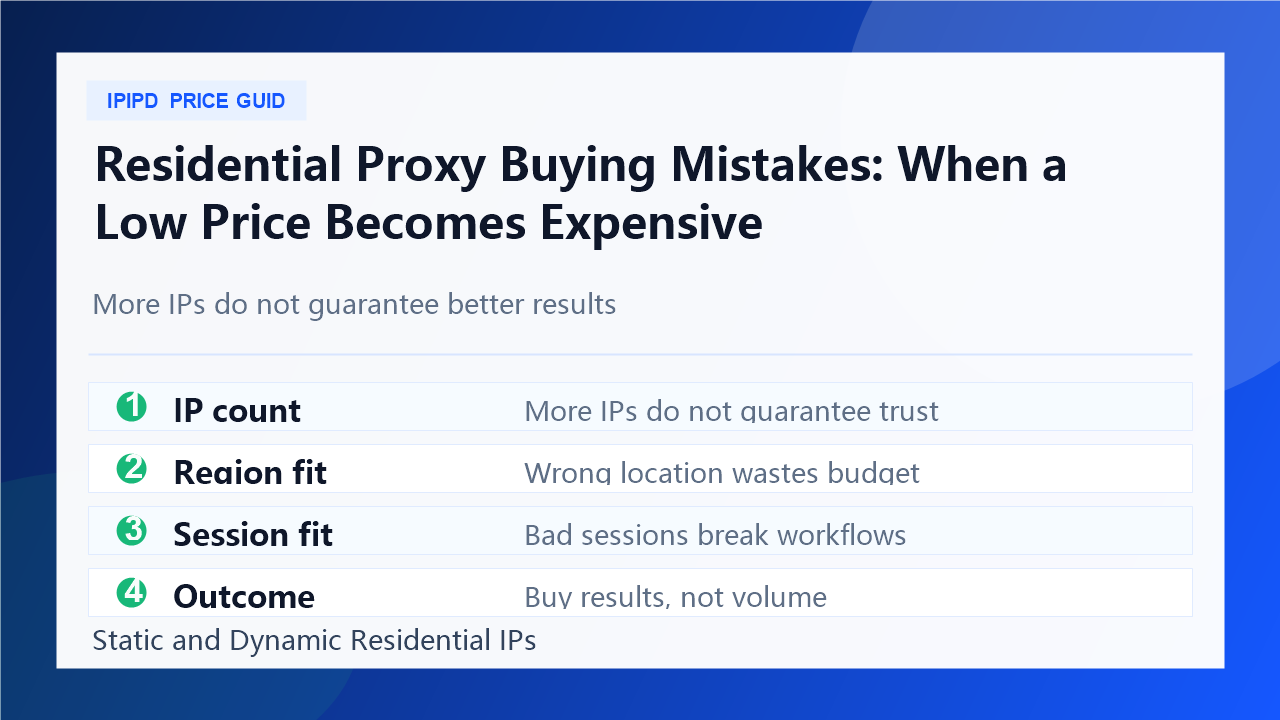
Mistake 1: buying by IP count
A large IP number is easy to market, but it does not automatically solve account trust, location accuracy, session stability, or target compatibility. A smaller but cleaner and better-matched setup can outperform a bigger pool when the task needs predictable behavior.
Ask which regions are actually needed.
Check whether sessions match the workflow.
Measure successful outcomes, not raw IP volume.
Separate account workflows from public-page checks.
Keep a small pilot before scaling.
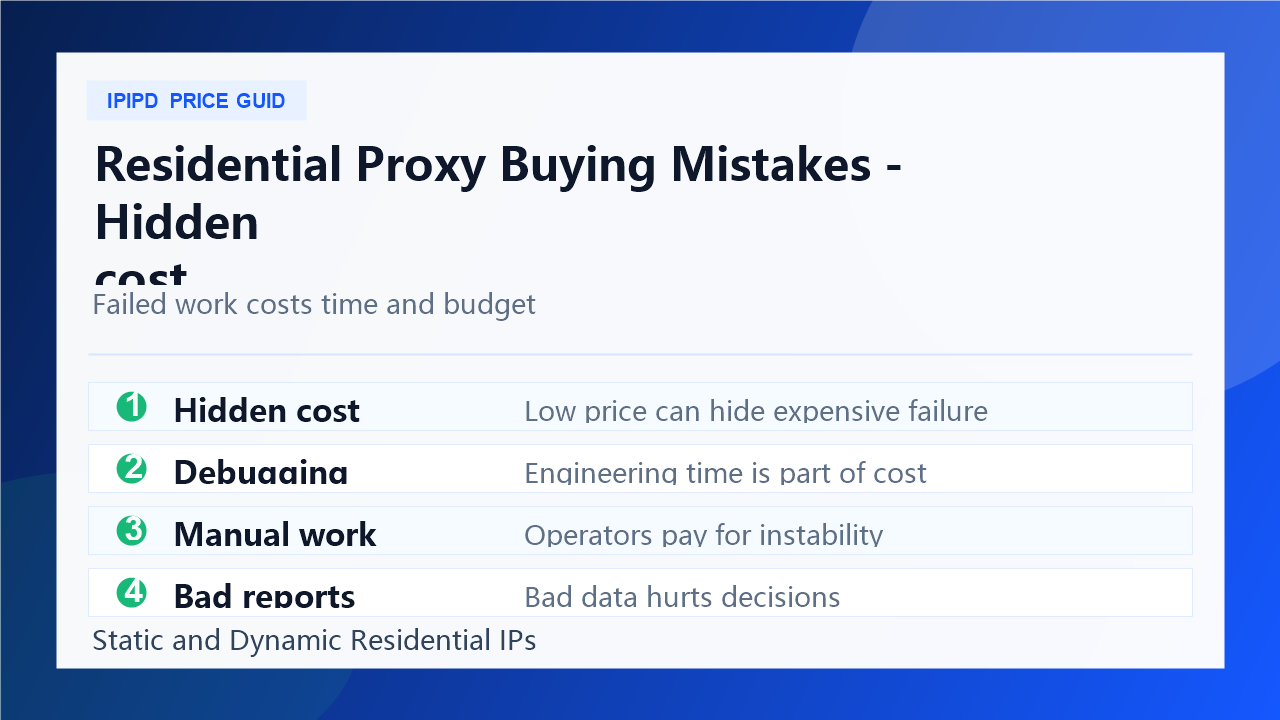
Mistake 2: ignoring hidden cost
The cheapest plan can become expensive when it creates extra recovery work. Hidden cost includes failed requests, manual login recovery, support tickets, broken reports, engineering debugging, and wasted data collection. These costs are often larger than the price difference between plans.
A better buying process compares the cost per stable outcome. If a static residential IP reduces identity changes, it may save account recovery time. If a dynamic residential proxy improves region coverage and repeatable checks, it may reduce the cost per usable report.
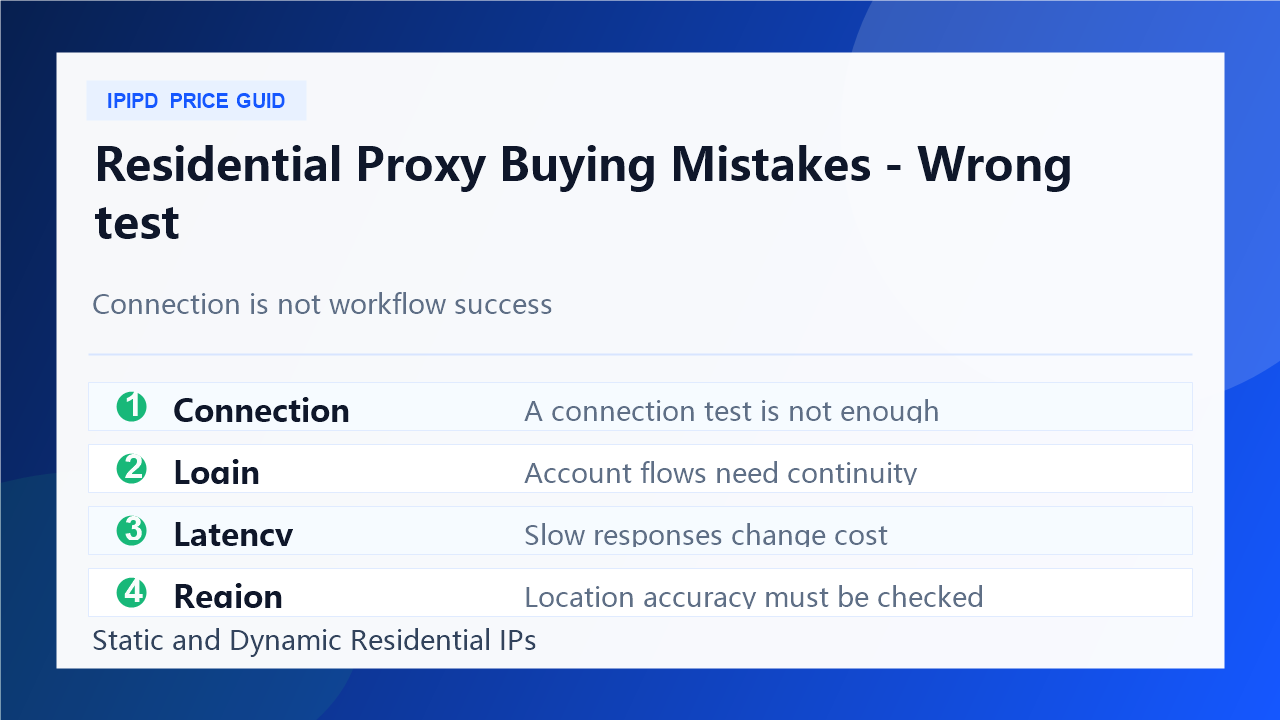
Mistake 3: testing the wrong thing
Many tests only check whether the proxy connects. That is not enough. A useful test should mirror the real workflow. For account-related tasks, test login continuity, browser-profile consistency, verification frequency, and recovery effort. For public-page tasks, test latency, status code, block rate, retry rate, and region match.
This is also where internal links matter for SEO and conversion. A buying article should point readers to the plan page, related static and dynamic guides, and previous mistake articles so they can make the next decision without leaving the site.
Mistake 4: scaling before proof
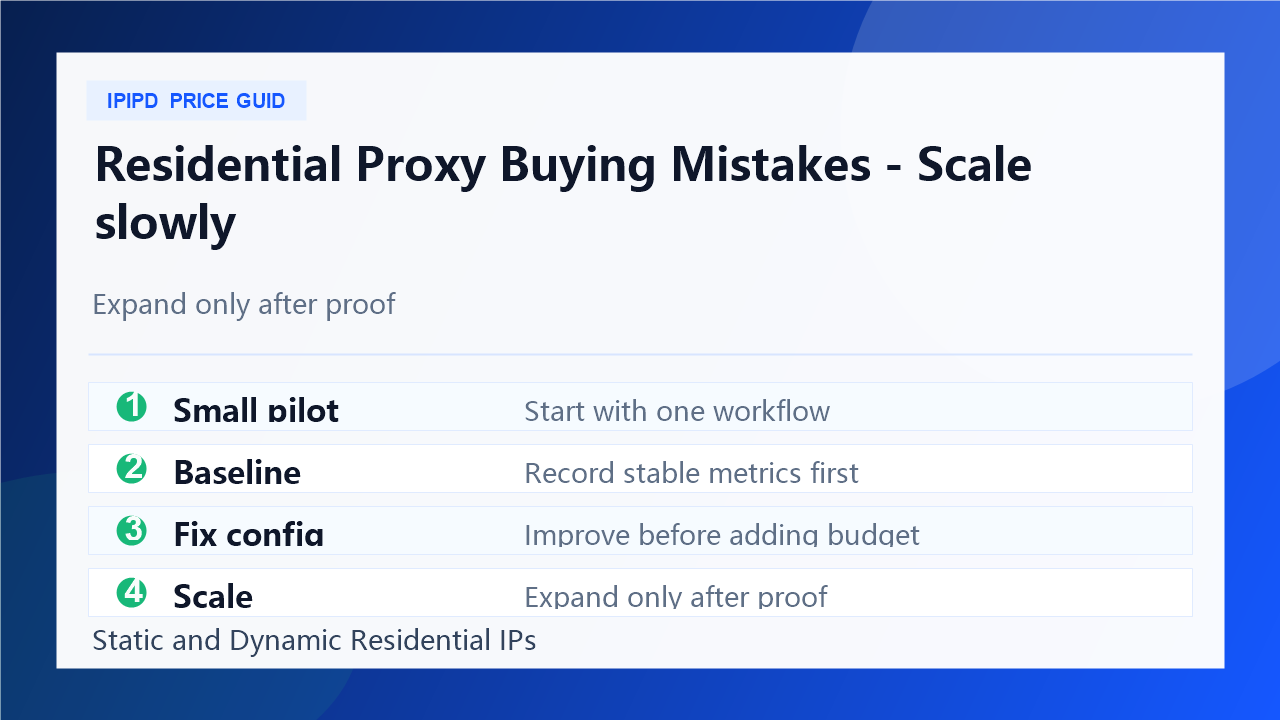
Scaling before proof turns a small mismatch into a large operating problem. The safer path is to test one workflow, document results, improve configuration, and only then expand budget. This makes the buying decision evidence-based instead of sales-page-based.
The final rule is simple: do not buy residential proxies as a generic commodity. Buy a workflow outcome. If the plan improves success rate, reduces recovery, and fits static or dynamic residential needs, it is worth considering. If it only looks cheap, keep testing.
Mistake 5: treating all residential proxies as interchangeable
Another common mistake is assuming every residential proxy product can handle every task. Static residential IPs and dynamic residential proxies may both belong to the residential proxy category, but they are not interchangeable in workflow design. Static IPs are stronger when continuity matters. Dynamic residential proxies are stronger when broad coverage and controlled rotation matter.
This distinction is especially important for IPIPD content because the business should stay aligned with current products. Articles can discuss broader proxy concepts for education, but the buying recommendation should return to static residential addresses and dynamic residential addresses. That keeps traffic aligned with conversion instead of attracting readers who need unrelated products.
Mistake 6: skipping internal documentation
Proxy buying is easier to scale when the team keeps internal documentation. Record the plan, target regions, session rules, authentication method, responsible person, test dates, success metrics, and known failure patterns. This makes it easier to compare future providers, update articles, and answer customer questions without starting over every time.
Documentation also helps SEO work. When content writers know which workflows are real, which products are sold, and which links should be used, the articles become more consistent. That consistency improves user trust and makes internal linking more natural.
A final pre-purchase checklist
Before paying, ask five questions: What workflow are we buying for? Which proxy type fits that workflow? What metric proves success? What hidden cost appears when the plan fails? What is the smallest pilot that can prove or disprove the plan? If the team cannot answer these questions, the purchase is not ready.
The best residential proxy buying decision is boring in a good way. It has a defined task, a small test, clear metrics, documented failures, and a scaling rule. That is how a team avoids turning a low price into an expensive operational problem.
Only after a small pilot proves stable results with clear metrics.
How should IPIPD buyers choose?
Match static residential IPs to stable identity needs and dynamic residential proxies to broad coverage needs.