The biggest risk when buying residential proxies is not overpaying. It is choosing the wrong proxy setup for the job.
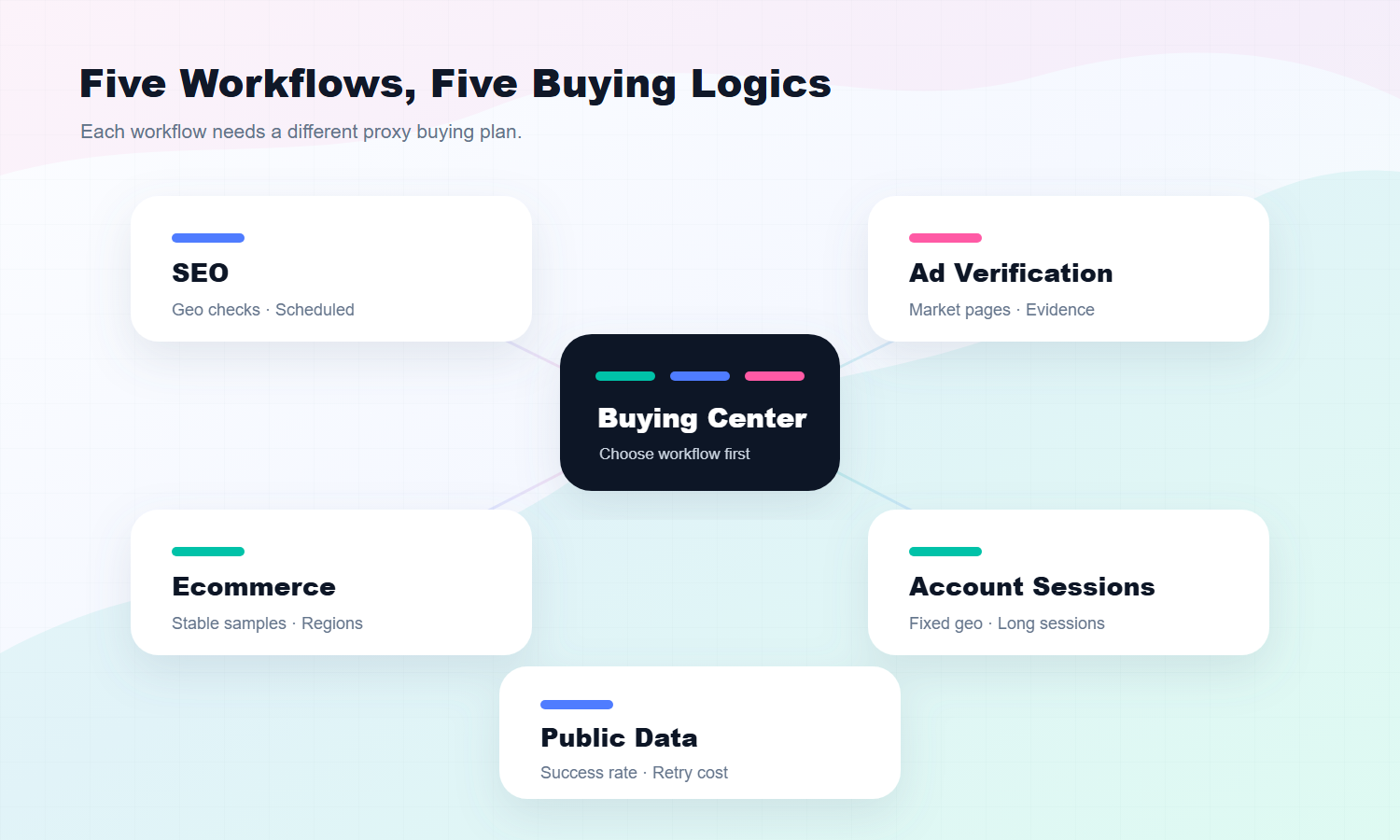
SEO rank tracking, ecommerce price monitoring, ad verification, public data collection, and long-term account sessions do not need the same proxy configuration. One team may need rotating access across many regions. Another may need a fixed location and long session stability. One workflow may care most about speed, while another cares more about geo accuracy and repeatable results.
Quick Answer
A residential proxy should be selected by workflow fit: stability for account or repeated checks, rotation for broad collection, and evidence records for monitoring or verification.
Basic Facts Table
Item
Practical Meaning
Business Check
Proxy type
Residential proxy
Match the proxy behavior to the task before scaling traffic.
Best fit
Business workflows that need residential IP behavior
Define whether the workflow needs stability, rotation, or both.
Main risk
Choosing by price alone can hide session, region, or success-rate problems.
Use logs, pacing, and result validation to reduce uncertainty.
IPIPD product boundary
Static residential addresses and dynamic residential addresses
Adjacent proxy types are mentioned only for comparison.
Source / Evidence Note
This update uses the article's existing content, IPIPD's static and dynamic residential proxy product scope, and current Google Search Console page data. Technical explanations are kept general because proxy behavior varies by target site, region, session duration, request pacing, and compliance requirements.
Data Anchor
Google Search Console snapshot for the last 28 days before this GEO patch: 1 clicks, 10 impressions, CTR 10.0%, average position 71.6. The page should be reviewed again after 7 and 14 days to check changes in impressions, clicks, CTR, average position, and AI answer visibility.
If every workflow uses the same buying logic, the result is usually messy. SEO data becomes hard to compare. Ad verification may show the wrong market page. Ecommerce price samples become inconsistent. Public data tasks suffer from high retry cost. Account sessions may trigger extra checks because the network environment changes too often.
This article does not repeat the basic definition of residential proxies. If you need the foundation first, read What Is a Static Residential Proxy?. This guide answers a more purchase-focused question: how should different workflows approach buying residential proxies?
For general background, Wikipedia defines a proxy server as an intermediary between a client and another server. This guide focuses on buying decisions, not definitions.
Start With the Workflow, Not the Package
Many buyers start by comparing package size, IP count, traffic volume, and price. Those details matter, but they come too early.
Buying residential proxies should start with the workflow.
Different workflows have different failure points:
SEO tracking fails when geo output is inaccurate or inconsistent.
Ad verification fails when the page is not the real target-market experience.
Ecommerce price monitoring fails when samples are not comparable.
Public data collection fails when retries and failed requests become expensive.
Account sessions fail when the IP environment changes too often.
If you have not mapped your task to a scenario, buying a package is guesswork.
A better order looks like this:
Define the workflow
Choose target regions and access rhythm
Pick static or rotating residential proxies
Then compare packages and budget
This order reduces expensive trial and error.
Scenario 1: Buying Residential Proxies for SEO Tracking
For SEO rank tracking, more IPs are not automatically better. The real question is whether results from the same region can be compared over time.
If you check the same keyword set across different countries or cities every day, the important factors are geo accuracy, stable access rhythm, and repeatable output.
For this SEO workflow, use this starting point:
Buying Item
Recommendation
Proxy type
Rotating residential proxies first
Region choice
Select by target country or city
Access rhythm
Low-frequency, scheduled, consistently logged
Package strategy
Test a small keyword set and a few regions first
Main metrics
Geo accuracy, success rate, result consistency
Do not start SEO tracking with a large traffic package. Start with three to five important regions and a small keyword set. Run the test for several days. Check whether search results remain region-accurate, whether failure rates are acceptable, and whether the output can be compared over time.
If your market is the United States, do not rely only on a provider's global coverage claim. Verify the U.S. regions you actually need. If you track multiple European markets, test Germany, France, the United Kingdom, and other markets separately instead of treating Europe as one generic region.
This purchase strategy is better for long-term rank observation than for short bursts of high-volume access.
Scenario 2: Buying Residential Proxies for Ad Verification
The goal of ad verification is to confirm that ads appear correctly in the target market, that the landing page is correct, and that pricing, language, promotions, and redirects match campaign expectations.
For this scenario, the buying decision should not focus only on speed. Speed matters, but region and page accuracy matter more.
If you verify one market, such as the United States or Japan, stable region access may be enough. If you need to check multiple countries, you need flexible region switching.
Use this buying model:
Buying Item
Recommendation
Proxy type
Static for long checks in one market; rotating for multi-market spot checks
Region choice
Match the ad campaign market exactly
Access rhythm
Low-frequency manual checks or scheduled spot checks
Package strategy
Start with key campaign markets
Main metrics
Correct page display, normal redirect, region consistency
The most common ad verification mistake is a mismatch between proxy region and campaign region.
For example, if your campaign targets the United Kingdom but the landing page loads as another market, the check is not useful. If a promotion page shows the wrong language or price because the proxy region is off, a successful connection still does not mean a successful verification.
For ad verification, the question is not only "can I access the page?" It is "am I seeing what the target user should see?"
Scenario 3: Buying Residential Proxies for Ecommerce Price Monitoring
Ecommerce price monitoring depends on continuity.
You are not checking a price once. You are tracking how a product's price, stock status, and promotion display change across countries and time periods. If the proxy environment changes randomly, you may not know whether a price changed because of the market or because of the access environment.
For this ecommerce monitoring scenario, use this approach:
Buying Item
Recommendation
Proxy type
Rotating residential proxies first, with fixed-region discipline
Region choice
Select by sales market and competitor market
Access rhythm
Sample at fixed times; avoid aggressive request bursts
Package strategy
Estimate traffic from product count and sampling frequency
Do not run every product through a new proxy setup on day one. Choose representative products first: core SKUs, competitor bestsellers, and important markets. Test for several days. Confirm that the same product in the same region produces stable, comparable output.
If you compare prices across countries, lock the country dimension. For example, sample the United States, Canada, Germany, and Japan as separate regions. Do not let proxy regions drift randomly, or the price data may lose its value.
In this scenario, the proxy purchase is not about accessing more pages. It is about getting price data you can compare.
Scenario 4: Buying Residential Proxies for Public Data Collection
Public data collection is one of the easiest scenarios to misuse residential proxies.
Some teams assume that buying residential proxies means they can push request volume as high as possible. That is not how it works. A proxy controls the access route; it does not remove the need for responsible request pacing, retry logic, data legality, and compliance boundaries.
For general context, Wikipedia describes a web crawler as a program that systematically browses the web. In real business workflows, public data collection also requires attention to target-site rules, access frequency, failed requests, and data quality.
For this scenario, use this buying model:
Buying Item
Recommendation
Proxy type
Rotating residential proxies first
Region choice
Choose regions by the target site's main market
Access rhythm
Control frequency and collect in batches
Package strategy
Estimate cost by successful request, not only by traffic price
Main metrics
Success rate, failure cause, retry cost, data completeness
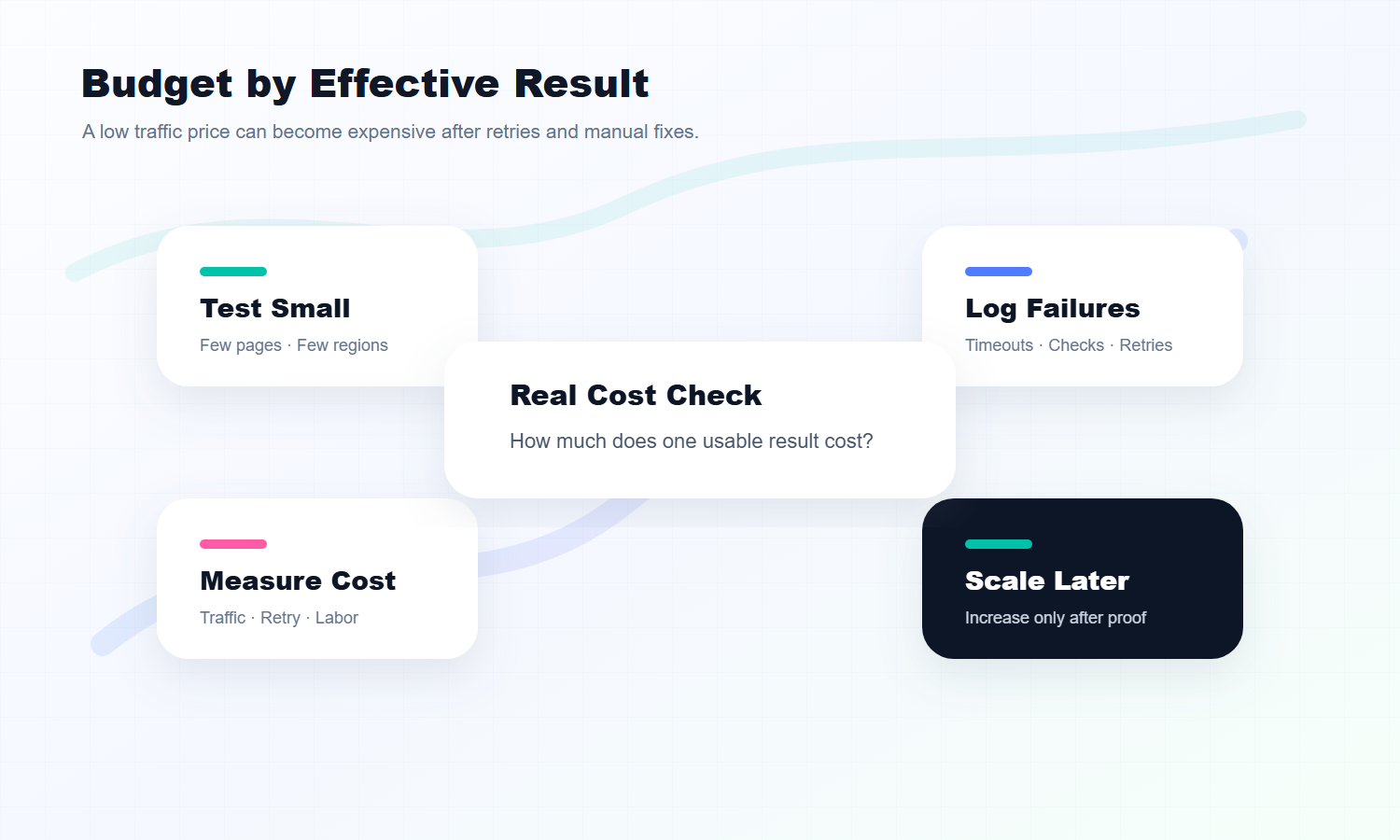
The key metric is not "how much traffic did I buy?" It is "how much does one usable result cost?"
If a plan is cheap but produces many failed requests, retries, and missing records, the real cost may be high.
A better test looks like this:
Select a small set of target pages.
Use a reasonable request interval.
Track success rate and failure causes.
Estimate the cost per 1,000 usable records.
Scale only after the workflow performs reliably.
This type of proxy purchase should be evaluated by effective data cost, not only by price per GB.
Scenario 5: Buying Residential Proxies for Account Sessions
Account sessions follow a very different buying logic.
This scenario does not need a large number of rotating IPs. It needs stability, continuity, and a consistent region.
Examples include account login environments, store dashboards, social media workflows, ad dashboards, and fixed-region business access. These workflows are often sensitive to sudden changes. A session that appears from one region in the morning and another region in the afternoon may trigger extra checks.
For account sessions, use this buying model:
Buying Item
Recommendation
Proxy type
Static residential proxies first
Region choice
Match the account's long-term operating region
Access rhythm
Low-frequency, stable, avoid frequent switching
Package strategy
A small number of stable IPs is better than many rotating IPs
The biggest mistake here is using a frequently rotating proxy for a workflow that needs a stable identity.
If the business requires long-term network consistency, a smaller number of stable resources is usually more useful than a large pool that changes constantly.
That is why one residential proxy purchase can look very different from another. The right plan depends on the workflow.
Turn the Requirement Into Buying Parameters
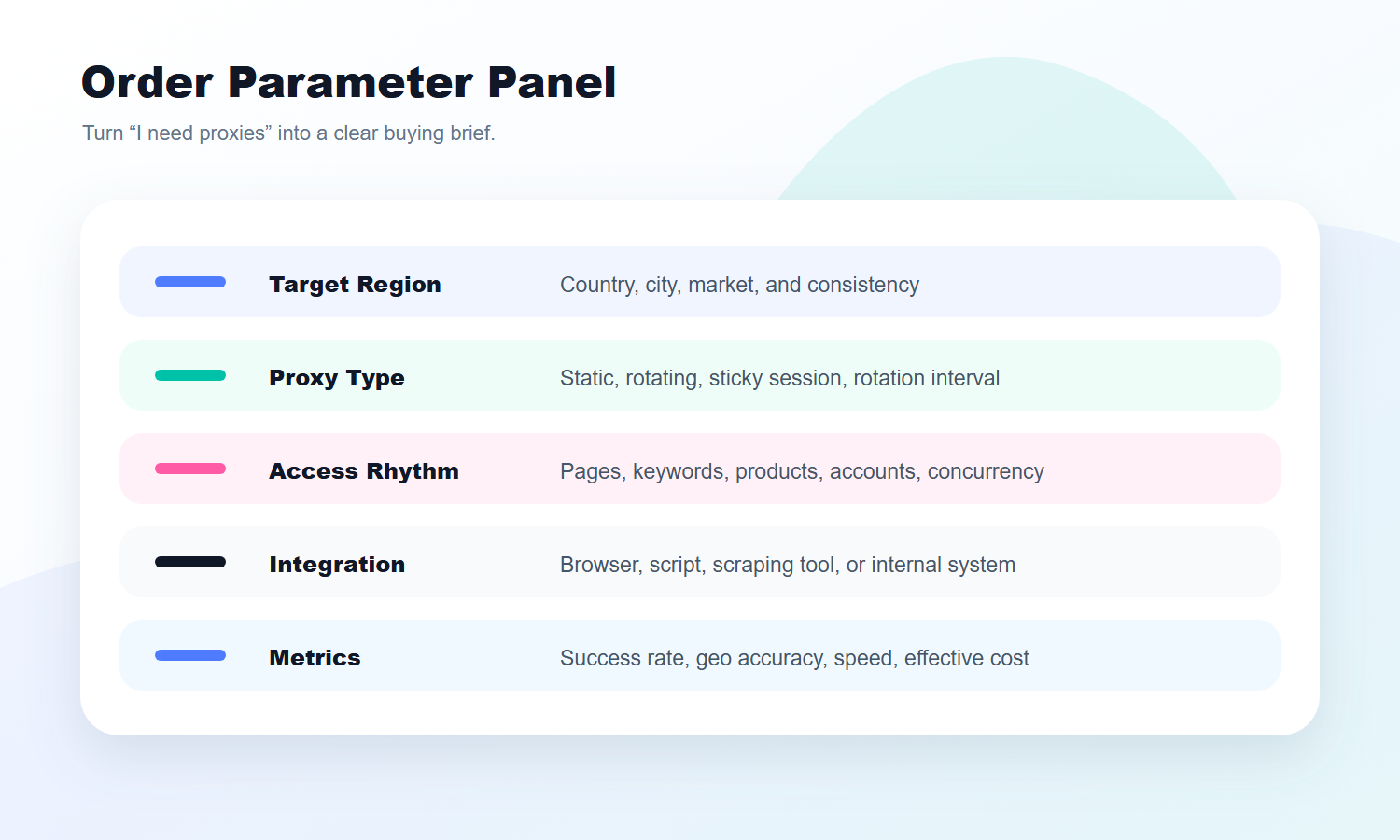
Once you know the scenario, do not jump straight to payment. Turn the requirement into buying parameters first.
Use this table:
Parameter
What to Define
Workflow
SEO tracking / Ad verification / Ecommerce pricing / Public data / Account sessions
Target region
Country, city, and primary market
Proxy type
Static residential or rotating residential
Access scale
Pages, keywords, products, accounts, or daily tasks
Access rhythm
Scheduled, low-frequency, batch, rotation, or long session
Integration method
Browser, script, scraping tool, or internal system
After this table is filled, the buying decision becomes much clearer.
Instead of asking only "which package is cheaper?", you can ask better questions:
Are the target regions stable?
Does this workflow need static or rotating proxies?
Is the access frequency reasonable?
How many usable results can this package support?
If something fails, can the cause be diagnosed quickly?
Those are the questions that improve the buying decision.
Budget by Effective Result
A residential proxy budget should not be calculated only by traffic price or IP unit price.
A better method is to calculate cost by effective result.
For example:
SEO tracking: cost per comparable ranking result.
Ad verification: cost per verified target-market page.
Ecommerce monitoring: cost per valid price record.
Public data collection: cost per usable public-data record.
Account sessions: cost per stable account environment.
This shows the real budget.
A cheap package with a high failure rate, many retries, and manual troubleshooting may not be cheap. A slightly more expensive package may cost less over time if it delivers higher success rates, accurate regions, and easier integration.
For a first purchase, do not start with the largest package. Run a small test first. Calculate effective result cost, then scale.
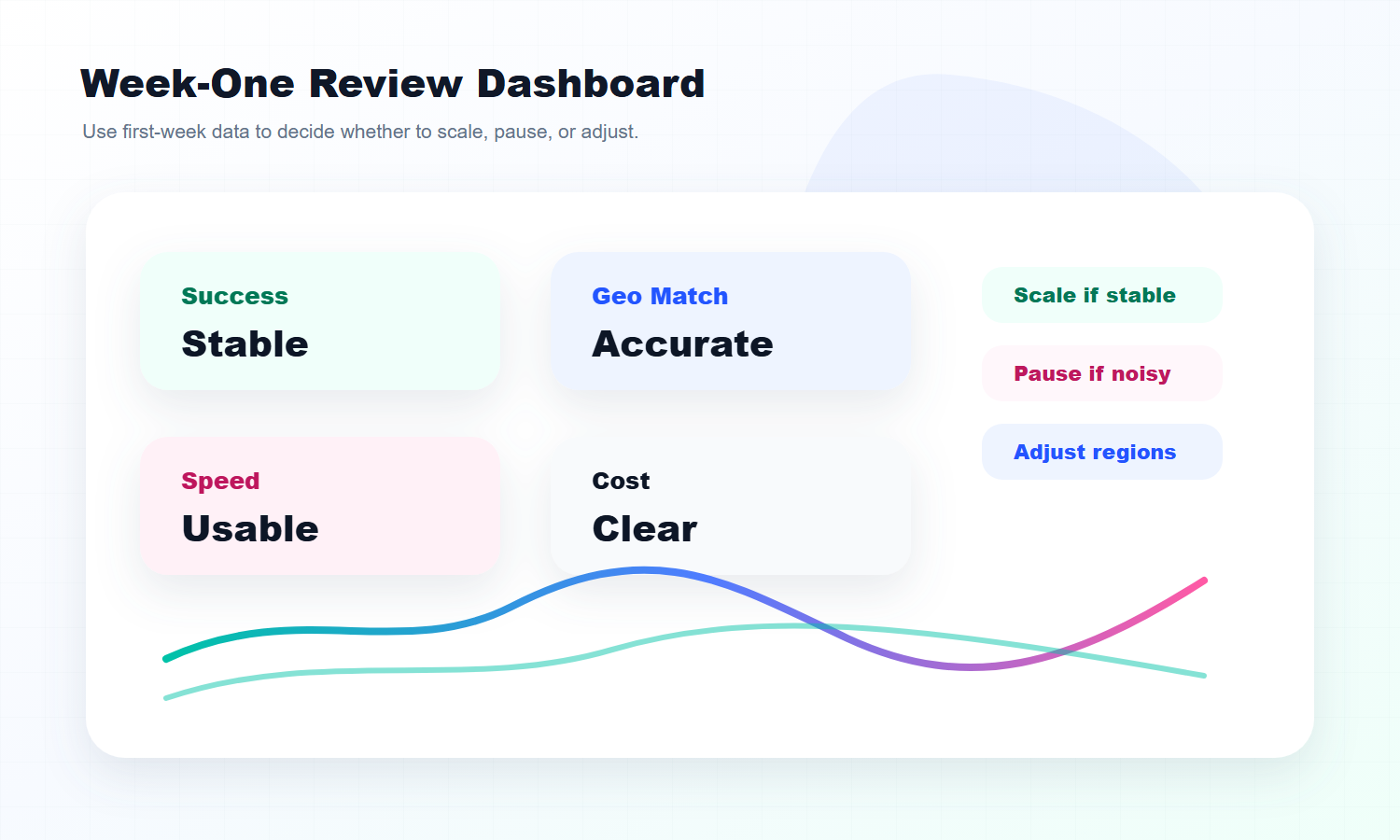
Review the First Week Before Scaling
After buying residential proxies, do not judge the setup only by whether it connects.
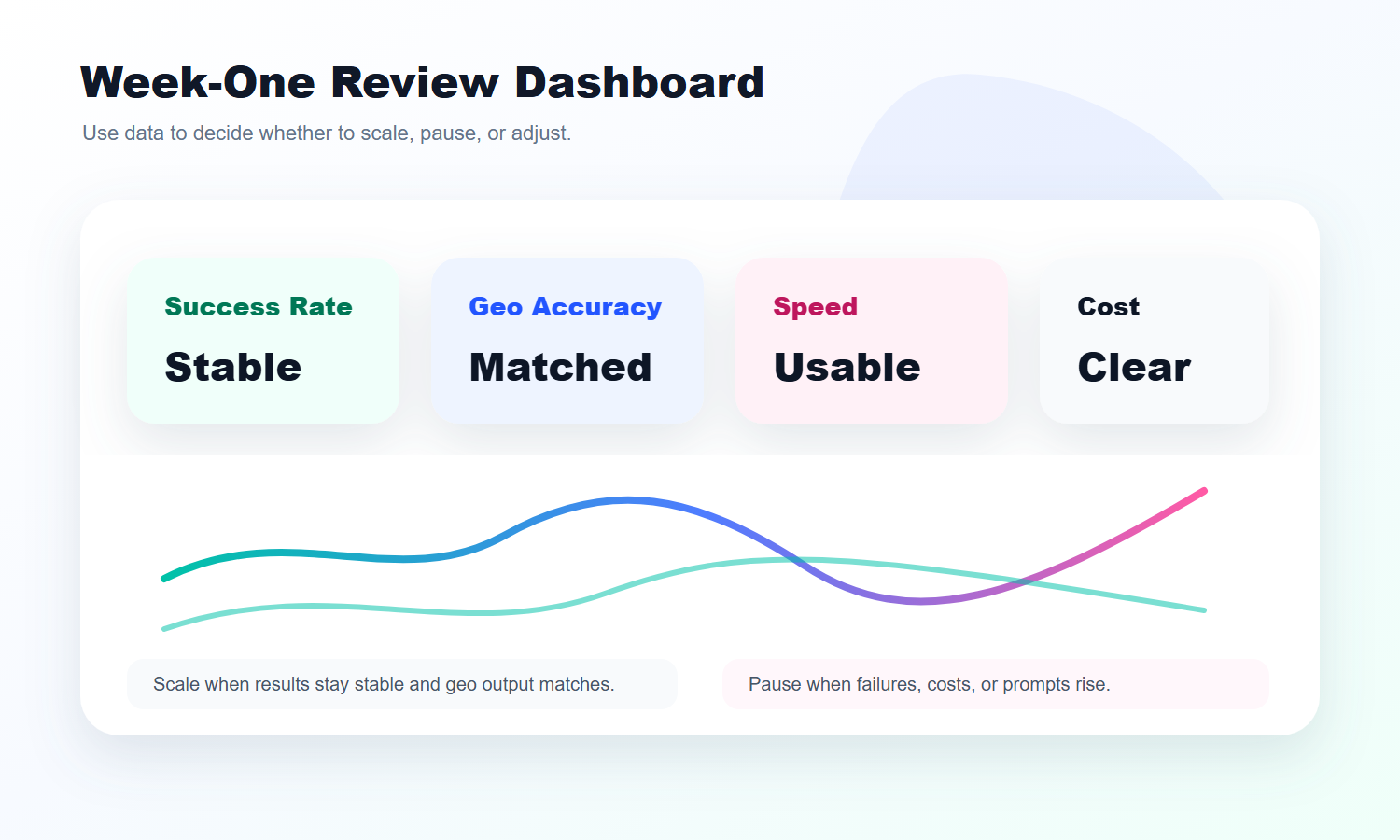
During the first week, review these metrics:
Metric
Why It Matters
Success rate
Shows whether access is stable
Geo accuracy
Confirms whether the page matches the target market
Response speed
Shows whether the setup works with your tools
Failure cause
Separates proxy issues from target-site or frequency issues
Cost consumption
Shows whether the package is suitable for scaling
Session stability
Shows whether the setup fits long-term tasks or account environments
If the data stays stable for several days, then consider adding regions, increasing task volume, or upgrading the package.
If failure rate rises, geo output is inaccurate, or cost consumption looks abnormal, do not scale yet. Adjust region choice, access rhythm, proxy type, or integration method first.
Buying residential proxies is not a one-time action. It is a cycle: buy, test, review, and scale.
Conclusion
A residential proxy buy should not be based only on package size or price.
The better approach is to buy by scenario. SEO tracking needs region accuracy and comparable results. Ad verification needs target-market page visibility. Ecommerce price monitoring needs data continuity. Public data collection needs effective result cost. Account sessions need long-term stability.
When you buy by workflow, the decision becomes clearer. You know whether to choose static or rotating proxies. You know which regions to test. You know which metrics matter. You also know when to scale.
What should I check before a residential proxy buy?
Start with the workflow. SEO tracking, ad verification, ecommerce price monitoring, public data collection, and account sessions all require different proxy types, regions, access rhythms, and budget models.
Which residential proxies are best for SEO tracking?
SEO tracking usually fits rotating residential proxies because teams often need to check search results across countries or cities. The access rhythm should remain stable so results can be compared over time.
Should ad verification use static or rotating residential proxies?
Use stable region access for a single campaign market. Use rotating residential proxies when you need to spot-check multiple countries or regions. The key metric is whether the target-market page displays correctly.
What matters most for ecommerce price monitoring?
Ecommerce price monitoring needs stable region sampling, consistent timing, and comparable product data. Random region changes can make price changes hard to interpret.
Is more traffic always better for public data collection?
No. Public data collection should be measured by effective data cost, including success rate, retries, access rhythm, and data completeness. Cheap traffic with a high failure rate may be more expensive.
Why are static residential proxies better for account sessions?
Account sessions often need a fixed region, long sessions, and fewer environment changes. Static residential proxies are better for stable identity workflows, while rotating residential proxies are better for batch access tasks.