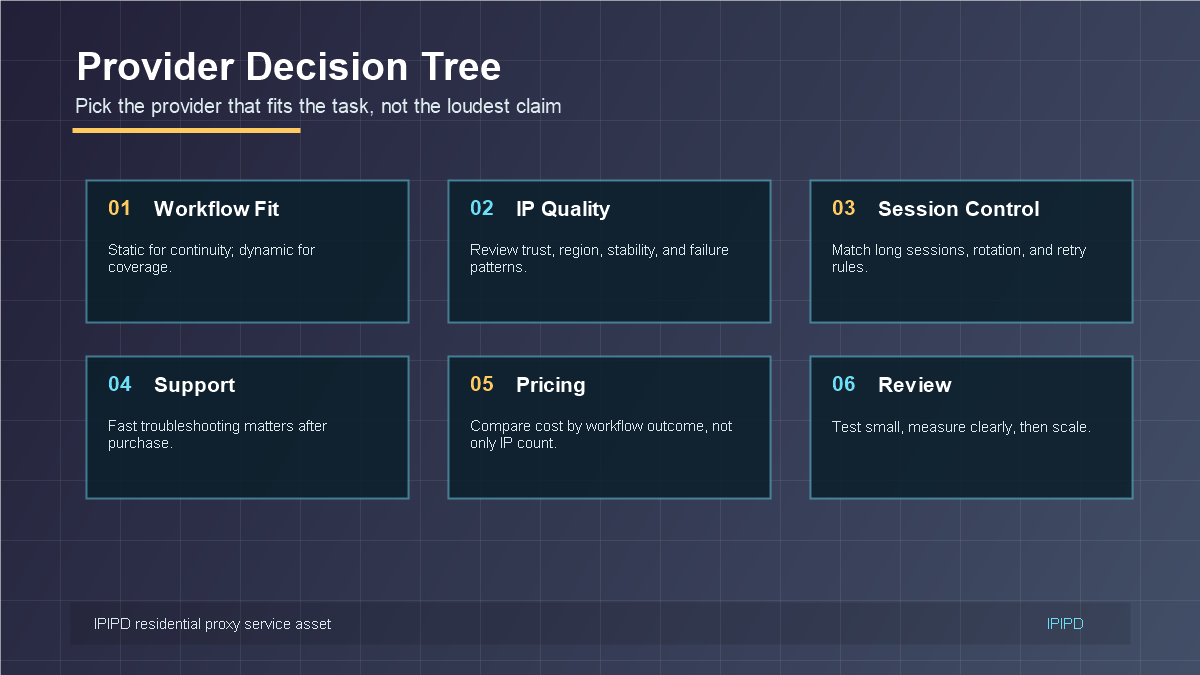
Choosing a residential proxy provider is a business decision before it is a technical decision. A provider may advertise large IP pools, many locations, or low prices, but the real question is whether the service fits the workflow: static identity, dynamic coverage, account sessions, SEO checks, scraping, ecommerce monitoring, or regional research.
This guide explains how to compare providers without getting distracted by claims that do not match your task. For IPIPD users, the relevant product boundary is clear: static residential addresses and dynamic residential addresses. Start there, then evaluate service quality around the actual workflow.
Quick Answer
Residential proxy selection should start from the workflow: stable identity, dynamic coverage, regional accuracy, or evidence review.
Basic Facts Table
Item
Practical Meaning
Business Check
Proxy behavior
Static residential addresses provide continuity; dynamic residential addresses provide distributed coverage.
Choose by workflow, not by proxy label alone.
Best fit
Stable sessions, public data checks, regional review, or evidence collection depending on the task.
Define session length, target region, and success condition before scaling.
Main risk
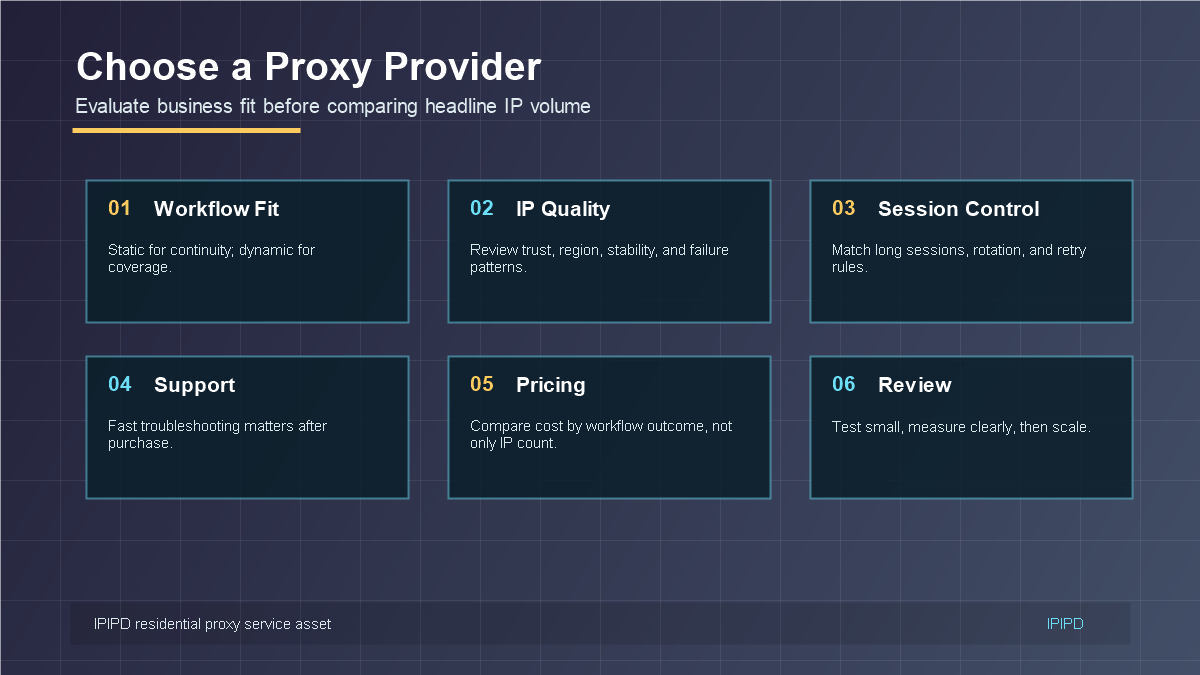
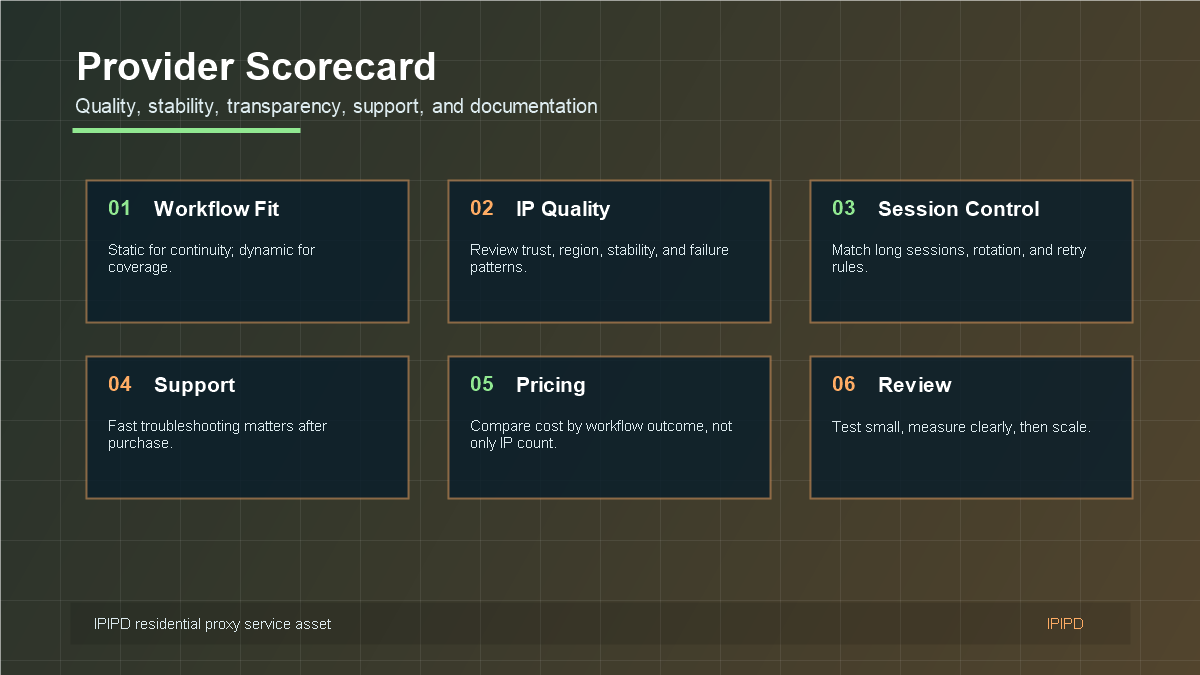
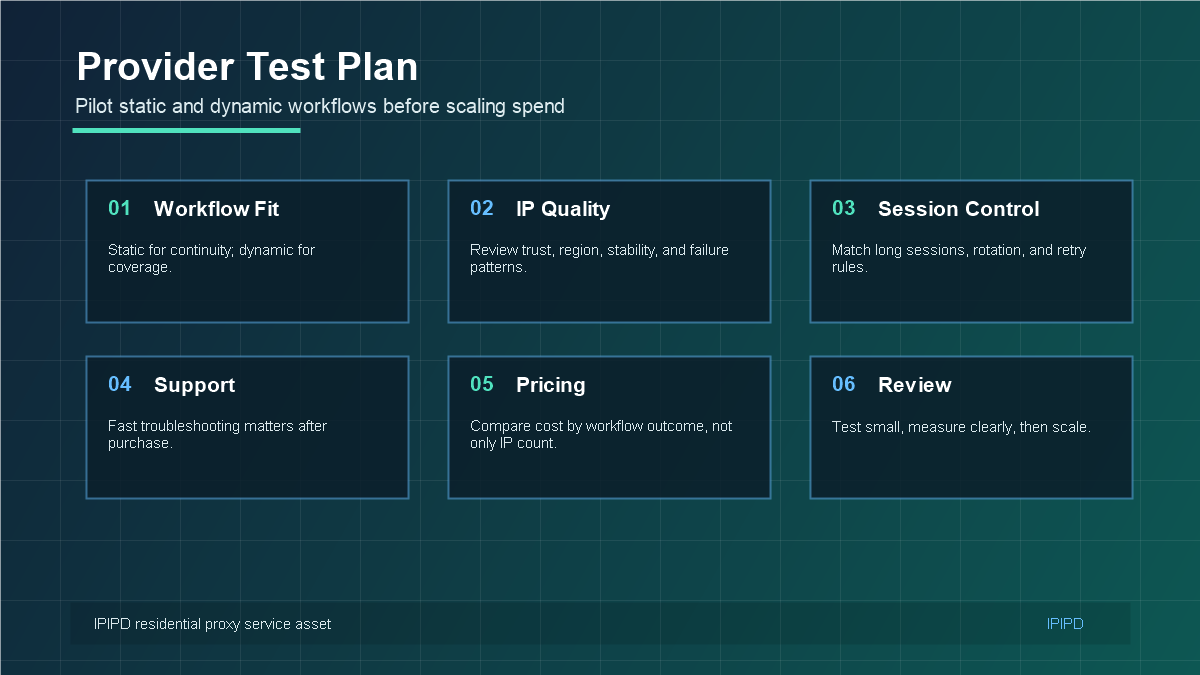
Provider selection should start with business fit, not only IP volume.A scorecard keeps provider evaluation practical and comparable.Pilot both static and dynamic workflows before scaling spend.Choose the provider that fits the task, not the loudest claim.
Frequently Asked Questions
What is the first step in choosing a residential proxy provider?
Write the workflow requirement first: account continuity, public monitoring, SEO checks, ad verification, ecommerce checks, or mixed use.
Is IP pool size enough to judge a provider?
No. Pool size is useful only when region accuracy, stability, support, and usable result quality are also proven.
Should a team test before buying a large plan?
Yes. A small pilot with real workflow metrics is the safest provider evaluation method.
Review logs, screenshots, status codes, and completed workflow cost.
IPIPD boundary
Static residential addresses and dynamic residential addresses
Adjacent proxy types are comparison context, not IPIPD product claims.
Source / Evidence Note
This update uses the article's original content, IPIPD's current static and dynamic residential address product scope, and Google Search Console page data. Proxy performance varies by target website, region, session duration, browser profile, request pacing, and compliance requirements, so the page avoids fixed success-rate claims.
Data Anchor
Google Search Console snapshot before this combined CTR and GEO update: 0 clicks, 2 impressions, CTR 0.0%, average position 4.0. Review again after 7 and 14 days for impressions, clicks, CTR, average position, Google indexing status, and AI answer mentions.
How should a business choose a residential proxy provider?
A business should choose a residential proxy provider by matching the provider to the workflow first, then testing IP quality, region coverage, session rules, documentation, support, and cost per usable outcome. Pool size and price only matter after the provider proves it can support the real task.
Provider evaluation scorecard
Evaluation item
Why it matters
Pilot evidence
Workflow fit
Static and dynamic proxy needs are different
Task owner can explain which proxy type is used and why
Region and IP quality
Bad region data can ruin reports
Clean checks from target countries or cities
Support and documentation
Proxy failures often involve several variables
Useful answer to a realistic setup question
Pricing by outcome
Cheap access can create hidden recovery cost
Cost per usable result, not only traffic or IP count
Related IPIPD reading
Use these related pages to compare static residential IPs, dynamic residential proxies, pricing, and adjacent workflows without leaving the same topic cluster.
A provider comparison should begin with one sentence: "We need residential proxies for this workflow." If the workflow is account management, the provider must support stable IP identity, clear account-to-IP mapping, predictable regions, and troubleshooting for login friction. If the workflow is public monitoring, the provider must support dynamic coverage, region selection, rotation rules, retry logic, and reporting.
Without this sentence, the team may compare irrelevant features. A provider can be excellent for one task and mediocre for another. The best provider is the one that reduces the total cost and friction of the specific workflow.
Provider Scorecard
Product fit: does the provider match static, dynamic, or hybrid workflow needs?
IP quality: are regions, stability, trust, and failure patterns acceptable?
Transparency: are pricing, usage rules, session behavior, and limitations clear?
Documentation: can the team configure browsers, tools, ports, and authentication without guessing?
Support: can the provider help quickly when login prompts, blocks, or slow access appear?
Measurement: can the team track success rate, latency, region accuracy, and recovery effort?
Pilot Test Before Scaling
A good provider should be tested with a real pilot. Do not start by buying a large plan. Select a small number of accounts, browser profiles, SEO checks, or public-page targets. Run them for several days. Measure the metrics that belong to the workflow. Then decide whether the provider is reliable enough for more spend.
For static residential IPs, the pilot should check account stability, verification frequency, session persistence, and browser profile consistency. For dynamic residential proxies, the pilot should check successful public checks, block rate, region accuracy, retry cost, and latency. The pilot should also test support response time because support often matters most after the purchase.
Decision Tree for Provider Selection
If the workflow logs in, compare providers by static residential stability. If the workflow checks public pages, compare providers by dynamic residential coverage and rotation control. If the workflow needs both, compare whether the provider can keep those workflows separate. A single blended score is less useful than a score by task type.
Do not choose a residential proxy provider only by pool size or price. Choose by workflow fit, pilot evidence, support quality, and cost per successful outcome. A provider that fits the job will usually be easier to operate, easier to troubleshoot, and easier to justify internally.
Questions to Ask a Provider Before Paying
Before choosing a provider, ask practical questions. Can static residential IPs be kept stable for the session length you need? Can dynamic residential proxies target the regions required by your reports? How are credentials managed? What happens when a connection slows down, an IP fails, or a target returns unexpected verification? Is there documentation for the browsers, tools, and protocols your team actually uses?
These questions reveal whether the provider can support a real workflow, not just a sales page. A strong provider can explain product limits clearly. A weak provider may answer every question with broad claims but offer little guidance when the setup becomes specific.
Why Support Is Part of Product Quality
Support should be evaluated before purchase because residential proxy issues often involve several layers. A failed task may come from credentials, port settings, whitelist rules, target-site behavior, browser profile mismatch, region selection, or request frequency. If support cannot help the team isolate these variables, the cheapest plan may become expensive very quickly.
During the pilot, send at least one realistic support question. Ask about a region issue, session behavior, authentication setup, or workflow recommendation. The quality of the answer tells you a lot about whether the provider will be useful after the first payment.
Provider Comparison Template
A simple provider comparison table should include workflow fit, static residential stability, dynamic residential coverage, region accuracy, documentation, support response, pricing model, and pilot result. Give each item a short note instead of only a score. Notes are more useful when the team revisits the decision later.
The final choice should have a clear reason: this provider fits our account workflow, or this provider fits our public monitoring workflow. If the reason is only "large pool" or "cheap price," the decision is probably not specific enough.
Implementation Table for Internal Review
Before the article is published or the service is purchased, the team should translate the recommendation into an internal review table. The table should include the workflow name, proxy type, target region, user or system owner, login requirement, session policy, test period, success metric, expected risk, and next action. This simple table makes the decision operational instead of theoretical.
For example, an account dashboard workflow may use static residential IPs, one browser profile, one region, and a success metric based on verification frequency and session stability. A public SEO monitoring workflow may use dynamic residential proxies, controlled rotation, multiple regions, and a success metric based on successful checks, latency, block rate, and region accuracy. Both are residential proxy workflows, but they should never be judged by the same measurement.
Practical Test Sample
A practical test can run for three to seven days. For static residential IPs, choose a small number of accounts or dashboards and keep the browser profile, region, and IP assignment consistent. Record every login prompt, unusual redirect, region warning, slow page, and manual recovery. For dynamic residential proxies, choose a small set of public pages or search queries, define the region list, set a rotation rule, and record status codes, latency, retries, and blocked responses.
The goal of the pilot is not to prove that every request succeeds. The goal is to discover whether the service gives the team a predictable operating model. Predictability is what makes the service scalable. If the team knows why a failure happened and which variable changed, the proxy workflow can be improved. If every failure is a mystery, scaling will only make the problem more expensive.
Review Rule for SEO and Conversion
For IPIPD content, the final review should ask whether the reader can connect the article to a real next step: compare static and dynamic residential addresses, visit the pricing page, read a related tutorial, or choose the correct workflow. A good SEO article should not only collect traffic; it should reduce confusion before the reader talks to sales or support.
Final Publishing Check
Before publishing, confirm that the article gives the reader a clear next action. The next action may be comparing static and dynamic residential proxy plans, testing a small workflow, reading a related guide, or reviewing the pricing page. If the article only explains concepts but does not help the reader decide, it should be revised before going live.
The final check should also verify that the keyword is used naturally, internal links are useful, external references are not excessive, images have accurate alt text, and the FAQ answers buyer questions directly.
A final provider decision should be easy to defend internally. The team should be able to explain why this provider fits the workflow, which metrics proved it, what risk remains, and when the next review will happen. That discipline makes the buying process calmer and keeps proxy spend connected to business outcomes.
Review this decision again after the first stable production cycle.
Recheck quarterly.
It should include workflow fit, proxy type, target region, pilot result, remaining risk, and next review date.