Ecommerce proxy mistakes often look like data problems: wrong price, missing stock, unstable promotion, blocked page, or inconsistent shipping message. In many cases the real cause is not the ecommerce site. It is a mismatched region, over-rotation, weak session design, or a report that mixes invalid checks with valid results.
The fix is to design a workflow that separates market rules, proxy behavior, retry logic, and business evidence. More IPs cannot repair a process that does not know which result is trustworthy.
Quick Answer
Residential proxy selection should start from the workflow: stable identity, dynamic coverage, regional accuracy, or evidence review.
Basic Facts Table
Item
Practical Meaning
Business Check
Proxy behavior
Static residential addresses provide continuity; dynamic residential addresses provide distributed coverage.
Choose by workflow, not by proxy label alone.
Best fit
Stable sessions, public data checks, regional review, or evidence collection depending on the task.
Define session length, target region, and success condition before scaling.
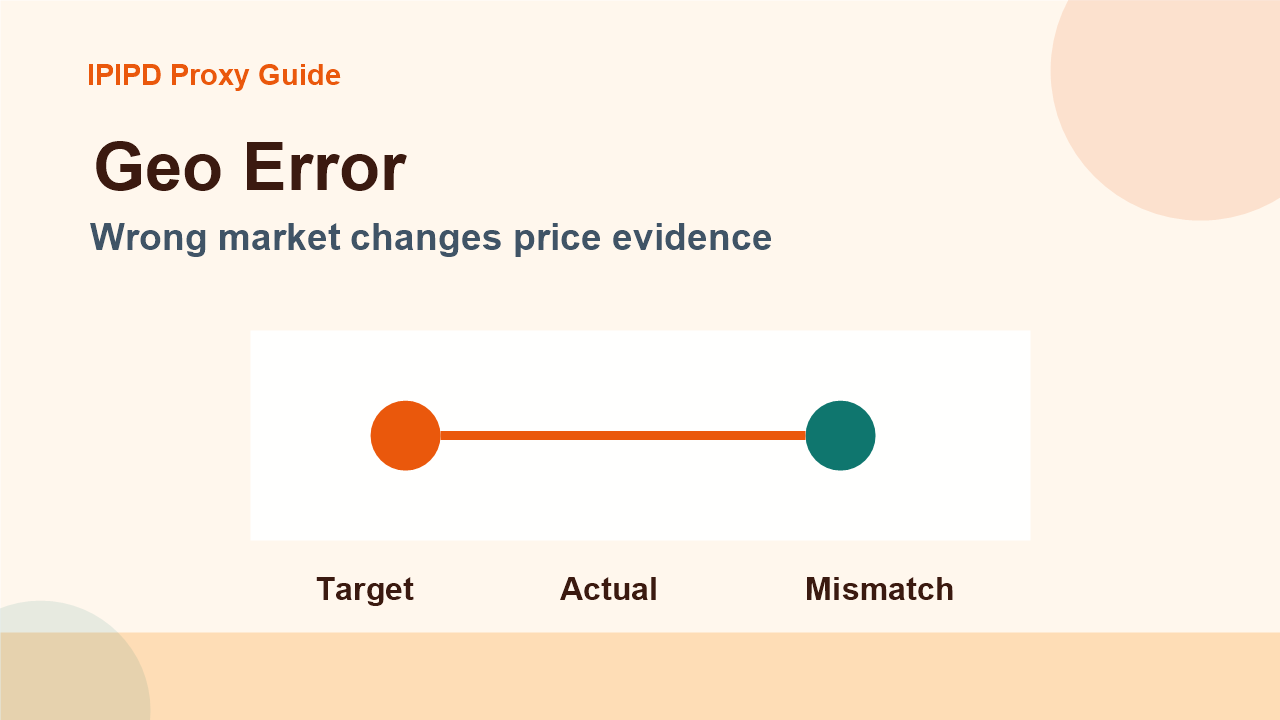
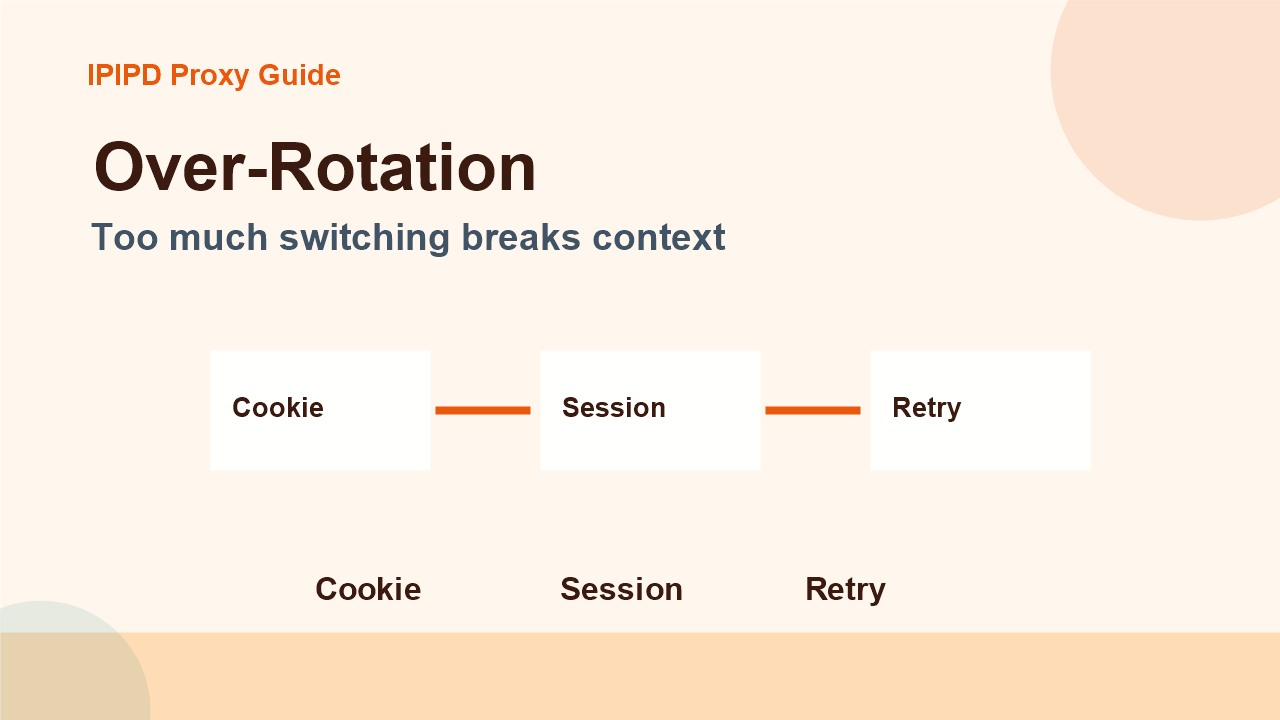
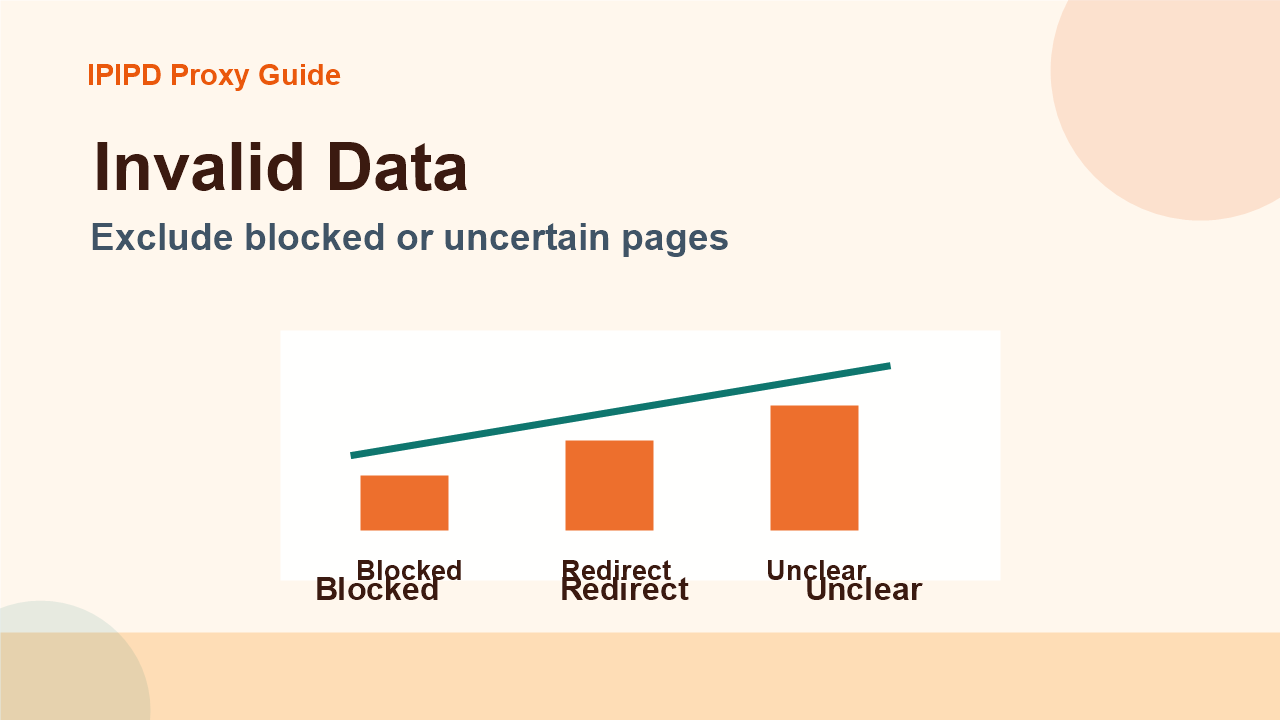
Wrong market changes price evidenceToo much switching breaks contextExclude blocked or uncertain pages
Frequently Asked Questions
What is the biggest ecommerce proxy mistake?
The biggest mistake is collecting from the wrong market and treating the result as reliable price evidence.
Can over-rotation hurt ecommerce monitoring?
Yes. It can break cookies, region consistency, and page context, creating unstable or misleading data.
Can blocked pages be used in reports?
No. Blocked, redirected, or incomplete pages should be excluded or marked uncertain.
How do I reduce unstable data?
Review logs, screenshots, status codes, and completed workflow cost.
IPIPD boundary
Static residential addresses and dynamic residential addresses
Adjacent proxy types are comparison context, not IPIPD product claims.
Source / Evidence Note
This update uses the article's original content, IPIPD's current static and dynamic residential address product scope, and Google Search Console page data. Proxy performance varies by target website, region, session duration, browser profile, request pacing, and compliance requirements, so the page avoids fixed success-rate claims.
Data Anchor
Google Search Console snapshot before this combined CTR and GEO update: 0 clicks, 5 impressions, CTR 0.0%, average position 6.4. Review again after 7 and 14 days for impressions, clicks, CTR, average position, Google indexing status, and AI answer mentions.
Mistake 1: wrong market signals
A useful ecommerce proxy workflow should define the product list, market, language, device, seller type, and expected output before it runs. Price pages can change by region, currency, inventory, tax display, shipping rule, and promotion. If the monitoring system checks every page from one office network, the report may miss local price differences or overstate changes that only happen in one browsing context.
The goal is not to scrape everything. The goal is to collect enough reliable evidence to support a buying, pricing, or market research decision. Teams should mark whether a result came from a clean product page, a consent page, a blocked page, a redirected page, or a page with missing product data.
Mistake 2: over-rotation and broken context
Dynamic residential proxies fit public ecommerce observation when the team needs repeated checks across locations. They can help compare visible prices, stock messages, seller availability, and promotion differences. Static residential IPs fit stable workflows where a dashboard, account, or browser profile should keep the same identity during review.
The team should avoid mixing these behaviors in one metric. Coverage and continuity are different goals. A dynamic check can answer what public pages show across markets. A static review can answer whether a long session or account-adjacent workflow remains stable. Both can be useful, but each needs its own success metric.
Align proxy region, language, currency, and target market.
Record product URL, seller, timestamp, device, and page state.
Separate clean product pages from blocked or redirected pages.
Use pacing and retry rules instead of uncontrolled bursts.
Compare usable result cost, not only raw traffic cost.
Mistake 3: scaling bad data
Before scaling, run a small baseline. Select a few products, two or three target markets, and a fixed schedule. Track price match rate, stock visibility, blocked pages, redirected pages, latency, and screenshot completeness. If the baseline is unstable, increasing request volume will only create a larger unstable report.
A good ecommerce proxy process ends with a business label: usable, uncertain, blocked, redirected, or needs manual review. That label helps teams decide whether to update pricing, investigate competitors, change proxy rules, or rerun the check. Without this classification, the report may be large but not actionable.
Operational checklist
Keep a short checklist for every run: market, product group, proxy type, rotation rule, session rule, retry policy, evidence field, and owner. This makes the workflow repeatable and easier to audit. It also keeps IPIPD's product positioning clear: dynamic residential addresses support coverage; static residential IPs support continuity.
How to turn monitoring into a decision
Ecommerce monitoring should end in a decision path. If a competitor price changed only in one market, the team may need a local pricing response. If stock disappeared only behind one proxy region, the team should verify whether the page is localized or whether the check failed. If every region shows a redirect or block, the proxy workflow or request pattern should be reviewed before anyone changes pricing strategy.
A simple decision table can include product group, market, observed price, previous price, stock state, screenshot link, proxy type, confidence label, and owner. The owner can then decide whether to update a pricing file, open a manual review, contact a marketplace partner, or rerun the check with a stable static residential IP. This keeps proxy data connected to business action rather than leaving it as raw page snapshots.
Buying considerations for IPIPD users
When evaluating IPIPD for ecommerce work, compare the cost of usable evidence rather than the cost of raw requests. Dynamic residential addresses make sense when the team needs public product-page coverage across markets. Static residential IPs make sense when the review needs continuity, account access, or a stable browser profile. The same company can use both, but each task should have its own success metric.
This distinction also helps avoid overbuying. If the current problem is poor workflow labeling, buying more traffic will not fix it. If the current problem is market coverage, dynamic residential capacity may help. If the current problem is unstable dashboards or repeated manual review, a static residential setup may be the better first test.
Align region signals, pace requests, control rotation, classify failures, and run a small baseline before scaling.
What should IPIPD users choose?
Use dynamic residential addresses for coverage and static residential IPs for stable review or account-adjacent workflows.