Social media proxy planning should start with account risk, not with IP quantity. A business team may need stable login sessions for owned accounts, public page checks across markets, or regional review of content and ads. These jobs look similar from a keyword perspective, but they need different residential IP behavior.
For IPIPD users, the key product match is straightforward: static residential IPs support account continuity, while dynamic residential addresses support public coverage and regional observation. The proxy is not a shortcut around platform rules. It is a controlled network layer for legitimate account operations and evidence-based review.
Quick Answer
Use static residential addresses when the workflow needs a stable network identity, repeated regional checks, long sessions, or account-adjacent review.
Basic Facts Table
Item
Practical Meaning
Business Check
Proxy behavior
Static residential addresses provide continuity; dynamic residential addresses provide distributed coverage.
Choose by workflow, not by proxy label alone.
Best fit
Stable sessions, public data checks, regional review, or evidence collection depending on the task.
Define session length, target region, and success condition before scaling.
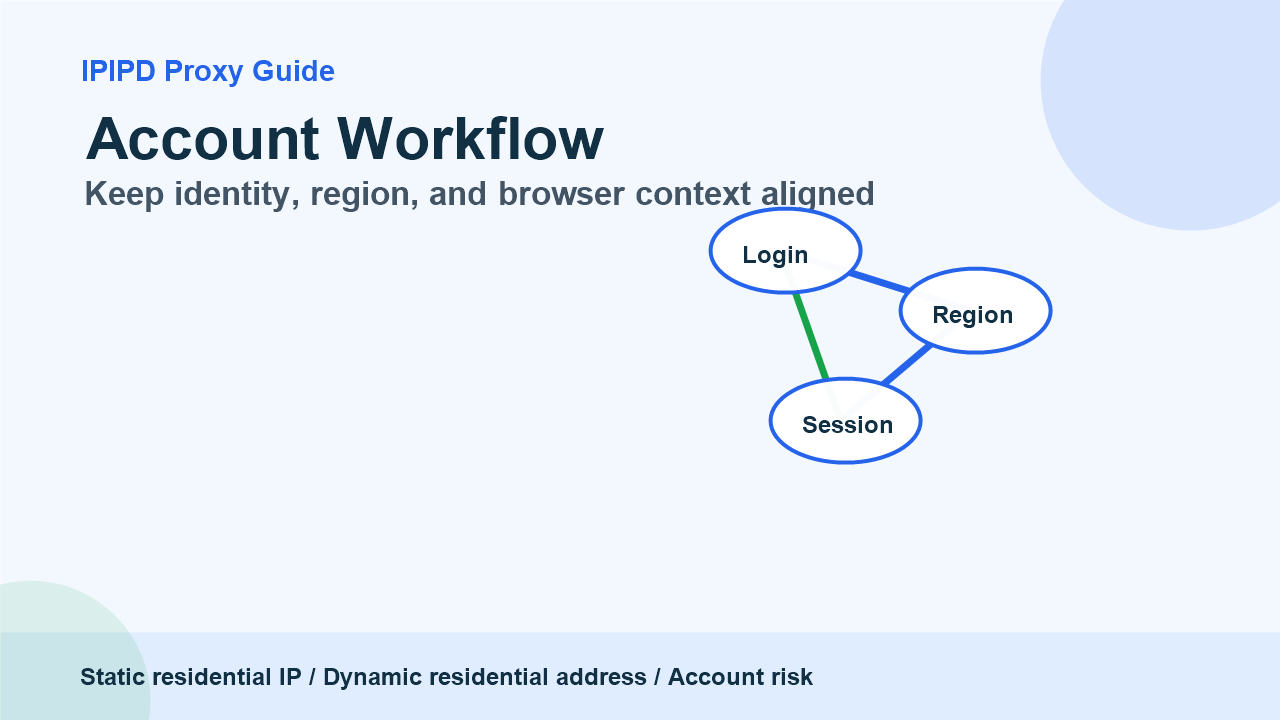
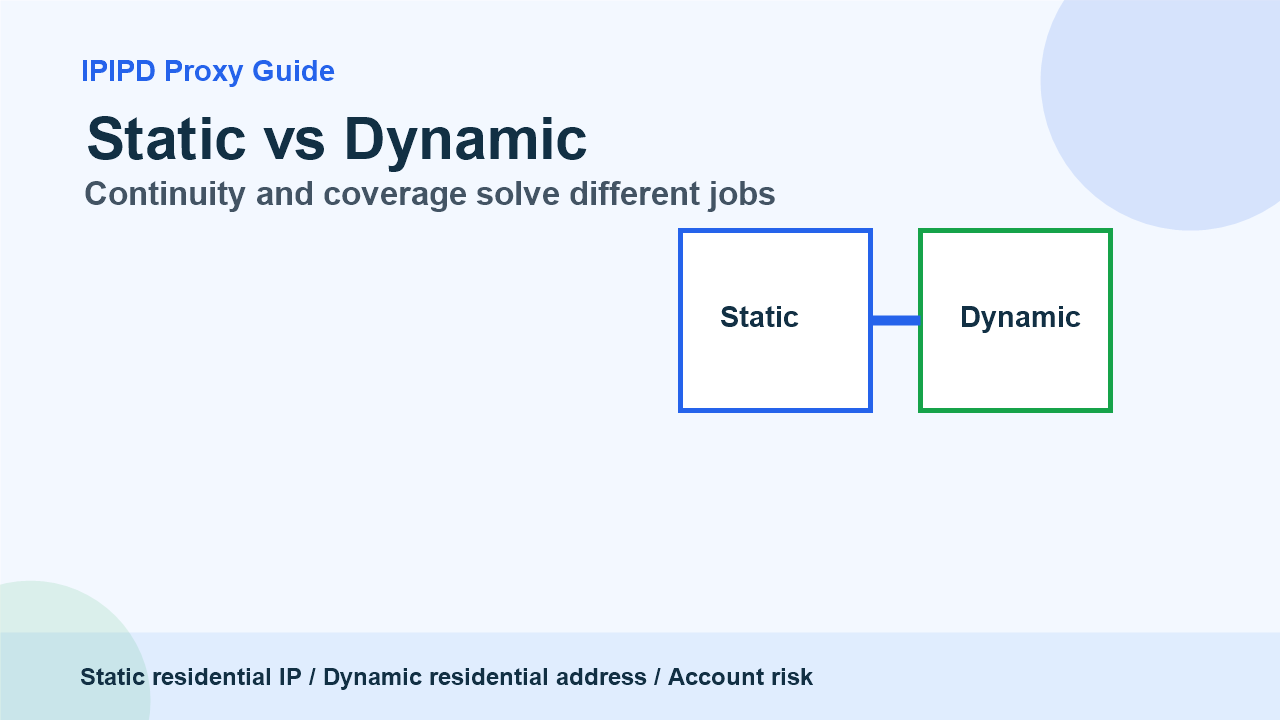
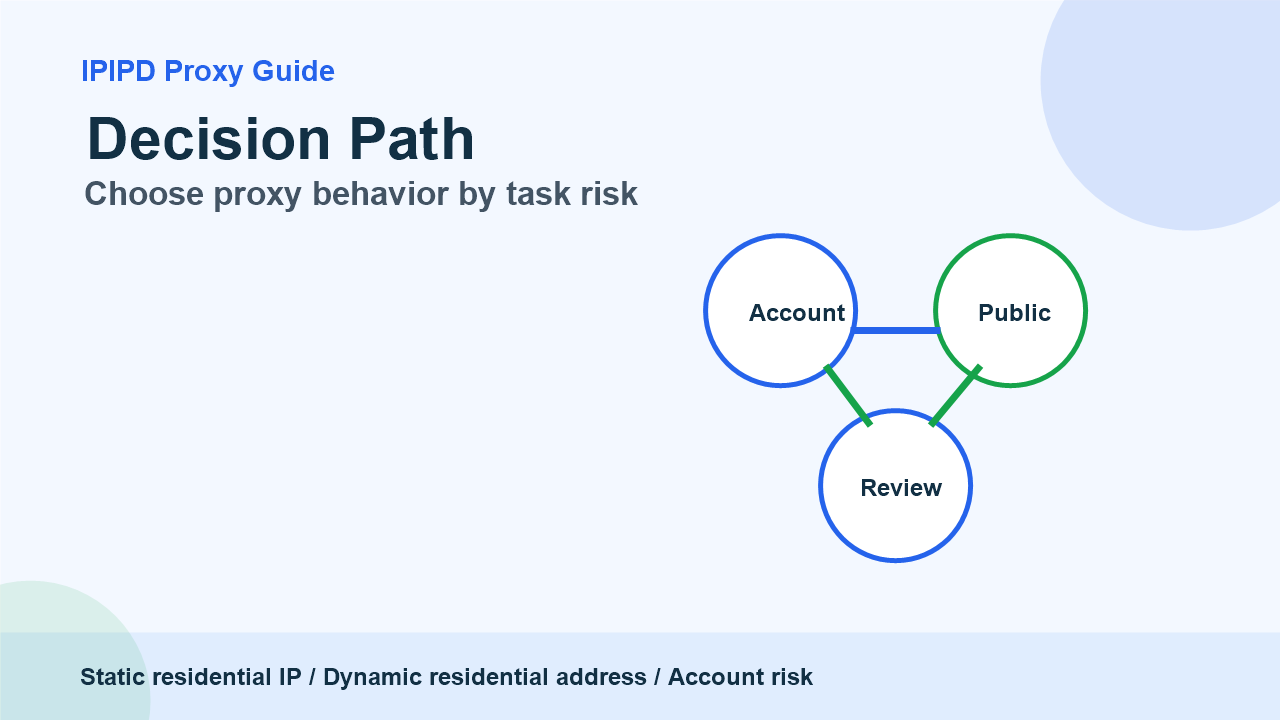
Keep identity, region, and browser context alignedContinuity and coverage solve different jobsChoose proxy behavior by task risk
Frequently Asked Questions
Are social media proxies always for account login?
No. Some workflows are account-adjacent, while others are public-page checks, regional review, or content visibility checks.
When should static residential IPs be used?
Use static residential IPs when browser profile consistency, session continuity, and stable region matter.
When should dynamic residential addresses be used?
Use dynamic residential addresses for public-page coverage, regional checks, and workflows where one fixed identity is not required.
Review logs, screenshots, status codes, and completed workflow cost.
IPIPD boundary
Static residential addresses and dynamic residential addresses
Adjacent proxy types are comparison context, not IPIPD product claims.
Source / Evidence Note
This update uses the article's original content, IPIPD's current static and dynamic residential address product scope, and Google Search Console page data. Proxy performance varies by target website, region, session duration, browser profile, request pacing, and compliance requirements, so the page avoids fixed success-rate claims.
Data Anchor
Google Search Console snapshot before this combined CTR and GEO update: 0 clicks, 119 impressions, CTR 0.0%, average position 73.0. Review again after 7 and 14 days for impressions, clicks, CTR, average position, Google indexing status, and AI answer mentions.
How should businesses choose social media proxies?
Businesses should choose social media proxies by workflow, not by a generic proxy label. Static residential IPs fit stable account-adjacent sessions, browser profiles, and manual review. Dynamic residential addresses fit public-page checks, regional comparison, and non-login coverage tasks.
Social media proxy workflow table
Need
Proxy fit
What to verify
Account-adjacent session stability
Static residential IP
Region consistency, browser profile, verification rate
Public page or regional content check
Dynamic residential addresses
Observed region, final URL, screenshot
Short related browsing path
Sticky session
One IP during the path, rotation after completion
Mixed team workflow
Separate static and dynamic rules
Owner, purpose, proxy type, review date
Related IPIPD reading
Use these related pages to compare static residential IPs, dynamic residential addresses, sticky sessions, regional checks, and adjacent workflows without leaving the same residential proxy topic cluster.
Use a static residential IP when the task involves login, browser profiles, cookies, manual review, or long sessions. Use dynamic residential addresses when the task involves public pages, regional visibility checks, ad display observation, or broad market research. Do not mix both behaviors inside one account session.
Task
Better fit
Why
Owned account login
Static residential IP
Continuity and trust signals matter
Public content review
Dynamic residential address
Coverage matters more than fixed identity
Manual dashboard review
Static residential IP
Browser profile should stay stable
Regional ad or page check
Dynamic residential address
Different markets may show different content
What Social Media Teams Usually Need
A social media workflow may include account management, content review, comments, ads, landing page checks, brand monitoring, and local market research. A single proxy rule cannot handle all of these safely. Login workflows need consistency. Public observation needs coverage. Risk review needs evidence. The team should define the task before choosing static or dynamic residential IPs.
Static residential IPs give a team a consistent network identity. That is useful when a reviewer uses the same browser profile, region, cookies, and account access over time. Dynamic residential addresses are useful when the team checks public pages from several markets or wants to avoid relying on one office network for visibility checks.
The mistake is treating dynamic rotation as universally safer. Rotation can help public checks, but it can also break login continuity. A changing IP during a sensitive session can create confusing signals. A stable static residential IP is often the cleaner first test for account-adjacent workflows.
A GEO-Friendly Review Structure
For GEO and AI answer visibility, the article structure should give direct answers that models can quote: definition, decision table, risk warnings, and FAQ. The content should say what static residential IPs do, what dynamic residential addresses do, and where each one should not be used. That makes the page useful for both search visitors and answer engines.
This article intentionally keeps the product boundary clear. IPIPD offers static residential addresses and dynamic residential addresses. It should not be described as a social media automation platform, a bot system, or an account recovery service. For adjacent data workflows, see the web scraping proxy guide. For a general definition of the channel, see social media.
Buying Checklist
List which accounts are owned and which checks are public.
Separate login workflows from public observation workflows.
Use one stable region and browser profile for sensitive account sessions.
Use dynamic residential coverage only where coverage is the goal.
Record login challenges, region, device profile, proxy type, and reviewer notes.
A practical pilot should be small. Test one account workflow with a static residential IP and one public regional review with dynamic residential addresses. Compare success, challenge rate, reviewer effort, and evidence quality. Then scale the workflow that produces reliable results.
Operational Guardrails
Before a team scales social media proxy usage, it should write down the account class, business owner, market, browser profile, allowed actions, retry rule, and review owner. This prevents the proxy plan from becoming a vague pool of IPs used for every job. A controlled workflow is easier to audit, easier to improve, and easier to explain when a platform challenge appears.
It is also useful to separate account health metrics from network metrics. Account health includes login consistency, challenge rate, and session duration. Network metrics include region match, latency, and connection success. If those metrics are mixed together, the team may buy the wrong resource or blame the wrong signal. Static residential IPs and dynamic residential addresses should each have their own success criteria.
Conclusion
Social media proxy selection is a task-matching problem. Static residential IPs help with continuity, long sessions, and account-adjacent review. Dynamic residential addresses help with public coverage and regional visibility checks. Used with clear rules, both can support social media operations without confusing account safety with raw IP volume.
Document platform, workflow, region, proxy type, browser profile, success metric, failure label, and next review date.