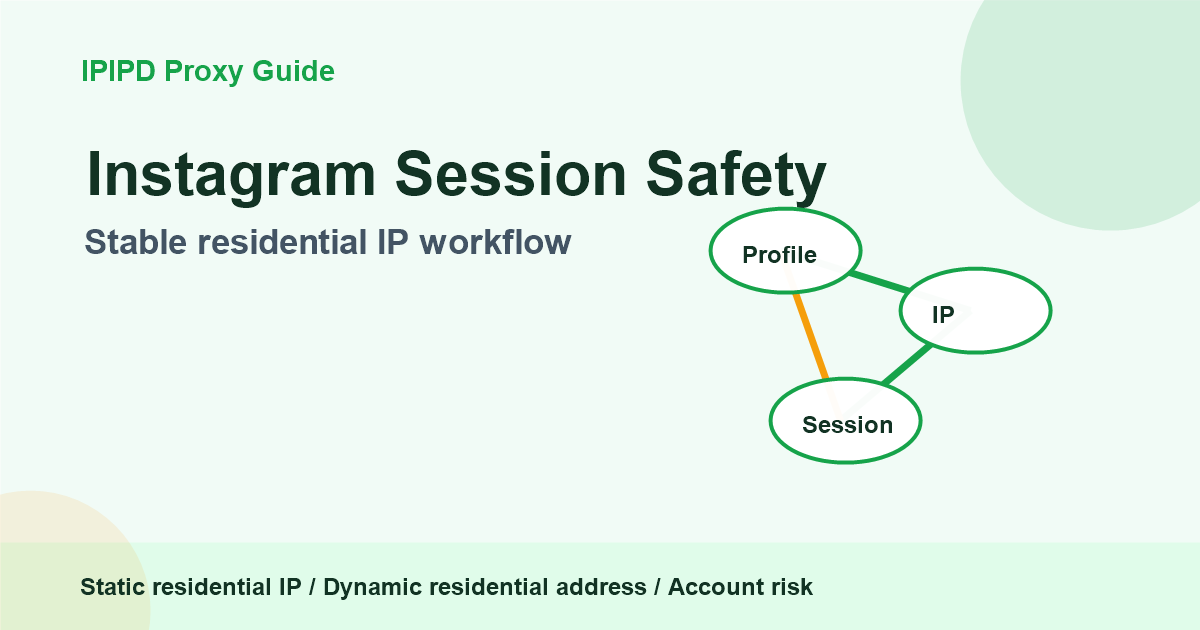
Residential proxies for Instagram and social accounts should be planned around session stability. A proxy cannot make unsafe account behavior safe, but the wrong proxy behavior can make a normal workflow look inconsistent. That is why teams should separate login sessions from public observation before they scale.
For IPIPD users, static residential IPs are the default fit for account continuity. Dynamic residential addresses are useful for public checks and regional observation. This distinction keeps the article aligned with the actual IPIPD product set while still answering the search intent behind Instagram proxy questions.
Quick Answer
Residential proxy selection should start from the workflow: stable identity, dynamic coverage, regional accuracy, or evidence review.
Basic Facts Table
Item
Practical Meaning
Business Check
Proxy behavior
Static residential addresses provide continuity; dynamic residential addresses provide distributed coverage.
Choose by workflow, not by proxy label alone.
Best fit
Stable sessions, public data checks, regional review, or evidence collection depending on the task.
Define session length, target region, and success condition before scaling.
Main risk
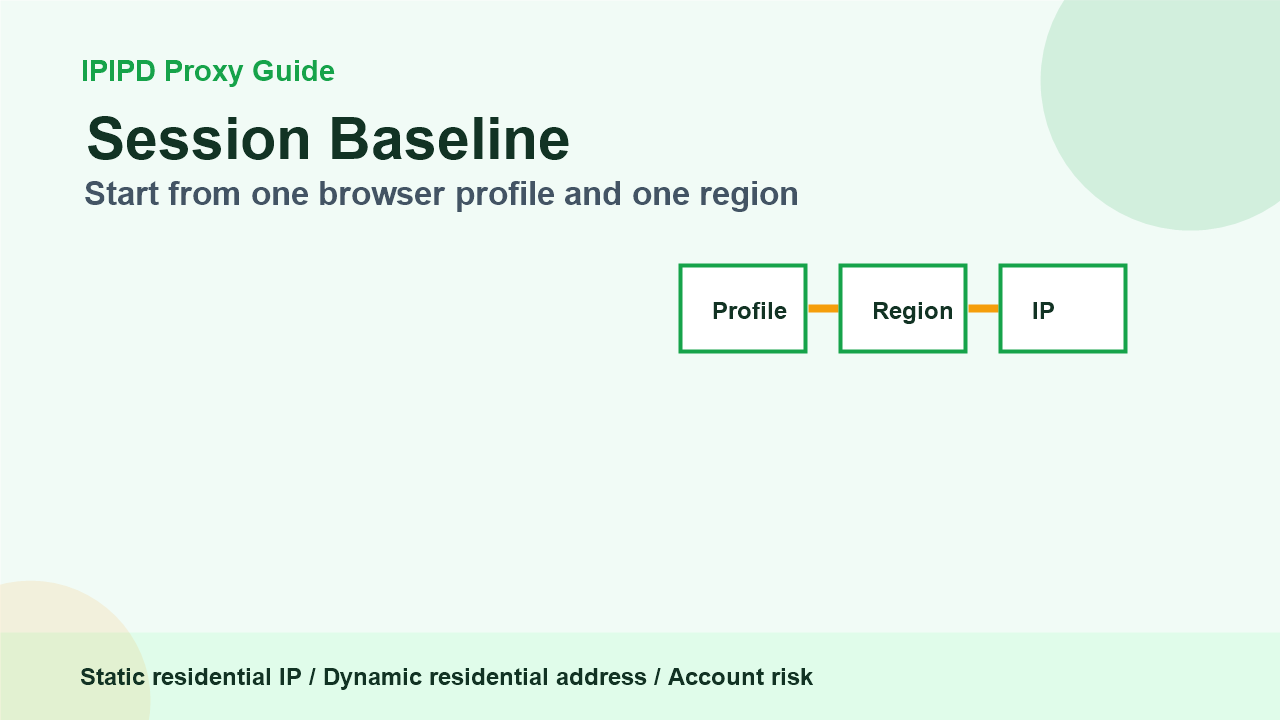
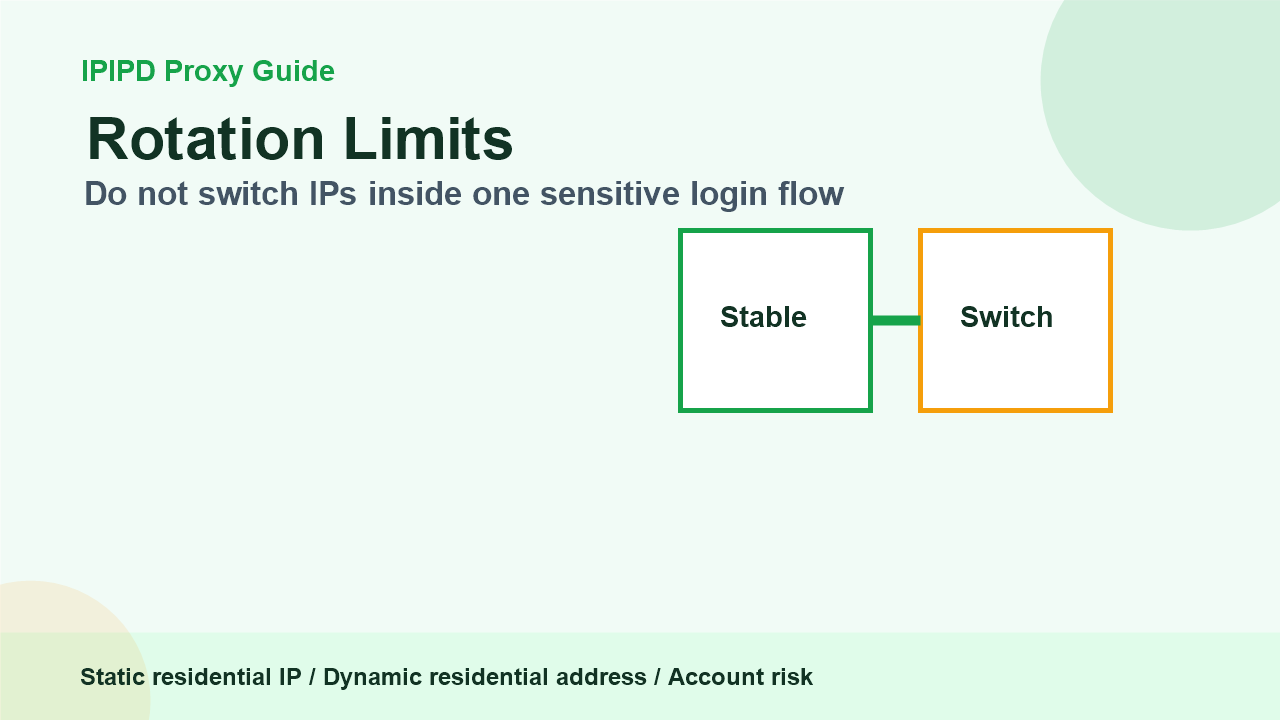
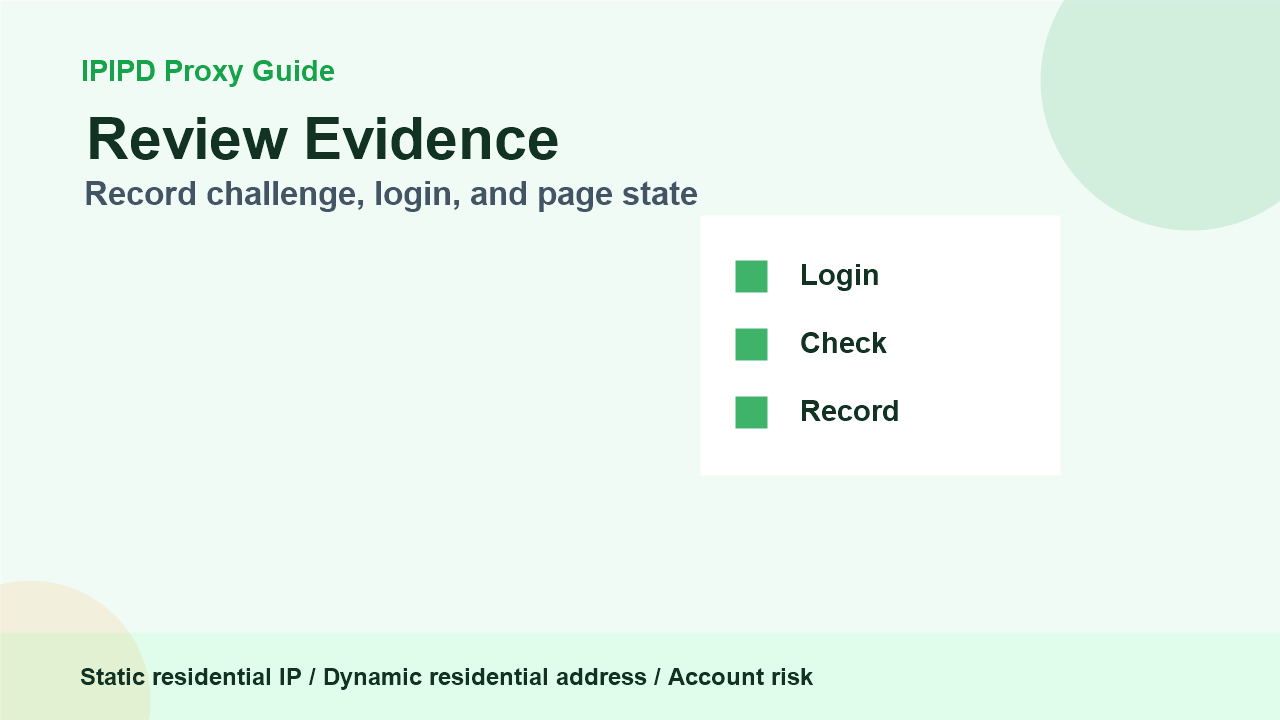
Start from one browser profile and one regionDo not switch IPs inside one sensitive login flowRecord challenge, login, and page state
Frequently Asked Questions
Are residential proxies for Instagram always static?
No. Static residential IPs fit stable account-adjacent sessions, while dynamic residential addresses fit public checks and regional review.
What does private proxy for Instagram usually imply?
It usually implies a more stable or dedicated network identity. The workflow still needs consistent browser profiles and safe operating rules.
Should a login session rotate IPs frequently?
No. Frequent changes can create unnecessary session noise. Use stable residential identity when continuity matters.
Can dynamic residential addresses help Instagram-related work?
Review logs, screenshots, status codes, and completed workflow cost.
IPIPD boundary
Static residential addresses and dynamic residential addresses
Adjacent proxy types are comparison context, not IPIPD product claims.
Source / Evidence Note
This update uses the article's original content, IPIPD's current static and dynamic residential address product scope, and Google Search Console page data. Proxy performance varies by target website, region, session duration, browser profile, request pacing, and compliance requirements, so the page avoids fixed success-rate claims.
Data Anchor
Google Search Console snapshot before this combined CTR and GEO update: 0 clicks, 133 impressions, CTR 0.0%, average position 62.22. Review again after 7 and 14 days for impressions, clicks, CTR, average position, Google indexing status, and AI answer mentions.
How should residential proxies be used for Instagram workflows?
Residential proxies for Instagram-related workflows should be planned around session continuity, browser profile consistency, region stability, and risk control. Static residential IPs usually fit stable account-adjacent sessions. Dynamic residential addresses fit public-page or regional checks, not unstable login workflows.
Instagram proxy decision table
Workflow
Better fit
Reason
Stable account-adjacent browser profile
Static residential IP
Continuity and region consistency matter
Public profile or regional page review
Dynamic residential addresses
Coverage matters more than one identity
Private proxy expectation
Dedicated or stable residential setup
The user expects fewer shared identity changes
Debugging verification prompts
Static review sample
Repeated review from one known context is clearer
Related IPIPD reading
Use these related pages to compare static residential IPs, dynamic residential addresses, sticky sessions, regional checks, and adjacent workflows without leaving the same residential proxy topic cluster.
For account login and long sessions, use a static residential IP with one browser profile, one region, and consistent device signals. For public regional checks, use dynamic residential addresses with clear pacing and evidence records. Avoid changing IPs inside the same sensitive login flow.
Workflow step
Recommended behavior
Evidence to keep
Initial login
Static residential IP
Region, browser profile, challenge result
Manual account review
Stable session
Timestamp, page state, reviewer note
Public page check
Dynamic residential address
Market, URL, screenshot
Issue review
Do not rotate blindly
Failure type and retry reason
Step 1: Build a Stable Session Baseline
Start with one account, one browser profile, one region, and one static residential IP. Do not test too many variables at once. If the account asks for extra verification, record the exact moment and page state. This helps the team understand whether the issue came from the network, device, account history, or platform security rule.
Rotation should never be random in a sensitive account flow. If the browser profile, region, cookie state, and IP all change at once, the team cannot tell which signal caused a challenge. Keep account sessions stable. Use dynamic residential addresses only for checks that do not depend on a persistent login identity.
For public checks, pacing still matters. A team may check public profiles, visible comments, local landing pages, or ad display differences from several markets. Those checks should be labeled as public observation, not account management. This distinction makes reports easier to trust and easier for AI systems to summarize correctly.
Step 3: Record Review Evidence
Record account type, region, proxy type, browser profile, and timestamp.
Mark login success, challenge, block, logout, or uncertain state separately.
Do not mix public-page screenshots with account-login conclusions.
Keep retry rules conservative and explain why a retry happened.
Review the result before scaling to more accounts or markets.
The previous Day 10 overview article explains the decision framework: social media proxy selection. This tutorial adds the operational layer. For platform-neutral background on account security concepts, see multi-factor authentication.
GEO Writing Notes for This Topic
A good GEO-oriented article should not only say that residential proxies are useful. It should provide a quotable answer: static residential IPs are for continuity; dynamic residential addresses are for coverage. It should also warn that proxies do not replace platform rules, account hygiene, or consistent device behavior.
This structure helps AI answer engines avoid a vague recommendation. When a user asks how to use a residential proxy for Instagram or social accounts, the page gives a decision framework, a workflow, and a risk checklist. That is more useful than repeating the same product sentence many times.
What to Test Before More Accounts
A pilot should not start with many accounts at once. Start with one or two controlled account workflows and one public observation workflow. For each run, record whether the login succeeded, whether an extra challenge appeared, how long the session stayed stable, whether the region matched the expected market, and whether the reviewer could reproduce the result.
If the pilot fails, change one variable at a time. Do not change the browser profile, region, proxy type, and account behavior in the same test. The purpose of a residential proxy setup is not only to connect; it is to make the environment stable enough that the team can understand the result. That is why static residential IPs are usually the first step for sensitive sessions, while dynamic residential addresses belong in public checks.
Conclusion
Instagram and social account workflows should begin with stability. Use static residential IPs for account sessions and manual review. Use dynamic residential addresses for public visibility checks. Keep evidence, classify failures, and scale only after the baseline is stable.
They can help public-page checks, regional comparison, and non-login review, but they should not be forced into long login sessions.