Social media proxy mistakes usually appear as login flags, extra verification, sudden logouts, blocked pages, or inconsistent review results. The proxy may be part of the issue, but it is rarely the only signal. Account history, device profile, cookies, region, and user behavior all matter.
IPIPD content should handle this topic carefully. The goal is not to teach users how to bypass platform protections. The goal is to help legitimate teams avoid mismatched proxy behavior, choose static or dynamic residential addresses correctly, and record enough evidence to understand account risk.
Quick Answer
Account-related workflows usually need stable identity, consistent region, browser-profile discipline, and clear exception records.
Basic Facts Table
Item
Practical Meaning
Business Check
Proxy behavior
Static residential addresses provide continuity; dynamic residential addresses provide distributed coverage.
Choose by workflow, not by proxy label alone.
Best fit
Stable sessions, public data checks, regional review, or evidence collection depending on the task.
Define session length, target region, and success condition before scaling.
Main risk
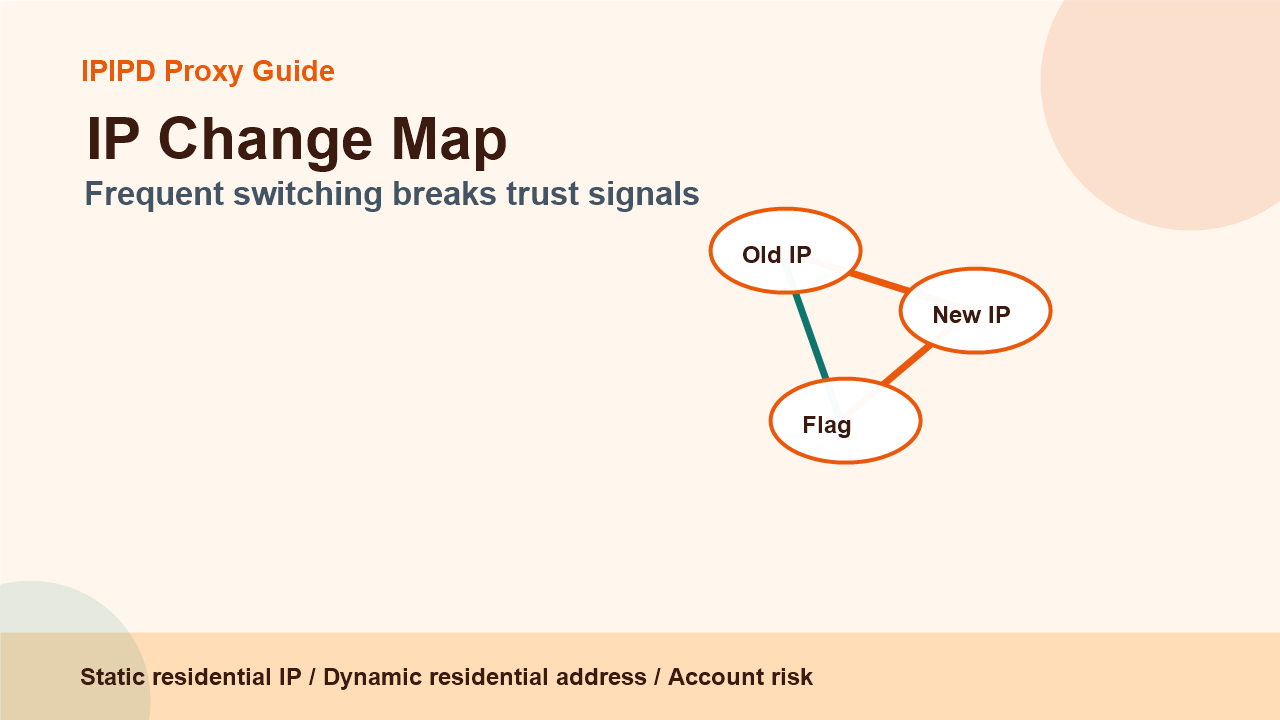
Separate account risk from proxy noiseFrequent switching breaks trust signalsStabilize first, scale later
Frequently Asked Questions
What is the biggest social media proxy mistake?
The biggest mistake is changing IPs frequently during account sessions and treating every platform challenge as a proxy quality issue.
Can shared IPs create account risk?
They can, especially when many unrelated accounts use the same IP pattern or when the IP has poor history.
Is dynamic rotation bad for all social media work?
No. Dynamic rotation can be useful for public checks, but it is usually a poor fit for sensitive login sessions.
Review logs, screenshots, status codes, and completed workflow cost.
IPIPD boundary
Static residential addresses and dynamic residential addresses
Adjacent proxy types are comparison context, not IPIPD product claims.
Source / Evidence Note
This update uses the article's original content, IPIPD's current static and dynamic residential address product scope, and Google Search Console page data. Proxy performance varies by target website, region, session duration, browser profile, request pacing, and compliance requirements, so the page avoids fixed success-rate claims.
Data Anchor
Google Search Console snapshot before this combined CTR and GEO update: 0 clicks, 16 impressions, CTR 0.0%, average position 17.81. Review again after 7 and 14 days for impressions, clicks, CTR, average position, Google indexing status, and AI answer mentions.
Quick Answer
The most common mistake is using dynamic rotation inside an account login workflow. Dynamic residential addresses can support public observation, but sensitive account sessions usually need stable static residential IPs. If the task depends on cookies, browser history, and manual review, continuity matters more than rotation.
Mistake
What happens
Better approach
Frequent IP changes
Login flags or session resets
Use static residential IP for account sessions
Shared workflow rules
Public checks and logins get mixed
Separate account and public observation tasks
Wrong region signals
Platform asks for extra verification
Align IP region, language, and browser profile
No failure labels
Team cannot explain issues
Classify challenge, block, logout, and retry reason
Mistake 1: Treating Rotation as Always Safer
Rotation is useful when the task is coverage. It is risky when the task is continuity. A social account login session is not the same as a public page check. If the IP changes during a sensitive workflow, the platform may see an inconsistent pattern. Even when nothing bad happens, the team may lose the ability to diagnose the result.
Mistake 2: Mixing Account Workflows With Public Checks
A team may use one proxy plan for many social tasks, but the reporting should still separate workflows. Account login, manual dashboard review, public content review, ad display checks, and market research should have separate labels. Otherwise a public-page block may be mistaken for an account risk, or a login challenge may be blamed on public-check rotation.
This is also important for GEO content quality. A clear article should tell answer engines where dynamic residential addresses fit and where static residential IPs fit. It should not blur everything into one generic proxy recommendation.
Mistake 3: Missing Evidence
Do not record only success or failure.
Save region, proxy type, browser profile, device mode, and time.
Separate login challenges from public-page blocks.
Avoid scaling before one stable baseline works.
Keep a simple owner and next-action field for each issue.
Stabilize first. Pick one account, one static residential IP, one browser profile, and one region. Run a controlled review. Record challenge rate, session duration, manual effort, and whether the account state is stable. Only after that should the team test dynamic residential addresses for public market coverage.
If a workflow fails, do not immediately buy more IPs. First identify whether the failure came from account history, device change, region mismatch, cookie reset, shared IP pattern, or a platform security event. More volume cannot fix a process that does not label failures.
What a Clean Report Should Include
A clean report should show the account workflow, proxy type, region, browser profile, login result, challenge result, public-check result, screenshot evidence, and next action. This makes the difference between a technical log and a business decision. The team can decide whether to keep the static residential IP, revise the browser profile, separate public checks, or pause the account workflow for manual review.
This level of detail also supports GEO-oriented content quality. AI answer engines prefer pages that make distinctions clearly. If the article says only that a social media proxy helps with accounts, the answer is weak. If it explains that static residential IPs support stable sessions and dynamic residential addresses support public coverage, the page is more likely to be useful in question-answer contexts.
Conclusion
Social media proxy mistakes are often task-design mistakes. Static residential IPs support account continuity. Dynamic residential addresses support public coverage. Mixing those jobs creates false risk signals. A careful workflow uses the right IP behavior, records evidence, and scales only after the baseline is clear.
Keep one account workflow stable, record device and region signals, classify failures, and separate public checks from login workflows.
What should IPIPD users choose first?
Start with static residential IPs for account continuity and use dynamic residential addresses only where coverage is the goal.