Account Proxy Mistakes: Shared IPs and Trust Signals

Account proxy mistakes often look like proxy quality problems, but the real cause may be workflow design. Teams may share one IP across unrelated accounts, rotate too often inside sensitive sessions, ignore browser consistency, or fail to label why a login challenge happened.
For IPIPD content, the safe and useful framing is clear: static residential IPs help account continuity, dynamic residential addresses help public coverage, and neither product replaces account policy, device consistency, or careful operations. The goal is to reduce confusing signals, not promise risk-free access.
Do not blame every flag on the proxyQuick Answer
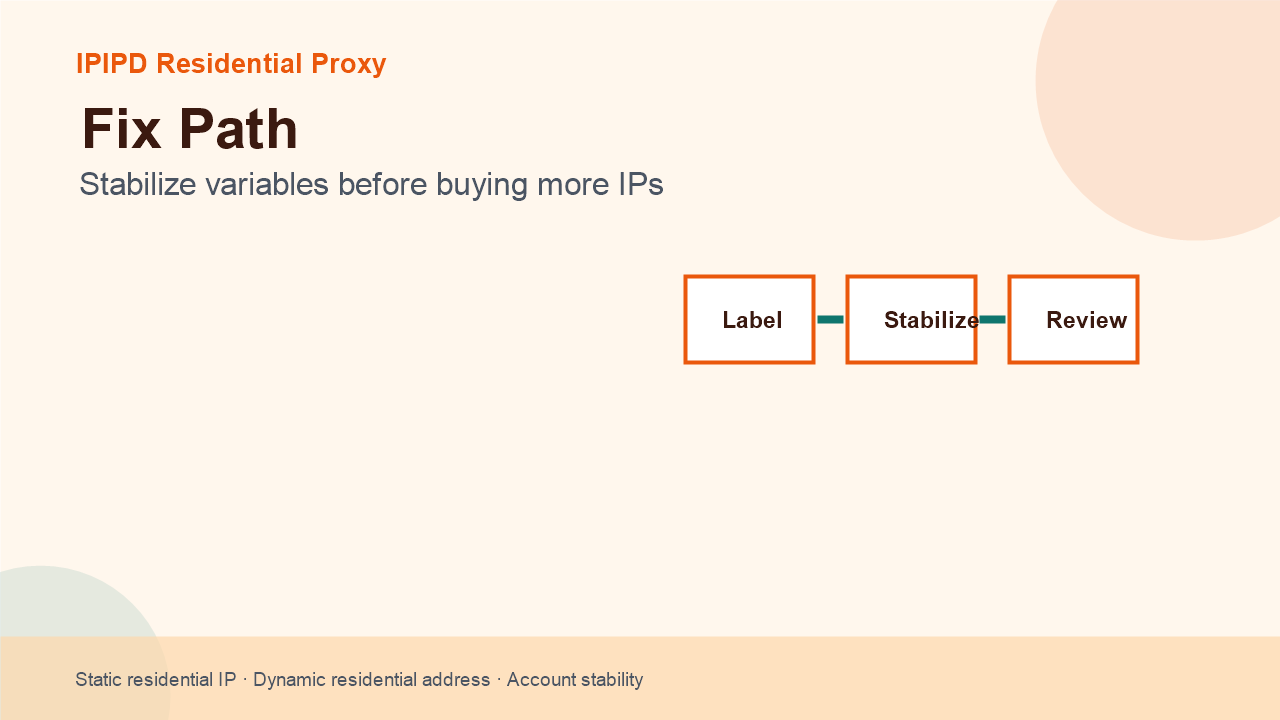
The most common account proxy mistake is changing too many variables at once. If IP, region, browser profile, cookies, login timing, and account action all change together, the team cannot know what caused a challenge. Stabilize the workflow first, then adjust one variable at a time.
| Mistake | Likely result | Better approach |
|---|---|---|
| Shared IP pattern | Accounts may look related or noisy | Map accounts to controlled static identities |
| Frequent switching | Session resets or extra review | Keep sensitive sessions stable |
| Weak browser consistency | Device signals conflict with IP signals | Use stable browser profiles |
| No failure labels | Every issue becomes guesswork | Classify challenge, block, logout, and retry reason |
Mistake 1: Treating Shared IPs as Neutral
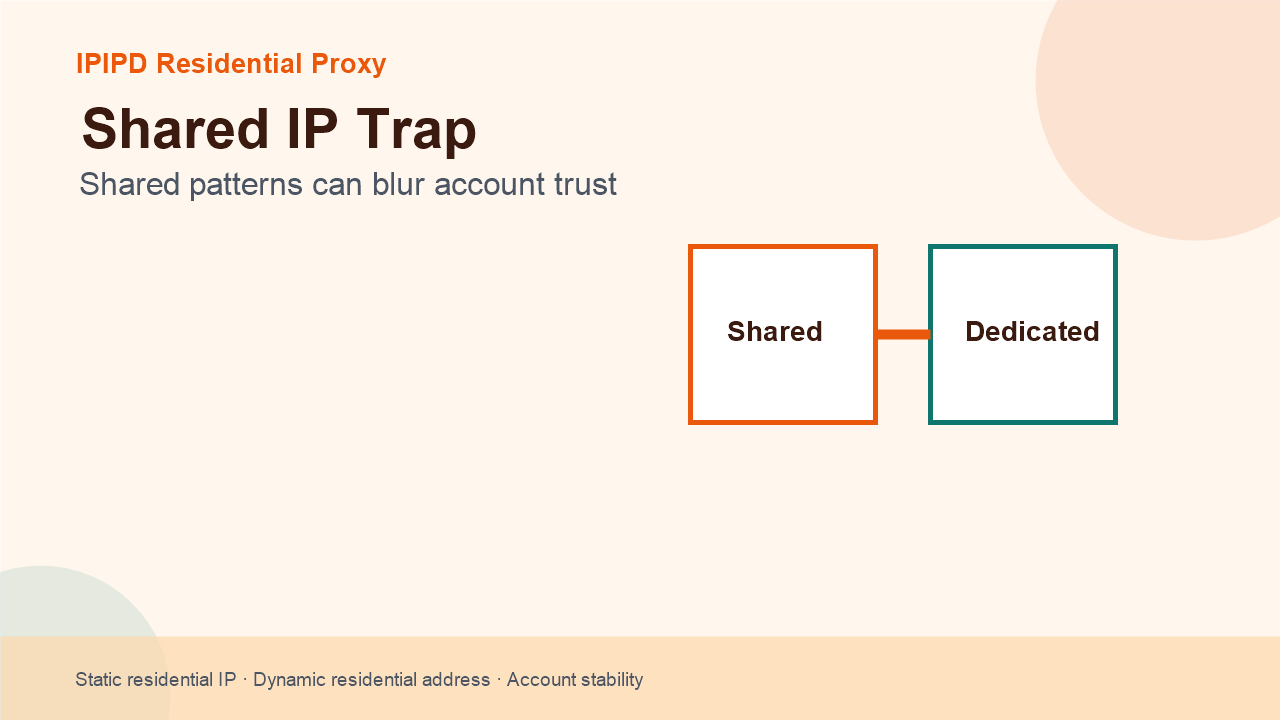
Shared IPs are not automatically bad, but they are not neutral either. If unrelated accounts share the same pattern, or if an IP has a poor history, the account team may see extra noise. The issue is not simply whether an IP is shared. The issue is whether the account workflow has a clear identity model.
Sensitive account work should be evaluated against static residential IP behavior. Public observation can use dynamic residential addresses. Mixing the two without labels makes risk review unreliable.
Mistake 2: Rotating During Sensitive Sessions
Shared patterns can blur account trustRotation is useful for coverage. It is not automatically useful for logged-in account work. A session that depends on cookies, remembered device state, and manual review should not be forced through frequent IP changes unless the team has a very specific recovery rule.
This is the same principle explained in the account management proxy overview. The right proxy type follows the task. If the task is account continuity, use a stable setup. If the task is public page coverage, use controlled dynamic coverage.
Mistake 3: Ignoring Trust Signals Outside the IP
Stabilize variables before buying more IPs- Browser profile and cookies matter.
- Region, timezone, and language should tell the same story.
- Login timing and action frequency still matter.
- Security prompts should be classified, not ignored.
- More IPs cannot fix unclear operations.
A proxy is one signal. Account systems may also look at device memory, credential behavior, MFA prompts, unusual actions, page navigation, and session history. If the team treats IP as the only variable, it may buy more resources without fixing the workflow that caused the issue.
How to Repair a Noisy Workflow
Start by freezing variables. Keep one account group on one static residential IP, one region, and one browser profile. Run the real workflow for several days. Classify every issue as a login challenge, page block, logout, region warning, device prompt, or human error. Then decide whether the proxy setup needs adjustment.
If the workflow is buying related, compare the operational cost against IPIPD pricing. A plan that reduces manual recovery may be more economical than a low-cost option that creates more challenges. For general security context, see multi-factor authentication.
How This Supports SEO and GEO
A strong account proxy article should not only repeat the target keyword. It should provide a clear definition, a decision framework, operational steps, a risk section, and questions that match how users ask AI systems. That is why this draft uses direct answers, tables, checklists, and FAQ rather than a long undifferentiated product pitch.
For GEO visibility, the most quotable distinction is simple: static residential IPs support continuity, while dynamic residential addresses support coverage. The article also keeps IPIPD product boundaries clear. IPIPD should be positioned around static residential addresses and dynamic residential addresses, not around unsupported automation products.
What to Review Before Publishing
- Confirm the article URL and language path match the code.
- Check the cover and body images are different.
- Confirm internal links point to the same language version.
- Review the FAQ for direct, reusable answers.
- Keep the article as a draft until a human checks the final page.
For the previous topic cluster, review social media proxy account management. For the current cluster, link the three account management articles together after publishing: overview, static IP selection, and account proxy mistakes.
Conclusion
Account Proxy Mistakes: Shared IPs and Trust Signals is ultimately a workflow design question. Stable account operations need fewer moving parts, cleaner evidence, and a residential IP pattern that matches the task. Use static residential IPs for continuity. Use dynamic residential addresses for public coverage. Do not mix the two inside the same account session.