
Static Residential Proxy Mistakes: Fix Stability Gaps
Static residential proxies are designed for stable identity, but they can still fail when the account, browser, region, authentication, or workflow does not match the proxy strategy. Many problems blamed on the proxy are actually configuration or product-fit problems. Before replacing a static IP, check the stability gap first: IP changes, region fit, browser profile consistency, authentication, and whether the task really needs static continuity or dynamic rotation.
This guide focuses on common mistakes in static residential proxy workflows. For the positive setup process, read Static Residential Proxy for Account Management and Long-Term Login Sessions.
Quick Answer
A static residential proxy is best suited for workflows that need a stable residential network identity, such as account access, repeated checks, and long-session tasks.
Basic Facts Table
Item | Practical Meaning | Business Check |
|---|---|---|
Proxy type | Static residential proxy | Match the proxy behavior to the task before scaling traffic. |
Best fit | Stable sessions, account workflows, repeated regional checks | Define whether the workflow needs stability, rotation, or both. |
Main risk | Overusing one fixed address can create rate-limit or reputation risk. | Use logs, pacing, and result validation to reduce uncertainty. |
IPIPD product boundary | Static residential addresses and dynamic residential addresses | Adjacent proxy types are mentioned only for comparison. |
Source / Evidence Note
This update uses the article's existing content, IPIPD's static and dynamic residential proxy product scope, and current Google Search Console page data. Technical explanations are kept general because proxy behavior varies by target site, region, session duration, request pacing, and compliance requirements.
Data Anchor
Google Search Console snapshot for the last 28 days before this GEO patch: 0 clicks, 29 impressions, CTR 0.0%, average position 8.79. The page should be reviewed again after 7 and 14 days to check changes in impressions, clicks, CTR, average position, and AI answer visibility.
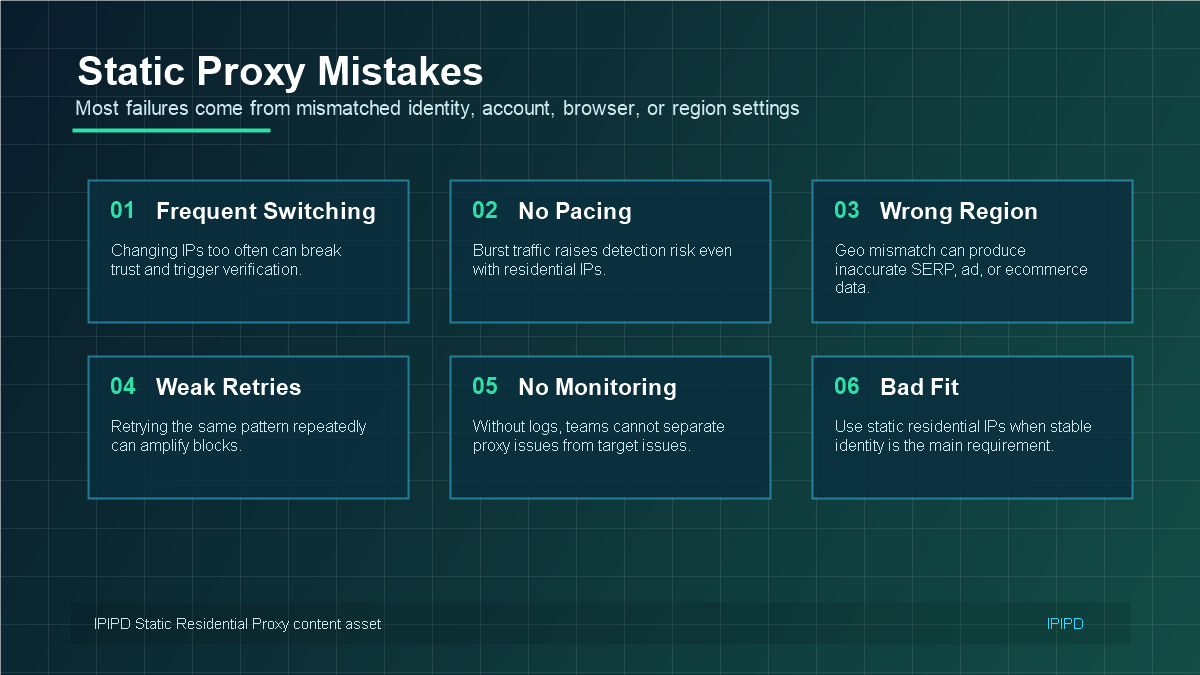 Most static residential proxy problems come from mismatched identity, region, account, or browser settings.
Mistake 1: Switching IPs Too Often
The main reason to use a static residential IP is continuity. If a team changes the IP frequently for the same account, the workflow loses the benefit of being static. Some platforms may interpret the changing network identity as unusual, especially when the account also changes browser profile, device signal, or region.
Fix this by mapping accounts to IPs and avoiding unnecessary changes. If an IP must be replaced, record when and why it changed. That history helps separate normal maintenance from suspicious access patterns.
Mistake 2: Region Mismatch
A static residential IP should match the account or workflow context. If an account usually operates in one country but suddenly accesses from another, the static nature of the IP may not help. Region mismatch can also affect dashboards, localized content, payment checks, and platform verification.
Mistake 3: Treating Static IPs Like Rotating Proxies
Static residential IPs are not meant to solve the same problem as dynamic residential proxies. If the task is collecting many public pages, testing many regions, or sending repeated checks at scale, static IPs may be inefficient. Use dynamic residential proxies for scale; use static residential IPs for identity continuity.
Mistake 4: Ignoring Browser Profile Consistency
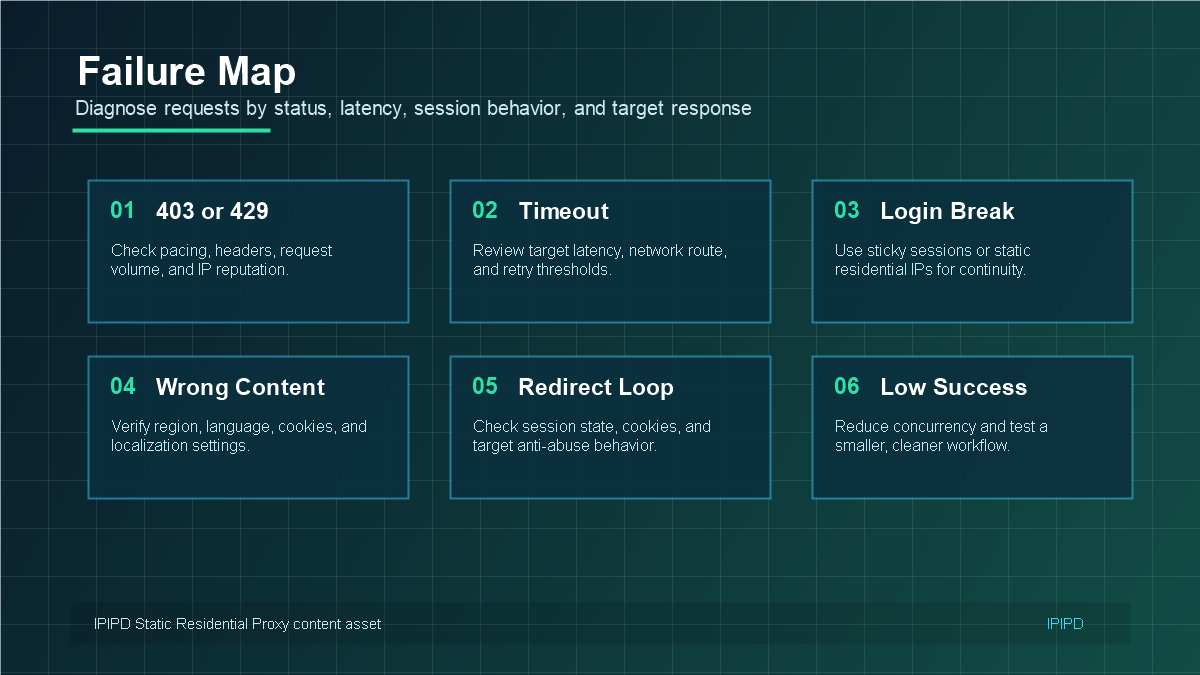 A failure map helps separate proxy issues from account, browser, and target-site behavior.
The IP is only one part of an account environment. Browser profile, cookies, timezone, language, user-agent, screen size, and operating habits can all affect trust. A stable IP paired with an unstable browser profile may still create verification prompts.
- Keep browser profile settings aligned with the IP region.
- Avoid clearing cookies too often for long-session accounts.
- Do not mix one account across many browser profiles and IPs.
- Record normal login location and access time patterns.
Mistake 5: Poor Authentication and Port Setup
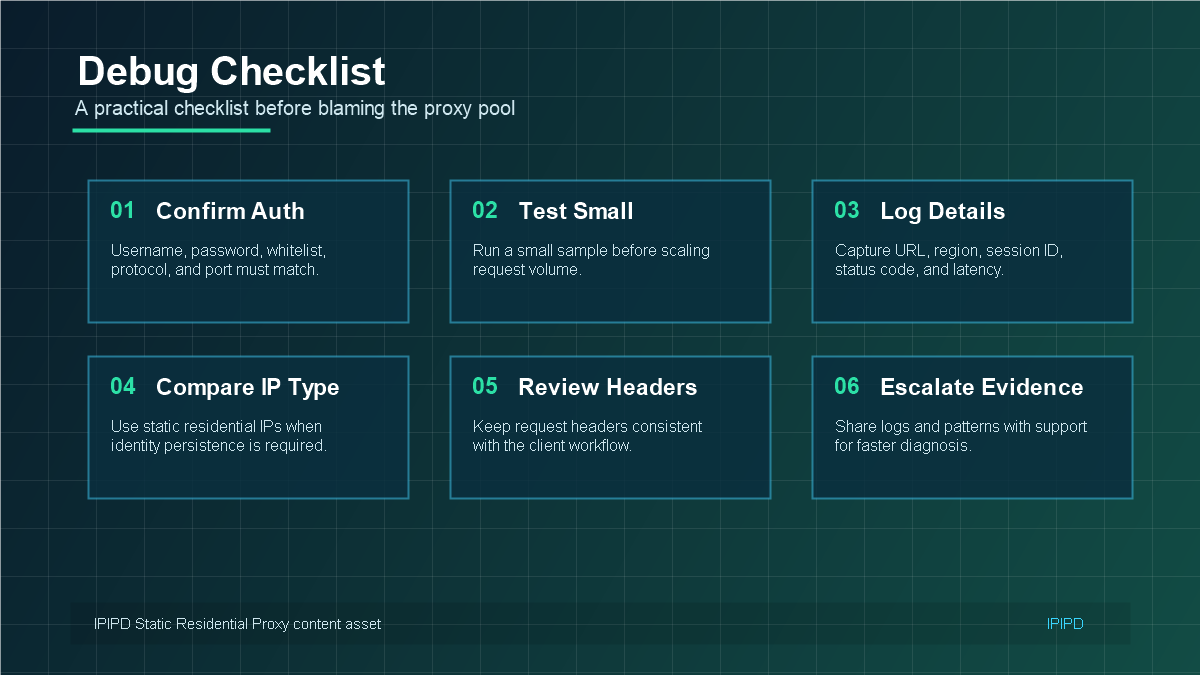 Good troubleshooting starts with authentication, region, browser profile, session, and log evidence.
Some failures are simple configuration issues. Username, password, whitelist, protocol, and port must match the proxy plan. If the connection fails before reaching the target service, test authentication first instead of changing account settings or blaming the target site.
Mistake 6: Not Knowing When to Use Dynamic Instead
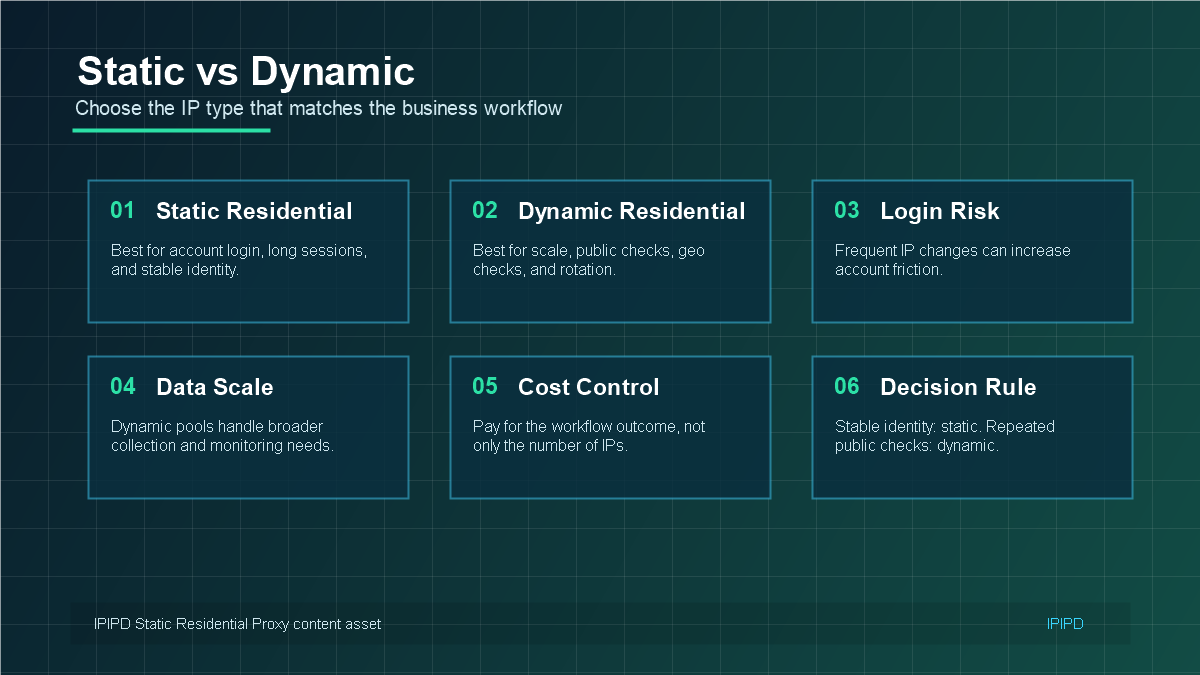 Use static residential IPs for stable identity and dynamic residential proxies for scale and rotation.
A static residential IP is not automatically the safest choice. If the workflow is public data collection, regional price monitoring, SEO checks, or ad verification, dynamic residential proxies may be a better fit. The mistake is not using static IPs; the mistake is using them for tasks where scale and rotation are the real requirement.
Troubleshooting Checklist
- Confirm the proxy credentials, port, protocol, and whitelist.
- Check whether the IP region matches the account or workflow.
- Review browser profile consistency: cookies, timezone, language, and device signals.
- Look for changes in account behavior, login frequency, and access times.
- Test a small sample before changing multiple variables.
- Compare whether the task actually needs static identity or dynamic coverage.
Related IPIPD Resources
For product selection, see Dynamic IP or static IP?. To compare available options, use IPIPD pricing. For product background, review What Is an ISP Proxy Server?.
Final Takeaway
Static residential proxy mistakes usually come from breaking the reason static IPs exist: stable identity. Keep the account, browser, region, IP, and session behavior consistent. If the task needs scale instead of identity, use dynamic residential proxies instead.
Root-Cause Diagnosis Framework
When a static residential proxy workflow fails, do not immediately replace the IP. First separate the possible causes into four groups: proxy configuration, browser environment, account behavior, and target-site policy. This prevents a common troubleshooting loop where teams keep changing proxies while the real issue is a browser profile, region mismatch, or account action pattern.
- Proxy configuration: credentials, port, protocol, whitelist, IP region, and connection status.
- Browser environment: cookies, timezone, language, user-agent, profile history, and device consistency.
- Account behavior: login frequency, action speed, team sharing, recent password changes, and unusual operations.
- Target-site policy: new verification rules, regional restrictions, platform incidents, or temporary security checks.
A static residential IP is meant to reduce network identity changes. If the team changes every other signal, the proxy cannot create a stable identity by itself. This is why careful diagnosis matters more than quick replacement.
Mistake: Measuring Only Connection Success
Many teams test a proxy only by asking whether it connects. Connection success is important, but it is not the full success metric for static residential IPs. A better test includes login success, session persistence, dashboard loading, region consistency, verification frequency, and normal task completion. If the IP connects but the account still sees frequent prompts, the workflow is not healthy yet.
Use a small pilot before scaling. Pick a few accounts or browser profiles, assign static residential IPs, run normal business tasks for several days, and document what happens. This gives the team a baseline before it adds more accounts or changes the workflow.
Mistake: Ignoring Product Fit
Static residential proxies are valuable, but only for the right jobs. If the workflow needs high-volume public-page access, regional checks at scale, or repeated SEO monitoring, dynamic residential proxies may be a better product fit. Trying to force static IPs into a rotation-heavy task can increase cost and reduce efficiency.
For general background, the Wikipedia proxy server overview explains the broad proxy concept. In actual business operations, the decision should be based on task requirements: stable identity, long session, and account continuity point to static residential IPs; scale, coverage, and rotation point to dynamic residential proxies.
Pre-Publish Checklist for Teams
- Has each important account been assigned a stable IP and browser profile?
- Does the IP region match the account history and expected operating market?
- Are cookies and browser profile settings preserved for long-session workflows?
- Is there a written rule for when an IP may be changed?
- Does the team know when to switch the task to dynamic residential proxies instead?
If the answer to these questions is unclear, the workflow is not ready to scale. Fix the operating model first, then increase volume.
Mistake: Scaling Before the Baseline Is Stable
Another common mistake is expanding the setup before the first workflow has been tested. If a team connects many accounts, many browser profiles, and many static residential IPs at the same time, every later issue becomes harder to diagnose. A slow dashboard, a verification prompt, or a region warning may come from the proxy, the browser, the account, or the target platform.
A better method is to create a baseline with a small number of important but manageable accounts. Assign each one a static residential IP, keep the browser profile consistent, run normal business tasks, and record results for several days. Once the baseline is stable, the team can copy the pattern to more accounts with more confidence.
Mistake: No Ownership for Proxy Changes
Static residential proxies need change control. If anyone on the team can switch the IP, change the browser profile, clear cookies, or move an account to another device without recording it, the workflow stops being static in practice. Assign one owner for proxy changes and require a short note whenever an IP is replaced or a browser profile is rebuilt.
This discipline may feel small, but it is what turns a proxy purchase into a stable operating system. The goal is not to avoid every problem. The goal is to know which variable changed when a problem appears, so the team can fix the right thing quickly.
Final Review Before Publishing
Before publishing a static residential proxy workflow internally, review the article and the operating plan together. The content should make clear that static residential IPs are for stable identity, not for every proxy task. That distinction helps readers choose the right IPIPD product and prevents unrealistic expectations.
Review regularly.
Frequently Asked Questions
Why do static residential proxy workflows fail?
Common causes include frequent IP switching, region mismatch, browser profile inconsistency, wrong authentication, and using static IPs for tasks that need dynamic rotation.
Should I change a static residential IP often?
No. Frequent changes remove the main benefit of a static residential IP: stable network identity.
Does a static residential IP prevent all account verification?
No. It helps stabilize network identity, but browser profile, cookies, device signals, and account behavior still matter.
When is dynamic residential proxy better?
Dynamic residential proxies are better for public-page scale, rotation, regional monitoring, scraping, and repeated checks.
What should I check first when a static residential proxy fails?
Check credentials, port, protocol, whitelist, region, browser profile, and account-to-IP mapping before changing the whole workflow.