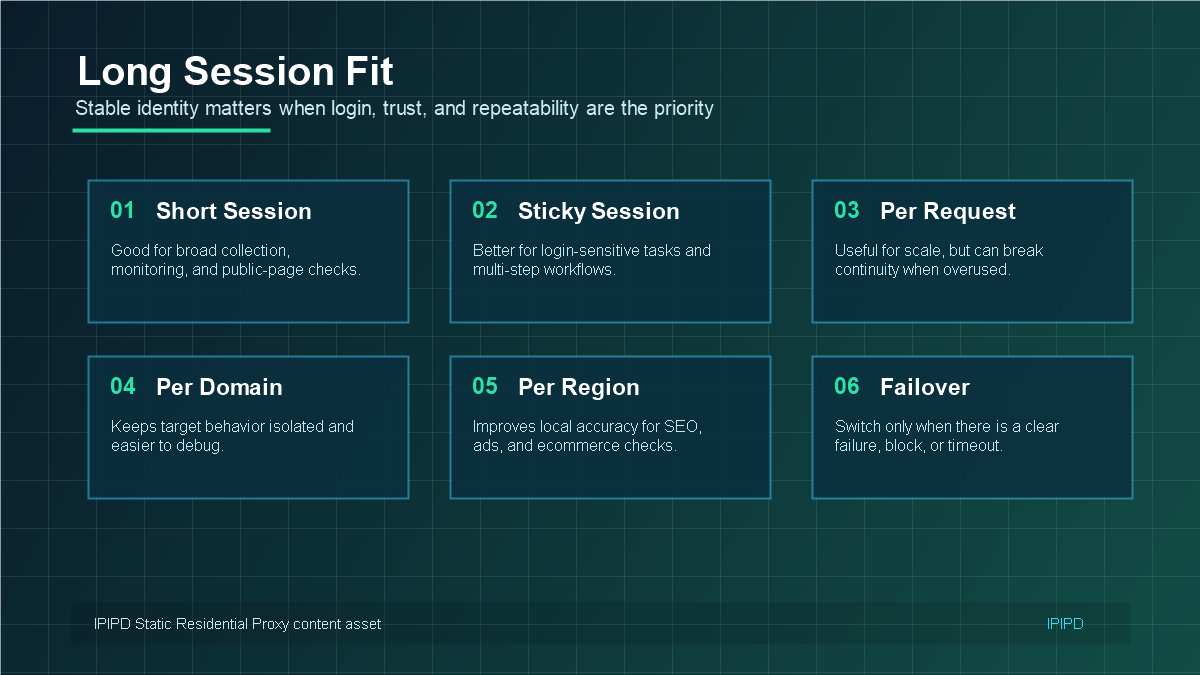
Static residential proxies are especially useful for account management and long login sessions because they reduce one of the most common sources of account friction: sudden changes in network identity. When an account repeatedly logs in from different IPs, regions, or network types, some platforms may ask for extra verification.
This article explains how to use static residential IPs for browser profiles, dashboards, long sessions, client accounts, and operational workflows. If you need the basic definition first, read Static Residential Proxy: What It Is and When to Use It.
Quick Answer
Use static residential addresses when the workflow needs a stable network identity, repeated regional checks, long sessions, or account-adjacent review.
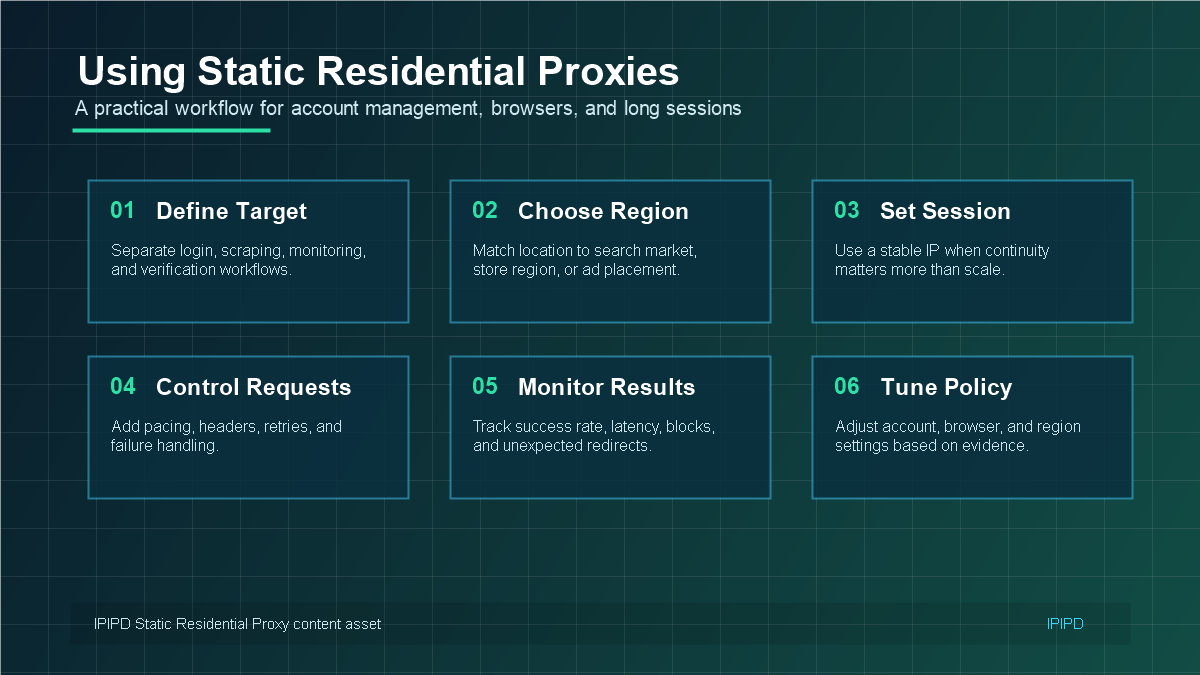
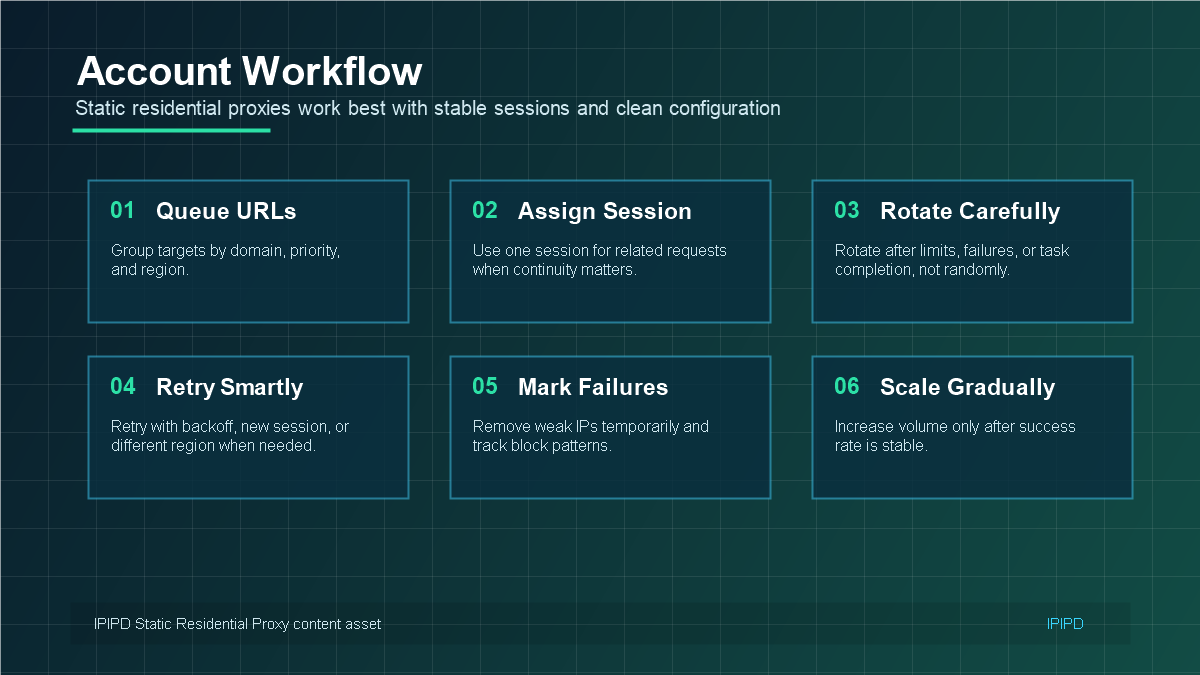
Account workflows need a stable IP, clean browser profile, and consistent access pattern.A stable account workflow starts with the right region, profile, authentication, and session plan.Static residential IPs help browser profiles keep a predictable network environment.Long-session strategy reduces friction from unnecessary network identity changes.
Basic Facts Table
Item
Practical Meaning
Business Check
Proxy behavior
Static residential addresses provide continuity; dynamic residential addresses provide distributed coverage.
Choose by workflow, not by proxy label alone.
Best fit
Stable sessions, public data checks, regional review, or evidence collection depending on the task.
Define session length, target region, and success condition before scaling.
Review logs, screenshots, status codes, and completed workflow cost.
IPIPD boundary
Static residential addresses and dynamic residential addresses
Adjacent proxy types are comparison context, not IPIPD product claims.
Source / Evidence Note
This update uses the article's original content, IPIPD's current static and dynamic residential address product scope, and Google Search Console page data. Proxy performance varies by target website, region, session duration, browser profile, request pacing, and compliance requirements, so the page avoids fixed success-rate claims.
Data Anchor
Google Search Console snapshot before this combined CTR and GEO update: 0 clicks, 9 impressions, CTR 0.0%, average position 21.89. Review again after 7 and 14 days for impressions, clicks, CTR, average position, Google indexing status, and AI answer mentions.
Why Account Workflows Need Stable IP Identity
Account workflows are different from public data collection. In public data collection, the target is often a page or dataset. In account management, the target is a relationship: account history, login pattern, browser profile, cookies, and expected region. A stable residential IP helps that relationship look more consistent over time.
This does not mean a static residential IP can fix every account problem. If the browser profile changes, cookies are cleared, device signals change, or the login behavior looks unusual, verification can still happen. But a consistent IP removes one major variable, making the environment easier to manage and diagnose.
Step 1: Map the Account Environment
Before connecting a static residential proxy, define the account environment. What country or city should the account appear from? Which browser profile is used? Is the account accessed manually, by a team member, or by a tool? How long should the session remain stable? These answers determine the right proxy configuration.
Choose a region that matches the account history and business purpose.
Keep browser profile, cookies, language, timezone, and IP region aligned.
Avoid switching between many IPs for the same account.
Document which IP is assigned to which account or workflow.
Test login and normal operations before scaling to more accounts.
Step 2: Connect Static Residential IPs to Browser Profiles
Browser profile tools are common in ecommerce, social media, marketing, and agency workflows. A static residential IP works best when one account profile is paired with one consistent IP region. The browser profile should keep stable cookies, language, timezone, user-agent family, and access behavior.
Do not treat the proxy as the only identity signal. A stable IP helps, but inconsistent browser settings can still create risk. If the browser timezone says one country while the IP exits from another, the account environment becomes less credible. The strongest setup is coherent across IP, browser, region, and behavior.
Step 3: Use Long Sessions Carefully
Long sessions are useful when the workflow expects continuity. Examples include dashboard work, account review, order management, customer support, and recurring manual operations. A static residential IP reduces the chance that the platform sees a new network identity every time the user returns.
Still, long sessions should be monitored. If login prompts increase, if the account sees unusual region warnings, or if dashboards load slowly, record the time, region, browser profile, and IP assignment. Troubleshooting is much faster when the account-to-IP mapping is clear.
Step 4: Decide When Not to Use Static Residential IPs
Static residential IPs are not ideal for every task. If a workflow needs to check many public pages across many regions, dynamic residential proxies may be more efficient. If a workflow is a one-time public scrape, a static IP may be unnecessary. Static residential IPs are most valuable when identity and continuity are part of the business outcome.
Operational Checklist for Teams
Assign one account or browser profile to one stable residential IP when possible.
Keep account region, IP region, language, and timezone consistent.
Record proxy credentials and account mapping securely.
Avoid frequent IP switching for login-sensitive accounts.
Use dynamic residential proxies for public-page scale instead of forcing static IPs into the wrong task.
Static residential proxies are strongest when a workflow needs a stable identity over time. The proxy should be part of a complete environment: account, browser profile, region, session, and operating habit. When those signals align, static residential IPs can make long-session workflows easier to manage.
Account-to-IP Mapping Model
The most useful operating model is simple: one important account or browser profile should have one predictable static residential IP whenever possible. This does not mean every small task needs a dedicated IP. It means that login-sensitive assets should not be moved across many network identities without a clear reason. The more important the account, the more valuable a stable mapping becomes.
A mapping table should include account name, platform, assigned static IP, target region, browser profile name, owner, login frequency, and notes about verification events. This table does not need to be complicated. Its purpose is to prevent accidental changes and to create evidence when something goes wrong. If an account suddenly asks for verification, the team can see whether the proxy, browser, region, or operating pattern changed.
Daily Operating Workflow
Before login: confirm the browser profile, static IP, country, and account are correctly paired.
During the session: keep behavior close to the normal business workflow instead of rapidly switching tasks.
After the session: record unusual prompts, slow pages, location warnings, or platform messages.
When scaling: add new account-to-IP pairs gradually rather than moving all accounts at once.
When troubleshooting: change one variable at a time so the cause is visible.
This workflow is useful for agencies, ecommerce operators, customer support teams, and marketing teams. It also helps when several people share responsibility for the same set of accounts. Without a shared operating record, one person may change a proxy, another may change a browser profile, and the team may not know which change caused the new login prompt.
Browser Profile and Proxy Consistency
Browser profile consistency is just as important as the proxy. A static residential IP can make the network identity stable, but it cannot repair a browser profile that changes timezone, language, cookies, user-agent family, and device behavior every day. The best setup keeps the whole environment coherent: IP region, browser language, timezone, account history, and usage pattern.
For general proxy terminology, the Wikipedia proxy server overview can help new team members understand the networking layer. For daily account operations, translate that concept into a practical rule: do not make the platform re-learn the account environment every time someone logs in.
When Static Residential IPs Are Not Enough
If the account already has a poor history, if login behavior is extremely aggressive, or if several people operate the same account from inconsistent devices, a static residential IP alone will not solve the problem. It reduces one type of instability, but it should be paired with cleaner account processes. In some cases, the right solution is not more proxies, but better role separation, fewer risky actions, and clearer account ownership.
The best result comes from matching tool choice to task type. Static residential IPs support continuity. Dynamic residential proxies support scale and rotation. Account management usually belongs in the first category, while large public-page checks usually belong in the second.
How to Review Performance After Setup
After the static residential proxy is connected, the team should review performance with account-level metrics instead of only network metrics. Useful indicators include login success rate, verification frequency, average session duration, dashboard load stability, region warnings, and the number of manual recovery actions. These signals show whether the workflow is truly more stable.
A weekly review is usually enough for normal account operations. If verification prompts decrease and sessions remain consistent, the setup is working. If prompts increase, check whether the browser profile, account behavior, proxy region, or platform policy changed during the same period. This turns proxy management from guesswork into a repeatable operating process.
Teams should also avoid over-optimizing too early. A stable static residential proxy setup is meant to make daily work calmer and easier to diagnose. Once the first set of accounts is stable, add new profiles gradually, keep the same documentation pattern, and compare results before changing the broader proxy strategy.
Frequently Asked Questions
Why are static residential proxies useful for account management?
They keep the network identity more consistent, which can reduce friction from frequent IP changes in login-sensitive workflows.
Should one account use one static residential IP?
For sensitive workflows, pairing one account or browser profile with one stable residential IP is usually easier to manage and troubleshoot.
Can I use static residential proxies for web scraping?
You can, but dynamic residential proxies are often better for broad public-page scraping. Static residential IPs are better when continuity matters.
What should match the static residential IP region?
Browser timezone, language, account history, target market, and normal operating region should be as consistent as possible.
When should I switch to dynamic residential proxies?
Use dynamic residential proxies when the task needs rotation, scale, or repeated public checks across many pages or regions.