Using residential proxies for SEO rank tracking is a workflow design problem. The goal is not only to send more queries. The goal is to collect SERP data that is consistent enough to support decisions about content, competitors, ads, snippets, and local visibility. A good setup defines the market, the query set, the checking frequency, and the proxy behavior before scaling.
Start by separating two kinds of SEO checks. First, automated rank tracking and SERP feature checks need repeatable data across many keywords. Second, manual review and account-based dashboards need stable sessions and a coherent browser profile. Dynamic residential proxies usually fit the first group. Static residential IPs often fit the second group.
Quick Answer
Residential proxy selection should start from the workflow: stable identity, dynamic coverage, regional accuracy, or evidence review.
Basic Facts Table
Item
Practical Meaning
Business Check
Proxy behavior
Static residential addresses provide continuity; dynamic residential addresses provide distributed coverage.
Choose by workflow, not by proxy label alone.
Best fit
Stable sessions, public data checks, regional review, or evidence collection depending on the task.
Define session length, target region, and success condition before scaling.
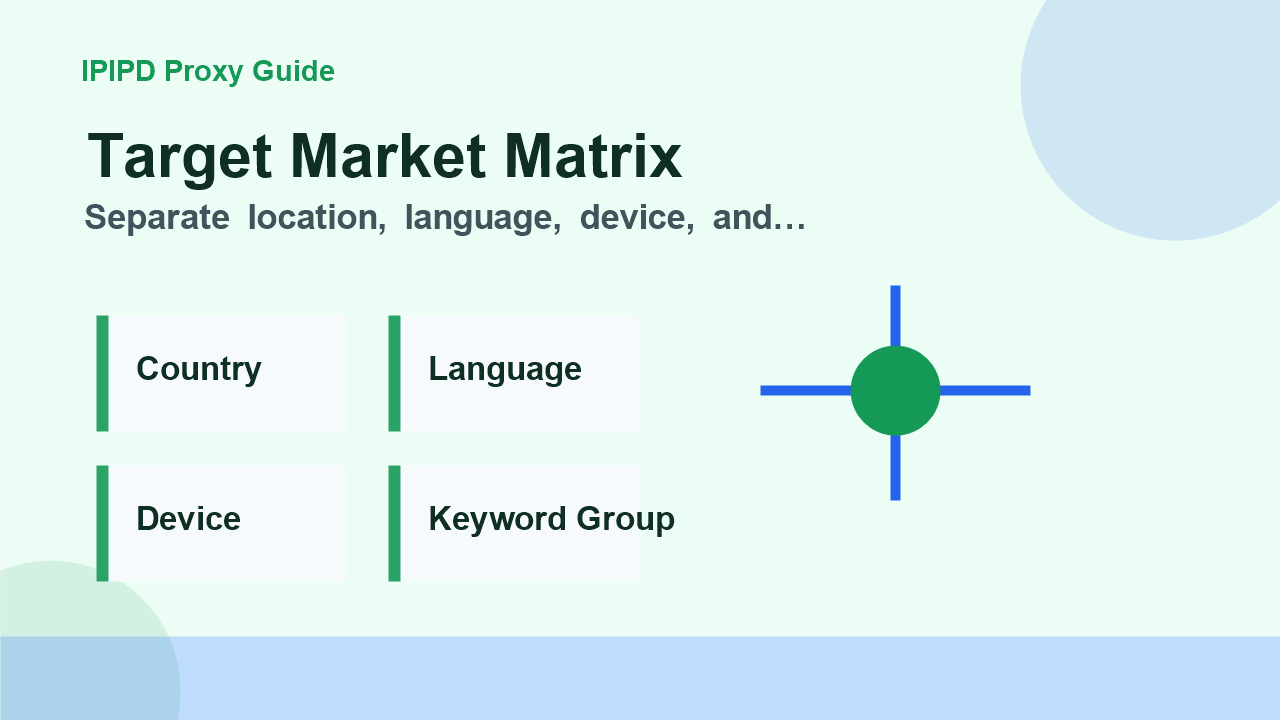
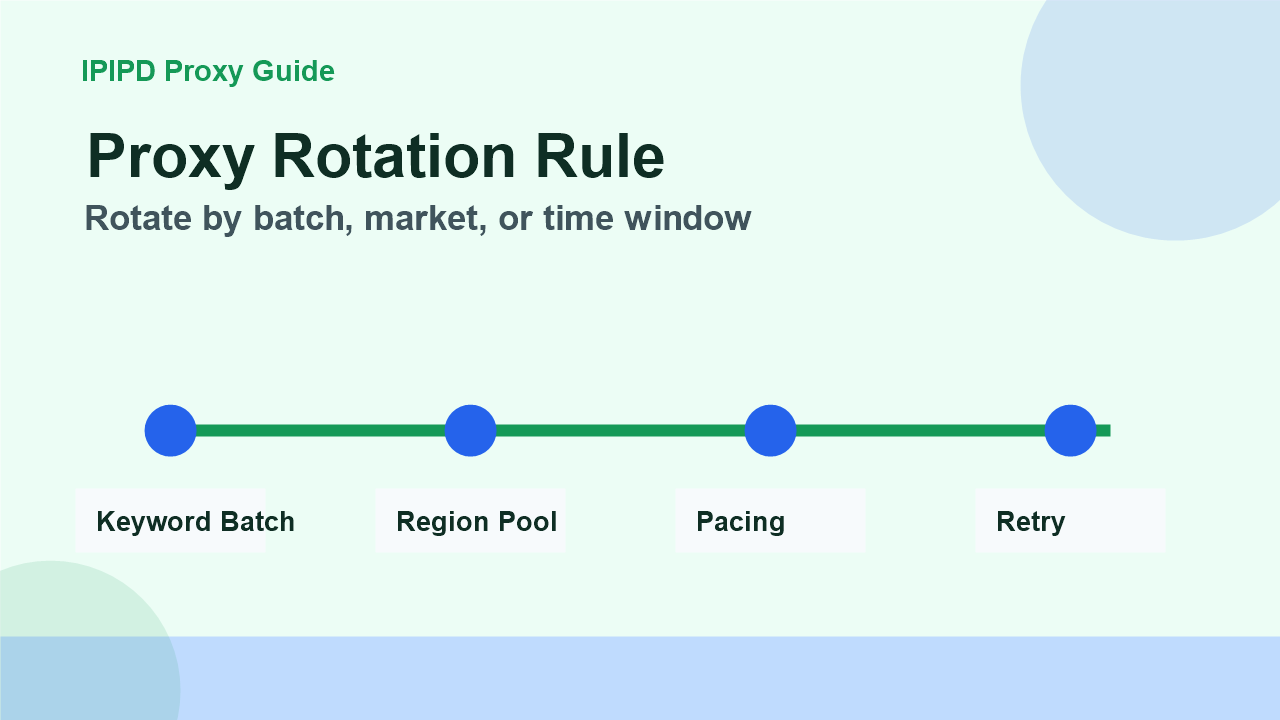
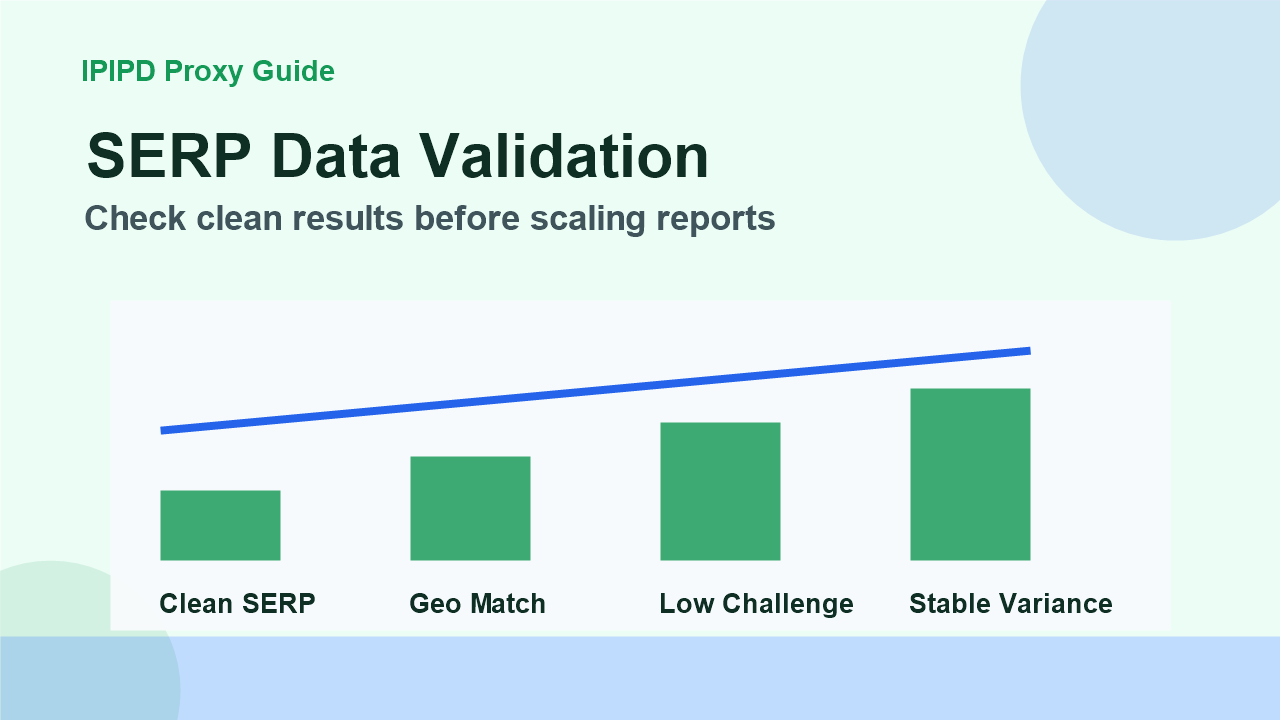
Separate location, language, device, and keyword groupRotate by batch, market, or time windowCheck clean results before scaling reports
Frequently Asked Questions
Which residential proxy type is best for SEO rank tracking?
Dynamic residential proxies are usually better for public SERP checks across many keywords and locations.
When should SEO teams use static residential IPs?
Use static residential IPs for stable dashboards, login-based tools, manual review, and browser profiles.
What should SEO proxy logs include?
Log keyword, market, proxy region, status, latency, retry count, SERP type, and whether the result was usable.
Review logs, screenshots, status codes, and completed workflow cost.
IPIPD boundary
Static residential addresses and dynamic residential addresses
Adjacent proxy types are comparison context, not IPIPD product claims.
Source / Evidence Note
This update uses the article's original content, IPIPD's current static and dynamic residential address product scope, and Google Search Console page data. Proxy performance varies by target website, region, session duration, browser profile, request pacing, and compliance requirements, so the page avoids fixed success-rate claims.
Data Anchor
Google Search Console snapshot before this combined CTR and GEO update: 0 clicks, 1 impressions, CTR 0.0%, average position 7.0. Review again after 7 and 14 days for impressions, clicks, CTR, average position, Google indexing status, and AI answer mentions.
How do residential proxies help SEO rank tracking?
Residential proxies help SEO rank tracking by letting teams check public search results from target residential network contexts. Dynamic residential proxies fit repeated SERP checks across markets, while static residential IPs fit stable dashboards and manual review environments that need consistent sessions.
SEO rank tracking workflow table
Step
Proxy decision
Quality check
Define market
Country, city, language, device, search engine
No vague global ranking target
Choose proxy behavior
Dynamic for SERP coverage, static for dashboards
No mixed metrics across workflows
Set pacing and rotation
Rotate by market, keyword batch, or time window
Low verification and retry rate
Validate SERP data
Keep logs and confidence notes
Clean SERP rate, region match, ranking variance
Related IPIPD reading
Use these related pages to compare static residential IPs, dynamic residential proxies, pricing, and adjacent workflows without leaving the same topic cluster.
Before choosing proxies, define the country, city, language, search engine domain, device type, and keyword group. A vague target like “global ranking” creates vague data. A specific target like “desktop English results in the United States for product-comparison keywords” gives the proxy setup a clear job.
The same keyword can behave differently in different markets. Local packs, shopping modules, ads, map results, and even organic competitors can change. If the monitoring tool checks from the wrong location, the report may look professional but still mislead the SEO team.
Step 2: choose static or dynamic behavior
Use dynamic residential IPs when the task needs coverage and repeated public checks. This includes rank tracking across many keywords, SERP feature monitoring, competitor observation, and public search-result sampling. Rotation helps distribute checks, reduce repeated-query pressure, and compare markets.
Use static residential IPs when stability matters more than coverage. This includes long-running dashboards, login-based tools, manual review environments, and browser profiles that should keep cookies, language, timezone, and IP region consistent. A stable residential identity can reduce noise in account-adjacent SEO workflows.
Step 3: set rotation and session rules
Do not rotate blindly. For simple public SERP checks, rotate by keyword batch, location, or time window. For multi-step workflows, keep a session long enough to finish the task. If each query gets a completely unrelated IP and browser profile, the data may become inconsistent. If one IP handles too many similar queries, the system may hit verification or throttling.
Group keywords by country, language, and search intent.
Use separate proxy pools or rules for different target markets.
Keep browser language, timezone, and region aligned with the proxy.
Add pacing so the workflow does not look like a burst of identical queries.
Log every query result with proxy region, status, latency, and SERP type.
Step 4: build a baseline before scaling
Run a small baseline for several days. Use 20 to 50 keywords, two or three locations, and a stable checking schedule. Record usable SERP rate, verification pages, region mismatch, slow responses, and ranking variance. If the baseline is noisy, scaling to thousands of keywords only creates a larger noisy report.
A baseline also helps compare proxy plans. Test one variable at a time. Do not change keyword list, region, user-agent, schedule, and proxy type on the same day. If too many variables change, the team cannot know which change improved or damaged the data.
SEO data should be checked for plausibility. Compare a sample manually, compare multiple runs, and watch for abnormal patterns. If every keyword suddenly drops at the same time, the cause may be a proxy region issue or a search-result layout change rather than a real ranking collapse. If one market always returns verification pages, the rotation or pacing rule may be too aggressive.
A practical report should include confidence notes. Mark checks that returned clean SERPs, checks that were retried, and checks that had location uncertainty. This makes the SEO team less likely to overreact to a single noisy data point.
Operational checklist
One target market per tracking configuration.
Dynamic residential proxies for repeated public checks.
Static residential IPs for stable dashboards and manual review.
Clear retry rules and a backup pool for failed checks.
Daily review of verification rate, region mismatch, and data variance.
The best SEO monitoring proxy setup is boring in a good way. It produces repeatable data, avoids sudden configuration changes, and gives the team enough context to trust the report. IPIPD static and dynamic residential addresses can support that workflow when they are matched to the right task.
Without validation, proxy region issues or verification pages can be mistaken for real ranking changes.