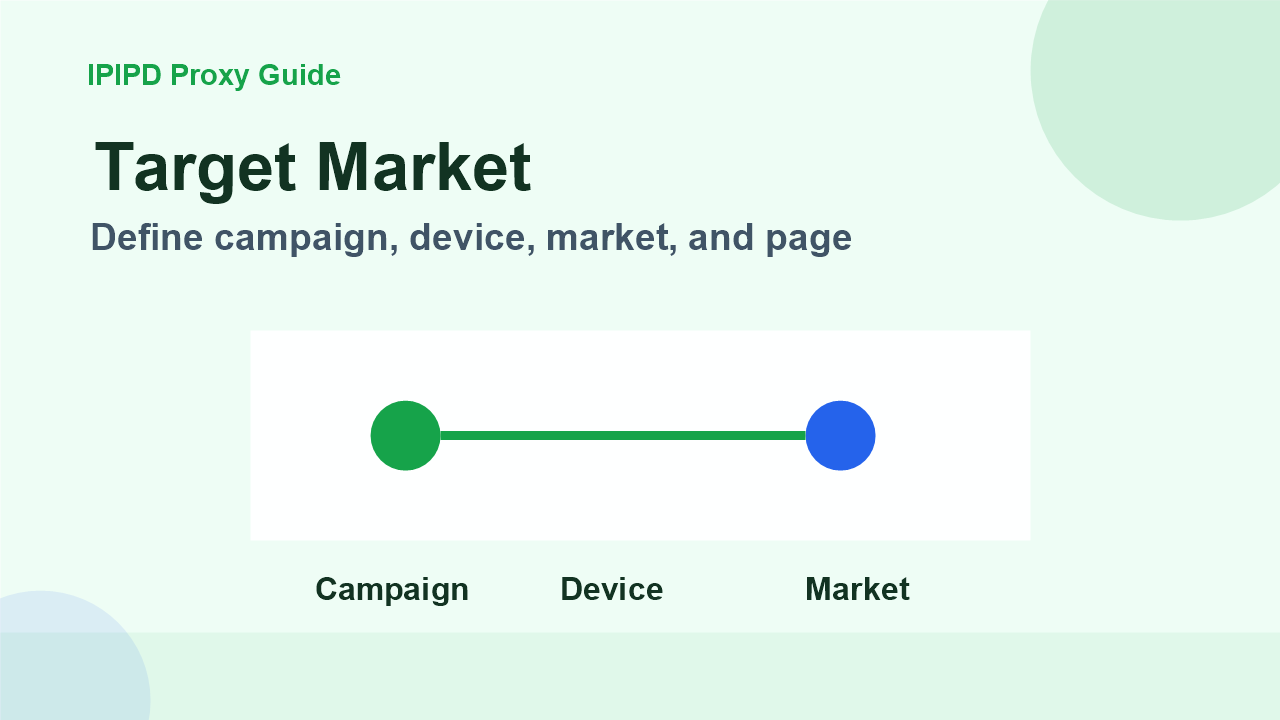
Using residential proxies for ad verification starts with workflow design. A team should not begin by asking how many IPs it needs. It should begin by defining which campaign, market, publisher, device type, and landing page must be checked. Only then can the team choose between dynamic residential coverage and static residential continuity.
The purpose is not to simulate every possible user. The purpose is to reduce obvious blind spots. If a campaign targets several countries but the verification team checks from one office connection, it may miss local creative, wrong redirects, unavailable ads, frequency caps, or publisher differences. Residential IPs help the team observe from more relevant network contexts.
How do you use residential proxies for ad verification?
Use residential proxies for ad verification by defining the campaign, market, device, publisher, creative, expected landing page, and valid evidence before running checks. Dynamic residential proxies fit public multi-market verification, while static residential IPs fit stable manual review and account workflows.
Use these related pages to compare static residential IPs, dynamic residential proxies, pricing, and adjacent workflows without leaving the same topic cluster.
Write down the country, language, device, publisher, creative, expected landing page, and allowed redirects. A vague target such as “check the ad globally” creates weak evidence. A specific target such as “mobile English placement in the United States for campaign A” produces a cleaner check and makes proxy selection easier.
Use dynamic residential addresses when the target requires location sampling or repeated public checks. Use static residential addresses when the verification requires a stable session, a long browser profile, or access to a review tool that should not see a changing IP identity during the same workflow.
Step 2: control rotation and sessions
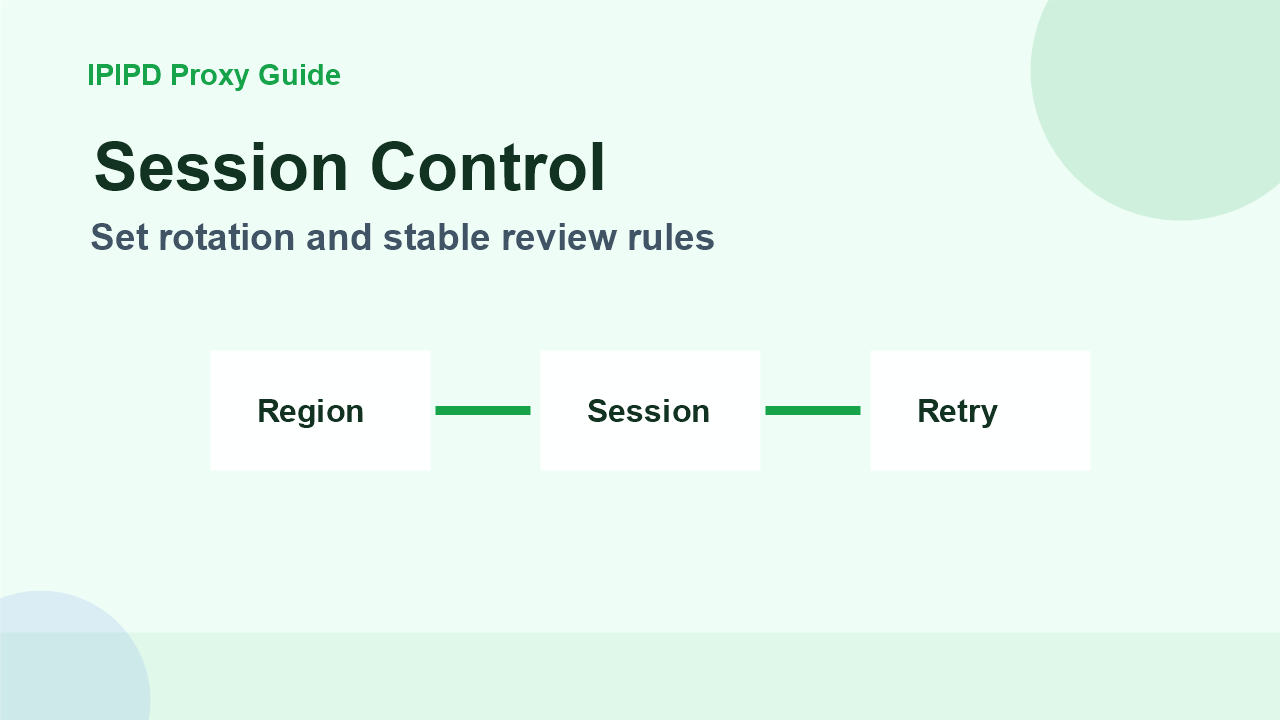
Rotation should follow the verification plan. Rotate by market, campaign batch, publisher, or time window. Do not rotate randomly after every click if the task depends on session continuity. A broken session may create a false failure, while an overused IP may create a block or empty ad slot.
For manual review, keep a stable browser profile and record the exact IP region. For automated public checks, distribute requests but keep enough consistency to compare results. The goal is to prove what appeared, not to create a constantly changing environment that nobody can reproduce.
Step 3: record evidence
Screenshot the ad slot and landing page when possible.
Record proxy region, browser language, device mode, and timestamp.
Mark consent pages, blocks, empty inventory, and redirects separately.
Compare the expected creative with the observed creative.
Keep failed checks out of final campaign-performance conclusions.
Evidence is important because ad verification disputes often require a concrete screenshot, timestamp, and location. Without those details, the team may only have a vague claim that a placement looked wrong. With structured evidence, the team can ask a media partner, publisher, or internal buyer to reproduce the issue.
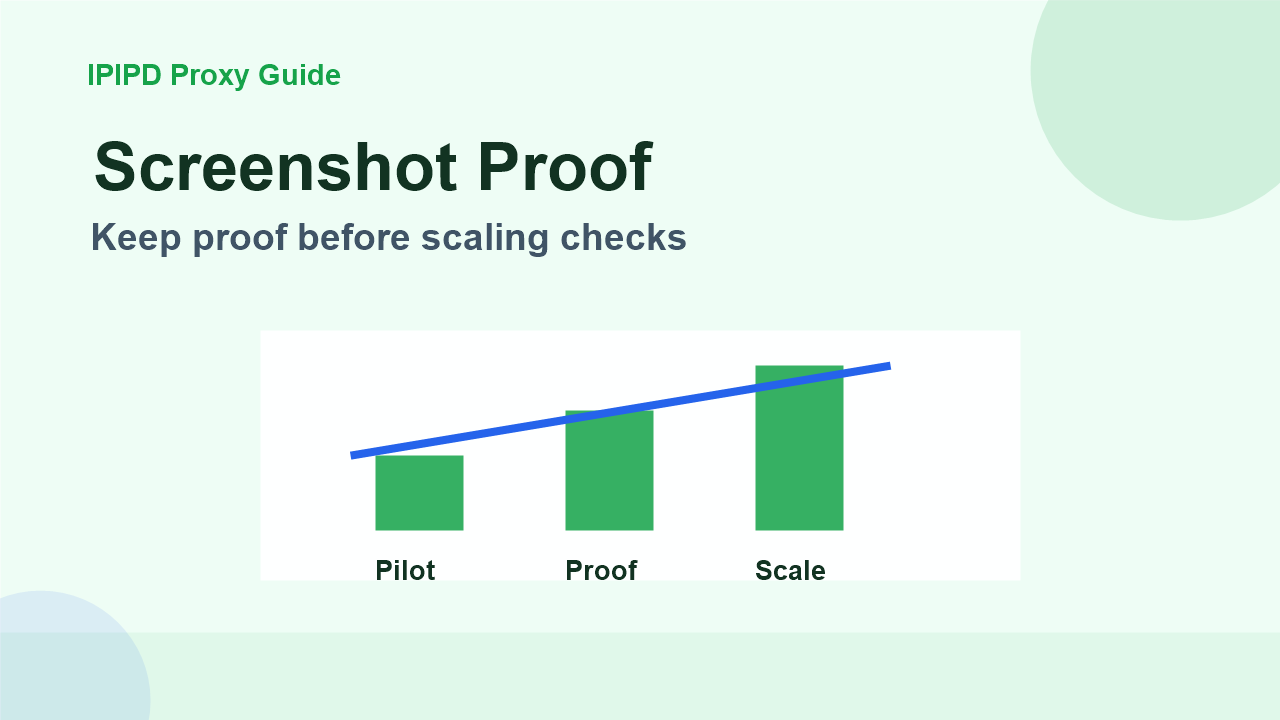
Run a small pilot before checking hundreds of placements. Choose two or three markets, a few campaigns, and a fixed schedule. Measure ad visibility, mismatch rate, redirect correctness, challenge rate, latency, and manual review effort. If these metrics are stable, scale gradually. If they are unstable, fix the workflow before buying more capacity.
A good ad verification proxy setup should make the report easier to trust. It should not hide uncertainty. When a check fails, the system should identify whether the cause is proxy region, rotation, browser state, publisher inventory, consent flow, or the campaign itself.
Step 5: separate public checks from account workflows
Public placement checks and account workflows should not share the same proxy rule. Public checks can tolerate controlled rotation because the goal is to observe ads across markets. Account workflows, reporting dashboards, and review tools often need a stable identity. If the account environment changes region during review, the platform may add verification steps or show inconsistent data.
This is why IPIPD static and dynamic residential addresses should be mapped to specific tasks before a team scales. Dynamic addresses can collect broader evidence, while static residential IPs can support stable review. The documentation should state which one was used, why it was chosen, and which results should be excluded from final conclusions.
Step 6: build a repeatable review template
A repeatable template prevents the team from reinventing the check every week. The template can include campaign name, target market, proxy type, browser language, device mode, publisher URL, expected creative, expected landing page, screenshot link, and final status. This makes later audits easier because every result carries the same evidence fields.
The template also helps sales or support teams explain proxy choice. If a customer needs broad market observation, the record points toward dynamic residential coverage. If a customer needs stable dashboard review, the record points toward static residential IP continuity. That distinction keeps the conversation aligned with IPIPD's real product boundary.
Consent screens, blocks, empty placements, wrong region, or missing landing-page evidence should be marked separately.