Ad Verification Proxy: How Residential IPs Help Check Ads

Ad verification proxy workflows help marketing teams check whether ads are displayed correctly across locations, devices, and publisher environments. The proxy is not the ad platform itself. It is the network layer that lets a reviewer or monitoring system see a page from a more relevant residential IP context instead of only from one office network or one cloud server.
This matters because ad delivery is highly local. A campaign can change by country, city, language, device, audience rule, frequency cap, and publisher inventory. If every check comes from the same network, the team may miss wrong placements, blocked creative, competitor ads, landing-page redirects, or region-specific compliance issues.
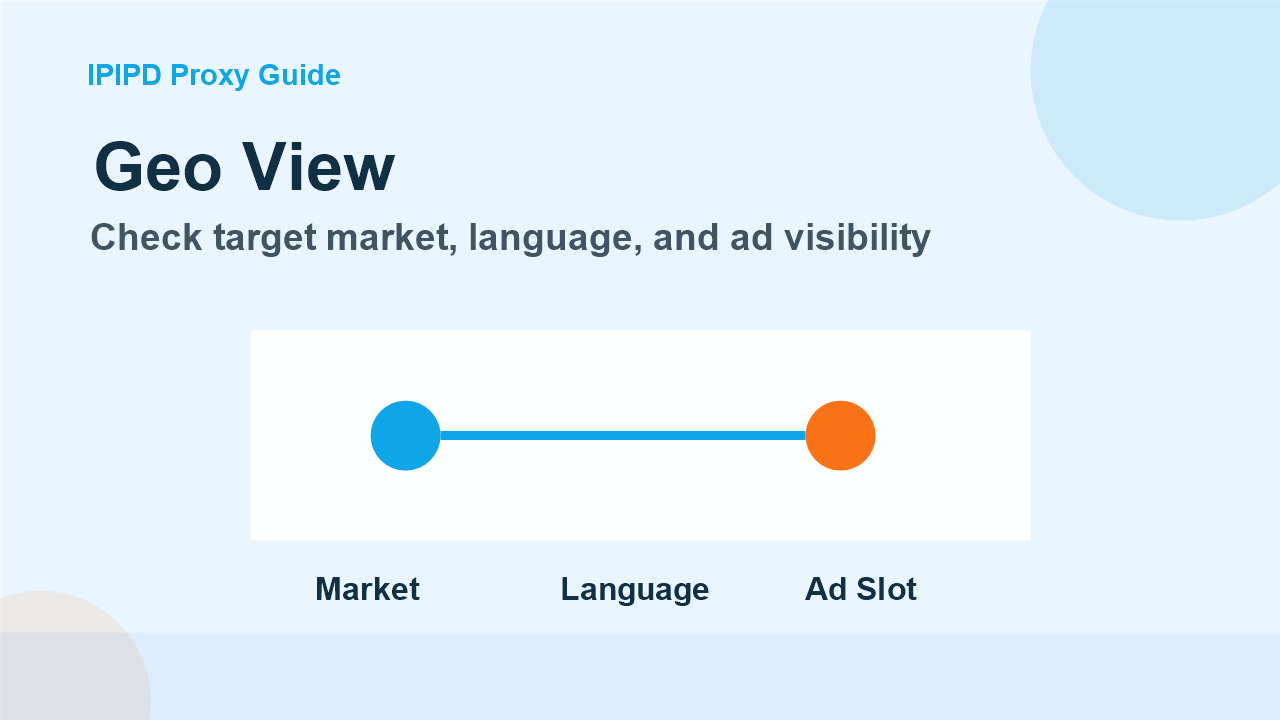
Check target market, language, and ad visibilityWhat ad verification needs to prove
A useful verification process should answer several questions. Is the ad visible in the intended market? Is the creative correct? Does the click lead to the right landing page? Are competitors appearing beside the brand? Is the publisher showing the placement promised in the media plan? Residential IPs help because many advertising systems treat residential network signals differently from hosting-center traffic.
For IPIPD, the business fit is clear: dynamic residential addresses are useful for checking public ad placements across markets, while static residential addresses are useful when the process requires a stable browser profile, repeated manual review, or account-related dashboards. The article should not present IPIPD as a full ad intelligence platform; it should explain how residential IPs support the verification workflow.
Where static and dynamic residential IPs fit
Dynamic residential proxies are usually the better fit when teams need coverage. They can help sample ads from several locations, compare visible creative, and reduce the bias of checking everything from one network. Static residential IPs are better when continuity matters, such as a browser profile that should keep cookies, language, region, and session history consistent during manual review.
A simple rule is helpful: use dynamic residential addresses for distributed observation, and static residential addresses for stable review. Many teams need both, but they should not mix them casually inside one report. Each verification task needs a target market, a device rule, a rotation rule, a retry rule, and a definition of what counts as a valid ad impression check.
Compare creative, placement, and landing pagePractical checks before scaling
- Define target countries and languages before collecting screenshots.
- Keep browser language, timezone, and proxy region aligned.
- Record whether the ad, landing page, and tracking URL are all correct.
- Separate clean checks from blocked pages, consent screens, and empty slots.
- Use static sessions when account dashboards or long review flows are involved.
Teams should start with a small pilot. Choose a handful of campaigns, markets, publishers, and landing pages. Run checks at a predictable frequency and record ad visibility, mismatch rate, redirects, verification pages, latency, and screenshot evidence. If the pilot is noisy, adding more IPs or more markets will only create a larger noisy report.
For adjacent workflows, compare this with IPIPD guides on dynamic residential proxies, static residential proxies, and SEO monitoring proxies. To review the product options directly, use IPIPD pricing. For general background on digital ads, see online advertising.
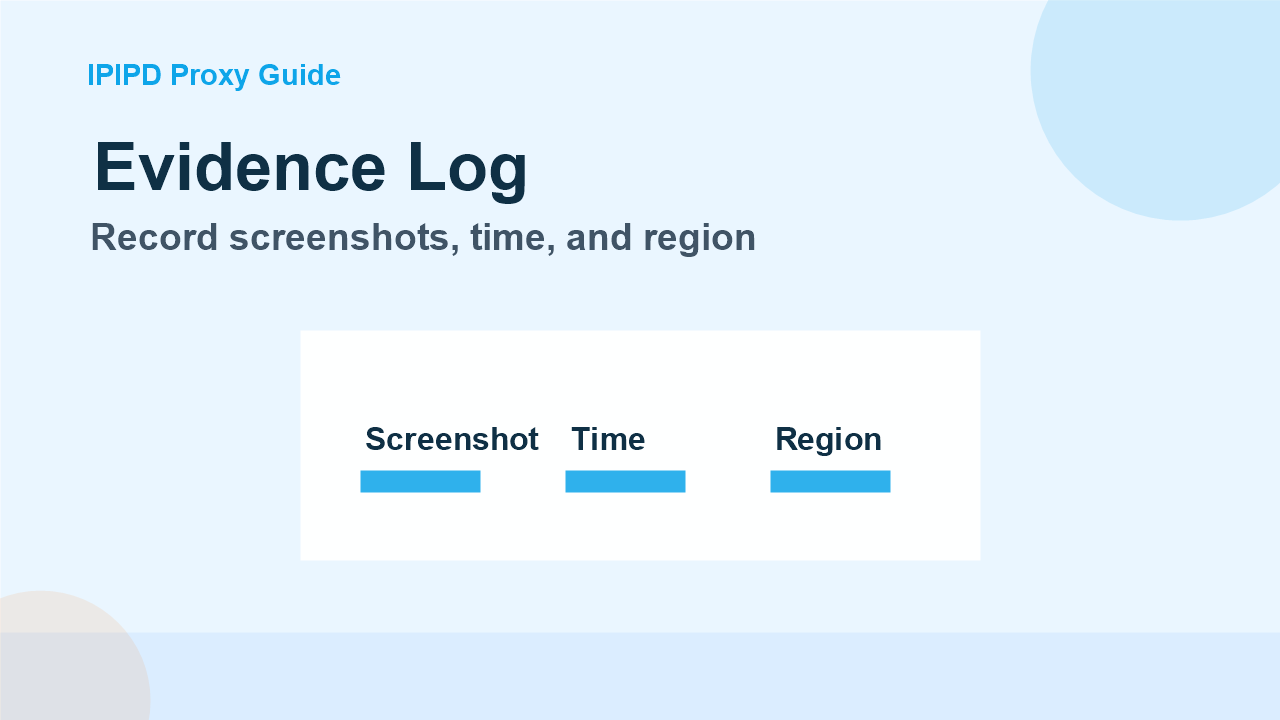
Record screenshots, time, and regionWhat good data looks like
Good ad verification data is not just a list of successful page loads. It should show which market was checked, which IP type was used, whether the ad appeared, whether the landing page matched, and whether any consent screen or block changed the view. A 200 status code is not enough. The content on the page must match the campaign objective.
Residential IPs make the check more realistic, but the workflow around them decides whether the report is useful. The best setup is boring and repeatable: clear market rules, controlled rotation, screenshot evidence, consistent naming, and a process for excluding invalid checks from the final report.
How this supports buying decisions
For a business team, ad verification is also a buying decision. The team should know whether it needs broad public coverage or stable review. Broad coverage points toward dynamic residential addresses because the task needs many market views. Stable review points toward static residential IPs because the task needs continuity, cookies, and a predictable browser identity. If the same report mixes both goals without labeling them, the results become difficult to interpret.
A practical purchasing test can stay small. Select a few campaigns, run checks from two or three markets, and compare the cost of usable evidence rather than the cost of raw traffic. A cheaper setup is not cheaper if it produces screenshots that cannot be trusted, requires many manual rechecks, or creates disputes with publishers because the region was not documented.
Frequently Asked Questions
What is an ad verification proxy?
It is a proxy setup used to check ad visibility, creative, placement, and landing pages from target residential network contexts.
Why use residential IPs for ad verification?
Residential IPs can make checks closer to real user environments and reduce bias from one office or cloud network.
Should ad verification use static or dynamic residential IPs?
Use dynamic residential IPs for market coverage and public checks. Use static residential IPs for stable manual review and account workflows.