
Data Center Proxy Complete Guide
Introduction
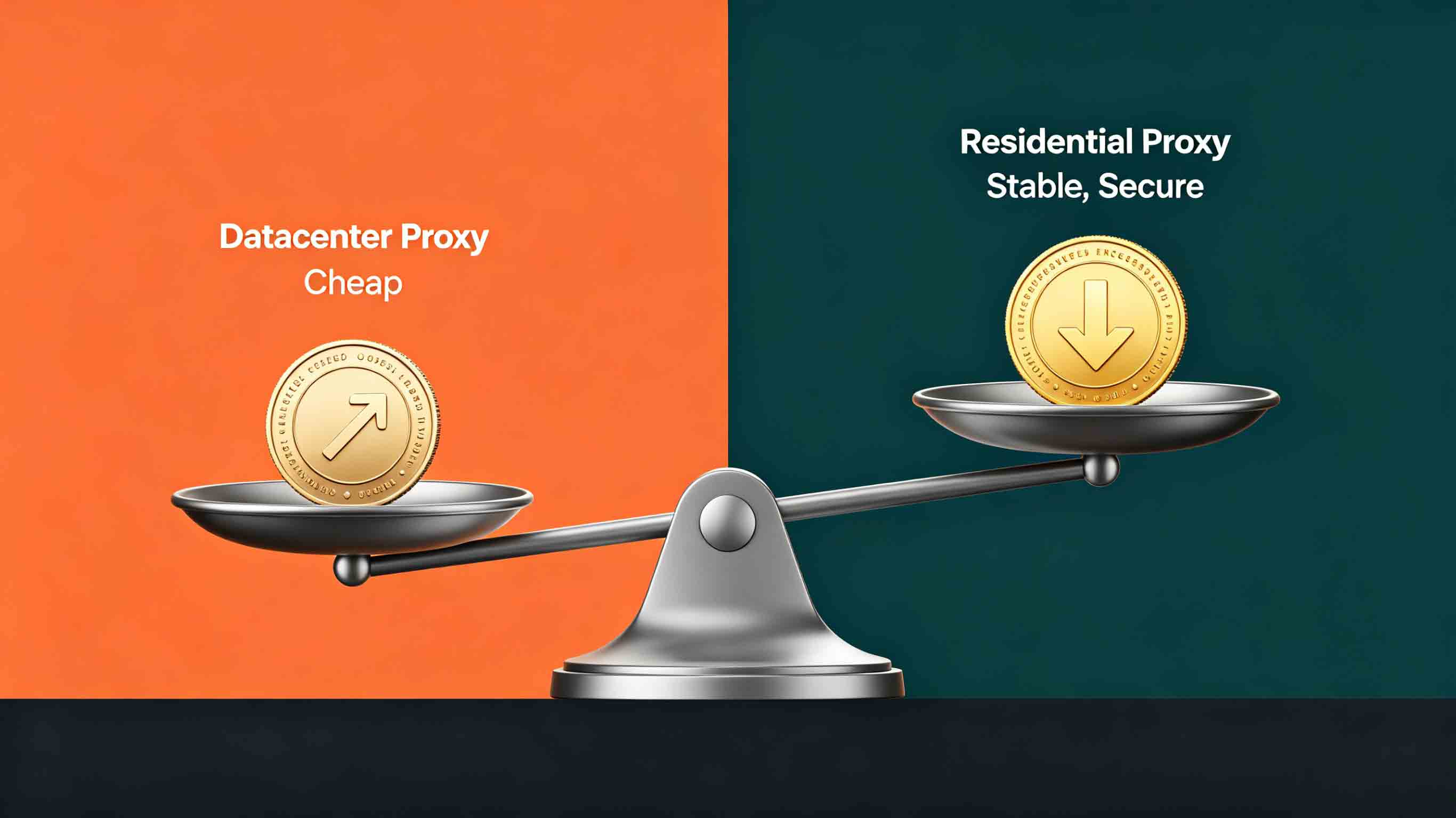
When browsing proxy options, you've probably seen "Data Center Proxy" — dirt cheap, just a few dollars.
But here's what the pros will tell you: the scenarios where data center proxies actually work well are getting fewer by the day. If you can afford residential, just do it.
In this guide, we're breaking down everything about Data Center Proxies — what they are, when to use them, and why the experts steer clear.
What Exactly Is a Data Center Proxy?
The Basics
A data center proxy is an IP address that comes from a cloud server (think AWS, Google Cloud, or DigitalOcean) — not from a real household or mobile carrier.
In plain English: it's a批量生成的 IP from the cloud, not from a real person's internet connection.
What Makes Them Tick
What's the Deal | The Reality |
|---|---|
Where It Comes From | Cloud provider data centers |
How It's Made | Spun up in bulk, easy to get lots at once |
How Hidden It Is | Not very — systems spot these easily |
How Much | Cheap, $2-5 per IP per month |
How Stable | Pretty stable — servers are solid |
Getting Started | Dead easy — no paperwork needed |
Where Data Center Proxies Actually Work
Use Case | Is It a Good Fit? |
|---|---|
Network testing | ✅ Perfect |
Public data scraping | ✅ Works fine |
Basic verification | ✅ No problem |
Short-term projects | ✅ Good for tight budgets |
The Good Stuff About Data Center Proxies
1. The Price is Right
This is the main selling point. No question.
Data Center Proxy: $2-5 per IP per month
Residential Proxy: $10-30 per IP per month
We're talking 5-10x cheaper. For projects on a tight budget, that's hard to ignore.
2. They're Pretty Fast
Since they run on high-performance cloud servers, data center proxies usually give you quick connections with low latency.
Perfect for things like API calls and syncing large amounts of data.
3. They Don't Drop Out
Cloud servers are solid. You won't deal with constant disconnects or unstable connections.
4. Getting Them Is a Breeze
No complicated verification. No waiting around. You can grab a ton of IPs fast.
The Bad Stuff About Data Center Proxies
1. They're Pretty Easy to Spot
This is the big problem.
Why do systems catch them so easily?
IP ranges are public knowledge: Cloud provider IP ranges are well-known — anti-bot systems flag them instantly
ASN screams "cloud": Data center IP ASN numbers belong to cloud providers, not ISPs
They act different: The browsing patterns of data center IPs look nothing like real users
2. Not Great for Staying Under the Radar
Sophisticated fraud detection systems can spot data center IPs because they just don't look like real people online.
3. One Bad Apple Spoils the Batch
Once a data center IP range gets flagged, the whole block might get blocked.
4. High-Risk Business? Forget About It
For anything that needs serious anonymity — social media, e-commerce, finance — data center proxies are too risky.
Data Center Proxy vs Residential Proxy: What's the Difference?
What You're Looking At | Data Center Proxy | Residential Proxy |
|---|---|---|
IP Source | Cloud provider data center | Real home broadband |
Price | $2-5 per IP per month | $10-30 per IP per month |
Anonymity | Low — easy to detect | High — hard to catch |
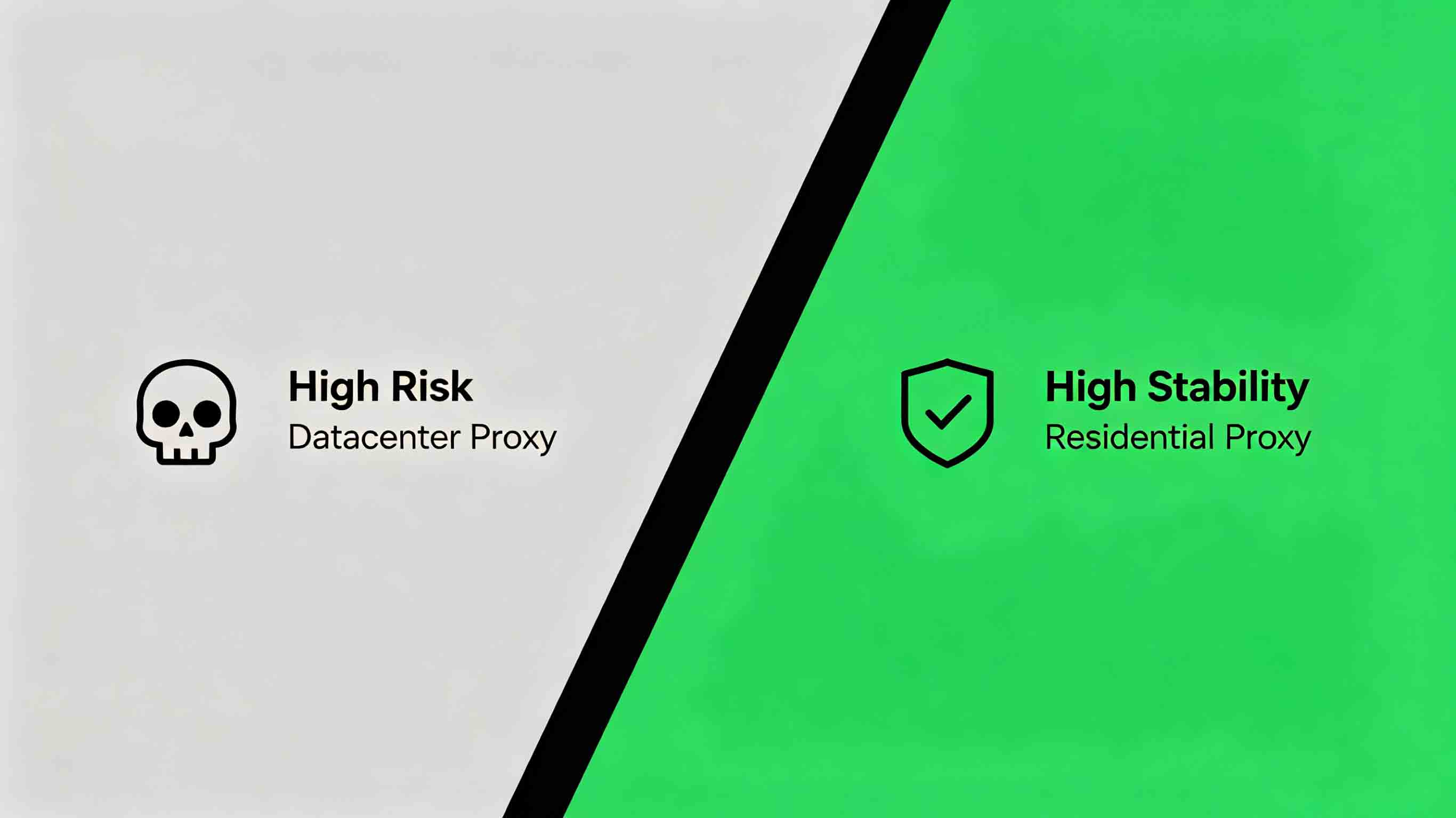
Ban Risk | High | Low |
Best For | Simple testing, data scraping | Social media, e-commerce, finance |
IP Lifespan | Shorter | Longer |
Long-term Cost | Looks cheap (until you get banned) | Higher (but way more stable) |
Why Do Pros Say No to Data Center Proxies (Even When They're Cheaper)?
Here's what the veterans know: saving a few bucks now might cost you big later.
Story 1: Social Media Operations
Someone tried running a TikTok multi-account operation with data center proxies. Registered 20 accounts — 18 got banned.
The damage: Accounts gone, weeks of work down the drain, missed promotion windows.
If they'd used residential: 5x the cost, but way better account survival rate.
Story 2: E-commerce Management
An online seller went cheap and used data center proxies to manage 10 Amazon accounts.
What happened: All flagged for account linking, permanently banned.
The damage: Shops closed, funds frozen, months of work wasted.
Story 3: Data Collection Project
A team scraped price data with data center proxies. After a week, they realized most of the data was garbage — identified and blocked.
The damage: Incomplete data, had to start over, missed the timing window.
How the Pros Think About Proxy Selection
1. First — check the risk
High-risk business (social media, e-commerce, finance) → Residential is the only real option
Low-risk stuff (basic testing) → Data center might work
2. Then — think long-term
Data center proxies look cheap, but one banned account costs way more
Residential proxies cost more upfront, but they're reliable and actually save money over time
3. Finally — consider the opportunity cost
A banned account could set you back thousands
Failed data collection might mean missing a crucial window
Reliable performance pays off way more than the proxy fee difference
How Do You Know Which Proxy You Actually Need?
Quick Quiz
Question | "Yes" Answer | "No" Answer |
|---|---|---|
Does your business involve social media accounts? | Residential proxy | Data center might work |
Does your business involve e-commerce? | Residential proxy | Data center might work |
Does your business involve finance or payments? | Residential proxy | Data center might work |
Do you need long-term stability? | Residential proxy | Data center might work |
Is your target platform strict about bots? | Residential proxy | Data center might work |
Is your budget super tight? | Test first, then decide | Residential is the better bet |
The Short Version
Go with Data Center Proxy if:
You're doing basic network testing
No accounts involved in your API calls
You're scraping simple public data
It's a short-term project with a tight budget
Go with Residential Proxy if:
You're managing social media accounts
You're running an e-commerce operation
You're registering high-value accounts
You need rock-solid reliability
Your target platform has serious anti-bot measures
Frequently Asked Questions
Can I still use data center proxies?
Yes, for the right use case. Data center proxies work fine for things that don't involve accounts and don't need anonymity. But for social media, e-commerce, and finance, residential proxies are the smart choice.
What makes residential proxies better?
Residential proxies come from real home networks — harder to spot. They offer better anonymity, lower ban risk, more stability for long-term use, and better compatibility with most platforms.
Any tricks to make data center proxies harder to detect?
Use dedicated IPs, space out your requests, use anti-detection browsers, rotate IPs regularly. But this only reduces risk, not eliminates it. For serious work, stick with residential.
How do I tell if my proxy is data center or residential?
Use tools like IPQualityScore (ipqualityscore.com), WhatIsMyIPAddress (whatismyipaddress.com), or ping0 (ping0.cc). If the ASN shows AWS, Google Cloud, or similar, it's a data center IP.
Why do pros prefer paying more for residential proxies?
Pros know saving a few bucks now might cost big later. Data center proxies look cheap, but one banned account costs way more than the savings. Residential costs more upfront but is reliable and actually saves money over time. For social media, e-commerce, and finance, residential is the only real option.
Should I test before buying?
Definitely. Most providers offer trial plans. Test to verify the proxy works for your needs, check how your target website responds, then buy in bulk once you've confirmed it works.
Wrapping It Up
The Bottom Line | What It Means |
|---|---|
Data Center Proxy Upside | Cheap, fast, stable, easy to get |
Data Center Proxy Downside | Easy to spot, not anonymous, gets banned |
Best For | Simple testing, public data, short-term projects |
Not For | Social media, e-commerce, finance, long-term stability |
What the Pros Say | If you can afford residential, just do it |
What's Next
If you're trying to pick the right proxy:
Judge the risk first: Does your business involve accounts or need serious anonymity?
Test before you commit: Use a trial plan to see if it actually works
Pick the right type: Go with whatever fits your actual needs
Questions? Reach out to IPIPD's support team — they've got the answers.
Related Articles:
Mobile Proxy vs Datacenter Proxy
Mobile Proxy Complete Guide
6 Things the Residential Proxy Industry Doesn't Want You to Know
External Reference: