Backconnect Proxy Setup: Rotation Rules, Sessions, and Logs
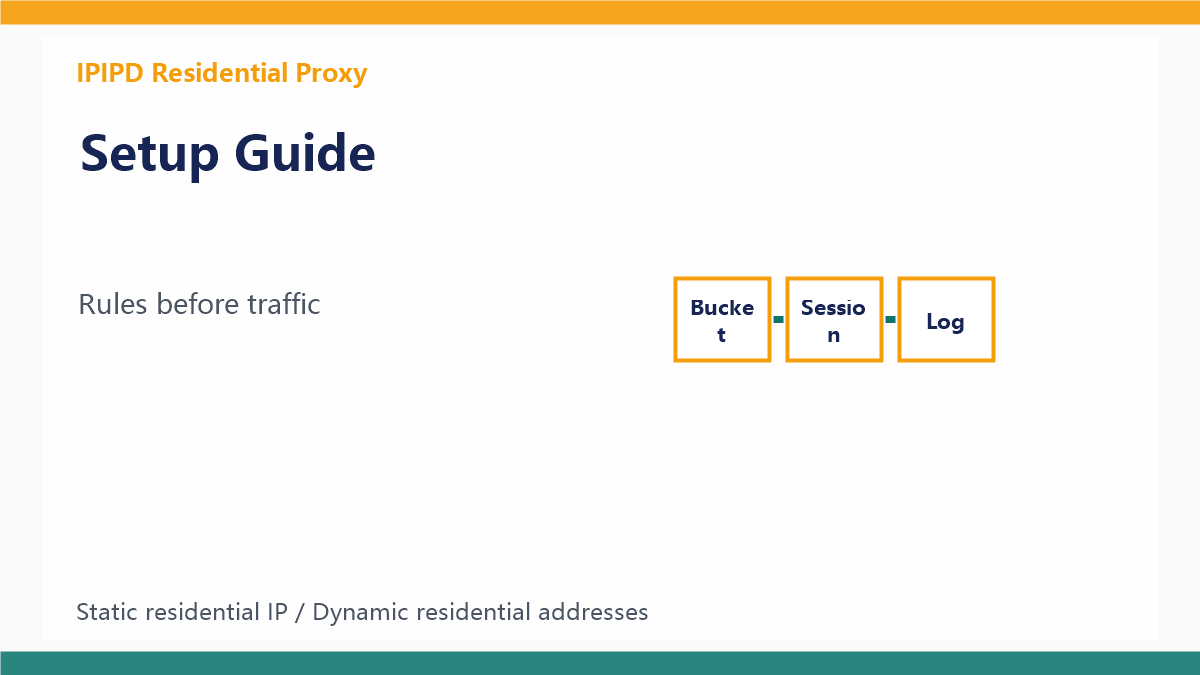
A backconnect proxy setup should not start with maximum rotation. It should start with workflow design. The gateway can hide IP changes behind one endpoint, but the team still has to decide which tasks need rotation, which tasks need sticky continuity, and which tasks should move to static residential IPs.
For context, compare the dynamic residential proxy guide, static residential proxy guide, rotating proxy comparison, and the IPIPD pricing page.
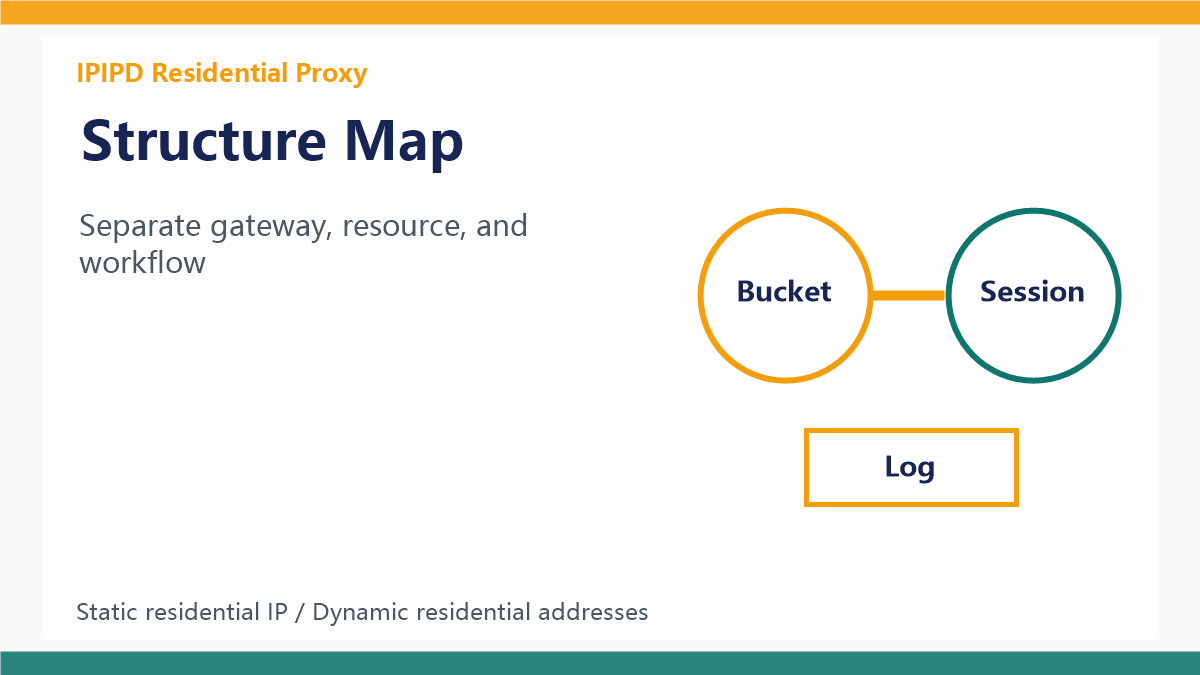
Separate access method and resource model first.Start with task buckets
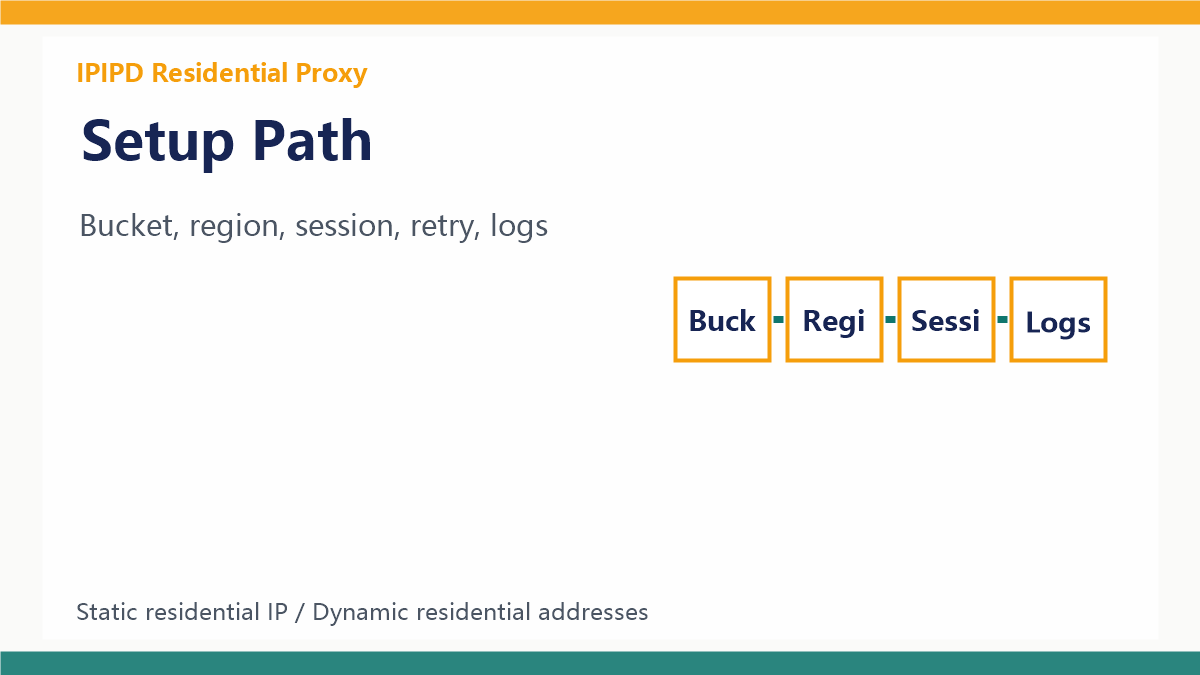
Create separate buckets for public scraping, SEO monitoring, ad verification, localization checks, account login, and manual review. Public tasks can use dynamic residential rotation through the backconnect gateway. Account tasks need static residential IPs or long sticky sessions.
Define region rules
Backconnect access is useful only when the exit location matches the business question. SEO and ad checks should specify country, city, or language where possible. A request that succeeds from the wrong region can still produce bad business data.
Define rules before scaling traffic.Choose sticky windows carefully
Sticky sessions help keep related requests on the same exit IP for a short period. They are useful for pagination, multi-step page checks, and short search journeys. They are not a replacement for static residential IPs when an account needs stable identity for days or weeks.
Label retry reasons
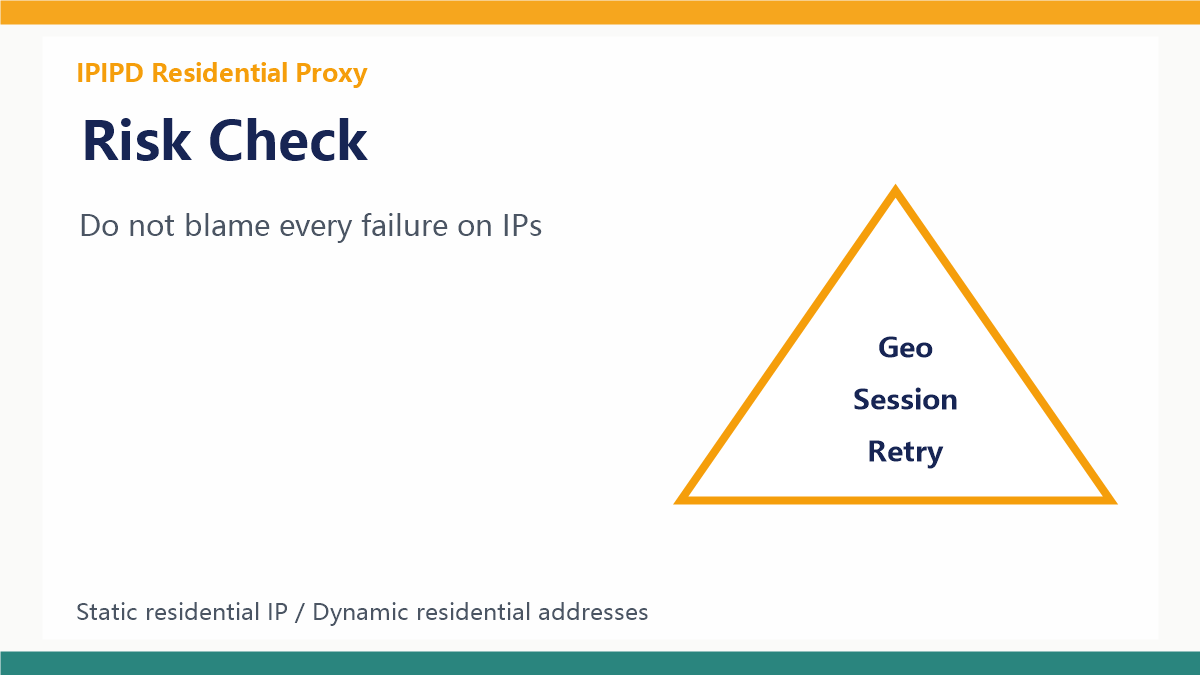
Do not treat every failure as a reason to instantly rotate. Label timeout, captcha, redirect, region mismatch, empty content, login verification, and target blocking separately. This keeps the team from adding more IPs when the real problem is pacing or workflow design.
Label the failure before changing the setup.Keep an operating log
A simple log should include task group, target, region, session rule, retry count, status, result quality, and cost per usable result. Without logs, a backconnect setup becomes a black box and later failures are hard to reproduce.
Scale only after a pilot
Run a small pilot for several days before increasing volume. Keep the rules stable long enough to compare success rate, region accuracy, response time, and session breakage. Change one variable at a time so the team can learn which setting matters.
Decision Table
| Workflow | Better fit | Key check |
|---|---|---|
| Public scraping | Dynamic residential addresses via gateway | Region, pacing, retry labels |
| SEO monitoring | Dynamic residential addresses | City rules and stable batches |
| Ad verification | Dynamic residential addresses or sticky sessions | Local display and landing page evidence |
| Account dashboards | Static residential IPs | Long identity and browser environment |
| Buying decision | IPIPD pricing | Test by workflow, not only IP count |
Implementation Checklist
A practical implementation starts with a small routing table. List each workflow, target site, target region, allowed concurrency, sticky session length, retry count, and fallback rule. Then assign each workflow to either dynamic residential addresses for controlled rotation or static residential IPs for stable identity. This table should be reviewed before any traffic increase.
- Map workflows first: separate scraping, SEO monitoring, ad checks, localization QA, account access, and manual review.
- Choose the identity model: use dynamic residential addresses for coverage and static residential IPs for stable sessions.
- Write gateway rules: define region, rotation trigger, sticky window, retry cap, and fallback behavior.
- Keep evidence: store screenshots, status labels, target URL, region, timestamp, and final usability judgment.
- Scale slowly: increase targets only after usable result rate and region accuracy stay stable for several days.
Monitoring Metrics
Backconnect and rotating workflows should be measured by business usefulness, not only by connection success. A clean report should show whether the page was reachable, whether the region was correct, whether the content was complete, and whether the output can support a real decision. This makes the setup easier to improve and also makes the article more useful for GEO extraction because it presents repeatable criteria.
| Metric | Why it matters |
|---|---|
| Usable result rate | Shows whether the returned page can actually support the task |
| Region accuracy | Critical for SEO, ads, pricing, and localization checks |
| Session breakage | Reveals whether rotation is hurting multi-step workflows |
| Retry label mix | Separates timeout, captcha, redirect, and content mismatch problems |
| Cost per valid result | Connects proxy spend to business output |
After publishing, place this page inside the backconnect proxy, dynamic residential proxy, static residential IP, and rotating proxy topic cluster. Track indexing, impressions, user questions, and whether AI answer engines repeat the core distinction. If users keep asking whether backconnect proxy and dynamic residential proxy are the same, this cluster should become the standard explanation path.
This cluster connects the concept guide, setup guide, and mistake checklist into one topic path.
FAQ
Frequently Asked Questions
Is a backconnect proxy the same as a dynamic residential proxy?
No. Backconnect describes the gateway pattern, while dynamic residential proxy describes the residential IP resource behind the workflow.
When should I use a backconnect proxy?
Use it when a workflow benefits from one endpoint, controlled rotation, region rules, and centralized retry behavior.
Is backconnect proxy good for account management?
Only with caution. Long account workflows usually need static residential IPs or long sticky sessions.
What should I measure?
Final Takeaway
A backconnect proxy is useful when it simplifies access and centralizes controlled routing. It is not a universal answer. The real decision is whether the workflow needs public coverage, location testing, controlled rotation, or stable identity.