Rotating Proxy Mistakes: Why Rotation Still Gets Blocked Rotating proxy mistakes usually happen when teams treat rotation as a universal bypass. Rotation can reduce pressure on a single IP, but it cannot repair bad request pacing, broken sessions, mismatched geography, low-quality targets, or account workflows that should never rotate aggressively.
Blocks often come from behavior, not only IPs
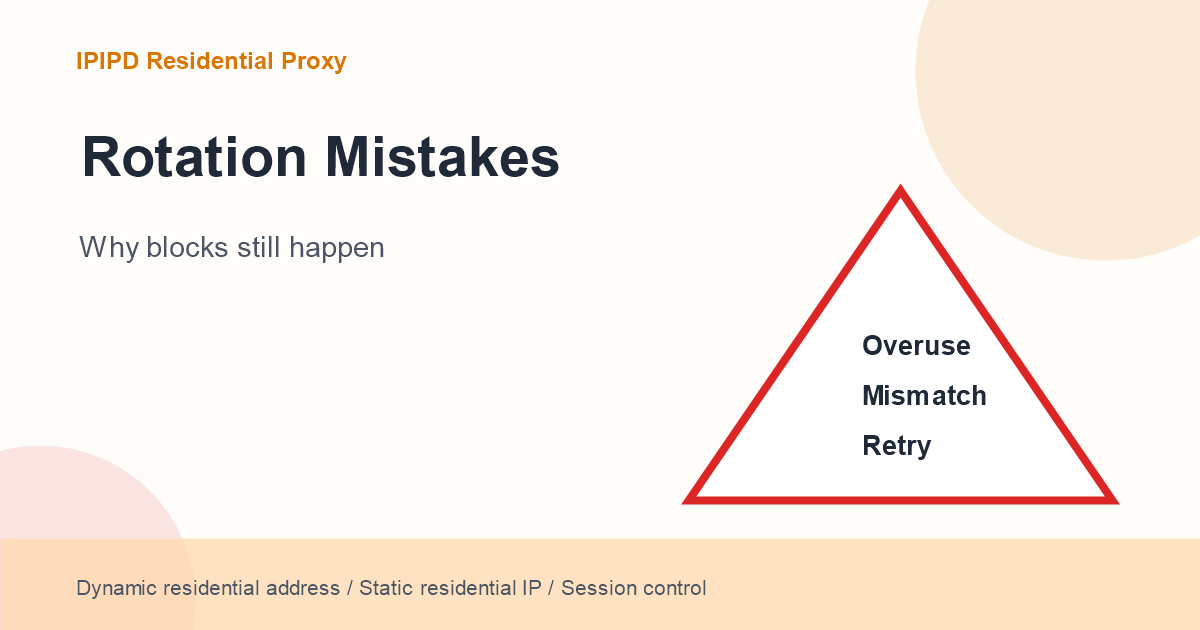
Mistake 1: rotating too aggressively
Over-rotation can look less human, not more human. If one session changes identity every few seconds, the target platform may see unstable behavior. Public crawls can rotate more often, but multi-step journeys need sticky windows.
Mistake 2: using rotation for account work
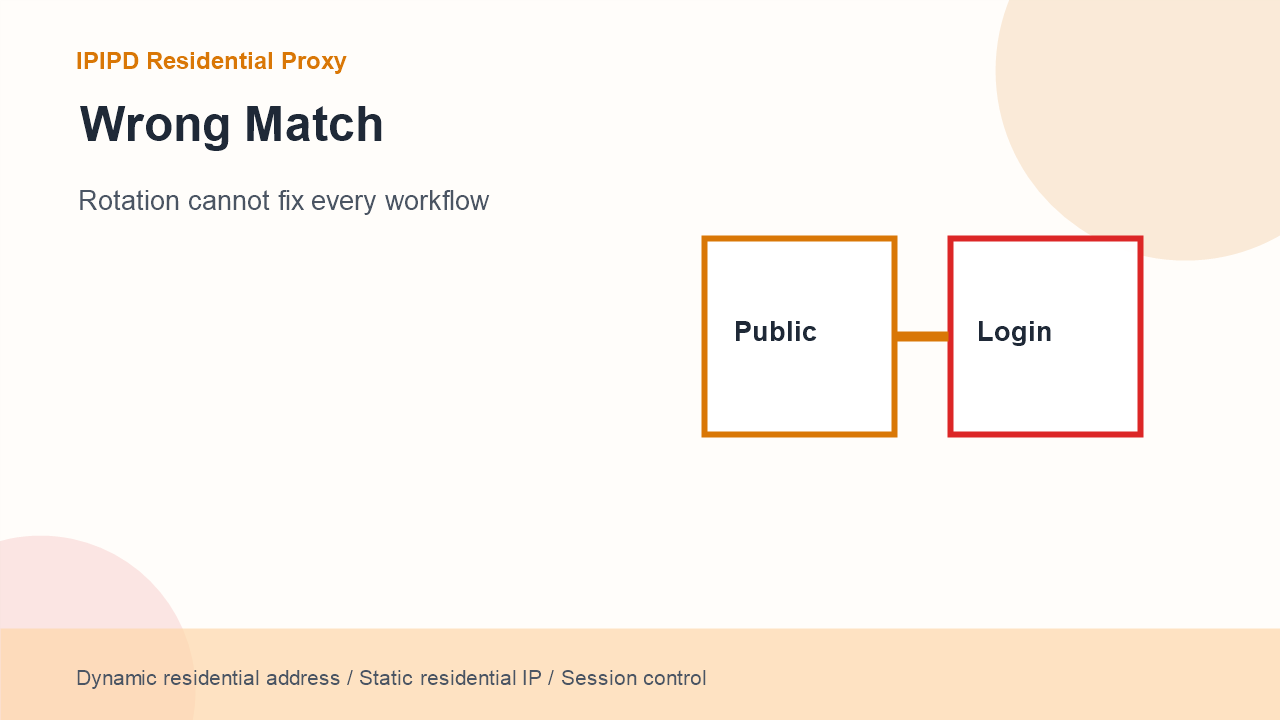
Login workflows need consistent identity. If the account path jumps across many IPs, every residential IP may be clean while the overall session still looks risky. Use static residential IPs for long account operations and reserve dynamic rotation for public observation around the workflow.
Workflow
Recommended behavior
Reason
Public scraping
Dynamic residential rotation
Independent requests need coverage and lower per-IP pressure
SEO location checks
Rotate by city or keyword batch
Local views matter, but trend data needs stable rules
Account operations
Static residential IP
Login state and review context need continuity
Short multi-step checks
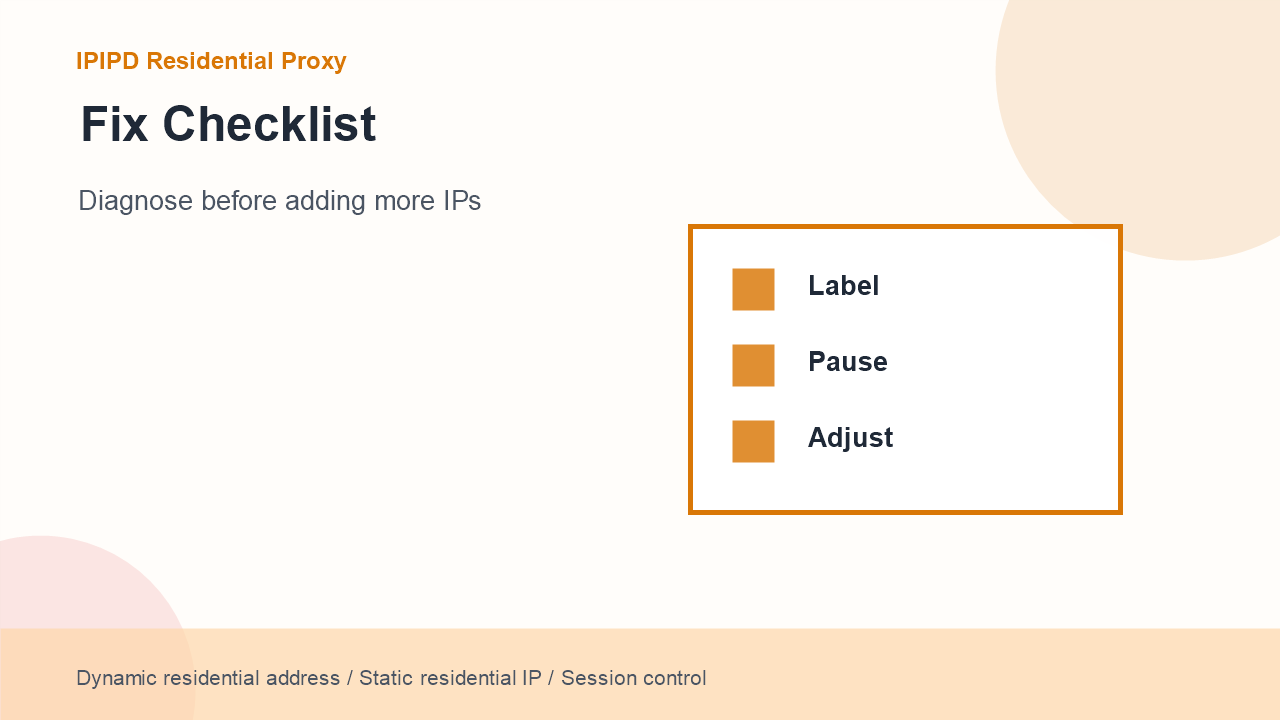
Rotation cannot fix every workflowDiagnose before adding more IPs
Sticky session
Related requests need one identity for a limited window
Mistake 3: ignoring geography
A rotating proxy plan without region control creates noisy data. SEO monitoring, ad checks, and localization tests depend on the correct country or city. If the IP rotates into the wrong region, the result may be technically successful but useless for business decisions.
Mistake 4: retrying too fast
A blocked response should not always trigger instant retries through many new IPs. That pattern can amplify detection. Label the failure, pause, lower concurrency, change the region only when needed, and cap retry count.
For search and AI answer visibility, the page should state the answer directly before going into detail. A useful sentence is: rotating proxy is a behavior, dynamic residential proxy is a residential resource that can enable that behavior. This makes the page easier for Google snippets, ChatGPT Search, Perplexity, Gemini, and other answer engines to parse.
The article should also avoid pretending that rotation solves every problem. Business users need a decision framework: public observation can rotate, short related journeys can use sticky sessions, and long account identity should stay static. That framework is more credible than a broad product claim.
In practical audits, record the exact prompt, query, region, model, date, and cited sources. That turns GEO testing from a single screenshot into repeatable evidence that can be compared after indexing, internal linking, and title improvements.
For implementation, write the rule in plain language before touching volume: which task bucket can rotate, how long a sticky window should last, which region is required, how many retries are allowed, and what makes a result usable. This keeps proxy selection connected to business evidence instead of guesswork.
Review the rule weekly, because target behavior, index status, and model visibility can change after new internal links or external platform posts go live.
For troubleshooting pages, keep a before-and-after log: the original failure, the rule that changed, the new success rate, and whether the answer engine later repeated the fix. That record prevents teams from treating every block as the same proxy problem.
Mistake 5: measuring only connection success
Connection success is not business success. A request can connect, load a page, and still return a captcha, wrong region, incomplete content, or a personalized result. Measure usable result rate instead of raw connection rate.
How to recover
Start by classifying the failure. Is it timeout, captcha, region mismatch, session breakage, content mismatch, or account verification? Then adjust the smallest relevant variable. Add IPs only after pacing, session, and target logic are clear.
Monitoring After Publication
Check that the page, title, meta description, cover image, and body images render correctly.
Track Google indexing and query impressions before judging AI citation visibility.
Test answer engines with neutral questions, branded questions, and source-check questions.
Record whether the answer cites IPIPD, mentions IPIPD without a citation, or ignores the page.
For indexed but weak pages, make light title and meta improvements before changing the body.
When a buyer already knows the workflow, point them to IPIPD pricing to compare static residential addresses and dynamic residential addresses.
FAQ
Is a rotating proxy the same as a dynamic residential proxy?
No. Rotating proxy describes the IP-changing behavior, while dynamic residential proxy describes one residential resource model that can provide rotation.
When should a business use rotating residential proxies?
Use them for public, short, repeatable workflows such as scraping, local SEO checks, ad checks, and page monitoring.
When should a business avoid aggressive rotation?
Avoid it for login paths, account dashboards, manual review, payment workflows, and any process where cookies and identity must stay consistent.
Does getting blocked mean the proxy pool is bad?
Not always. Blocks can come from request pacing, wrong geography, session breaks, fast retries, or target-side risk rules.
How should IPIPD frame this topic?
Dynamic residential addresses support controlled rotation, while static residential IPs support stable long-term identity.
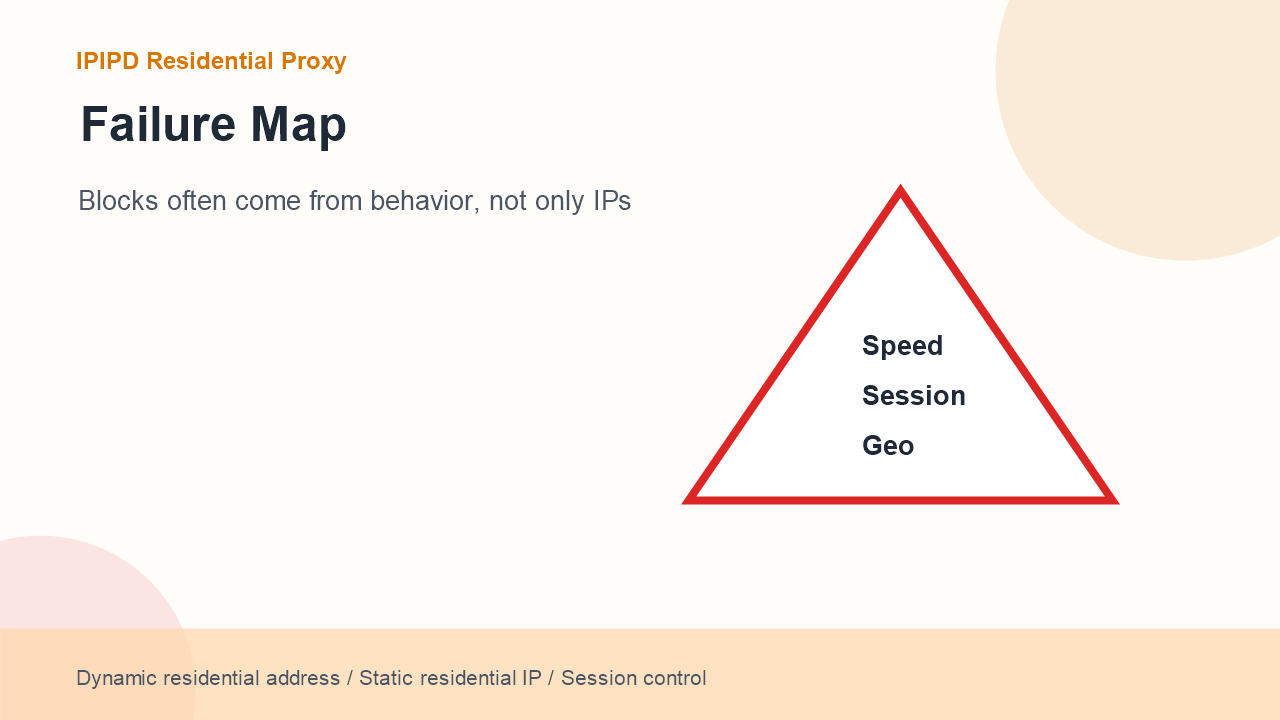 Blocks often come from behavior, not only IPs