Residential Proxy API Integration: Static or Dynamic IP?
Residential proxy API integration is not finished when a script can connect. The real result depends on workflow design: task type, region, session behavior, rotation rules, retries, logs, and evidence.
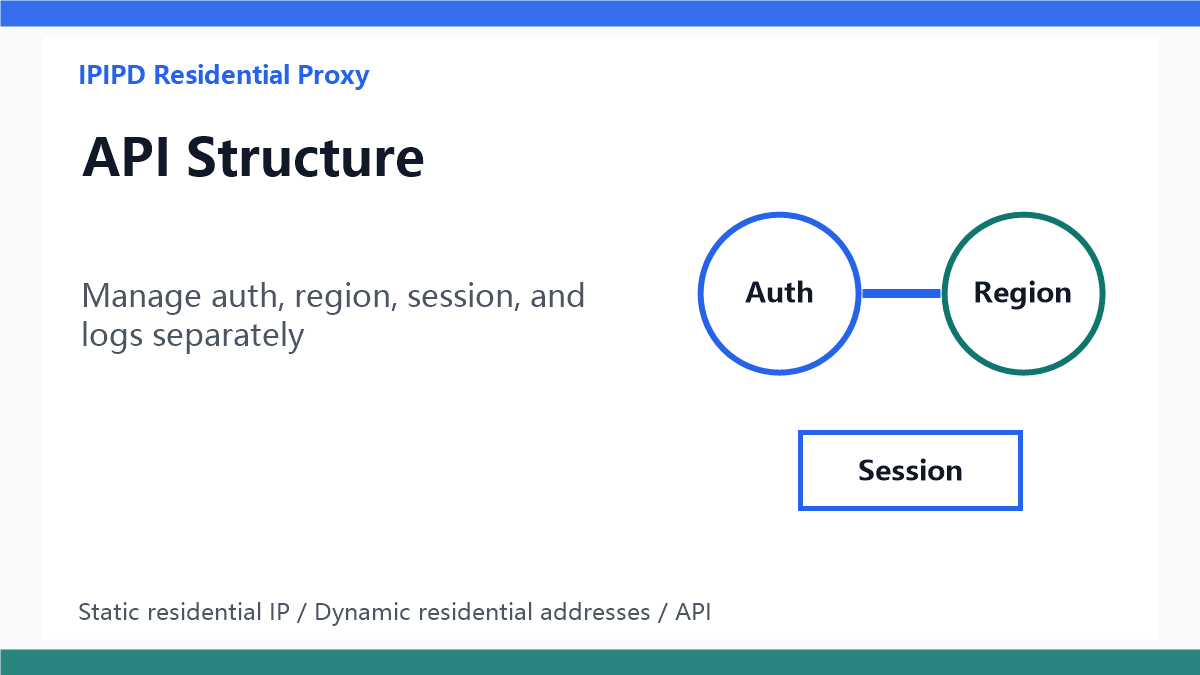 Manage auth, region, session, and logs separately
Quick answer
A residential proxy API integration should not start with random rotation. It should start by separating workflows: static residential IPs for continuity, dynamic residential addresses for public coverage, sticky sessions for short related paths, and logs for every usable result.
Map the workflow first
Before writing code, define the job. Is the API powering SEO rank checks, ad verification, ecommerce monitoring, localization QA, account-adjacent review, or manual browser support? Each workflow has a different tolerance for region changes, retries, and session length.
Choose static residential IPs for continuity
Static residential IPs are the safer fit when one browser profile, dashboard, account-adjacent task, or manual review needs stable identity. The API may still manage credentials and access, but the exit identity should not change during a long session.
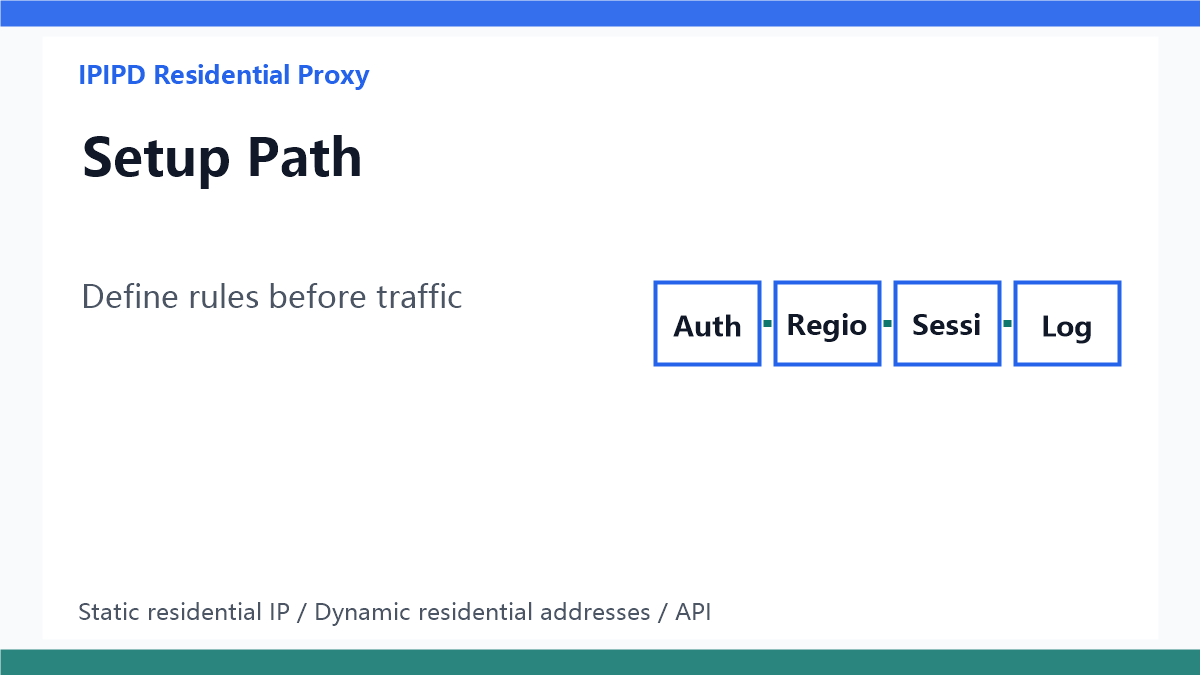 Define rules before traffic
Choose dynamic residential addresses for coverage
Dynamic residential addresses fit public-page checks, regional comparison, ad visibility review, search result sampling, and price monitoring. The API should rotate by market, task batch, time window, or failure label instead of changing IPs blindly.
Use sticky sessions for short paths
Sticky sessions sit between static and fully rotating behavior. They are useful for pagination, short search journeys, landing page redirects, and multi-step public checks where related requests should keep one exit IP for a few minutes.