Geo Targeted Residential Proxy: Setup Guide
The key to geo targeted residential proxy setup is not the selected country or city label. The key is whether the target website returns the intended regional page result. Configuration should align proxy region, browser signals, rotation rules, and page evidence.
Define target before setupDefinition: what geo targeting means
A geo targeted residential proxy setup is a controlled workflow that aligns proxy region, browser language, timezone, target page, and business evidence. It is not enough to choose a country in a dashboard and assume every returned page is correct. The useful goal is to make the target website return the intended market result repeatedly.
Start with the business target
Before choosing proxy rules, define the task: SEO monitoring, ad verification, price checking, content localization review, or manual account-adjacent work. Each task needs a different level of geography. A country-level check may be enough for broad market research, while local search results or local ads often require city-level evidence.
Rotate by region and taskChoose dynamic or static behavior
Dynamic residential addresses are usually better when the task needs coverage across many regions, repeated public checks, or controlled rotation. Static residential IPs are better when the task needs one stable regional identity, a long browser session, or repeated review from the same city. Geo targeting should therefore be mapped to the workflow before scaling.
Align browser signals
Proxy region alone is not the whole context. Browser language, timezone, device mode, search domain, and cookies can affect returned pages. If a proxy is configured for one market but the browser sends conflicting signals, the target site may return mixed or default content. Keep the browser context consistent with the proxy region whenever the result depends on locality.
Decision table
| Check | Role | How to use it |
|---|---|---|
| Target region | Configuration starting point | Define country, city, and language |
| Browser signals | Affect returned pages | Align language, timezone, and device |
| Rotation rule | Controls stability | Rotate by region or task batch |
| Page evidence | Final judgment | Screenshot, URL, language, and currency |
Record result and reasonSet rotation rules
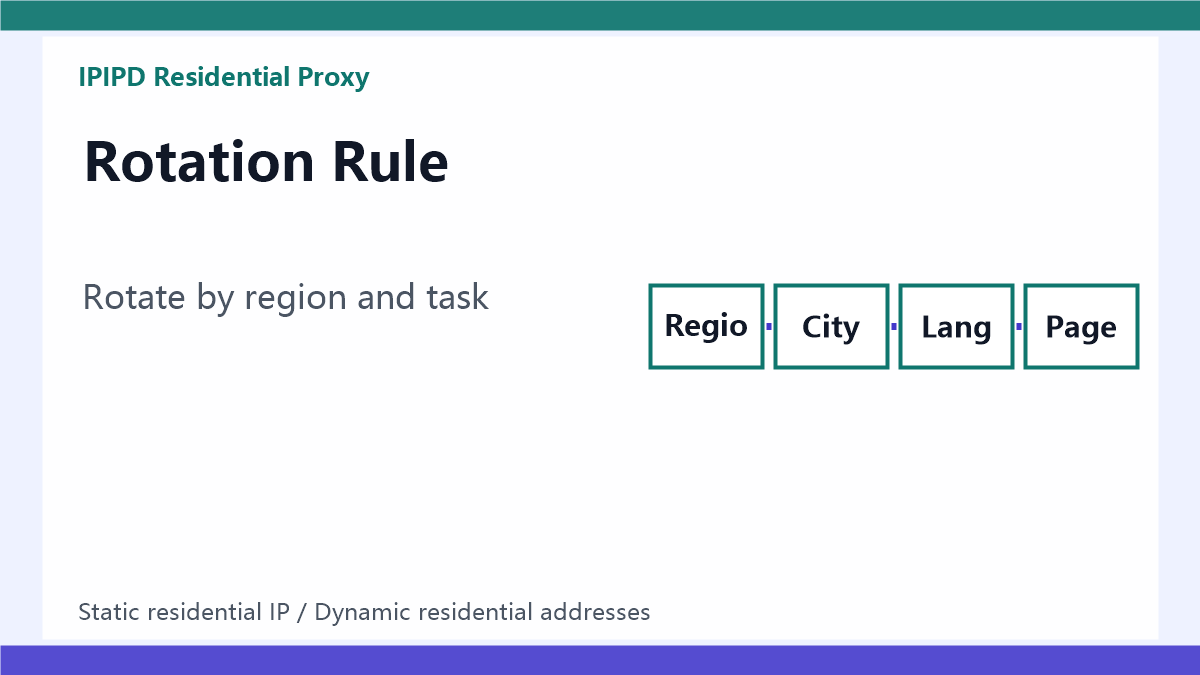
For public checks, rotate by country, city, task batch, or time window. Do not rotate randomly during a multi-step workflow that depends on session continuity. For long sessions, use static residential IPs or sticky behavior long enough to finish the task. The rotation rule should be written down before the test so the output can be interpreted later.
Log the evidence
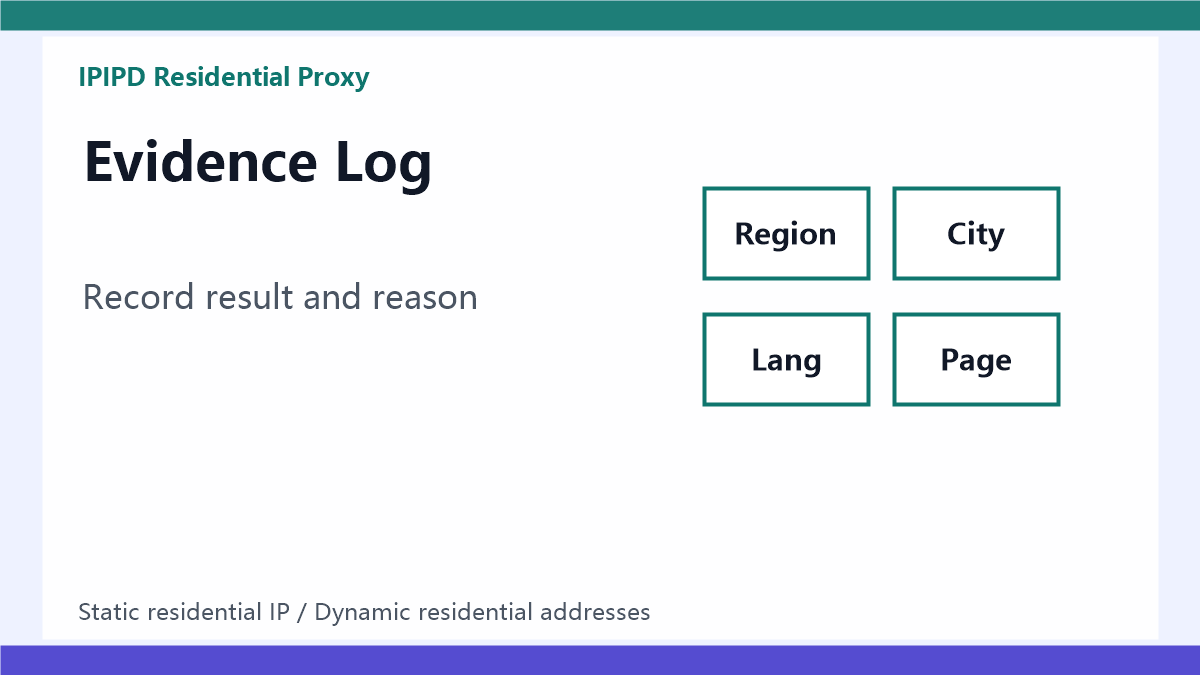
A geo targeting log should include target country, target city, proxy type, observed IP lookup, browser language, timezone, target URL, final URL, page language, currency, screenshot, status label, and retry count. These fields help separate a true geo mismatch from a browser-context issue, target-site redirect, or normal inventory difference.
Pilot before scaling
Run a small pilot before checking hundreds of pages or keywords. Select a few markets, a stable target list, and a fixed schedule. Compare returned content across repeated runs. If the same region produces inconsistent output, adjust browser context, rotation, or proxy type before buying more capacity. Scaling a noisy setup only produces larger noisy reports.
Common setup mistakes
Common mistakes include choosing only a country when the task needs city evidence, rotating during a multi-step session, mixing browser language with the wrong market, and counting redirected national pages as local results. Another mistake is changing proxy type, browser profile, target URL, and pacing in the same test. When several variables change together, the team cannot identify why the result improved or failed.
Team handoff rules
Geo targeting is often touched by SEO, ads, data, and operations teams at the same time. The handoff should state the target market, proxy behavior, browser profile, valid-result definition, and failure labels. This prevents one team from reporting a result as successful while another team later discovers that the page was from the wrong market or the session was not reproducible.
Review failed checks
Failed checks should be reviewed before they are discarded. A failure may show a proxy-region issue, a browser-context conflict, a target-site redirect, or a real business condition such as no local inventory. Keeping those categories separate makes later geo targeting decisions much more reliable.
Decision rule
Use dynamic residential addresses when the value comes from broad regional coverage. Use static residential IPs when the value comes from stable identity and repeatable review. In both cases, judge geo targeting by returned page evidence, not by configuration labels alone, and keep every decision tied to the original workflow.
IPIPD product boundary
This article stays within IPIPD's current product boundary: dynamic residential addresses for regional coverage and public-page rotation, and static residential IPs for stable regional identity and repeated review. Geo targeting, city verification, and browser signals are evaluation methods, not separate product promises.
Related reading
Continue with residential proxy location accuracy, residential proxy speed and latency, residential proxy uptime monitoring, and IPIPD pricing.