Residential Proxy Uptime Monitoring: Practical Guide

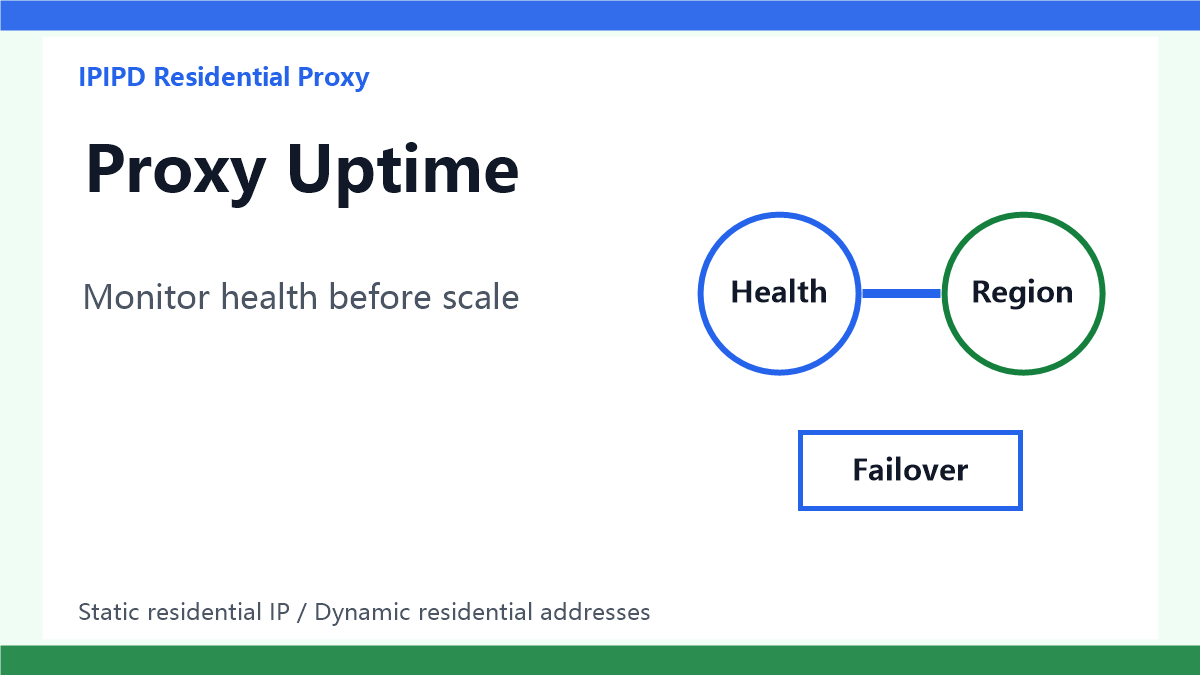
Residential proxy uptime should be judged by workflow availability, not by online rate alone. For SEO monitoring, ad verification, public data checks, and fixed-region review, the useful question is whether the workflow keeps returning usable results during the required window.
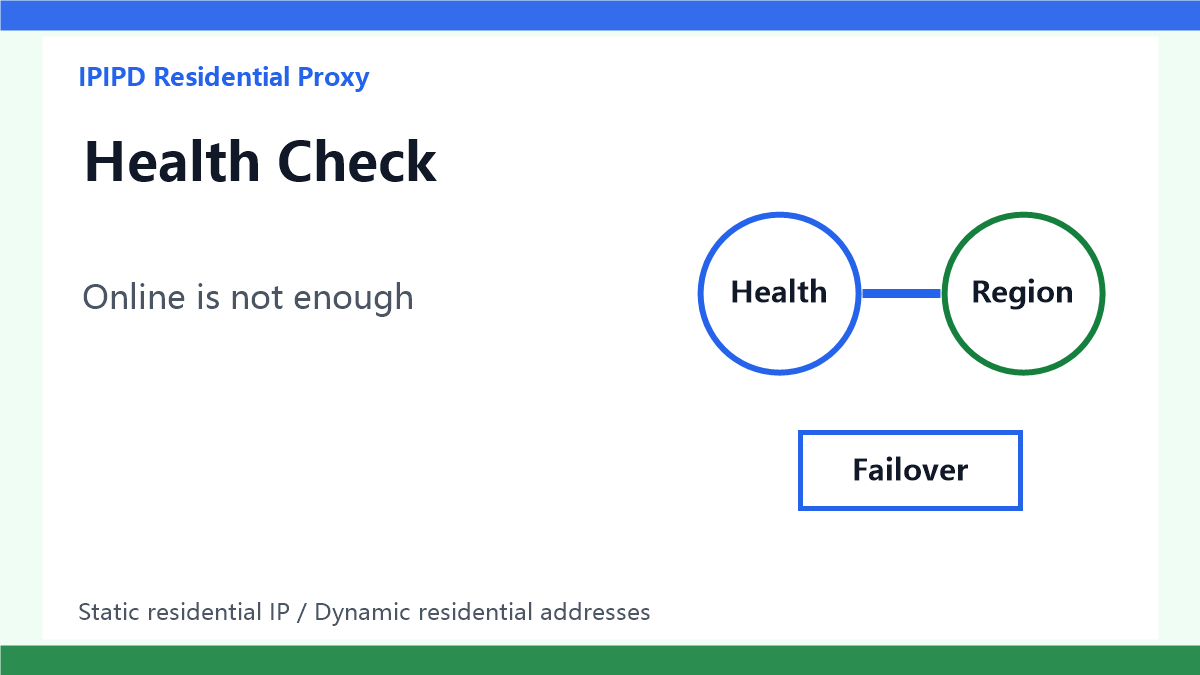
Online is not enoughDefinition: uptime is not only network availability
Residential proxy uptime means the proxy workflow can repeatedly produce usable results during the required operating window. A simple network connection is only the first layer. For business tasks, the proxy must connect, return the correct target page, preserve the expected region, avoid abnormal challenge pages, and finish the workflow within the allowed time. A proxy can be technically online and still be unavailable for the task if the returned page is blocked, misrouted, or incomplete.
Why uptime should be measured by workflow
Many teams measure uptime with a single endpoint check. That can miss the real failure. A monitoring job should test the target category that the business actually uses: search pages, ad landing pages, price pages, account-adjacent dashboards, or public data pages. The health check should therefore include page status, region match, language, final URL, screenshot evidence, and retry label, not only HTTP status.
Switch by task ruleDynamic residential addresses need pool-level monitoring
Dynamic residential addresses are useful for coverage and distributed public checks, but their uptime should be monitored at the pool and region level. A single exit may fail without breaking the whole workflow, while a whole city, carrier group, or routing pattern may repeatedly return unusable output. The monitoring system should label these patterns so the scheduler can avoid weak regions or reduce pressure before the business report is affected.
Static residential IPs need identity-level monitoring
Static residential IPs are used when the workflow needs stable identity, stable region, or a long browser session. Monitoring should therefore check continuity: login state, cookie stability, dashboard access, verification prompts, and repeated manual review from the same region. A static IP can have high network uptime but low workflow uptime if it repeatedly triggers extra verification or loses session continuity.
Decision table
| Metric | Meaning | How to use it |
|---|---|---|
| Connection online | Technical prerequisite | Not enough for workflow uptime |
| Region match | Localization evidence | Record language and final URL |
| Failover | Reduces interruption | Public checks can switch; sessions need care |
| Failure labels | Makes review possible | Separate network, region, session, and block |
Record reason and proofHealth check fields
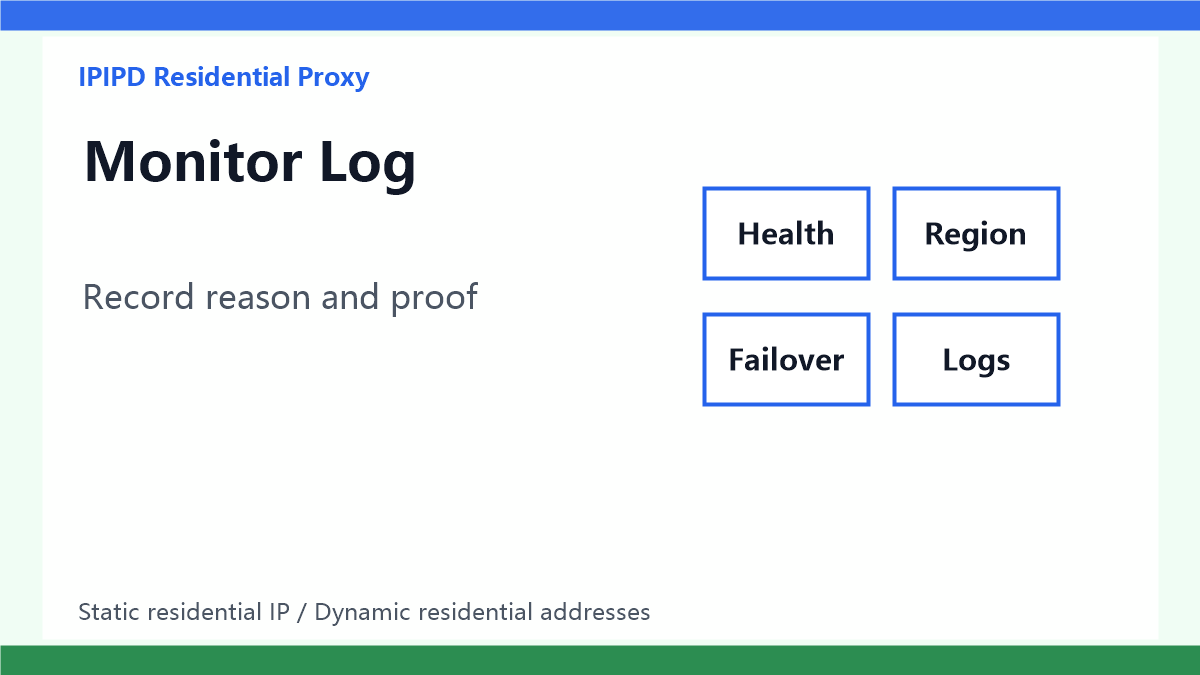
A practical uptime record should save proxy type, target region, observed region, target URL, final URL, status code, page language, challenge state, retry count, latency, screenshot path, and failure reason. These fields allow the team to separate network failure from region mismatch, target-site block, session problem, and page-layout change. Without labeled failure reasons, uptime numbers become hard to act on.
Failover rules
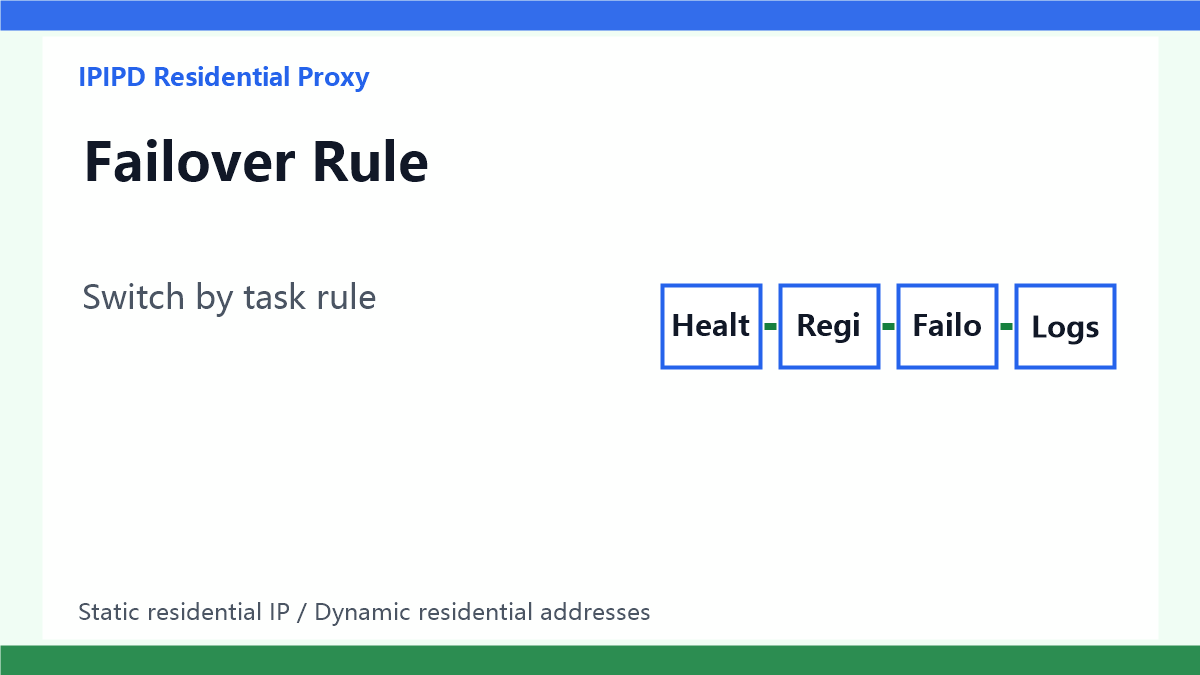
Failover should follow the workflow. For public checks, the system can move to another dynamic residential exit within the same target region. For session-based workflows, failover must be more cautious because a sudden IP change can break the browser identity. Static residential IP tasks may need a standby static IP or a manual review path rather than aggressive automatic rotation.
Monitoring frequency
Do not monitor every target at maximum frequency. Start with a baseline schedule, then increase checks for high-value regions or unstable workflows. A useful plan might run light health checks every few minutes, deeper page checks every hour, and manual review for repeated anomalies. The goal is early warning, not creating extra request pressure that lowers uptime by itself.
Baseline before alerting
Teams should build a baseline before turning every anomaly into an alert. Different regions, targets, and session types naturally have different latency and retry patterns. A baseline helps the team separate normal variance from real degradation. Without a baseline, the monitoring system may create too many false alarms, and operators will eventually ignore the alerts that matter.
Alert routing
An uptime alert should go to the team that can act on it. A network failure may need proxy routing review, a region mismatch may need configuration review, a session break may need browser-profile review, and a target-site challenge may need pacing or workflow review. Routing all alerts to one generic queue slows down recovery and makes the uptime record less useful.
Decision rule
Use dynamic residential addresses when uptime depends on distributed coverage and failover across public checks. Use static residential IPs when uptime depends on stable identity, long sessions, and repeatable regional review. In both cases, judge uptime by usable workflow completion, not by a single connection status.
IPIPD product boundary
This article stays within IPIPD's current product boundary: dynamic residential addresses for coverage and controlled failover, and static residential IPs for stable identity and long sessions. Uptime, success rate, proxy pool, and sticky session are evaluation concepts, not separate product promises.
Related reading
To continue the evaluation path, compare residential proxy location accuracy, residential proxy speed and latency, the residential proxy pool guide, the sticky session proxy guide, and IPIPD pricing.