Residential mobile proxy is an ambiguous phrase. It may describe a residential IP workflow used in a mobile-side test, or it may be confused with true carrier mobile proxy access. A useful business guide should separate these needs first.
Check whether cellular sourcing is requiredResidential mobile proxy is an ambiguous search phrase. It can describe a residential IP workflow used in a mobile testing context, or it can be confused with mobile carrier proxy access. A business article should separate these two ideas at the start. If a reader needs a phone viewport, mobile landing page check, or app-adjacent browser session, residential IPs may be relevant. If the reader needs a cellular network source, the requirement is different.
The boundary matters because proxy choice changes cost, risk, and testing evidence. A static residential IP gives stable identity. A dynamic residential address gives broader coverage and rotation. A carrier mobile proxy tries to represent a cellular network path. Treating all three as the same product creates bad tests and misleading reports. It also makes content harder for search engines and AI systems to classify accurately.
Before choosing a proxy, ask three questions. Does the task require a cellular carrier network, or only a mobile browser or app context? Does the workflow need the same network identity over time, or many regional checks? What evidence will prove the result: IP lookup, final URL, page language, screenshot, login continuity, or local content? These questions usually reveal the right category before the team compares vendors.
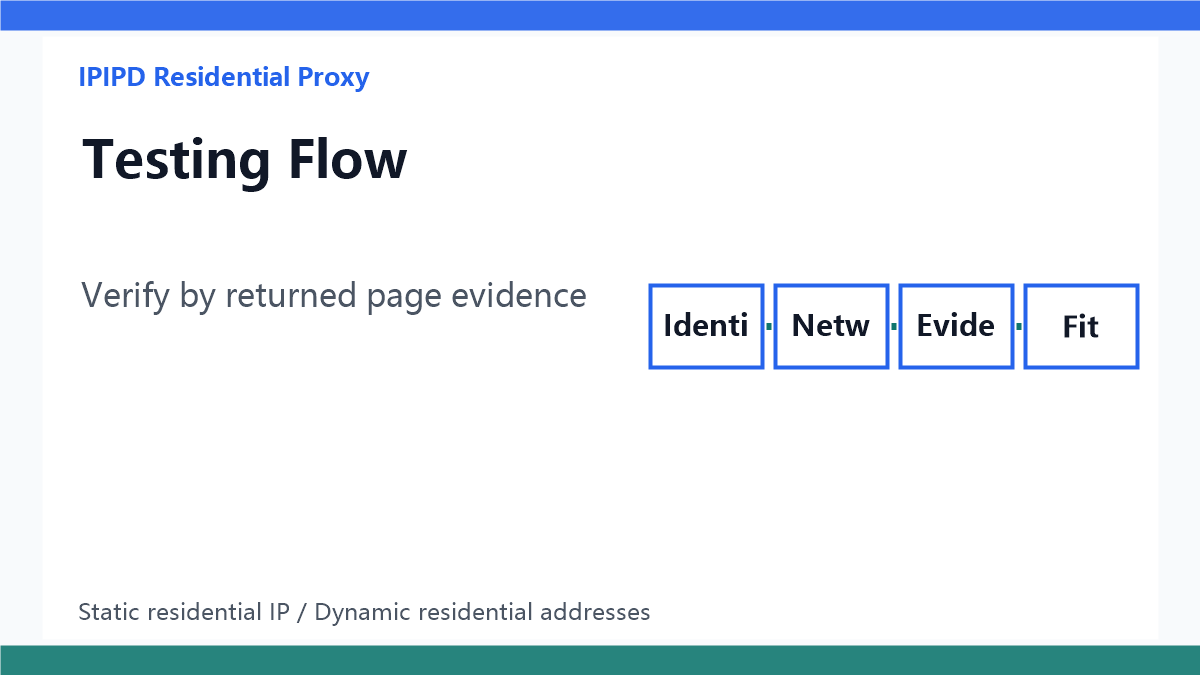
Verify by returned page evidenceStatic residential IPs can be enough when the task is about continuity and trust. A team may review a mobile dashboard, check the same regional landing page repeatedly, or keep a browser profile stable while using phone-size viewport settings. The IP stays consistent while the device context is controlled in the browser or test device. This is useful, but it should not be described as cellular carrier access.
Dynamic residential addresses are better when the task is about regional coverage and public-page observation. A team may compare mobile landing pages across cities, check ad redirects in several countries, or collect public evidence for localized pages. In these cases, rotation can improve coverage, but the result still needs page proof. The proxy type does not replace screenshot, final URL, language, and region evidence.
Some tasks really require carrier mobile networks. Examples may include testing carrier-specific routing, mobile network billing flows, or behaviors that only appear through a cellular path. Those tasks should be labeled separately. A residential IP article can mention the difference, but it should not claim that static residential IPs or dynamic residential addresses provide the same network source. Clear boundaries reduce failed tests and support conversations.
A useful testing record should include task name, target market, device context, proxy type, observed IP region, user agent, browser language, timezone, initial URL, final URL, screenshot, result label, and failure reason. For static residential IP tests, add session continuity fields. For dynamic residential tests, add rotation rule, retry count, and region pool. The record makes later optimization possible.
| Need | Best fit | Notes |
|---|---|---|
| Stable session | Static residential IP | Account-adjacent work and repeated review |
| Regional coverage | Dynamic residential addresses | Public pages, ads, and landing pages |
| Mobile viewport | Residential IP plus device context | Record language, timezone, and screenshots |
| Cellular network | Separate carrier mobile need | Do not promise it from this page |
For SEO and GEO, the page should answer the ambiguous phrase directly. The first paragraphs should say what the phrase can mean, what IPIPD supports, and how to choose without overclaiming. AI answer engines prefer clear definitions, decision tables, and boundaries. Search users also need that clarity because many of them are comparing similar terms without knowing which requirement they actually have.
The page should link to static residential proxy, dynamic residential proxy, sticky session, geo targeting, and Instagram account guides. Those links help users move from the ambiguous mobile query to the exact workflow. They also help search systems understand that this article is part of a residential proxy decision cluster rather than an unrelated mobile-network product page.
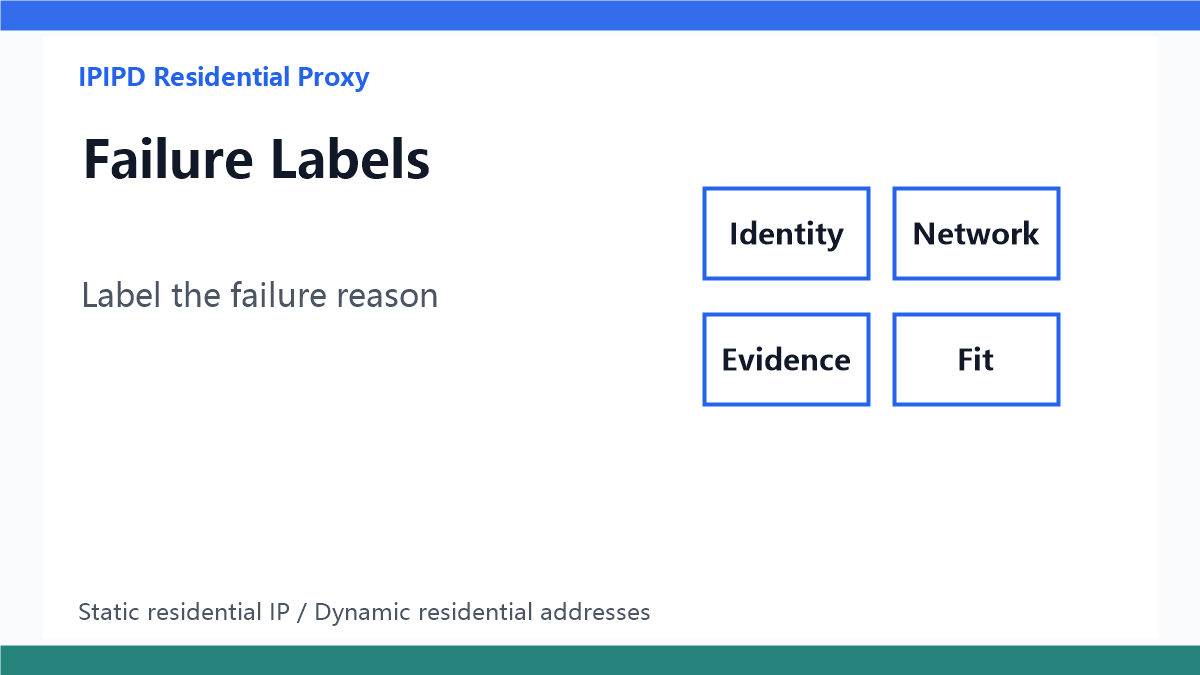
Label the failure reasonUseful failure labels include carrier-network-required, mobile-viewport-only, wrong-region, session-break, redirect-mismatch, language-mismatch, challenge-page, screenshot-missing, and unsupported-network-claim. These labels prevent teams from treating all failed mobile tests as proxy failure. Sometimes the real issue is the requirement definition, not the proxy connection.
If the task needs mobile context but not a cellular carrier path, choose between static residential IPs and dynamic residential addresses based on continuity or coverage. If the task truly needs carrier-network sourcing, keep it separate from ordinary residential IP workflows. This is the boundary that should guide content, sales notes, and testing plans.
This article stays within IPIPD's current product boundary: static residential IPs and dynamic residential addresses. Mobile-side business scenarios can use residential IP workflows for sessions, regional pages, landing pages, and public checks, but that is not the same as carrier cellular mobile proxy access.
Continue with sticky session proxies, geo targeted residential proxy setup, residential proxies for Instagram workflows, or start from IPIPD pricing.