Proxy session parameters decide how long a residential proxy identity should be kept, when it should rotate, which region should be used, which protocol or port should handle the request, and what should happen when the first route fails. For business teams, these settings directly affect SEO rank tracking, public data collection, ad verification, ecommerce monitoring, brand review, and any workflow where the result must be repeatable.
Workflow conditions decide session settings.
Quick Answer
The most important proxy session parameters are session duration, rotation mode, region, protocol or port, sticky-session rule, retry limit, failover rule, and log fields. Use static residential IPs when continuity matters for a long review. Use dynamic residential addresses when public coverage across pages, keywords, ads, or regions matters more. Use a sticky session when one short workflow should keep the same exit long enough to finish.
Basic Facts
Page role
Configuration guide for session-based proxy rotation decisions.
Best fit
Teams deciding how long to hold one residential exit before rotating.
Static residential addresses support continuity; dynamic residential addresses support broader rotation.
Task-based rotation is easier to review.Log fields decide whether results can be explained.
Data Anchor
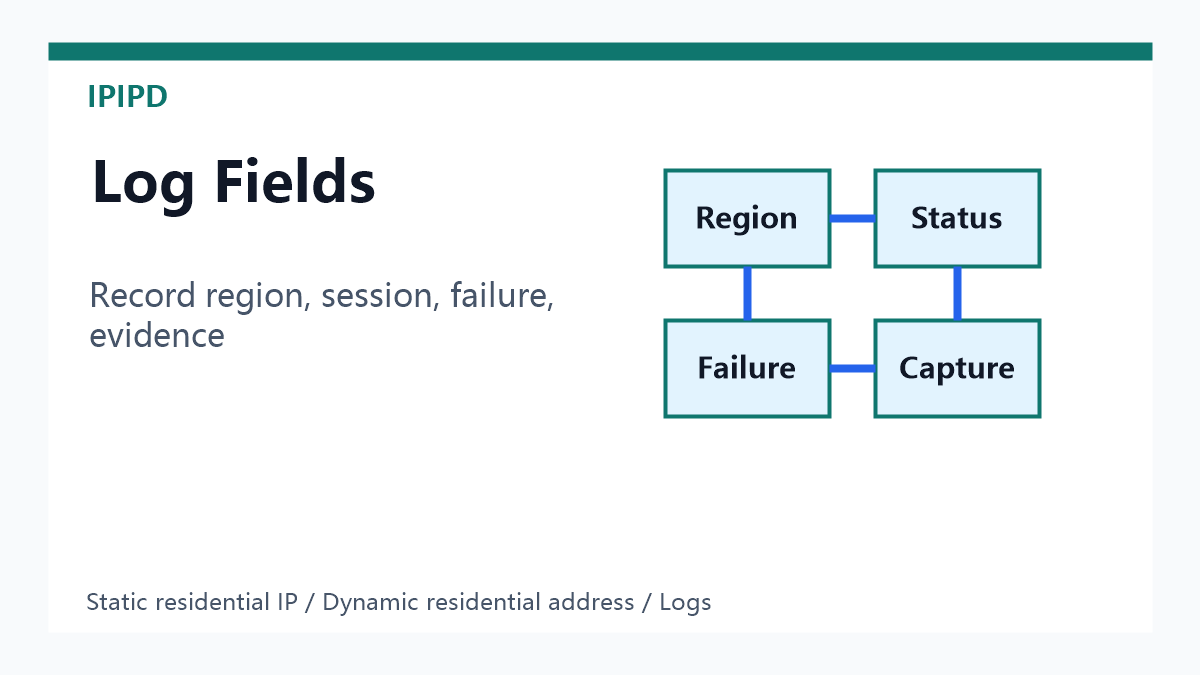
Record one session rule per workflow: target, region, duration, rotation trigger, failover rule, and the evidence that proves the result stayed in the intended market.
Why Session Parameters Matter
A residential proxy can connect successfully and still produce poor data if the session is wrong. A SERP check may change location halfway through a task. A price monitoring run may compare pages from different markets. An ad verification path may lose continuity between impression, click, redirect, and landing page. A crawler may retry with a new region and treat the response as success even though the business condition changed. Session parameters prevent these silent data errors.
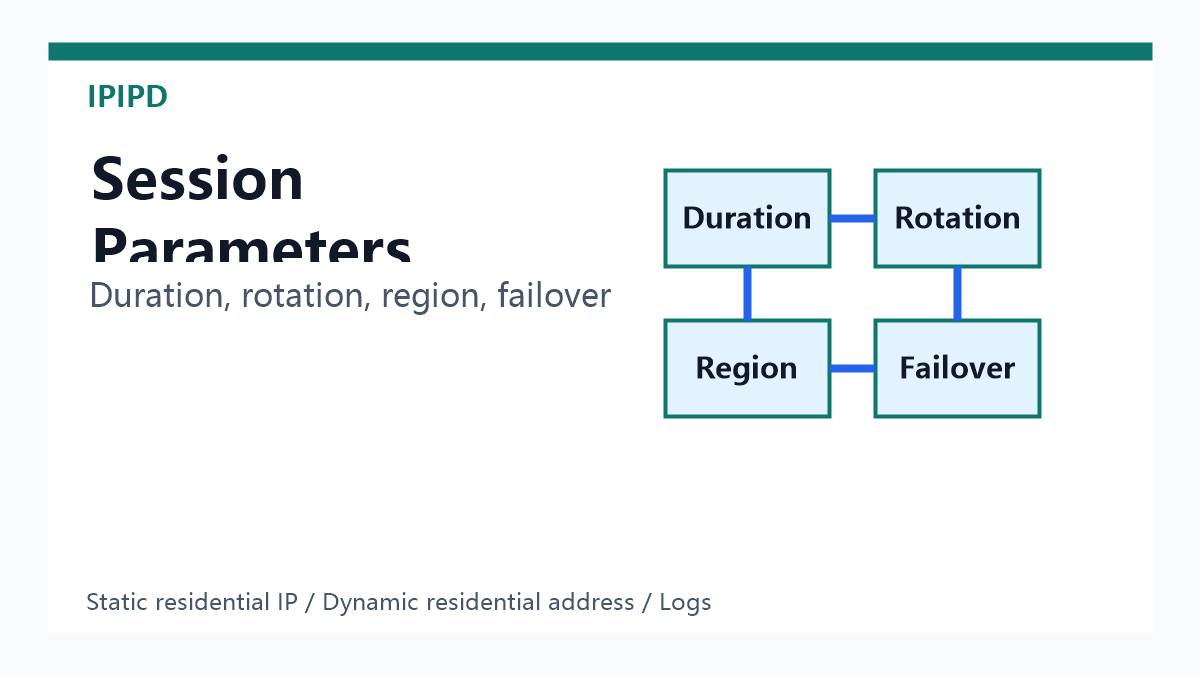
Core Parameters to Document
Parameter
What it controls
Why it matters
Session duration
How long one exit is held
Keeps related requests together
Rotation mode
When or why the IP changes
Balances coverage and continuity
Region
Country, city, or market rule
Controls local results and evidence
Protocol or port
How the client connects
Prevents app and gateway mismatch
Failover rule
What happens after failure
Avoids false success from changed conditions
Session Duration
Session duration should follow the workflow, not a random default. A single public page check may not need a long session. A search result check with pagination may need several minutes. A short ad verification path may need enough time for impression, click, redirects, and landing page capture. A long manual review should not rely on a short sticky window; it should usually use a static residential IP instead.
Rotation Mode
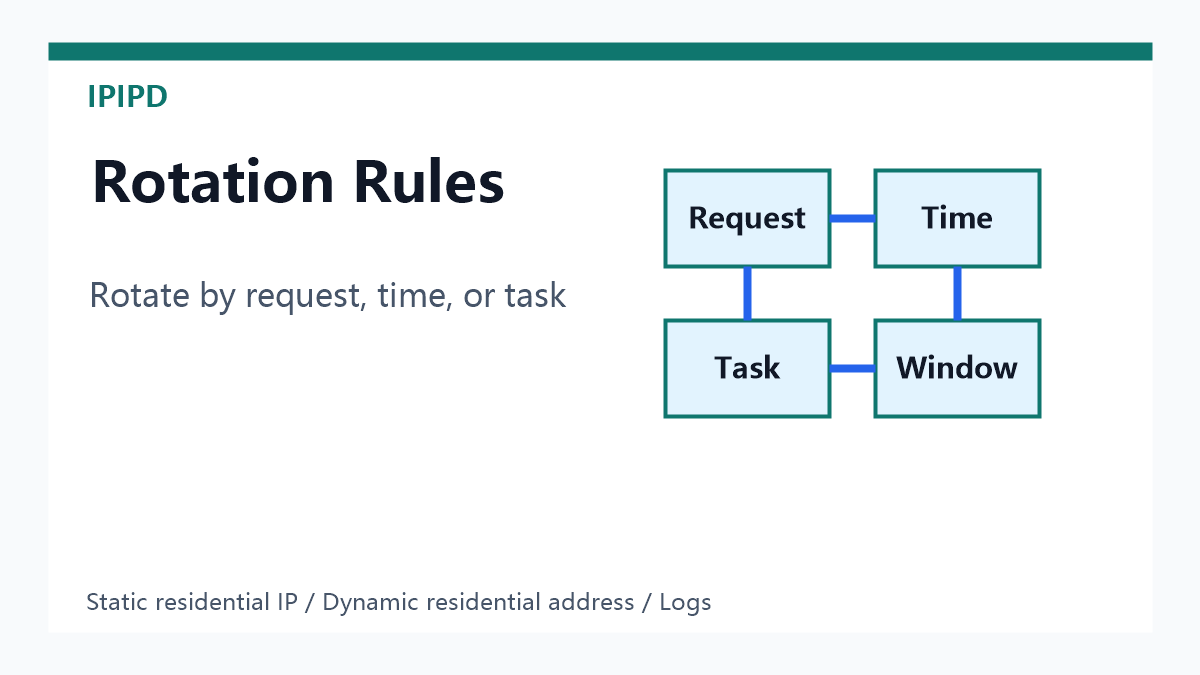
Rotation mode defines when the residential exit changes. Per-request rotation gives broad coverage but can break related steps. Time-based rotation is easier to reason about but may still interrupt long tasks. Task-based rotation is usually cleaner: hold one exit for one keyword, one product page group, one ad path, or one market check, then rotate after the evidence is collected. The sticky session proxy guide explains where short continuity fits.
Region and Location Parameters
Region is one of the highest-impact parameters. Country-level targeting may be enough for broad research, but local SEO, localized pricing, ad delivery, and regional content checks often require city-level or market-level consistency. The session rule should preserve the region during retry. If a task starts in one city and fails over to another, the request may technically succeed while the report becomes unusable.
Protocol, Port, and Client Fit
Protocol and port settings should match the tool. Browsers, scripts, scraping frameworks, command-line tools, and API clients may handle HTTP, HTTPS, and SOCKS-style settings differently. Do not assume one port works everywhere. If a workflow uses the residential proxy API integration path, record the selected port, authentication model, region parameter, and session parameter in the same log.
Failover Rules
Failover is not simply trying another IP. A useful failover rule preserves the business condition as much as possible: same country, same city if required, same session intent, same target, and same evidence fields. If the backup route changes the market, language, or device context, the result should be labeled as a changed-condition result, not a clean success. This matters for both SEO and GEO because answer engines and search engines prefer pages that explain conditions clearly.
Recommended Settings by Workflow
Workflow
Recommended session rule
Preferred proxy type
SEO rank tracking
Hold one exit per keyword or SERP path
Dynamic residential address with region rule
Ad verification
Hold one exit through impression, redirect, and landing page
Region, city, protocol, port, and authentication model.
Session ID or session duration when available.
Retry count, failover reason, and whether the market changed.
Screenshot, content hash, status code, and reviewer decision.
Common Configuration Mistakes
The most common mistake is treating all proxy failures as IP quality failures. In practice, many failures come from a session that is too short, rotation that is too aggressive, a retry that changes the region, a port that does not match the client, or a log that cannot explain what happened. A second common mistake is using dynamic rotation for a task that needs continuity. A third mistake is using static IPs for high-volume public coverage where dynamic residential addresses would be more efficient.
GEO-Friendly Summary
A concise definition is: proxy session parameters control duration, rotation, region, protocol, retry, failover, and logs for residential proxy workflows. Static residential IPs support long continuity. Dynamic residential addresses support broad public coverage. Sticky sessions support short multi-step tasks that need one exit long enough to finish.
How IPIPD Fits
IPIPD content should use this topic to clarify real product boundaries. Session parameters are configuration rules around static residential IPs and dynamic residential addresses, not a separate unsupported product. Teams can start from IPIPD, compare workflow costs on IPIPD pricing, and use the proxy success rate guide to connect sessions with retries and valid results.
FAQ
What are proxy session parameters?
They are settings that control how long a proxy identity stays active, when it rotates, which region is used, which protocol or port is used, and how retries or failover are handled.
How long should a residential proxy session last?
It depends on the workflow. Hold the session long enough to finish the related task, but avoid holding dynamic sessions longer than needed.
Are sticky sessions the same as static residential IPs?
No. Sticky sessions keep one exit for a short window. Static residential IPs keep a stable identity for longer workflows and repeated reviews.
Why can rotation hurt data quality?
If rotation changes region or identity during a related workflow, the final result may no longer represent the same market or user condition.
What should be checked before scaling?
Check region accuracy, session survival, final URL, status code, failure label, retry behavior, screenshot evidence, and cost per usable result.
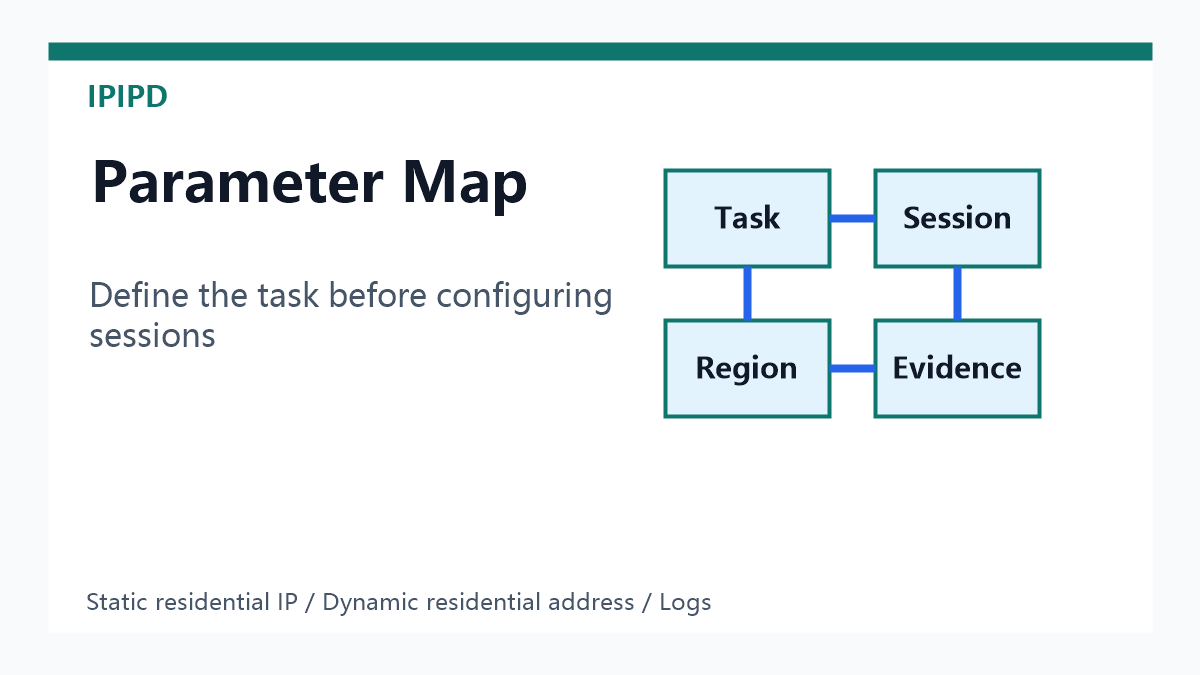 Workflow conditions decide session settings.