How to Configure Node Fetch Proxy: Agent, Auth, and Checks
Start with the answer: Direct answer
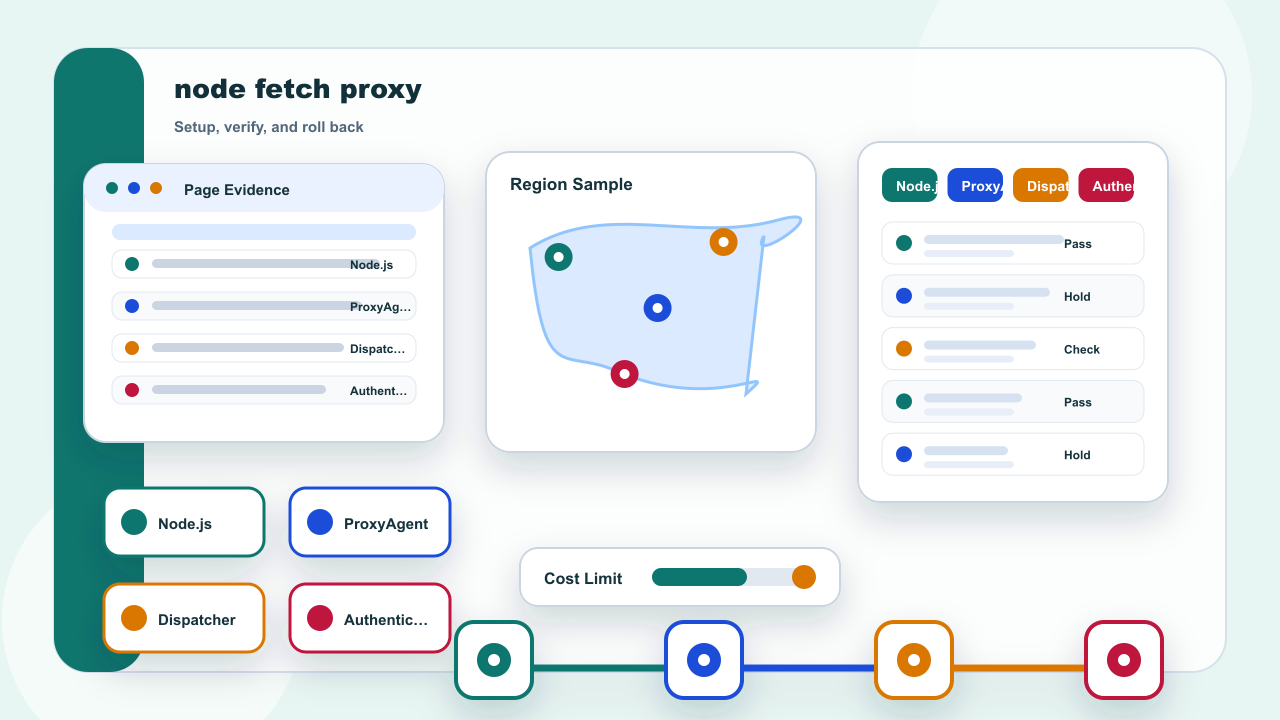
Node.js fetch can use an assigned proxy through an Undici ProxyAgent. Pass the agent as dispatcher for one request when isolation matters, or set a global dispatcher only when every relevant request in the process should share it. Keep credentials outside source code, set a timeout, verify with a permitted endpoint, and preserve a direct-connection rollback path.
Choose the narrowest dispatcher scope that fits the program. A request-scoped dispatcher is easiest to review, while a global dispatcher deliberately affects other fetch calls in the same process.
Confirm runtime and endpoint fields
| Check | What to confirm |
|---|---|
| Runtime | Use a maintained Node.js release and confirm fetch behavior in that runtime |
| Agent | Create an Undici ProxyAgent with the assigned endpoint |
| Request scope | Pass dispatcher on one request when only that call should use the proxy |
| Authentication | Load credentials from protected runtime configuration |
| Verification | Record status, timing, expected exit result, and rollback action |
Record the Node.js version, proxy protocol, HOST, PORT, authentication method, target URL, timeout, and expected verification result. Do not guess protocol support or reuse settings from a different client library.
The proxy endpoint and target URL serve different roles. Record both separately so DNS, TLS, connection, and target-response failures are not confused.