How to Find a Proxy Server Address and Verify the Settings
Know Which Address You Are Looking For
Proxy server address can mean the assigned connection endpoint or the public exit IP. Configuration usually needs the endpoint host and port.
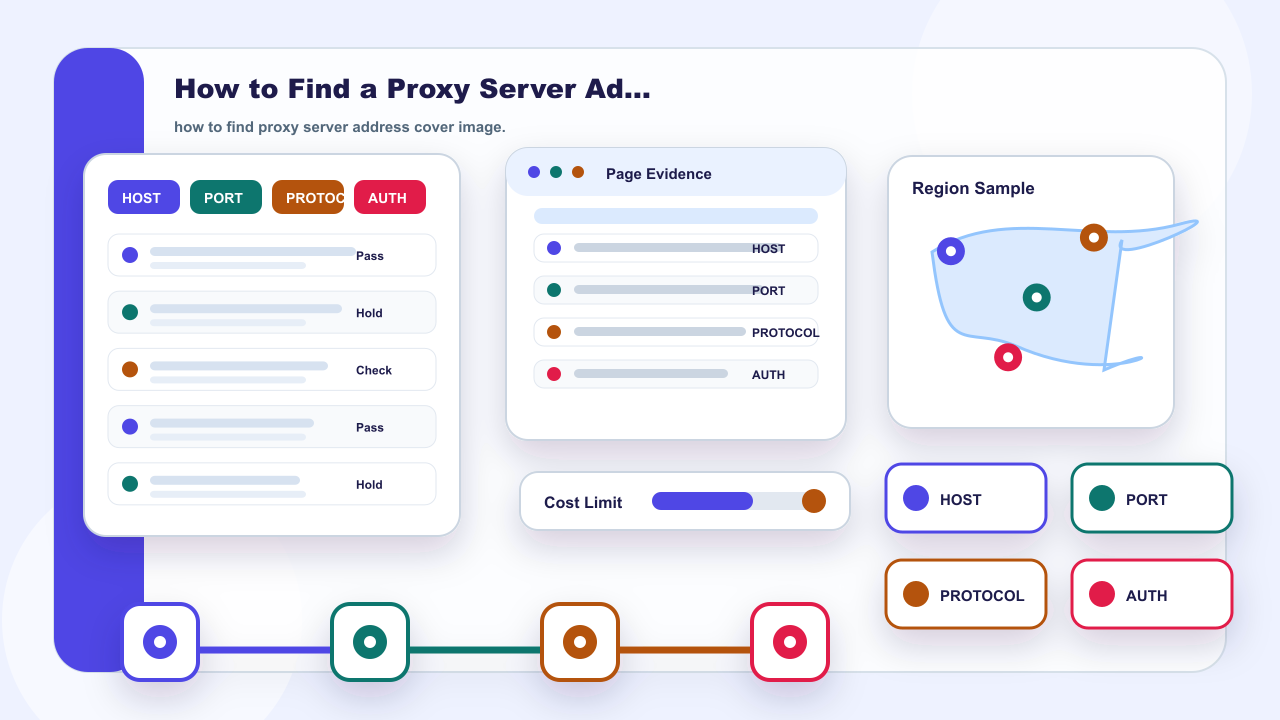
The key point is Step 1: proxy host: The assigned hostname or IP used by the application to reach the proxy service. It should be read together with Step 2: port: The assigned service port paired with that host.
Where can I find my proxy server address? Check the provider dashboard, setup document, administrator record, or authorized application settings. That answer resolves the immediate definition or choice, but it is not a promise of access, anonymity, account safety, or platform outcomes.
For a practical decision, compare Know Which Address You Are Looking For with the required region, session duration, sample independence, setup effort, and budget. If one of those conditions remains unclear, check the provider documentation or run a limited authorized test instead of drawing a conclusion from the category name alone.
For IPIPD, current product language is limited to static residential addresses and dynamic residential addresses. Other proxy terms in this page are neutral comparison or definition context only.
Proxy Connection Details at a Glance
| Field | What to record |
|---|---|
| Step 1: proxy host | The assigned hostname or IP used by the application to reach the proxy service. |
| Step 2: port | The assigned service port paired with that host. |
| Step 3: protocol | The configured HTTP, HTTPS, or SOCKS option documented for the endpoint. |
| Verification method: authentication |