Proxy Locations: How to Choose Regions for Residential Checks
Start with the Task: Choose the Region From the Page
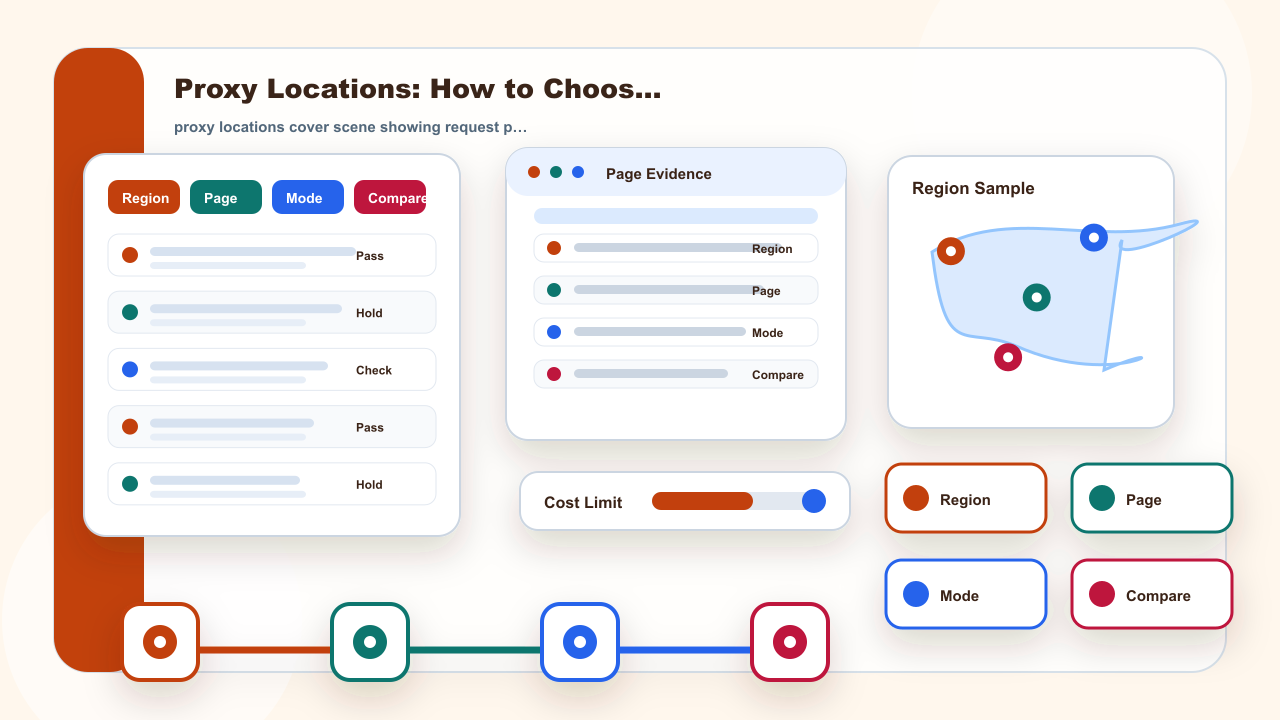
Proxy locations matter only when the region is tied to a real task. Start by naming the page and result you need to compare.
A region label cannot replace evidence. The record must show what changed and what stayed the same, including the target page, selected region, address mode, endpoint, browser language, and the visible result captured at the same time. This prevents the team from treating a location label as proof when another variable caused the difference.
Do not compare two regions while also changing browser state, endpoint format, and address mode.
So when someone asks “proxy locations,” the useful answer is not only a term definition. It is the request path, address source, and verification method that change. Once those parts are clear, static and dynamic residential address decisions become easier to separate.
Location Fields That Need a Record
For proxy locations, the useful record starts with the page, region, browser or app state, assigned endpoint fields, and the result the team expects to observe. A broad label is not enough; the page should help the reader decide which field to verify first.
A clean record also prevents teams from blaming every error on the proxy layer. Port, authentication, browser state, page rule, cache, and task permission can all change the visible result.
Write the endpoint fields exactly as assigned. Do not infer missing host, port, authentication, or address behavior from a screenshot or a partial note.
| Question | Practical answer |
|---|---|
| Reader task | Select a region for a permitted residential address check |
| Static fit | Use a static residential address when the same allowed check needs a stable comparison window |