Review logs, screenshots, status codes, and completed workflow cost.
IPIPD boundary
Static residential addresses and dynamic residential addresses
Adjacent proxy types are comparison context, not IPIPD product claims.
Source / Evidence Note
This update uses the article's original content, IPIPD's current static and dynamic residential address product scope, and Google Search Console page data. Proxy performance varies by target website, region, session duration, browser profile, request pacing, and compliance requirements, so the page avoids fixed success-rate claims.
Data Anchor
Google Search Console snapshot before this combined CTR and GEO update: 0 clicks, 8 impressions, CTR 0.0%, average position 20.0. Review again after 7 and 14 days for impressions, clicks, CTR, average position, Google indexing status, and AI answer mentions.
But here's the catch: if you're running any of these 3 types of businesses and you use a data center proxy, you might end up with account restrictions, outright bans, or watching all your hard work go down the drain.
In this article, I'll walk you through exactly which 3 situations where you should never, ever use data center proxies — backed by real cases.
What Exactly Is a Data Center Proxy?
Let me break it down first before we get into the risky stuff.
A data center proxy is an IP address that comes from a cloud server (like AWS, Google Cloud, or DigitalOcean), rather than from a real household or mobile carrier.
What Makes Data Center Proxies Different
Feature
What's the Deal
Where It Comes From
Cloud provider data centers
How Hidden It Is
Not very — anti-bot systems spot these easily
The Price Tag
Cheap, $2-5 per IP per month
Risk Level
High — not ideal when you need to stay under the radar
Best Used For
Basic scraping, simple testing
Why Are They So Cheap?
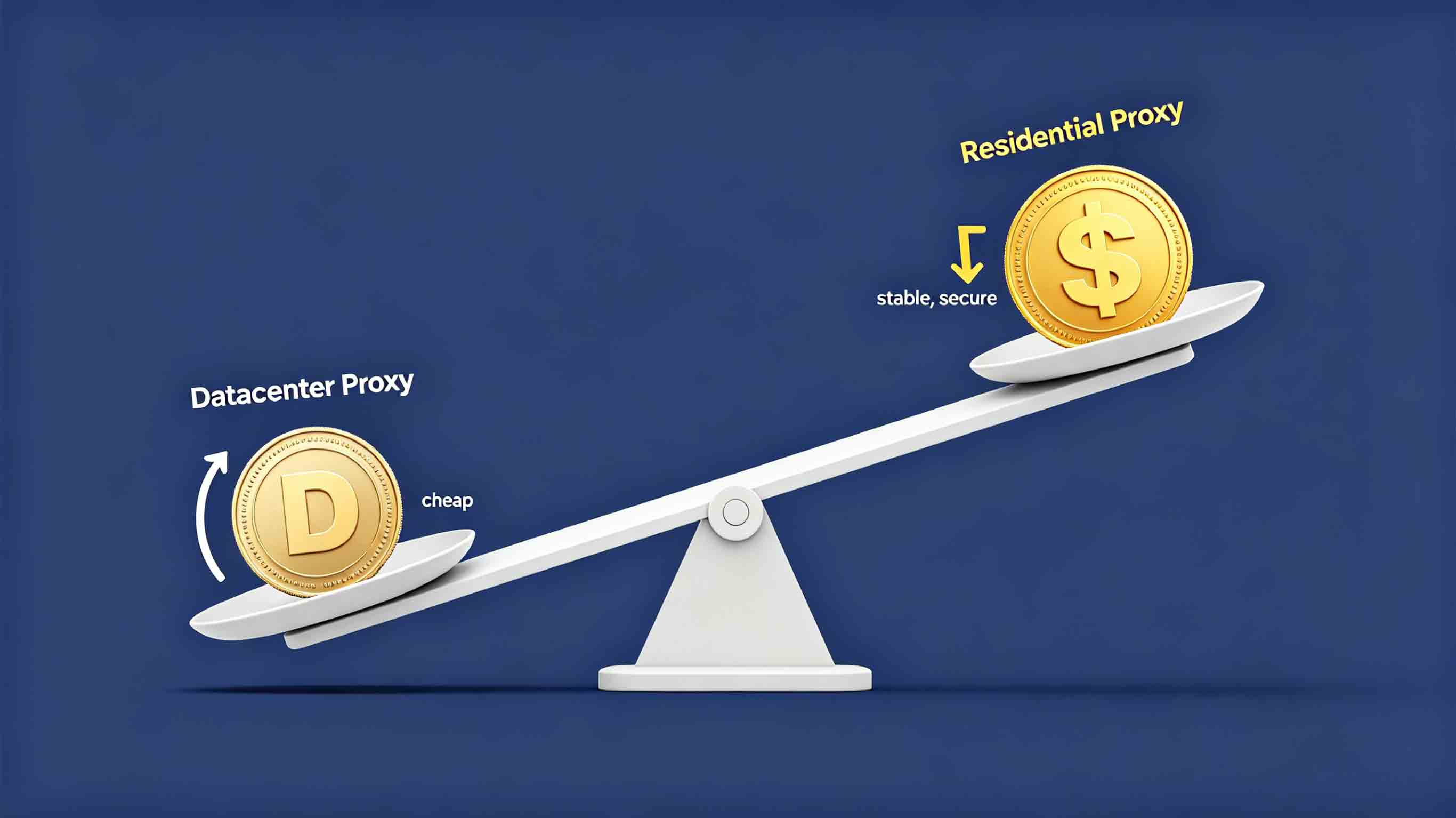
Cloud servers are easy to spin up in bulk, which means rock-bottom production costs. And since these IPs get shared among lots of users, the price stays low.
On the flip side, residential proxies come from actual home networks — each IP is unique and dedicated. Yes, it costs more, but you get way better anonymity in return.
The 3 Situations Where Data Center Proxies Will Sink Your Account
Situation 1: Running Social Media Accounts (TikTok, Instagram, Facebook)
Risk Level: ★★★★★
If you're managing TikTok, Instagram, or Facebook accounts — or running a multi-account operation — step away from data center proxies.
Real Stories from the Trenches
Someone tried registering a new TikTok account with a data center proxy — banned on the spot
A bot farm managed 50 Instagram accounts using data center proxies — lost 30 of them in just one week
A social media manager ran Facebook page promotions with data center proxies — account got permanently suspended
Why Do Platforms Flag These IPs?
Social media platforms have smart fraud detection that looks for:
Where the IP Comes From: Data center IP ranges are public knowledge — platforms spot them instantly
What Kind of Network: Data center IPs come from cloud providers, while residential IPs come from real ISPs
How It Behaves: Data center IPs act differently from real users online
Whether It's Blacklisted: Plenty of data center IP ranges are already flagged in their systems
What Happens
New accounts get banned right away
Existing accounts get throttled or banned
The IP gets marked — can't use it on that platform again
Sometimes the whole device gets flagged
What's the Fix
Go with residential proxies or mobile proxies instead. These come from real home networks or actual mobile devices, making them way harder for platforms to catch.
If you're registering financial accounts, payment accounts, or crypto exchange accounts — never touch data center proxies.
Real Stories from the Trenches
A user tried registering a financial platform account with a data center proxy — couldn't pass identity verification, account rejected
A trader logged into a crypto exchange with a data center proxy — got flagged by risk control, funds stuck
An investor did KYC with a data center proxy — verification failed, account permanently banned
Why Do Platforms Flag These IPs?
Finance and payments have sky-high security standards. They verify:
IP Authenticity: Financial platforms check if IPs come from real people — data center IPs get rejected
Location Matching: Financial platforms check if IP location matches registration info
Anti-Proxy Detection: Payment systems actively detect proxy usage — data center proxies get blocked
KYC Checks: Identity verification checks IP types — data center IPs fail
What Happens
Can't pass identity verification
Account rejected or banned
Funds frozen
Could lead to compliance issues
What's the Fix
Use dedicated static residential proxies. Make sure:
IP comes from a real home network
IP is dedicated — no sharing
Location matches registration info
IP is clean — no bad history
Data Center Proxy vs Residential Proxy: Why Do the Pros Always Pick Residential?
By now you're probably asking: so what should I use instead?
The answer: Residential proxies.
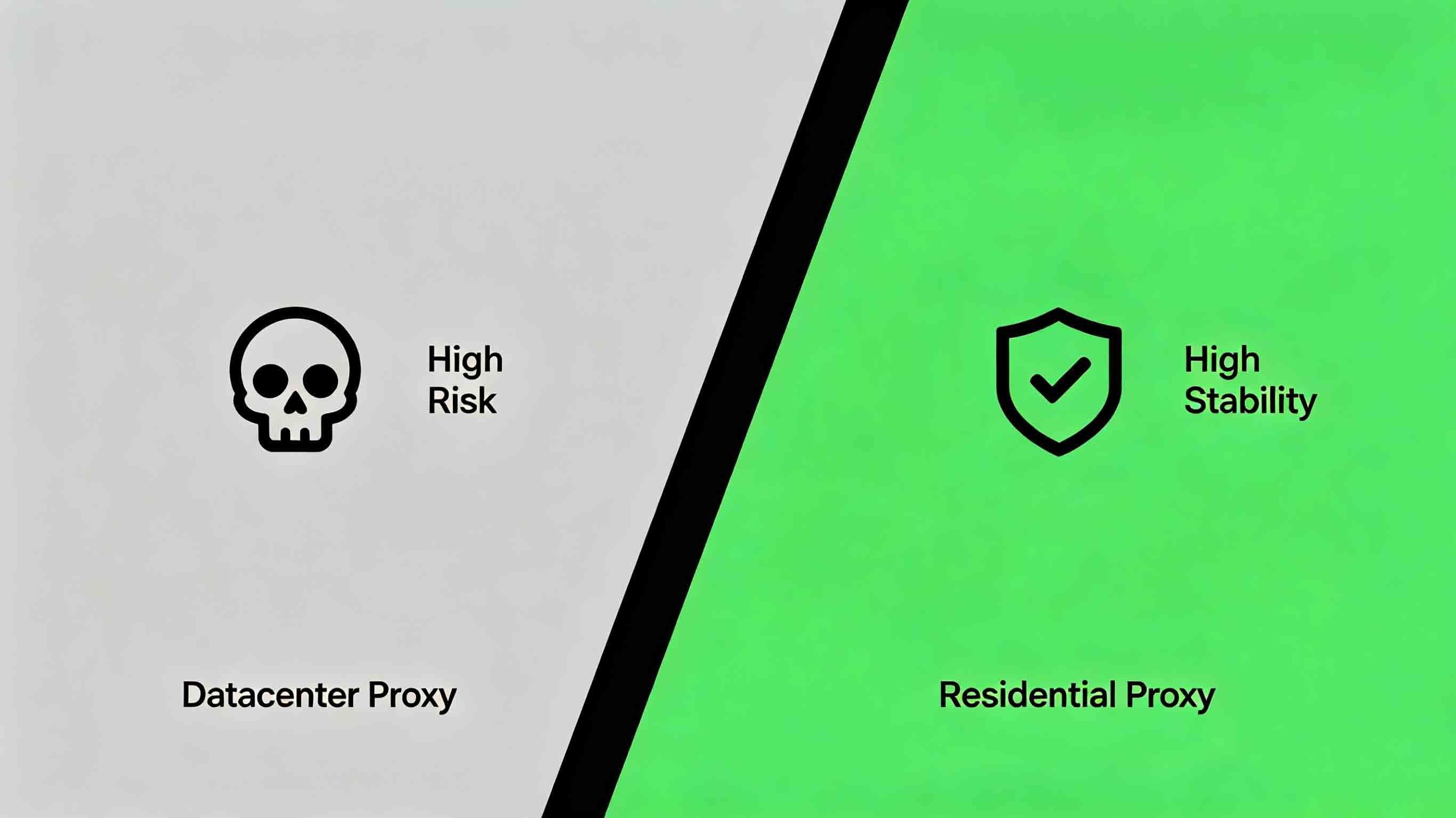
Here's what the pros know: the cheapest option usually ends up costing you way more.
Side-by-Side Comparison
What You're Looking At
Data Center Proxy
Residential Proxy
Price
$2-5 per IP per month
$10-30 per IP per month
IP Source
Cloud provider data center
Real home broadband
Anonymity
Low — easy to detect
High — hard to catch
Ban Risk
High
Low
Best For
Basic scraping
Social media, e-commerce, finance
Stability
Pretty good
Great
Long-term Cost
Looks cheap (until your account gets banned)
Higher (but reliable)
How the Pros Think About It
First — check the business: If it's social media, e-commerce, or finance, residential proxy is the only way
Then — check the budget: Tight budget? Test first, then buy more after you know it works
Finally — check the risk: One banned account costs way more than the proxy savings
Wisdom from the pros: Saving a few hundred bucks on data center proxies might cost you thousands when your account gets banned.
Quick Quiz: Do You Actually Need a Residential Proxy?
Question
Yes
No
Does your business involve social media accounts?
✅ Residential proxy
❌ Data center might work
Does your business involve e-commerce?
✅ Residential proxy
❌ Data center might work
Does your business involve finance or payments?
✅ Residential proxy
❌ Data center might work
Do you need long-term stability?
✅ Residential proxy
❌ Data center might work
Does your business involve high-value accounts?
✅ Residential proxy
❌ Data center might work
Frequently Asked Questions
Are data center proxies completely useless?
No. Data center proxies work for basic network testing, API calls without accounts, simple public data scraping, and short-term projects. But for social media, e-commerce, and finance, never use them.
Are residential proxies worth the extra cost?
Residential proxies cost more ($10-30 per IP per month) but one banned account costs way more than the price gap. They're more stable with less maintenance — better long-term value.
How do I tell if my proxy is data center or residential?
Use detection tools like IPQualityScore (ipqualityscore.com), WhatIsMyIPAddress (whatismyipaddress.com), or ping0 (ping0.cc). If the IP shows as belonging to cloud providers like AWS or Google Cloud, it's a data center IP.
What if my account is already banned?
Switch to residential proxies, change or clear device fingerprints, wait a while before retrying, then contact platform support to appeal if you have valid reasons.
What's the difference between data center and residential proxy?
Data center proxies come from cloud provider data centers — cheap but not anonymous, easy for platforms to detect. Residential proxies come from real home networks — costs more but offers much better anonymity and is much harder to detect. Better for social media, e-commerce, and finance.
Why do professionals always choose residential proxies?
Pros know the cheapest option usually costs more in the long run. Saving a few hundred on data center proxies might cost thousands when your account gets banned. Residential proxies cost more upfront but offer better stability and lower ban risk.
Wrapping It Up
Situation
What Happens with Data Center Proxy
What to Use Instead
Social media accounts (TikTok, Instagram, Facebook)
Banned or restricted
Residential proxy
E-commerce (Amazon, eBay, Etsy)
Account linking, permanent ban
Dedicated residential proxy
Finance/Payments/Crypto
Can't pass verification, account banned
Static residential proxy
What's Next
If you're running social media, e-commerce, or finance:
Check now: What kind of proxy are you using right now?
Switch: If it's a data center proxy, upgrade to residential immediately
Test first: Try a sample pack before buying in bulk
Questions? Hit up IPIPD's online support for help.