Here's a scenario every scraper runs into eventually:
You're crawling along, pulling data like a champ—and then your IP gets flagged. Your crawl gets cut short. All that work, down the drain.
Quick Answer
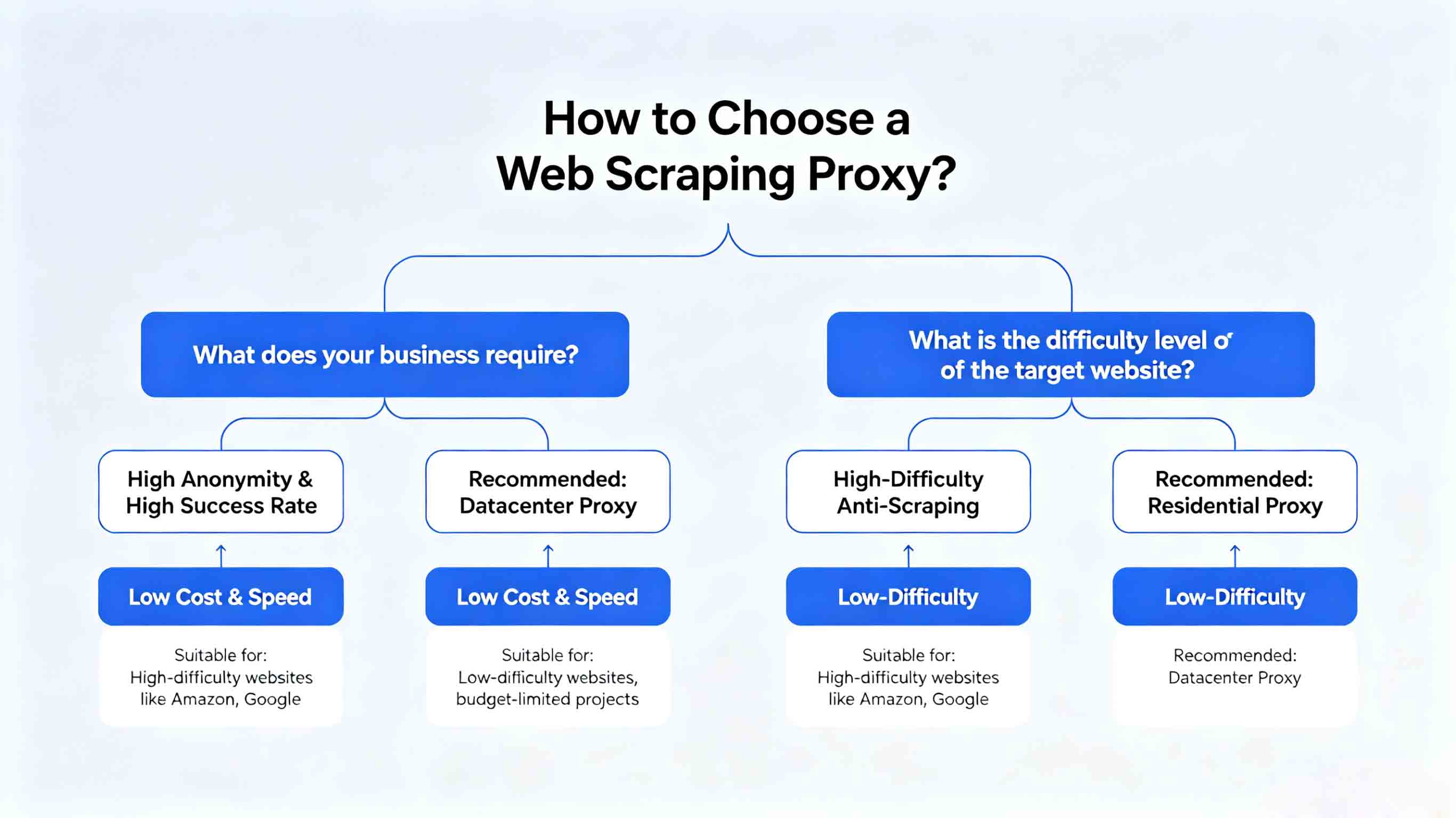
For web scraping workflows, residential proxy selection should be based on request pacing, rotation control, session needs, validation logs, and usable result cost.
Basic Facts Table
Item
Practical Meaning
Business Check
Proxy behavior
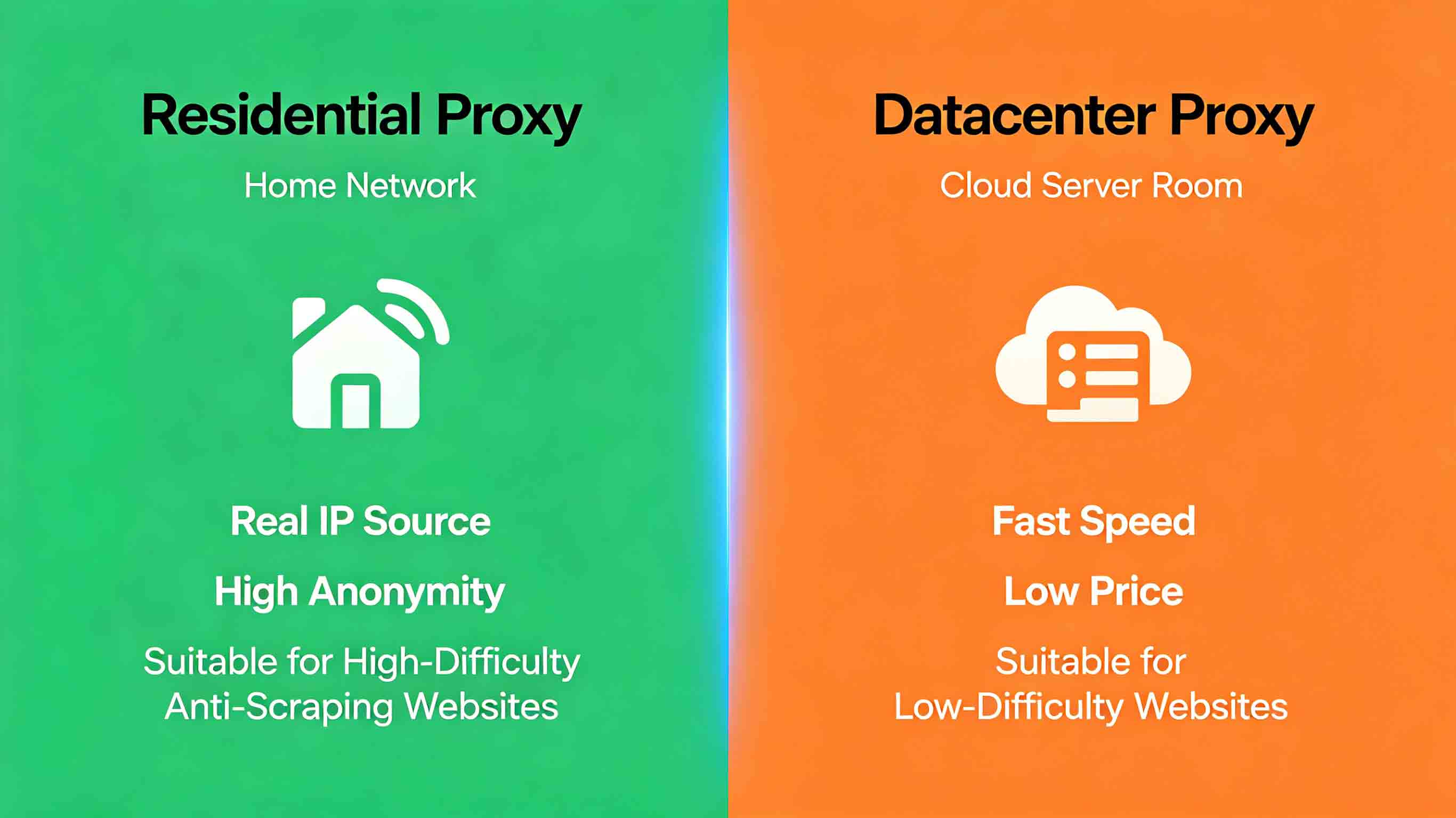
Static residential addresses provide continuity; dynamic residential addresses provide distributed coverage.
Choose by workflow, not by proxy label alone.
Best fit
Stable sessions, public data checks, regional review, or evidence collection depending on the task.
Define session length, target region, and success condition before scaling.
Review logs, screenshots, status codes, and completed workflow cost.
IPIPD boundary
Static residential addresses and dynamic residential addresses
Adjacent proxy types are comparison context, not IPIPD product claims.
Source / Evidence Note
This update uses the article's original content, IPIPD's current static and dynamic residential address product scope, and Google Search Console page data. Proxy performance varies by target website, region, session duration, browser profile, request pacing, and compliance requirements, so the page avoids fixed success-rate claims.
Data Anchor
Google Search Console snapshot before this combined CTR and GEO update: 0 clicks, 6 impressions, CTR 0.0%, average position 29.33. Review again after 7 and 14 days for impressions, clicks, CTR, average position, Google indexing status, and AI answer mentions.
Sound familiar?
Today let's walk through how to set up proxy IPs for efficient, uninterrupted data collection.
1. Common Scraping Problems: Sound Familiar?
Problem 1: IP Gets Banned Mid-Crawl
This is the big one.
When your scraper hammers a site with a flood of requests from one IP, the site's defense system flags you as a bot—and bans that IP.
What happens:
That IP can't touch the target site anymore
All the work you've already done is wasted
Gaps in your data, which throws off your analysis
Problem 2: Slow Collection Speed
Running a single IP means you have to throttle your requests to avoid triggering anti-bot systems.
What happens:
Scraping 1,000 records could take days
Concurrent capacity is capped
Real-time data? Forget about it
Problem 3: Incomplete Data
Because your IP got blocked, you end up skipping pages—and your dataset ends up with holes.
What happens:
Your analysis gets skewed
You miss critical information
Your decisions are based on incomplete data
How Proxy IPs Fix This
Problem
Solution
IP ban
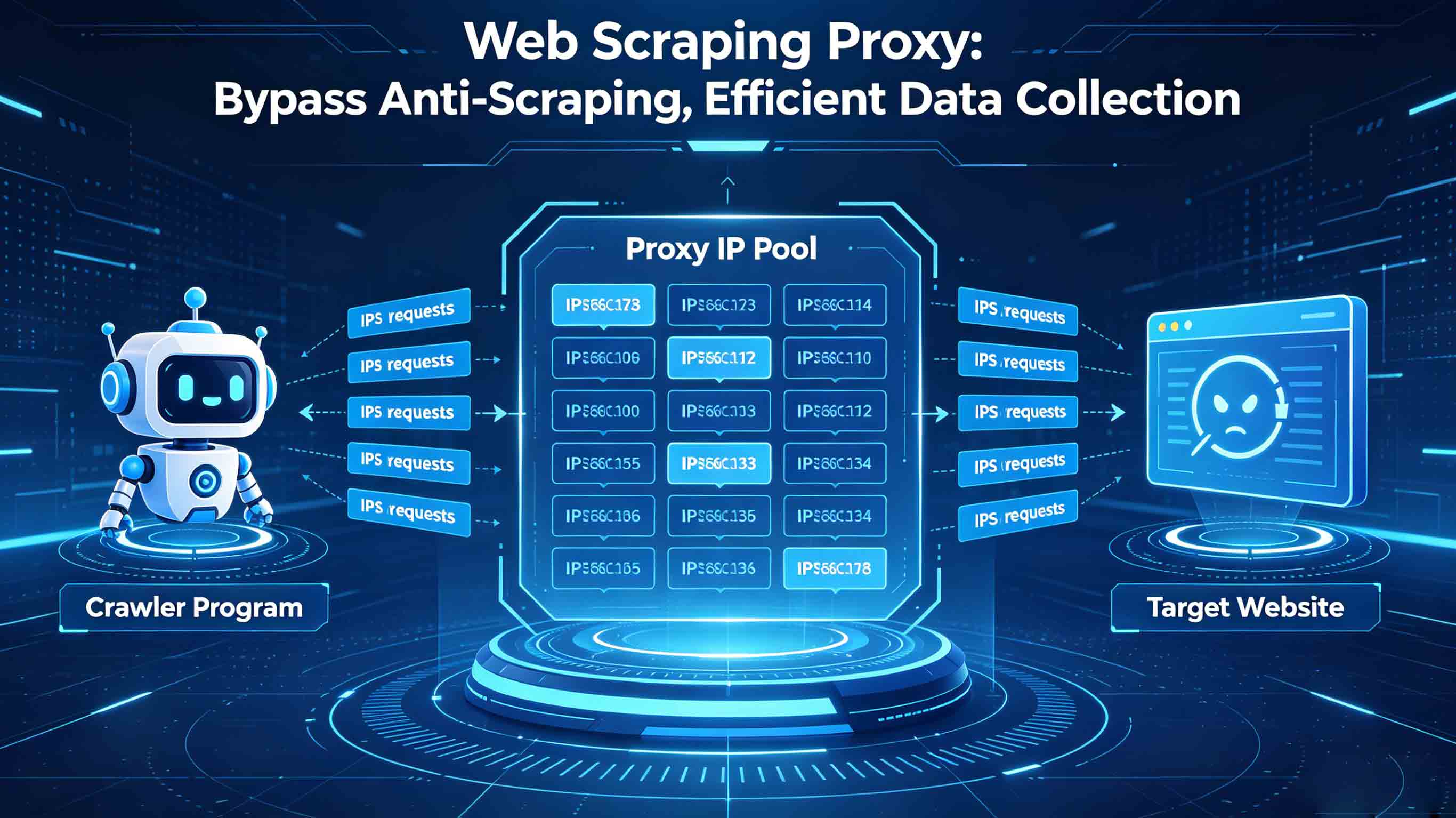
Rotate through tons of IPs—each one handles fewer requests, so nothing gets flagged
Setting up a proxy IP is straightforward. You just need to give your scraper:
Your proxy provider's address
Your username and password
The port number
The exact setup steps vary depending on your tools, but every major programming language and scraping framework has built-in support. For detailed setup instructions, see: Web Scraping Proxy Complete Guide
Multiple IP Rotation
In real projects, you'll need to rotate through multiple IPs.
The idea is simple:
Get an IP pool ready (say, 100 IPs)
Pull a different IP from the pool for each request
Don't max out the throttle. Requests that come too fast trigger anti-bot systems.
Suggested rates:
Standard sites: 1-2 requests per second
Sites with anti-bot measures: 0.5-1 request per second
High-security sites: 1 request every 2-3 seconds
Refresh Your Proxy Pool Regularly
Even quality IPs can get flagged if you use them too long.
What to do:
Swap in fresh IPs every 1-2 weeks
Test IP availability on a schedule
Drop any IPs that get flagged
Follow Site Rules
This one's non-negotiable:
Check the robots.txt file
Respect the site's terms of service
Don't scrape sensitive or private data
Keep request rates reasonable—respect the server
Frequently Asked Questions
How do I set up proxy IPs for web scraping?
Setting up proxy IPs requires your provider's address, port, username, and password. The exact steps depend on your tools—every major programming language and scraping framework has built-in support. Configure auto-rotation so each IP handles fewer requests, which keeps ban risk low.
How do I implement automatic proxy rotation for web scraping?
There are three main rotation strategies: 1) By request count—switch IP after every N requests; 2) By time interval—rotate every N minutes; 3) By domain—use different IPs for different sites. Pick the strategy that fits your use case.
How do I avoid getting detected by websites?
Key anti-detection tips: 1) Randomize browser signatures; 2) Add random delays (1-3 seconds); 3) Simulate real browsing behavior with Referer headers; 4) Maintain session cookies; 5) Auto-switch IPs when requests fail.
What's the right request rate for web scraping?
The right rate depends on the target site's defenses: standard sites can handle 1-2 requests/second; sites with anti-bot measures need 0.5-1/second; high-security sites need 1 request every 2-3 seconds. Don't chase raw speed—stable collection beats fast collection that gets you banned.
I got a 403 error—what should I do?
403 errors usually mean your IP got flagged or your request was identified as a bot. Fix it by: 1) Switching to a different proxy IP; 2) Checking your request headers; 3) Adding or refreshing Cookies; 4) Slowing down your request rate; 5) Using a stealthier residential proxy.