住宅代理认证错误排查检查项:账号、白名单与端口
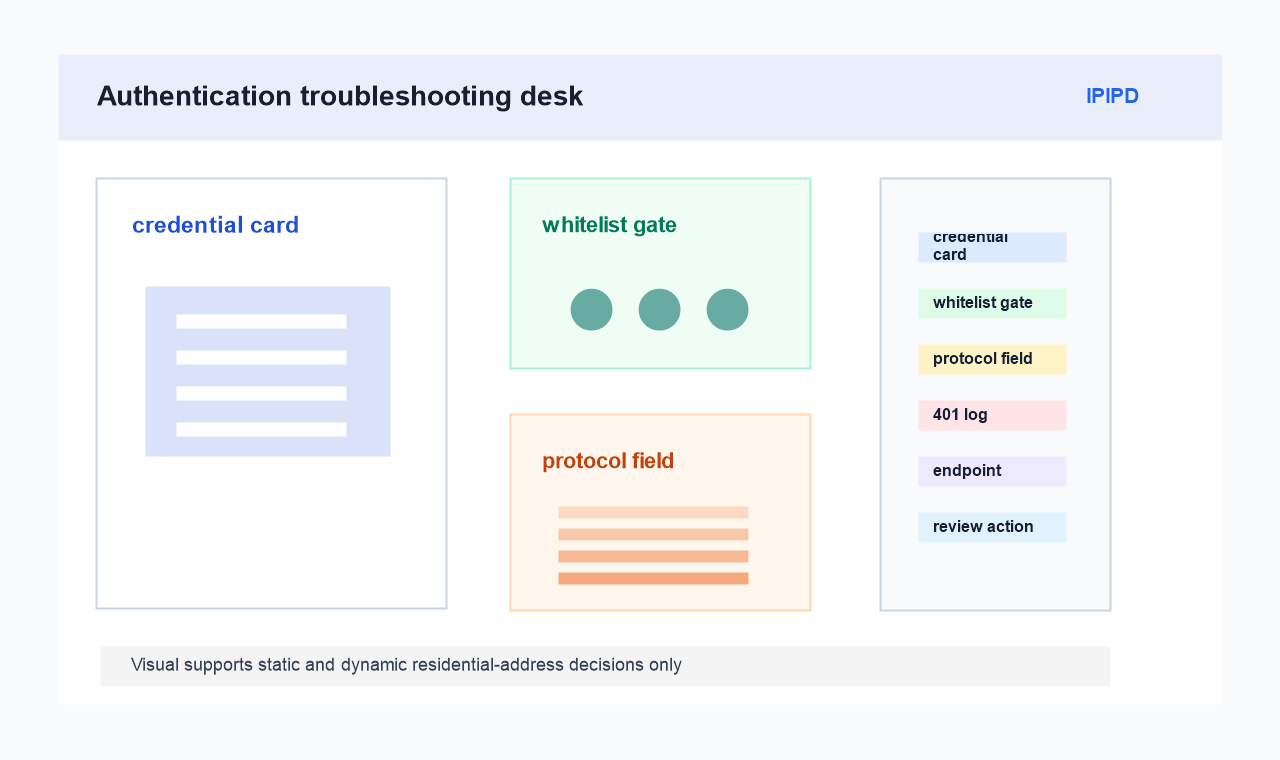
Authentication troubleshooting starts with the first failure message. Operators should preserve the status code, endpoint, credential mode, whitelist state, protocol setting, region label, and timestamp before changing proxy mode or retry volume.
Authentication troubleshooting should start before address rotation. Endpoint, port, username, password, token format, and whitelist ownership are fixed fields that must be verified first.
Quick Answer: preserve the first authentication error
Static residential addresses help reproduce the same authentication path. Dynamic residential addresses are useful later, after the team proves the credential and whitelist rules are correct.
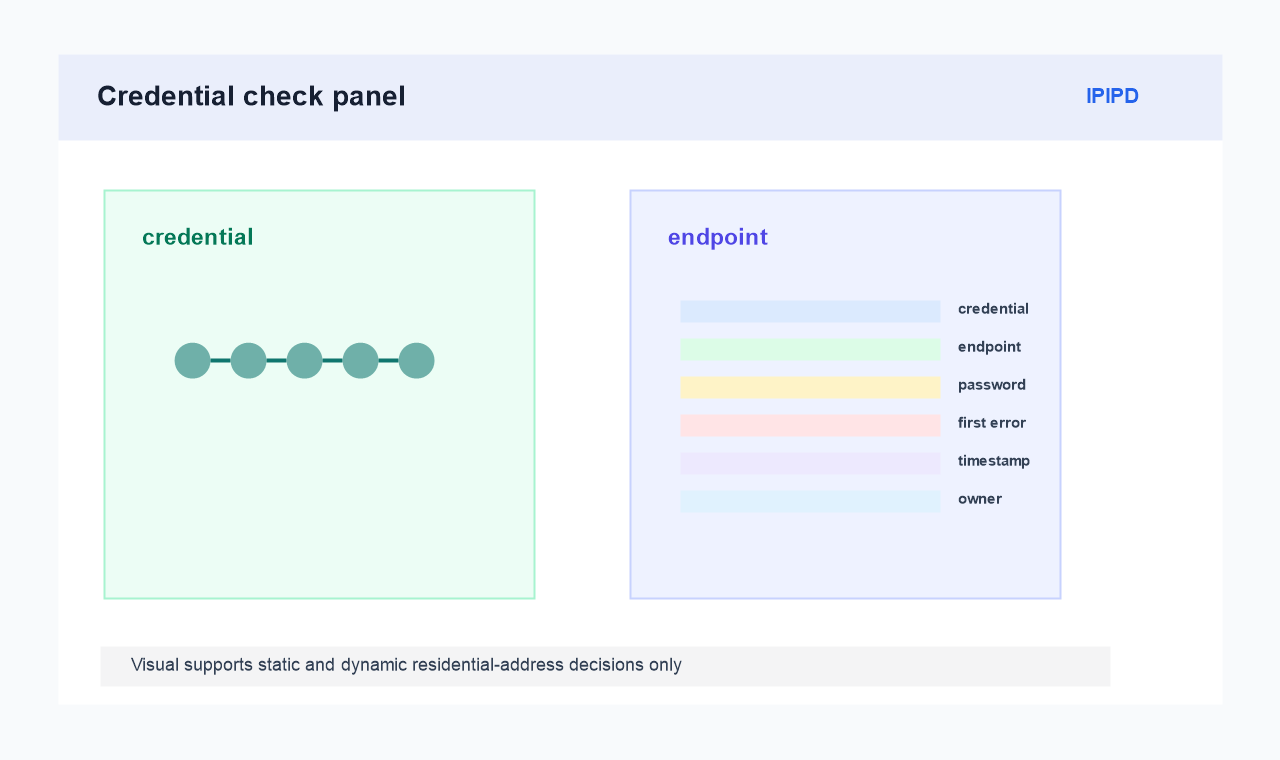 Credential mode, endpoint, password field, and first error message before changing address mode.
Save the first error message instead of overwriting it with repeated tests. The first failure usually tells whether the issue is credential, protocol, whitelist, timeout, or region mismatch.
Check credentials before address type
Basic Facts: residential proxy authentication troubleshooting
| Auth evidence | Action decision |
|---|---|
| First evidence | Exact status, tool message, credential mode, and timestamp |
| Static check | Repeat one auth condition without changing the address |
| Dynamic check | Run separate attempts only after the error is classified |
| Stop signal | Credentials or whitelist ownership cannot be verified |
A clean troubleshooting record reduces wasted traffic. It also gives the account owner and technical reviewer the same facts when they decide the next test.
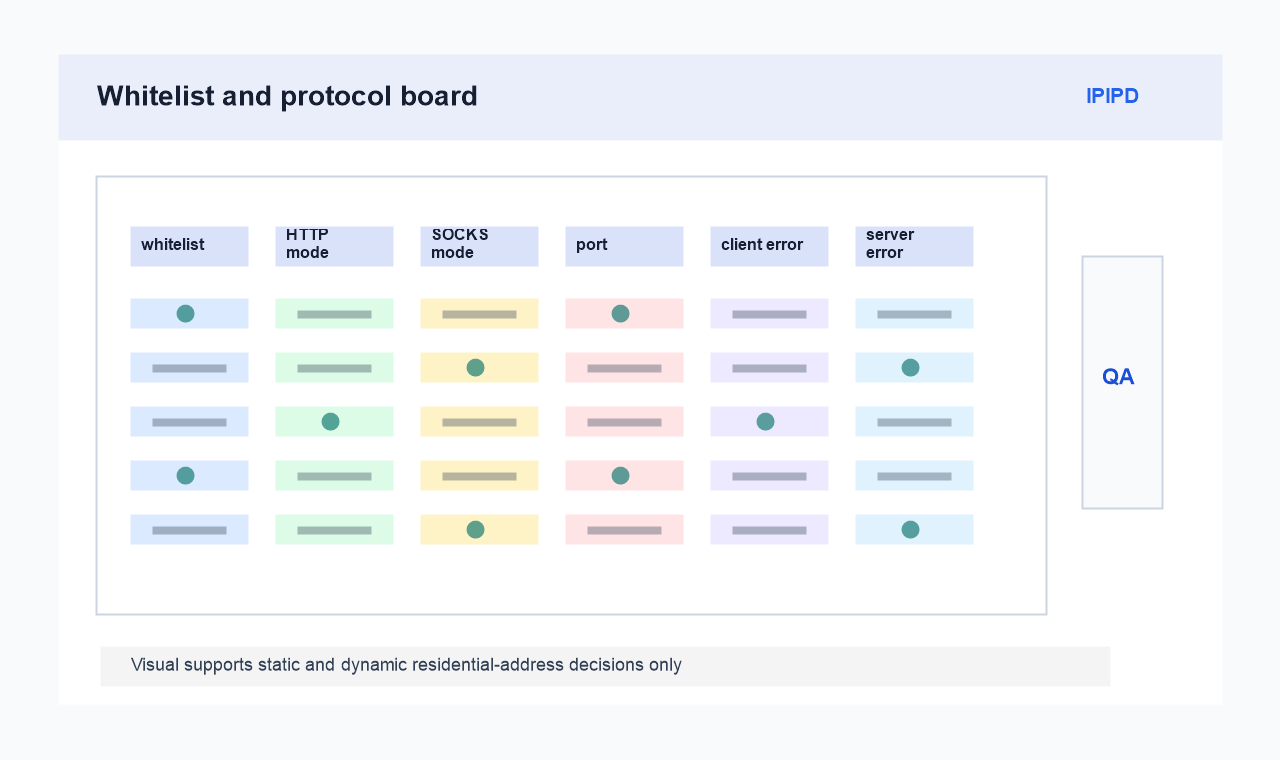
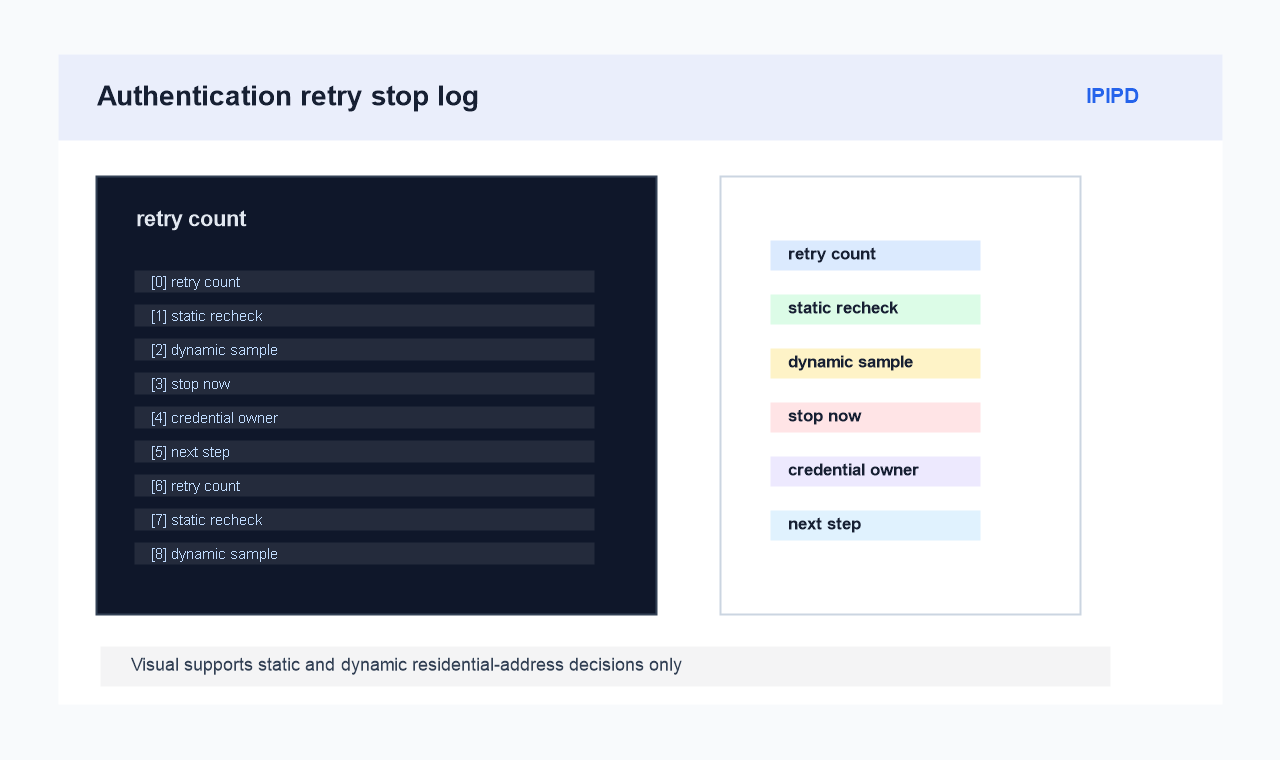
IP whitelist, HTTP/SOCKS protocol choice, port setting, and client-side error split.Retry count, static recheck, dynamic sample separation, and next credential review owner.