
How to Set Up a Postman Proxy: Host, Port, Auth, and Verification
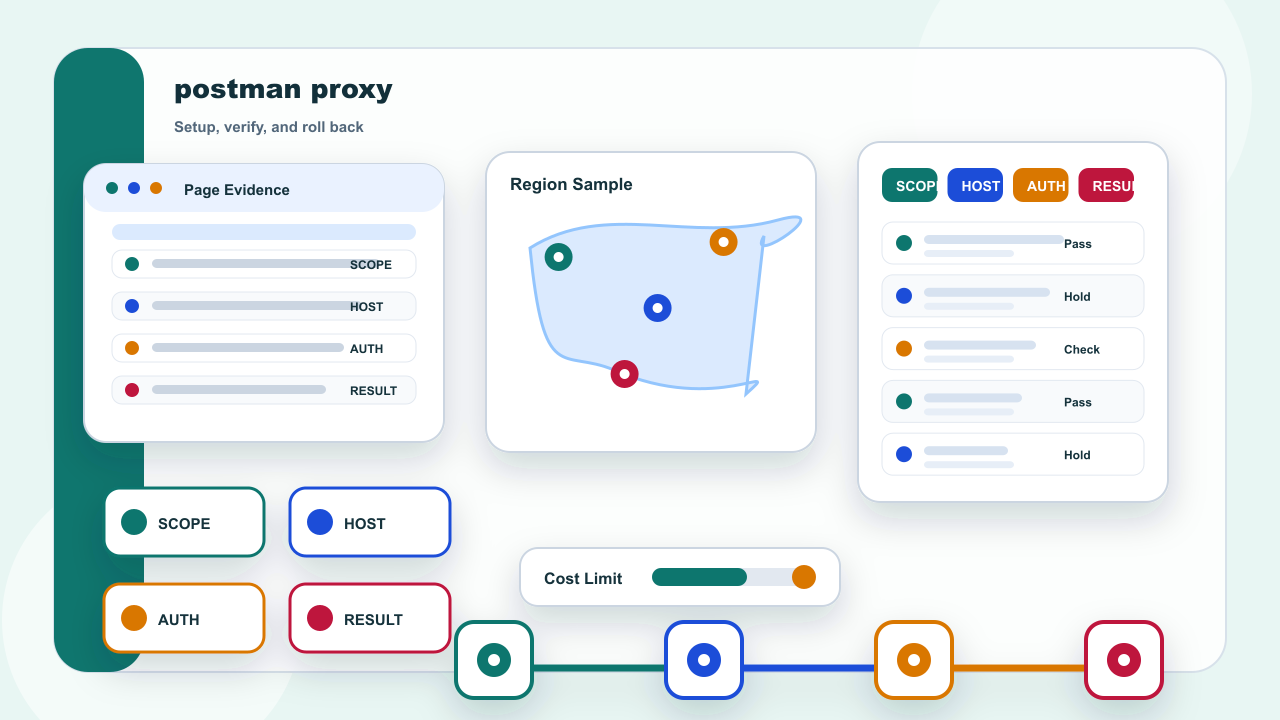
Start with the answer: Choose the Postman Scope Before Editing
Decide whether the proxy belongs to one request, one collection, one environment, or the whole desktop before changing anything. A narrow scope makes rollback safer and prevents an unrelated collection from inheriting the test route.
Scope needs a repeatable record: Workspace, collection, environment, and system settings are different layers. If it conflicts with endpoint, correct the setting or record before changing the address mode.
Should Postman use system or app-level proxy settings? Use the narrowest approved scope that matches the test and document which layer owns the setting. Keep the action inside an authorized task and a permitted public-page scope; stop when a policy, permission, or target restriction applies.
This part separates choose the postman scope before editing into configuration, verification, and rollback so one change can be tested at a time.
IPIPD content here is limited to static residential addresses and dynamic residential addresses; the choice depends on continuity versus independent sampling.
The verification row should preserve the actual scope value, test time, target, expected behavior, and rollback method. When the result differs, change one field only and repeat the controlled check before drawing a conclusion.
Read the Assigned Endpoint Fields
| Field | What to record |
|---|---|
| Scope | Workspace, collection, environment, and system settings are different layers |
| Endpoint | Host, port, protocol, and authentication must match the assigned record |
| Continuity | A static residential address can keep one authorized test window comparable |
| Sampling | Dynamic residential addresses should create separately labeled request samples |
| Stop rule | Pause on unclear authorization, repeated denial, or unexplained response changes |
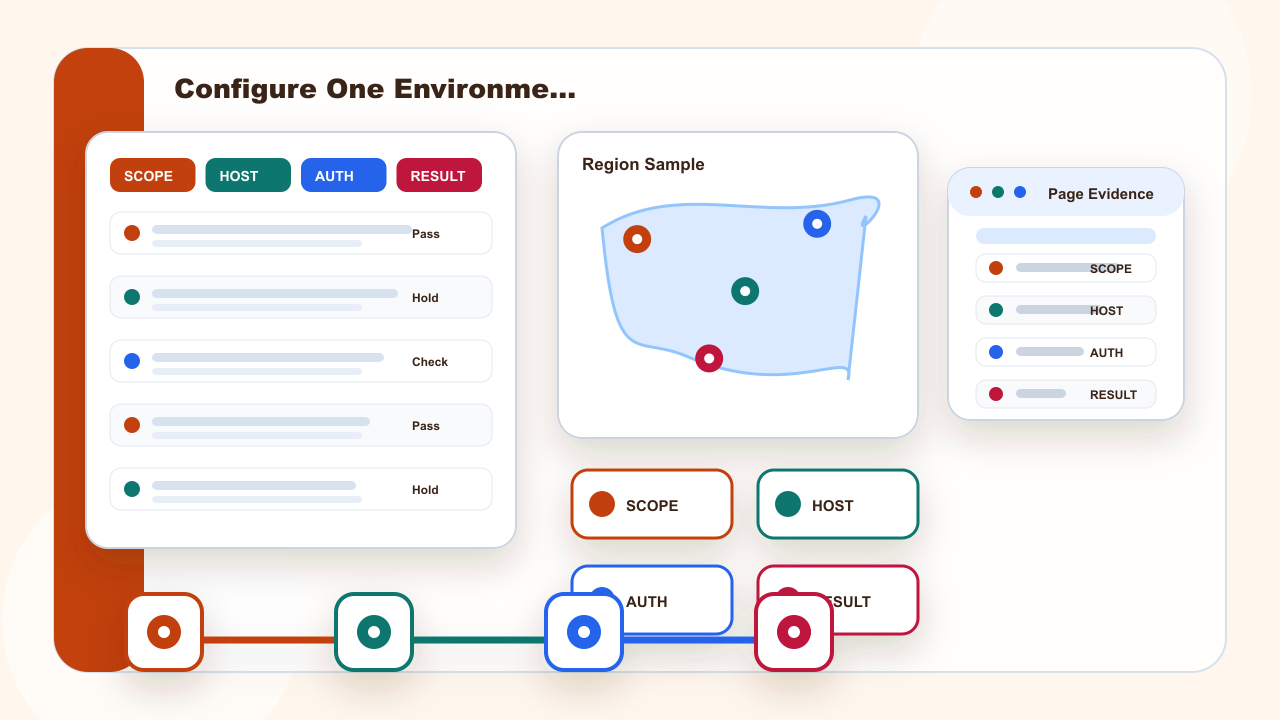
Configure One Environment Without Exposing Credentials
Create a dedicated test environment with masked variables and a clear owner. Keep the direct baseline available so the same permitted endpoint can be checked before and after the configuration change.
Continuity needs a repeatable record: A static residential address can keep one authorized test window comparable. If it conflicts with sampling, correct the setting or record before changing the address mode.
When is a static residential address useful? When repeated permitted requests must stay comparable inside one limited test window. Keep the action inside an authorized task and a permitted public-page scope; stop when a policy, permission, or target restriction applies.
This part separates configure one environment without exposing credentials into configuration, verification, and rollback so one change can be tested at a time.
IPIPD content here is limited to static residential addresses and dynamic residential addresses; the choice depends on continuity versus independent sampling.
The verification row should preserve the actual continuity value, test time, target, expected behavior, and rollback method. When the result differs, change one field only and repeat the controlled check before drawing a conclusion.
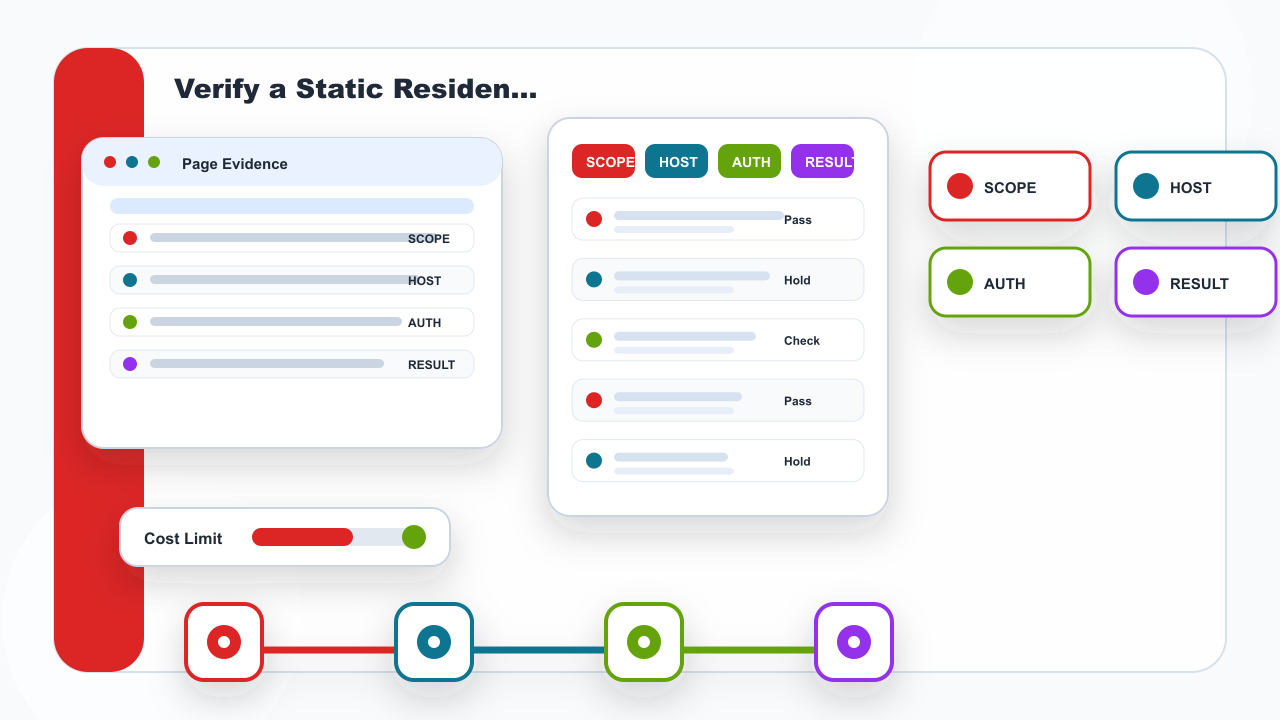
Verify a Static Residential Session
Use a static residential address only when several authorized requests must remain comparable during one defined session. Record the start, target, expected response fields, and planned end before sending the first request.
Sampling needs a repeatable record: Dynamic residential addresses should create separately labeled request samples. If it conflicts with stop rule, correct the setting or record before changing the address mode.
When are dynamic addresses useful? When each permitted public request is an independent regional sample. Keep the action inside an authorized task and a permitted public-page scope; stop when a policy, permission, or target restriction applies.
After verify a static residential session, repeat the same controlled check against the same target to confirm that the observed change came from the setting just applied.
IPIPD content here is limited to static residential addresses and dynamic residential addresses; the choice depends on continuity versus independent sampling.
The verification row should preserve the actual sampling value, test time, target, expected behavior, and rollback method. When the result differs, change one field only and repeat the controlled check before drawing a conclusion.
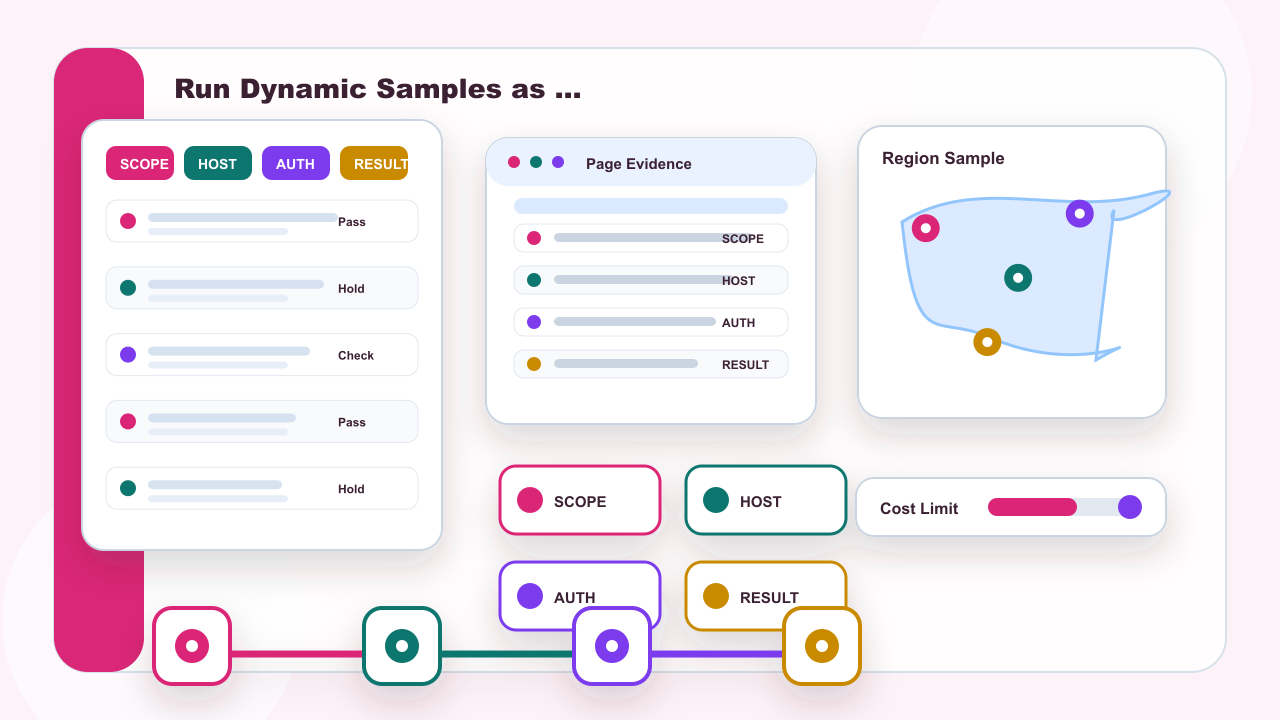
Run Dynamic Samples as Separate Requests
For independent public regional checks, start a new labeled request row for each dynamic residential sample. Keep method, URL, headers, body, and timeout stable so address behavior is not confused with request changes.
Stop rule needs a repeatable record: Pause on unclear authorization, repeated denial, or unexplained response changes. If it conflicts with scope, correct the setting or record before changing the address mode.
Does a successful response prove the setup is correct? No. Verify the expected endpoint, region, status, body, timing, and rollback result. Keep the action inside an authorized task and a permitted public-page scope; stop when a policy, permission, or target restriction applies.
This part separates run dynamic samples as separate requests into configuration, verification, and rollback so one change can be tested at a time.
Static residential addresses fit authorized work that genuinely needs continuity. Dynamic residential addresses fit independent public-page samples. Neither choice replaces the target service rules.
The verification row should preserve the actual stop rule value, test time, target, expected behavior, and rollback method. When the result differs, change one field only and repeat the controlled check before drawing a conclusion.
Return to the page's central decision before choosing: a request-client configuration tutorial built around environment scope, assigned endpoint fields, authentication, response evidence, and rollback
Static residential addresses serve continuity. Dynamic residential addresses serve independent fresh samples. Neither should be presented as a guarantee of results.
For more detail, see the static residential proxy guide, the dynamic residential proxy guide, and current IPIPD pricing.
For connection response terminology, consult the neutral MDN HTTP status documentation.
After the check: Troubleshoot and Restore the Previous State
Classify connection errors, authentication failures, timeouts, and target responses separately. Restore the previous environment when the test ends, and pause instead of repeatedly changing unrelated fields.
Scope needs a repeatable record: Workspace, collection, environment, and system settings are different layers. If it conflicts with endpoint, correct the setting or record before changing the address mode.
Should Postman use system or app-level proxy settings? Use the narrowest approved scope that matches the test and document which layer owns the setting. Keep the action inside an authorized task and a permitted public-page scope; stop when a policy, permission, or target restriction applies.
After troubleshoot and restore the previous state, repeat the same controlled check against the same target to confirm that the observed change came from the setting just applied.
IPIPD content here is limited to static residential addresses and dynamic residential addresses; the choice depends on continuity versus independent sampling.
The verification row should preserve the actual scope value, test time, target, expected behavior, and rollback method. When the result differs, change one field only and repeat the controlled check before drawing a conclusion.
| Field | What to record |
|---|---|
| Core question | postman proxy |
| Need continuity | Consider static residential addresses |
| Need fresh samples | Consider dynamic residential addresses |
| Boundary | No promise of access, anonymity, account safety, or platform outcomes |