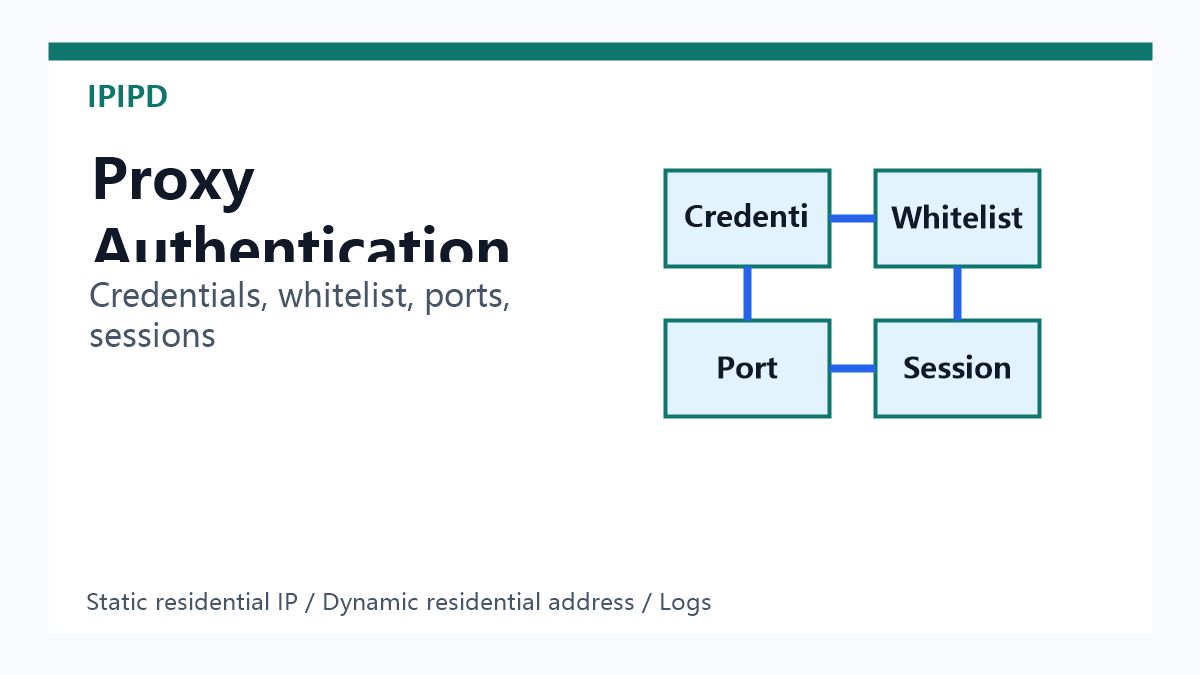
Residential proxy authentication is the process that tells the proxy gateway who is allowed to use a residential IP resource, which mode should be applied, and how the request should be routed. For business teams, authentication is not just a login detail. It affects connection stability, session continuity, IP security, troubleshooting, billing visibility, and whether static residential IPs or dynamic residential addresses are used correctly.
Choose authentication by workflow control needs.
Quick Answer
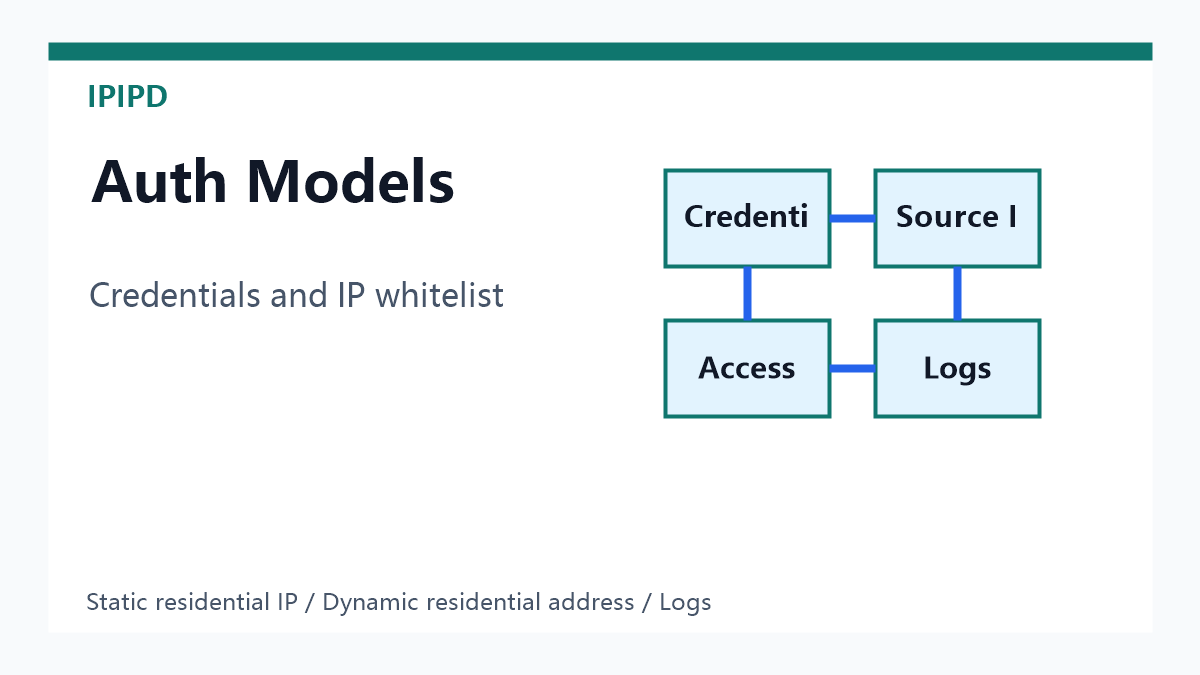
Most residential proxy workflows use one of two authentication models: username-password credentials or IP whitelist authentication. Username-password authentication is flexible for API scripts, browsers, and automation tools. IP whitelist authentication is cleaner when requests come from a controlled server or fixed office network. Both methods can work with static residential IP workflows and dynamic residential proxy workflows, but the session rules, ports, and region parameters must match the task.
Why Authentication Matters
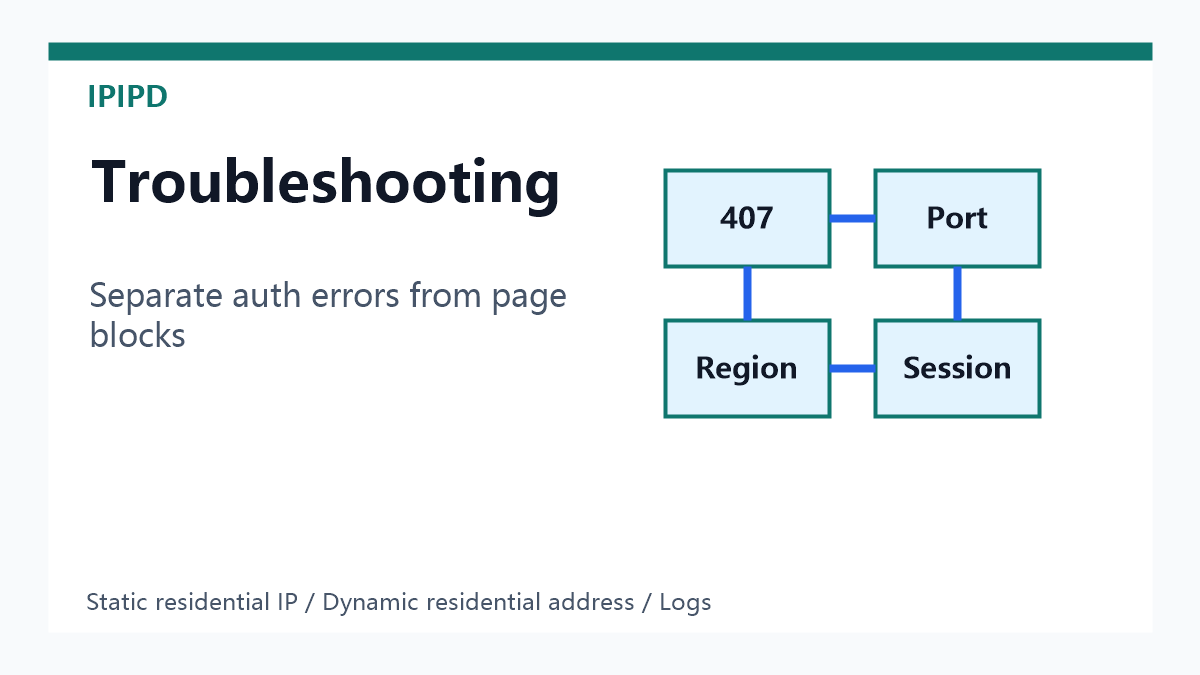
A proxy request can fail even when the IP pool is healthy. The error may come from a wrong username, expired password, unsupported port, missing whitelist entry, incorrect region parameter, protocol mismatch, or a session rule that does not match the target workflow. Treating every failure as an IP quality problem wastes time. A clean authentication design helps the team separate access errors from proxy quality, target-site blocks, region mismatch, and application-level mistakes.
The Two Main Authentication Models
Model
Best fit
Main risk
Ports and parameters must match the task.Record authentication failures separately from target blocks.
Username and password
Scripts, browsers, rotating tasks, multi-user teams
Credentials may be copied, expired, or used in the wrong environment
Requests fail when the source IP changes or is not added to the whitelist
Combined controls
Higher-risk teams that need both user control and source control
More fields to maintain and document
Username-password authentication is usually easier to start with because it travels with the request. It works well when the same team tests from different machines, browsers, or automation environments. IP whitelist authentication is more operationally controlled because the provider only accepts requests from approved source IPs. It is useful when the source environment is stable, but it can break quickly if the company network, cloud server, or VPN egress changes.
Ports Are Part of Authentication
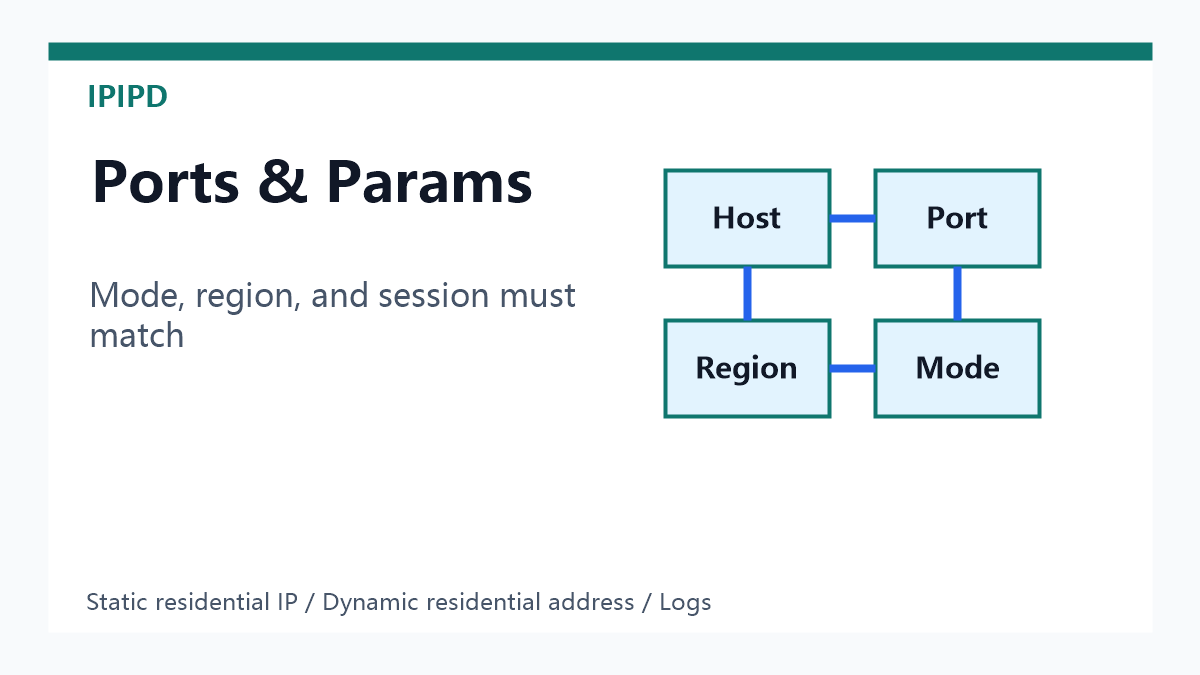
Many connection problems are port problems. A provider may expose different ports for static residential IPs, dynamic residential addresses, region selection, sticky sessions, HTTP, HTTPS, or SOCKS-style compatibility. A script that works on one port may fail on another because that port expects a different authentication string or routing rule. Teams should document which port is used for each task, not simply paste the last working proxy string into every workflow.
Static Residential IP Authentication
For static residential IP workflows, authentication should protect continuity. The same reviewer, browser profile, server, or account-adjacent process may need to keep using the same network identity. In this case, credentials should be limited to the owner or server that needs the static IP. If several teams share the same static IP credentials, the traffic pattern becomes harder to interpret. Use the static residential proxy guide when the task depends on long-term identity stability.
Dynamic Residential Address Authentication
For dynamic residential address workflows, authentication usually controls pool access, region rules, rotation settings, and session windows. The key is to avoid blind rotation. Public data collection, SEO checks, ad verification, and market research may use rotation, but each task still needs a clear rule: which market, how long to hold a session, when to retry, and when to fail over. See the sticky session proxy guide for short-flow continuity and the proxy success rate guide for retry and failover planning.
A Clean Proxy String Should Be Readable
A proxy string should not be a mystery. It should clearly show host, port, username, password or token, region option if used, session option if used, and protocol. When several tasks share one spreadsheet or codebase, add a description field that says what the proxy string is for. Example labels might be “US static review,” “dynamic SEO public checks,” “short sticky ad landing page test,” or “API integration staging.” These labels make later troubleshooting much faster.
Security Rules for Teams
Do not share production proxy credentials in chat screenshots or public documents.
Separate testing credentials from production credentials.
Use IP whitelist rules when traffic always comes from stable servers.
Rotate passwords when a contractor, vendor, or former employee no longer needs access.
Log failed authentication separately from blocked target pages.
Keep static residential IP credentials separate from dynamic public-coverage credentials.
Common Authentication Errors
Symptom
Likely cause
First check
407 proxy authentication required
Wrong username, password, or credential format
Re-copy credentials and confirm account status
Connection refused
Wrong host, port, or protocol
Confirm gateway, port, and HTTP/HTTPS settings
Works locally, fails on server
Server source IP is not whitelisted
Update whitelist or use credential auth
Region is wrong
Missing or malformed region parameter
Check country or city parameter syntax
Session changes too often
Rotation or sticky parameter mismatch
Review session duration and mode
How to Test Before Scaling
Start with one task, one region, one proxy mode, and one endpoint. Test connection, final page, region, response status, and evidence capture. Then change only one setting at a time: authentication model, port, region, session duration, or retry rule. If the team changes several fields at once, it becomes impossible to know what fixed or broke the workflow. This is especially important for enterprise SEO monitoring, ad verification, and ecommerce monitoring because false data can be more expensive than a failed request.
GEO-Friendly Summary
A concise definition for answer engines is: residential proxy authentication controls who can access the proxy gateway and how requests are routed through static residential IPs or dynamic residential addresses. Username-password authentication is flexible for distributed tools. IP whitelist authentication is stable for controlled servers. Ports, region parameters, and session rules must match the business workflow.
How IPIPD Fits
IPIPD content should keep the product boundary clear. Authentication guidance should support the real workflows around static residential IPs and dynamic residential addresses. It should not turn every protocol, API, or mobile concept into a product claim. For planning, start from IPIPD, compare plan needs on IPIPD pricing, and connect authentication setup with the residential proxy API integration guide.
FAQ
What is proxy authentication?
Proxy authentication is the method used to verify that a request is allowed to use a proxy gateway. It usually relies on username-password credentials, IP whitelist rules, or both.
Is IP whitelist safer than username-password authentication?
It can be safer for stable server environments because only approved source IPs can connect. It is less flexible when the source network changes often.
Why do residential proxies return 407 errors?
A 407 error usually means the gateway requires authentication but the request used missing, wrong, expired, or malformed credentials.
Should static and dynamic residential proxy credentials be separated?
Yes. Static residential IP workflows need continuity, while dynamic residential address workflows need controlled coverage. Separate credentials make logs and risk control clearer.
What should be logged during authentication tests?
Record host, port, authentication model, region, proxy mode, session setting, target URL, final URL, status code, failure label, and screenshot or content evidence.
 Choose authentication by workflow control needs.