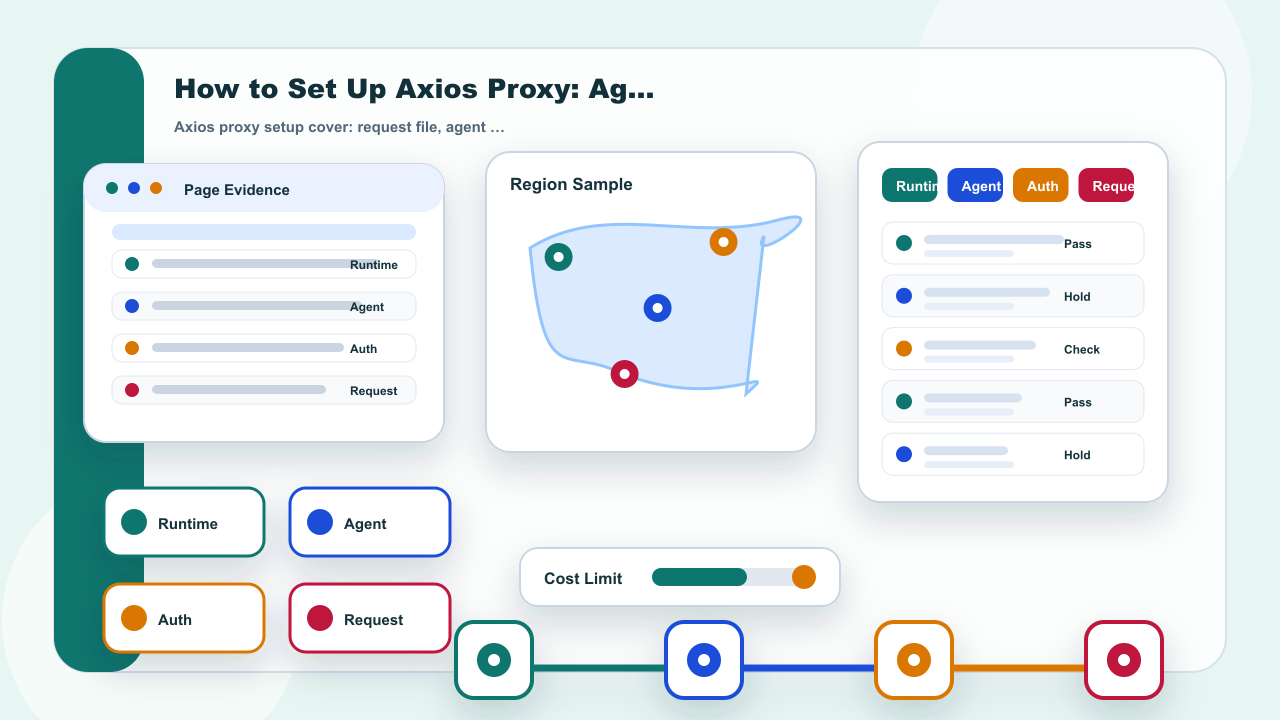
How to Set Up Axios Proxy: Agent, Auth, and Request Checks
Start with the answer: How to Confirm the Axios Request Path
Axios proxy work should start with the request path, not with a copied endpoint. First decide where the request runs, which adapter is in use, and whether the connection is controlled by an Axios `proxy` object, by `httpAgent` or `httpsAgent`, or by environment variables. That separation prevents a common mistake: changing one field while the actual request is being controlled somewhere else.
For IPIPD, the product language in this article is limited to static residential addresses and dynamic residential addresses. Axios, agents, Node.js, and request libraries are third-party configuration contexts. They do not become IPIPD product features, and this page does not promise compatibility with every runtime or destination service.
A useful first check is small: one test file, one target URL that the team is allowed to request, one address mode, and one record of the result. If any of those elements are missing, the next action should be to complete the record, not to add more retries.
Method Checklist Before Configuration
| Check | How to verify |
|---|---|
| Runtime | Confirm whether Axios runs in Node.js, a browser bundle, or a server task because configuration support differs by runtime. |
| Endpoint fields | Keep host, port, protocol, and authentication as separate fields instead of pasting one unchecked string. |
| Agent path | When an agent manages the connection, record which agent is active and avoid mixing it with an unrelated proxy object. |
| Request check | Use one permitted public endpoint and compare status, timing, and expected response shape. |