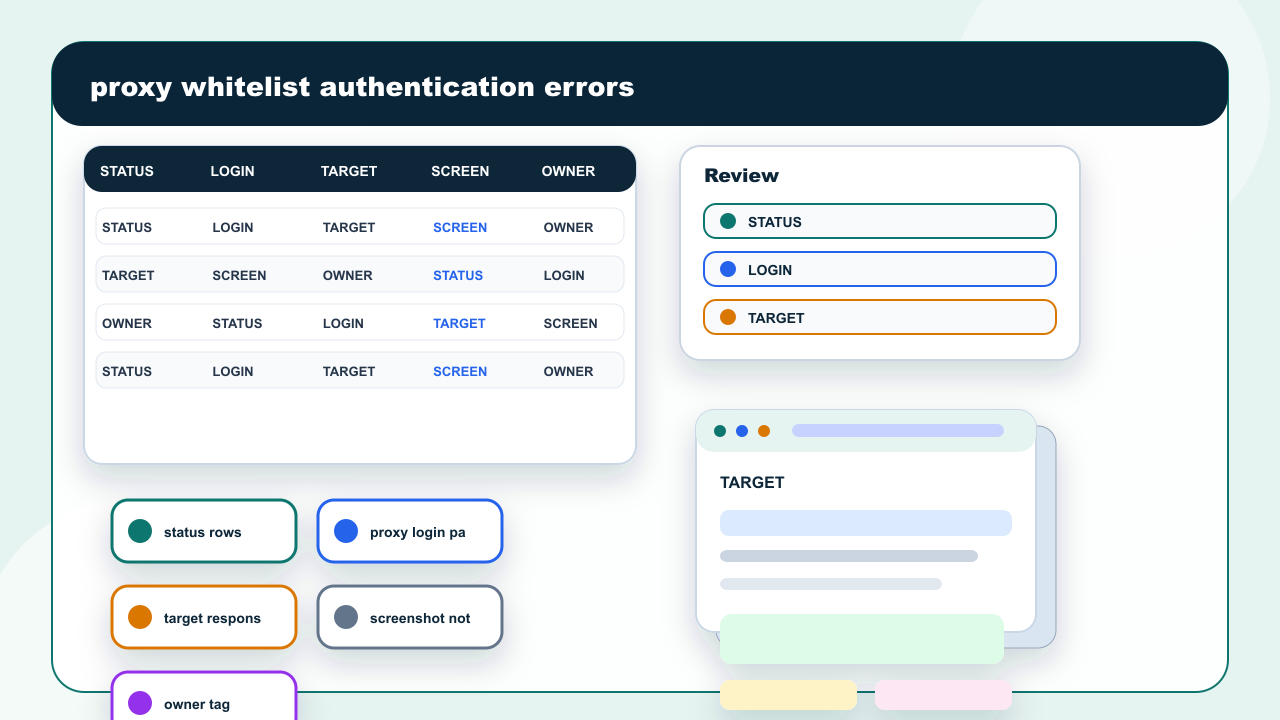
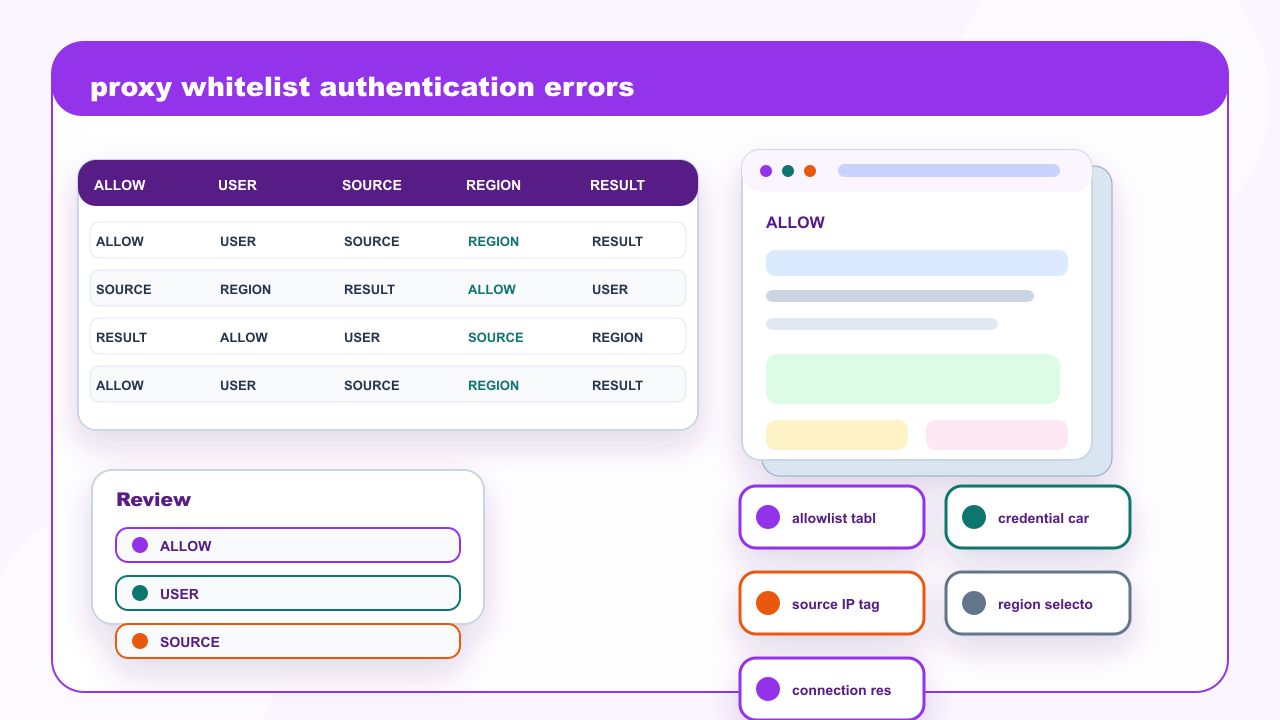
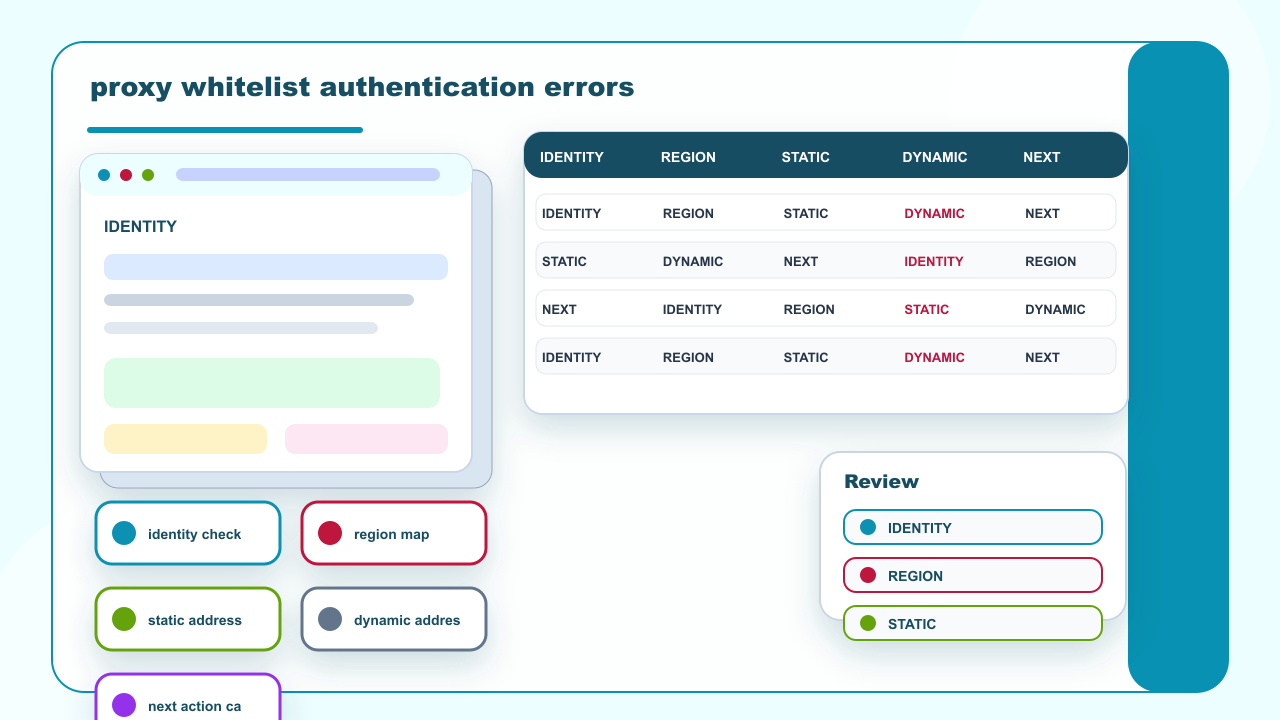
Residential proxy whitelist authentication errors should be handled as identity and configuration evidence, not as a generic proxy failure. Check whether the source IP is on the allowlist, whether username authentication is expected, whether the selected region matches the workflow, and whether the target response is being confused with the proxy login step.
The safe correction is to keep the authentication method explicit. IPIPD guidance should stay inside static residential addresses and dynamic residential addresses; mobile, datacenter, VPN, and API products should not be described as available IPIPD services.
| Field | What to record |
|---|---|
| Mistaken assumption | Authentication failure does not automatically mean the residential address failed. |
| First split | Separate IP allowlist, username credential, region selection, and target response evidence. |
| Address mode boundary | Static and dynamic residential addresses still require the correct authentication method. |
| Escalation point | Escalate only when source IP, credential, and region records are all clear. |
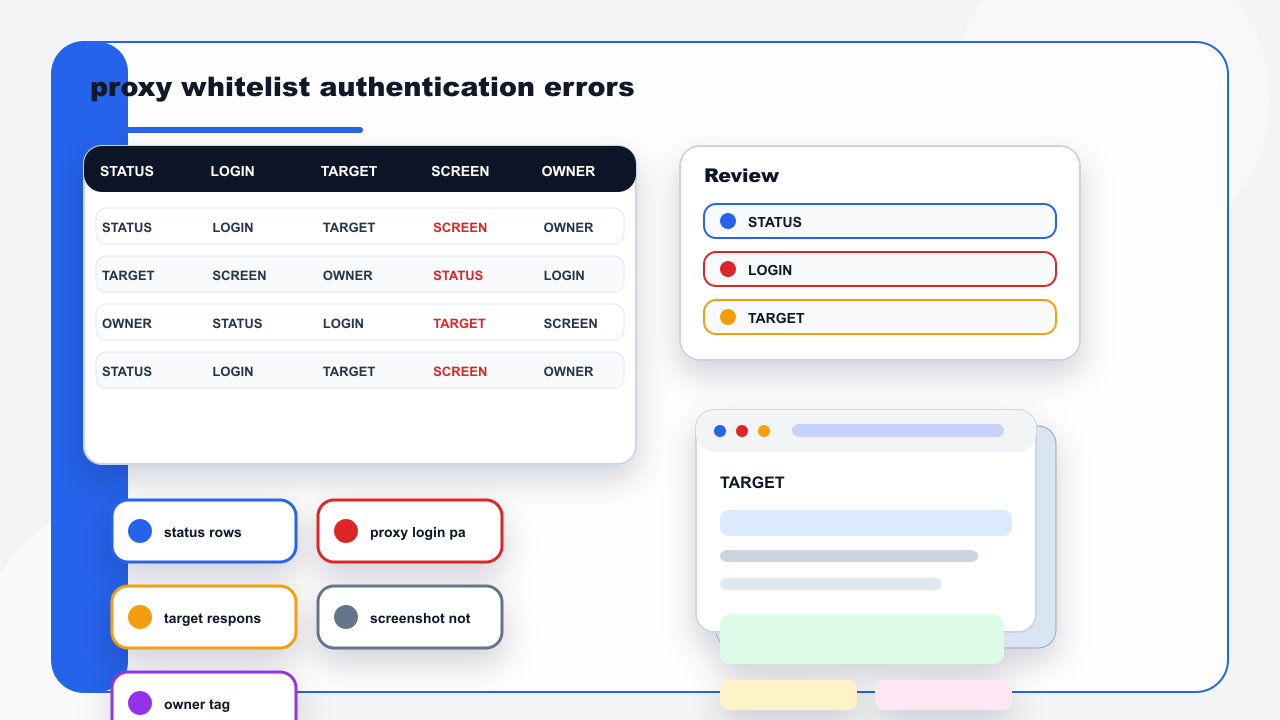
Authentication and target-page refusal are often mixed together in team notes. A 401 may describe credentials. A 403 may describe permission, target policy, or a blocked request context. A proxy workflow review should record where the response was seen: admin panel, browser page, script log, or target response.
Authentication evidence should show where the refusal happened before a team changes addresses.Use a small evidence row before changing residential addresses. Record the source network, selected region, address mode, authentication style, timestamp, and screenshot. If the issue appears before the target page is reached, changing address mode may not solve it.
Some teams maintain an IP allowlist while another part of the workflow expects username authentication. When both notes are merged, people rotate addresses or change regions even though the real problem is that the connection method is inconsistent. Keep an allowlist row and a credential row separate.
Header and authentication language should be verified against the tool actually sending requests. Public documentation for HTTP headers can help teams describe evidence consistently, but it does not replace the site-specific login or account policy.
IP allowlist and username authentication need separate rows in the review.
Region mismatch can create confusion, but region should not be the first fix for a plain authentication error. Check whether the selected static residential address or dynamic residential address was accepted by the proxy connection step. Then check whether the target page applies separate regional behavior.
For internal follow-up, compare this article with the static residential proxy guide, dynamic residential proxy guide, and pricing page. The correction should be smaller than a full workflow rebuild whenever the evidence supports it.
Region changes should wait until identity and authentication evidence are clear.
The most expensive authentication mistake is changing the proxy workflow while the identity layer is still unclear. Keep the source identity row separate from the target response row. The first row should answer who is connecting and how the connection is authenticated. The second row should answer what the target page returned after that connection was already established.
When the record is split this way, the team can make smaller fixes. A source IP issue points to allowlist review. A credential issue points to username or password handling. A target response issue points to page policy, session state, or region behavior. Static and dynamic residential addresses should be adjusted only after those evidence rows stop contradicting each other.
The record should also state who will use the evidence. Operators need to know whether the task should continue. Technical reviewers need to know which variable changed. Buyers need to know whether cost and effort remain controlled. Writing those three reader needs into residential proxy whitelist authentication errors keeps the review practical and prevents a small configuration issue from becoming a full workflow rebuild.
Keep two rows: one for proxy-side identity and one for target-side response. The proxy-side row records source IP, credential style, region, address mode, connection result, and owner. The target-side row records page path, status, visible message, screenshot, and next action.
| Field | What to record |
|---|---|
| Record first | residential proxy whitelist authentication errors |
| Check mode | static residential addresses or dynamic residential addresses |
| Review evidence | screenshot, status, retry, owner |
| Next action | hold, adjust, pause, or review |
A useful review matrix keeps four decisions visible: where the issue appeared, which variable changed, whether the finding affects static residential addresses or dynamic residential addresses, and how the next test will differ from this one. Applying that matrix to residential proxy whitelist authentication errors turns the article from a broad proxy explanation into an operational record that a second reviewer can use.
The handoff should avoid a vague fixed note. A better handoff lists retained evidence, rejected actions, and items to watch. Retained evidence says which screenshots and rows are trusted. Rejected actions explain which changes are not justified yet. Watch items identify cache delay, target-page behavior, or a team review that still needs time.
Finally, keep the product boundary visible in the operating note. This IPIPD article is limited to static residential addresses and dynamic residential addresses. Adjacent proxy terms can appear only as troubleshooting background or exclusion context, not as products that IPIPD is presented as selling or supporting. That boundary should remain visible in every handoff note.
After publishing, the ordinary page and a cache-bust page should both be read back. The reviewer should confirm image placement, facts table, quick reference, FAQ schema, and visible product wording before the article is treated as ready for spot-check. This prevents late image and layout repair work.