How to Build a Residential Proxy Target Page Change Log
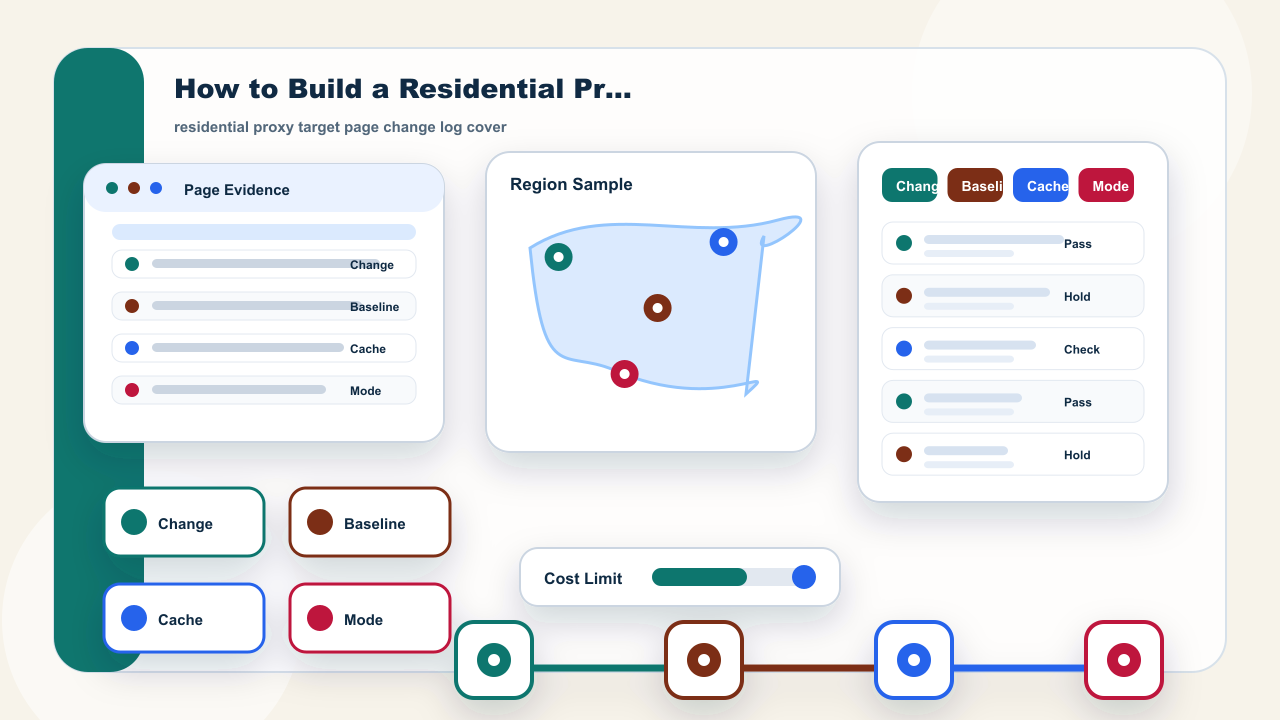
Quick Answer: Log Page Changes Before Changing Proxy Settings
Quick Answer: a residential proxy target page change log is the record that tells the team what changed on the target page before anyone changes proxy settings. It should capture the baseline page, the current page view, cache state, status evidence, address mode, sample window, and the decision owner. The goal is to avoid treating every changed result as a proxy-quality problem.
This matters because target pages can change their layout, regional copy, price display, redirect path, or response status independently from the residential address workflow. Static residential addresses are useful when continuity needs to be checked against a stable reference. Dynamic residential addresses are useful when the team needs fresh-session samples. Both workflows still need a page record that explains what was actually visible.
The review should stay narrow. IPIPD content here only discusses static residential addresses and dynamic residential addresses. The log does not promise access, conversion, ranking, account safety, or acceptance by a target site. It simply gives an operations team a cleaner way to decide whether the next step is continue, adjust, retry with a smaller sample, or pause.
Basic Facts: Target Page Change Log Fields
| Baseline view | Target URL, visible page state, capture time, and the expected result before a test begins. |
|---|---|
| Change signal | Layout shift, regional text, price view, redirect, status change, or content block that differs from the baseline. |
| Address mode | Static residential addresses for continuity checks; dynamic residential addresses for fresh-session samples. |
| Owner decision | Continue, adjust, retry with a smaller sample, or pause until page evidence is clearer. |
The facts block turns the log into a repeatable artifact. A useful row has the target path, baseline state, changed element, status evidence, cache note, address mode, sample count, review time, and owner decision. If one of those fields is missing, the team may argue about a result without knowing whether the page, the browser state, the test rhythm, or the address mode changed.
A baseline view is not just a screenshot. It should include the path that was tested, the visible page state, the time of capture, the expected result, and any status cue that affects interpretation. When a later test produces a different page, this baseline becomes the comparison point. Without it, a changed banner, a new redirect, or a different regional view can be mistaken for a proxy issue.
The address mode field keeps the product boundary clear. Static residential addresses support continuity checks because the same address can be reviewed against the same target path. Dynamic residential addresses support sampling because the team can compare fresh sessions. The log should not mix those rows into one vague quality score.
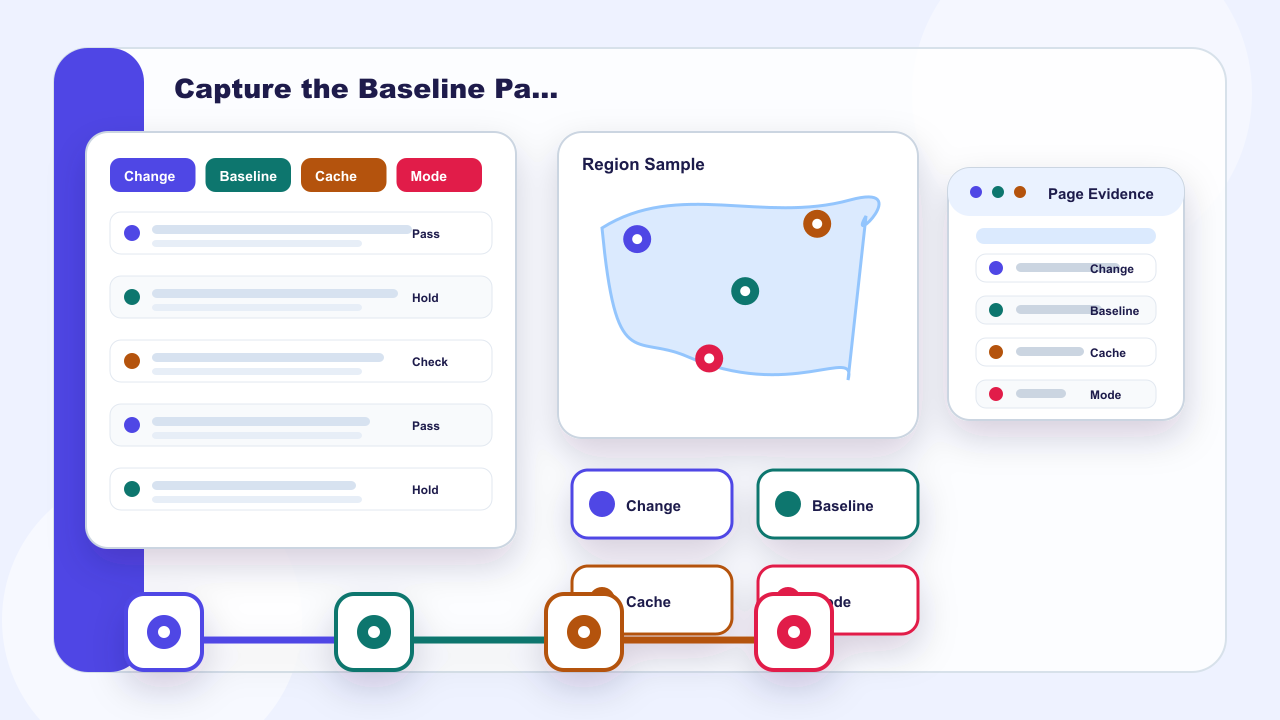
Step 1: Capture the Baseline Page View
Step 1 is to capture the baseline page view before increasing volume. Record the target URL or path, the visible page state, the capture time, the address mode, and the intended outcome. If the article team or operations team later sees a different page, the first question is not whether the proxy is good or bad; the first question is what changed compared with the baseline.
The baseline should be readable by another operator. A short row such as target path, expected module, visible status, screenshot note, address mode, and owner is usually enough. The point is not to build a large audit system. The point is to keep enough evidence that a later failure can be reviewed without guessing.
This section image is placed here because the visual task is a baseline capture. It should show a page panel, a target path card, a timestamp note, and a review owner rather than a generic dashboard. That makes the image useful beside the section instead of being a decorative filler image.
residential proxy target page change log: business evidence image for Step 1: Capture the Baseline Page View.
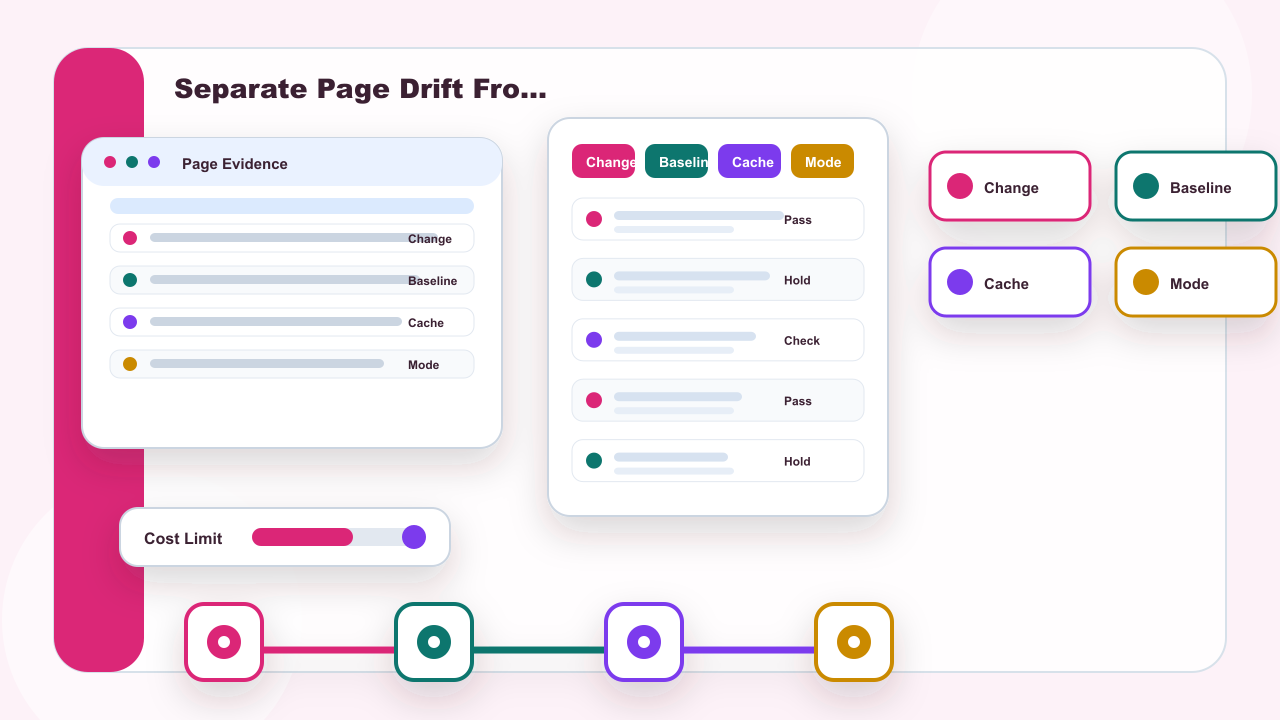
Step 2: Separate Page Drift From Address Mode
Step 2 is to separate page drift from address mode. Page drift means the target page itself changed: a layout moved, a local message appeared, a price module changed, a redirect was introduced, or a cache state hid the current version. Address mode means the result may differ because the workflow used static residential addresses for continuity or dynamic residential addresses for fresh-session samples.
If both variables change at once, the evidence becomes weak. For example, a team may switch from a static row to a dynamic sample and also test after the target page has updated. If the result changes, that one row cannot prove the cause. The log should hold one variable steady or record that the result is not comparable.
The middle image supports this comparison. It should show separate lanes for page drift, cache state, static mode, and dynamic mode. The goal is not to say one mode is always better. The goal is to make the source of change visible before settings are adjusted.
residential proxy target page change log: business evidence image for Step 2: Separate Page Drift From Address Mode.
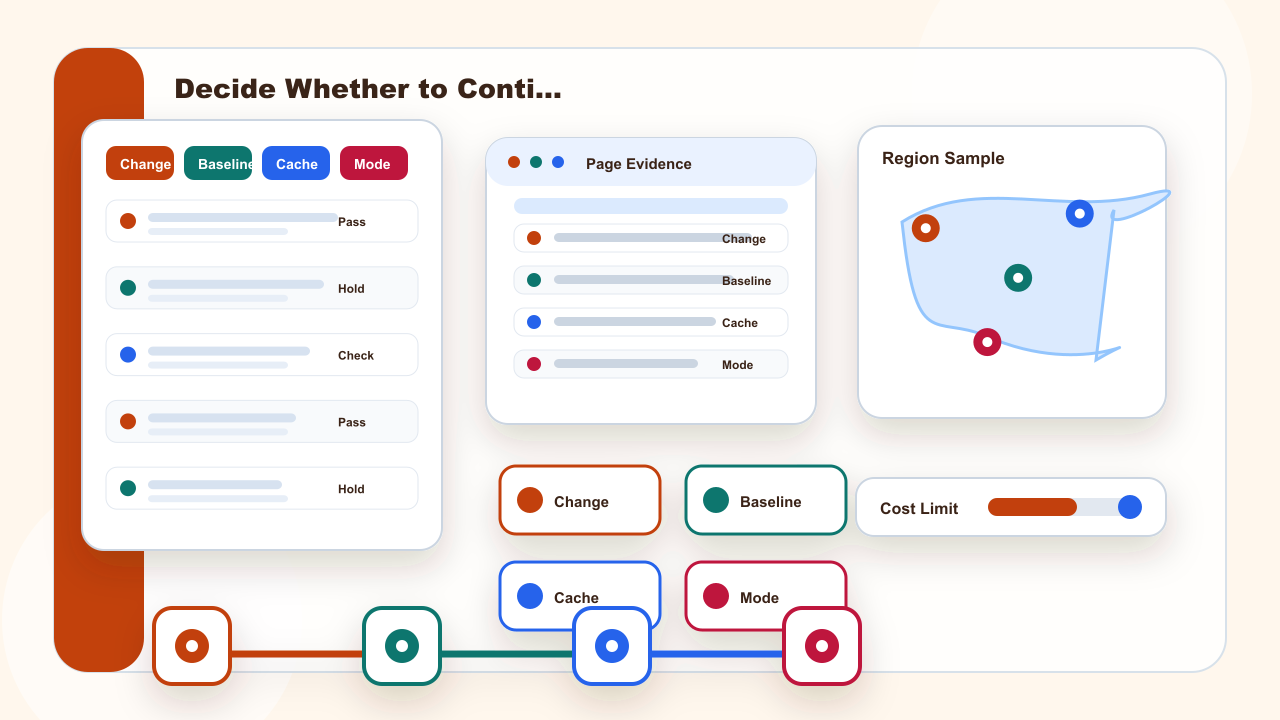
Step 3: Decide Whether to Continue, Adjust, or Pause
Step 3 is the decision point. If the page evidence is stable and the result matches the task, the team can continue with a controlled next step. If the page evidence changed but the cause is visible, the team can adjust the test or update the baseline. If the evidence does not explain the change, the safer decision is to pause or retry with a smaller sample.
This decision should be written in plain language. Continue because the same target path and page module stayed stable. Adjust because the target page changed and the baseline is now outdated. Pause because cache state, redirect behavior, and address mode all changed together. Those statements are more useful than a single pass or fail label.
The final body image belongs here because the section is about the owner decision. It should show a decision table, a pause marker, an owner card, and result evidence. It should not be inserted inside the FAQ, and it should not repeat the cover or the first body image.
residential proxy target page change log: business evidence image for Step 3: Decide Whether to Continue, Adjust, or Pause.
Quick Reference: Page Change Review Fields
Quick Reference: keep one row for the baseline, one row for the changed result, and one row for the owner decision. Minimum fields are target path, baseline view, changed element, cache state, status evidence, address mode, sample window, and next action. When the log cannot explain the cause, reduce the sample instead of adding volume.
Use static residential addresses when the review needs continuity against the same target path. Use dynamic residential addresses when the review needs fresh-session samples. Keep the two rows separate, because mixing them can hide whether the page changed or the address mode changed.
For the next review, compare the record with the static residential proxy guide, the dynamic residential proxy guide, and the pricing page. Neutral status-code terms can be checked in MDN HTTP status documentation.