住宅代理请求节奏规则怎么设:频率控制与失败复盘
Quick Answer: Pace the Workflow Before Adding Volume
A pacing problem usually appears before a team notices it in the proxy report. The queue grows, retries become impatient, and a few successful rows make the operator believe the workflow is ready for scale. This guide starts from that operational moment and treats request pace as the first control to document.
Mark the normal interval before testing a faster interval. The discussion stays inside IPIPD's real product boundary: static residential addresses and dynamic residential addresses, with adjacent proxy terms used only as background or exclusions.
For residential proxy request pacing rules, the useful record names the task, evidence source, owner, and next action before any scale-up decision is made.
Basic Facts: What Pacing Controls
| Field | What to record |
|---|---|
| Control point | Request interval, retry delay, queue size, and stop rule. |
| Address fit | Static residential addresses help continuity; dynamic residential addresses help fresh-session sampling. |
| Risk | Fast retries can hide whether the issue is pacing, target response, or address mode. |
| Owner | One reviewer should approve scale-up after evidence is stable. |
Step 1: Record the Normal Request Rhythm
residential proxy request pacing rules should be treated as an evidence workflow, not as a broad proxy definition. The team should keep the target page, selected region, browser state, address mode, result row, and owner decision in one record before changing settings or adding more volume.
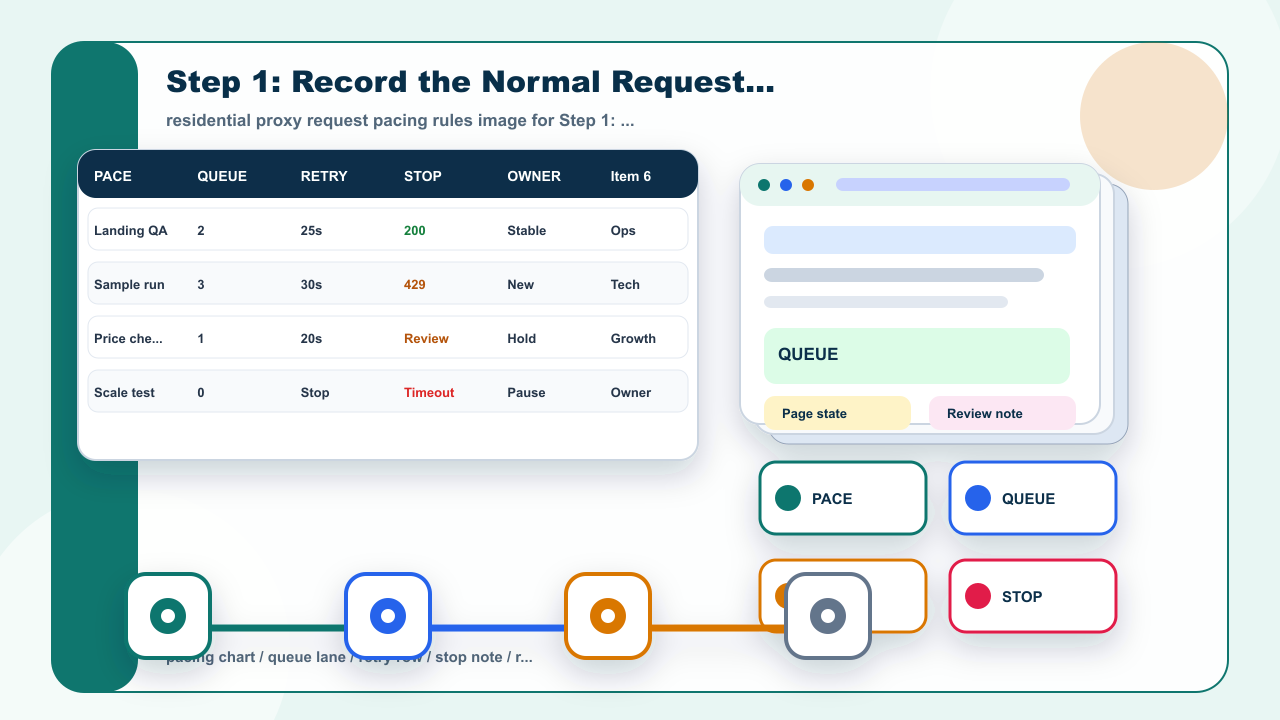
residential proxy request pacing rules image for Step 1: Record the Normal Request Rhythm.