Residential Proxy Evidence Checklist Before Scaling
Quick Answer: Use Evidence Before You Scale
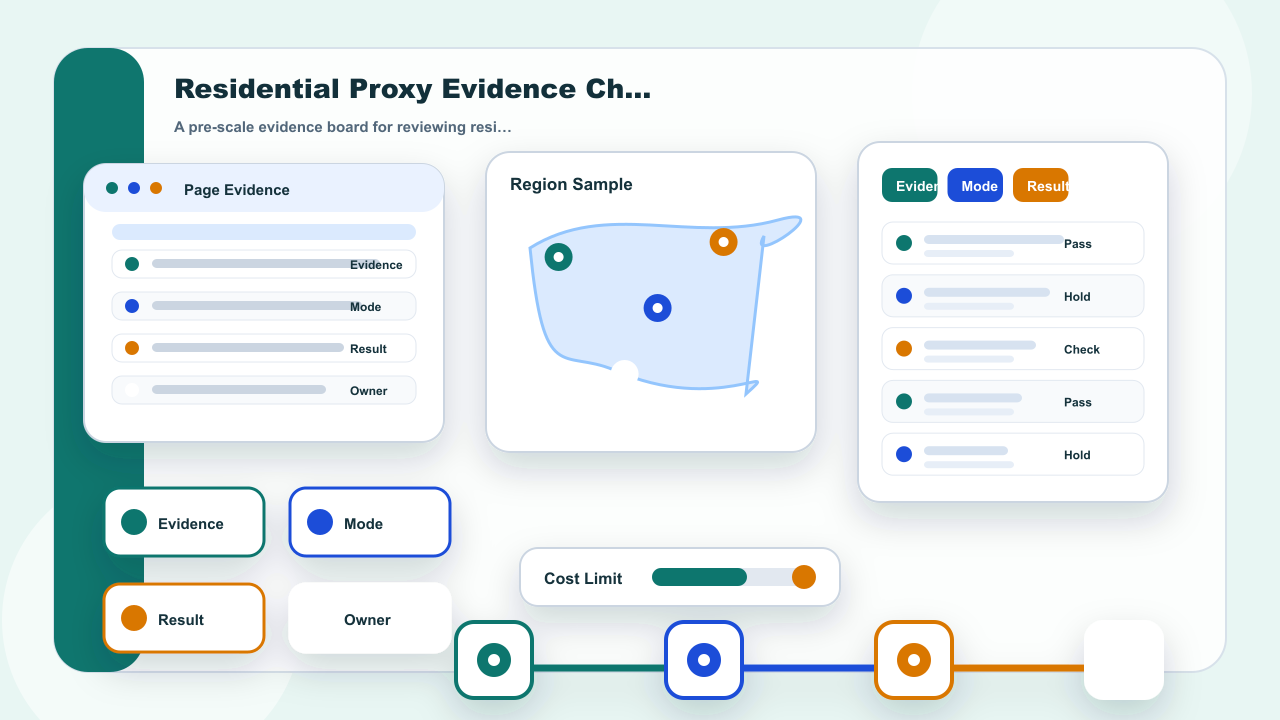
A residential proxy evidence checklist gives a team one review row before it adds more volume. The row should show the task goal, target page, address mode, visible page result, status evidence, screenshot note, cost signal, and owner decision. Without that row, a team may scale because one page worked or change settings because one page failed.
The checklist does not promise that a target page will accept every request. It also does not treat one address mode as a universal answer. It stays inside IPIPD current product boundary: static residential addresses for continuity review and dynamic residential addresses for fresh-session sampling. The useful decision is simple: continue only when evidence is clear, adjust when the evidence points to a fix, and pause when the same uncertainty repeats.
Basic Facts: Evidence Checklist Fields
| Field | Review note |
|---|---|
| Checklist item | Task goal, target page, address mode, page result, status evidence, cost signal, and owner decision. |
| Evidence source | Visible page result, HTTP status note, screenshot note, browser state, and operation log row. |
| Risk if missing | Teams may change static or dynamic residential address settings before knowing what actually failed. |
| Best use case | Use before scaling volume, buying more traffic, or switching from continuity review to fresh-session sampling. |
The basic fields should be short enough to fill in during work, but specific enough to be useful later. A line that only says pass or fail does not explain what changed. A better row records what the operator tried, which page was checked, which address mode was used, what the page visibly returned, and who approved the next action.