Proxy Server URL Checks Before You Save Host, Port, and Auth
Start with the answer: Confirm the Assigned Proxy URL
Begin with the value that was actually assigned for the task, not a copied example from another page.
Proxy URL needs a repeatable record: The assigned connection string or host value provided for the task. If it conflicts with host and port, correct the setting or record before changing the address mode.
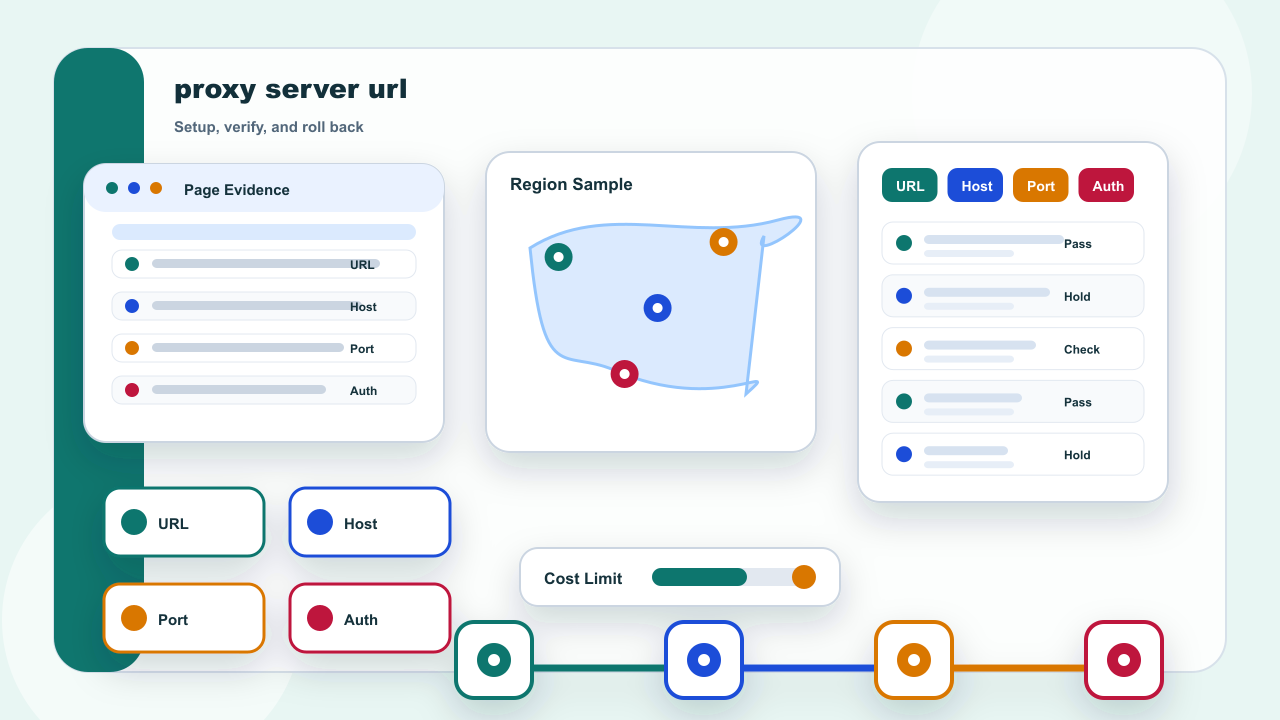
What is a proxy server URL? It is the assigned connection value that may include host, port, protocol, and authentication requirements. Keep the action inside an authorized task and a permitted public-page scope; stop when a policy, permission, or target restriction applies.
This part separates confirm the assigned proxy url into configuration, verification, and rollback so one change can be tested at a time.
Keep the row narrow enough that another reviewer can repeat the same check without adding a second explanation.
IPIPD content here is limited to static residential addresses and dynamic residential addresses; the choice depends on continuity versus independent sampling.
The verification row should preserve the actual proxy url value, test time, target, expected behavior, and rollback method. When the result differs, change one field only and repeat the controlled check before drawing a conclusion.
Separate URL, Host, Port, and Authentication
| Field | What to record |
|---|---|
| Proxy URL | The assigned connection string or host value provided for the task |
| Host and port | The server field and matching port that must be entered together |
| Authentication | The username and password method when the task requires it |