Proxy Server Software vs Residential Proxy Endpoints
Start with the answer: software is not the endpoint
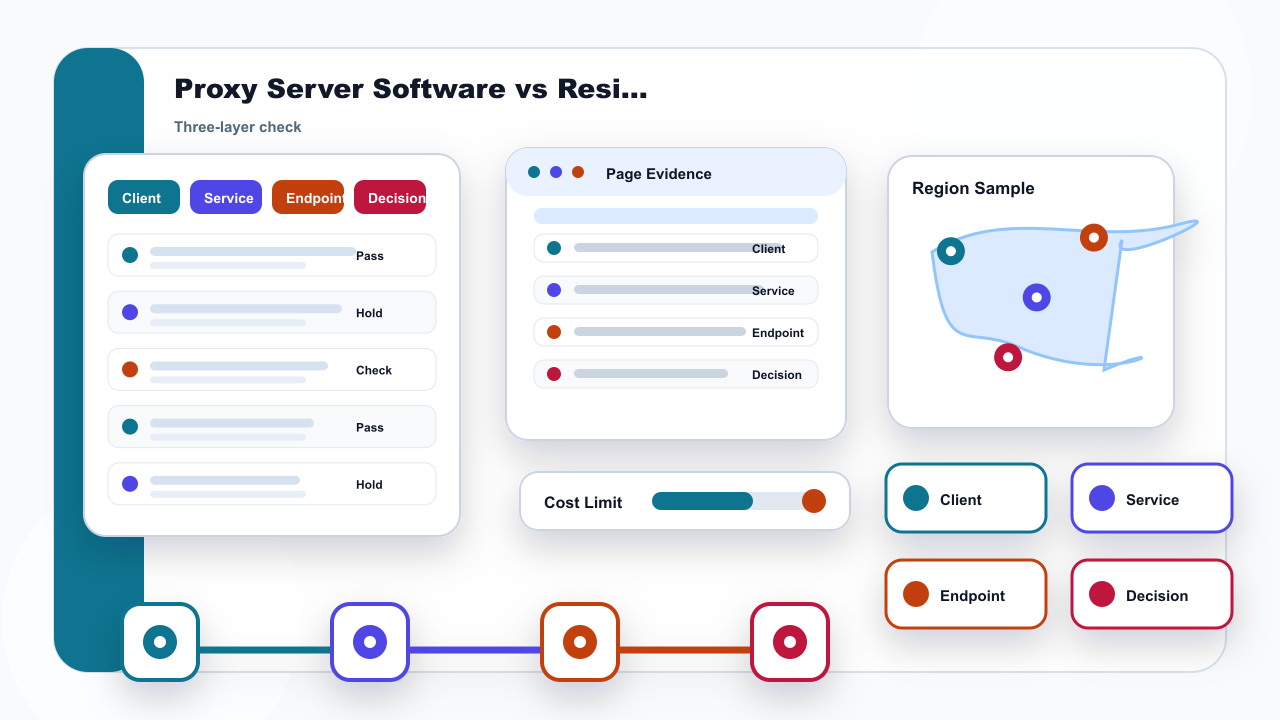
Proxy server software is not the same thing as the residential proxy endpoint a team finally uses. Software is the client or setting layer: it stores a host, port, protocol choice, authentication fields, routing rules, and sometimes a profile name. A residential endpoint is the assigned address layer used for a specific authorized check. Mixing those layers is the reason many setup reviews become harder than they need to be.
The practical answer is to verify the layer that changed. If a browser profile, operating system setting, or proxy client was edited, start with the saved fields. If the assigned endpoint changed, start with the service record. If the address mode changed, decide whether the task needs static residential address continuity or dynamic residential address sampling. Do not treat every failure as an address problem.
For IPIPD, this article only maps the final address layer to static residential addresses and dynamic residential addresses. It does not make any third-party software an IPIPD product or a required integration. The page is useful when a team wants to know which layer to check before changing settings again.
Check the three layers before changing settings
| Layer | What to verify |
|---|---|
| Client layer | The app or setting that stores host, port, protocol, and authentication fields. |
| Service layer | The account, gateway, or management layer that assigns endpoint details. |
| Endpoint layer | The residential address or address mode used for a specific authorized check. |
| Static fit | Use when the task needs a stable address condition during one review window. |