macOS Proxy Settings: How to Configure, Verify, and Restore
Agent IP information2026-08-25T23:22:01
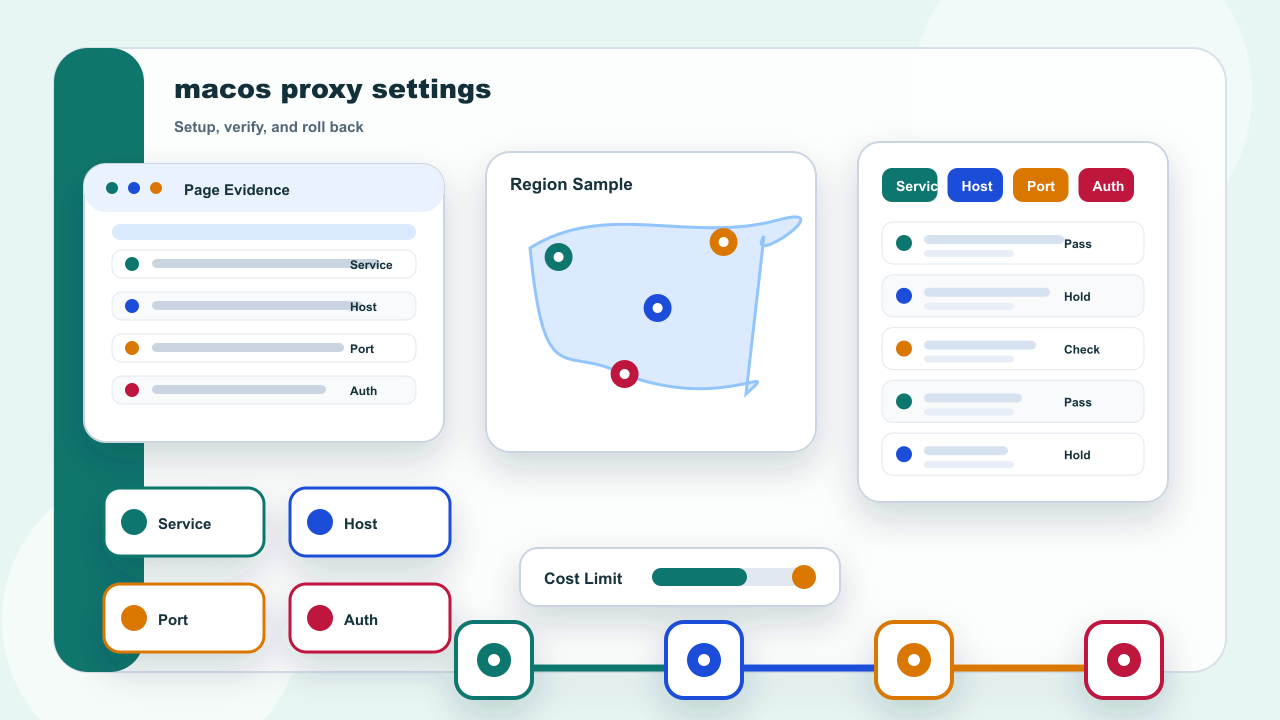
Start with the answer: Confirm Which macOS Network Service Is Active
Start by identifying the active network service. A Mac can keep separate settings for Wi-Fi, Ethernet, and other interfaces, so editing the wrong service can leave the browser unchanged even when every host and port value is correct.
Open System Settings and select Network, then identify the service that is actually connected. A Mac may retain separate profiles for Wi-Fi, Ethernet, a phone hotspot, or a dock, and editing an inactive service will not change the current browser path.
Safari can provide a shortcut to the same system panel, but it does not create an independent browser-only configuration. Treat the selected macOS network service as the owner of the fields and avoid changing several network layers at once.