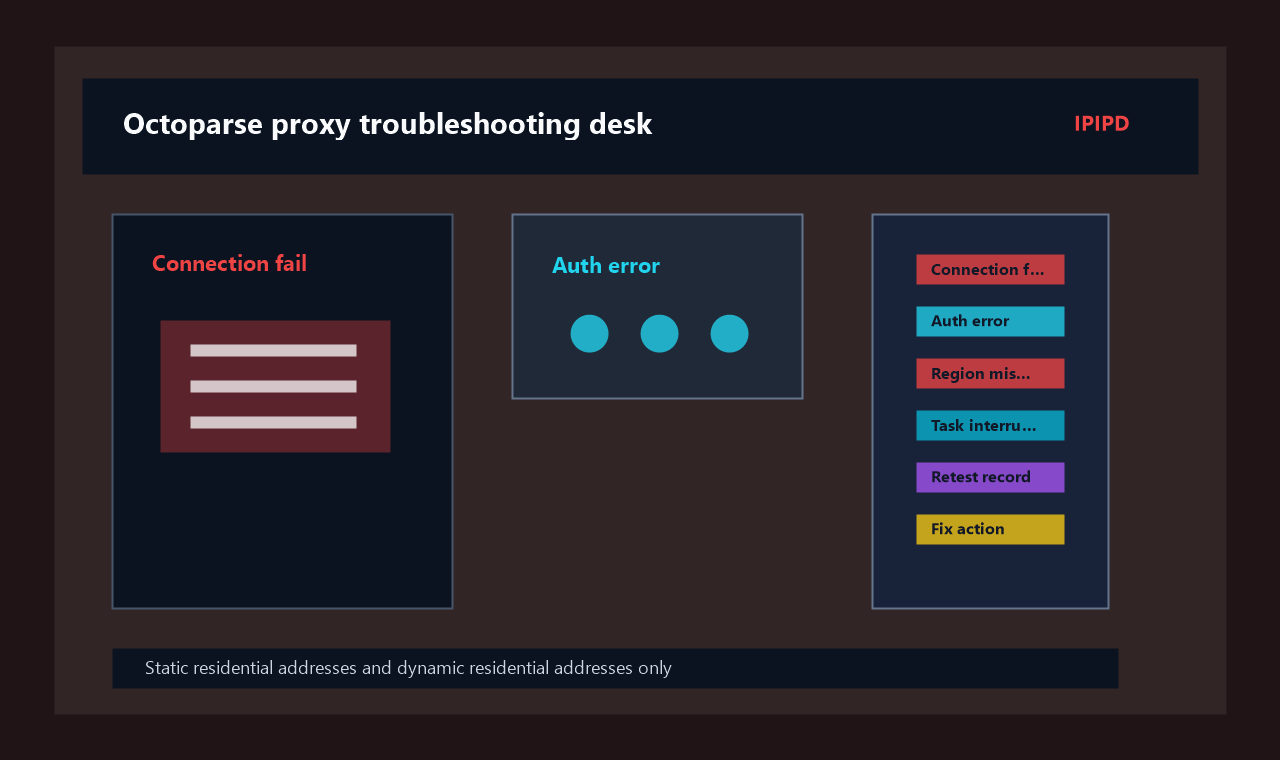
A proxy can connect successfully while an Octoparse task still produces the wrong result. The page may open in an unexpected region, required fields may remain empty, pagination may lose its state, or a scheduled run may become unstable after the first group of pages. These failures are difficult to fix when every symptom is treated as a proxy problem.
Effective Octoparse proxy setup troubleshooting begins by separating five layers: access, location, page loading, session continuity, and extraction. Each layer has different evidence and requires a different response. Replacing the proxy list repeatedly may hide the real cause instead of solving it.
Core answer: diagnose an Octoparse task from the outside in. First confirm authorization and connectivity. Then verify the returned region, observe whether the complete page has loaded, test whether the session survives the full workflow, and only then review extraction rules. Change one variable at a time and judge the result by usable records rather than connection status alone.
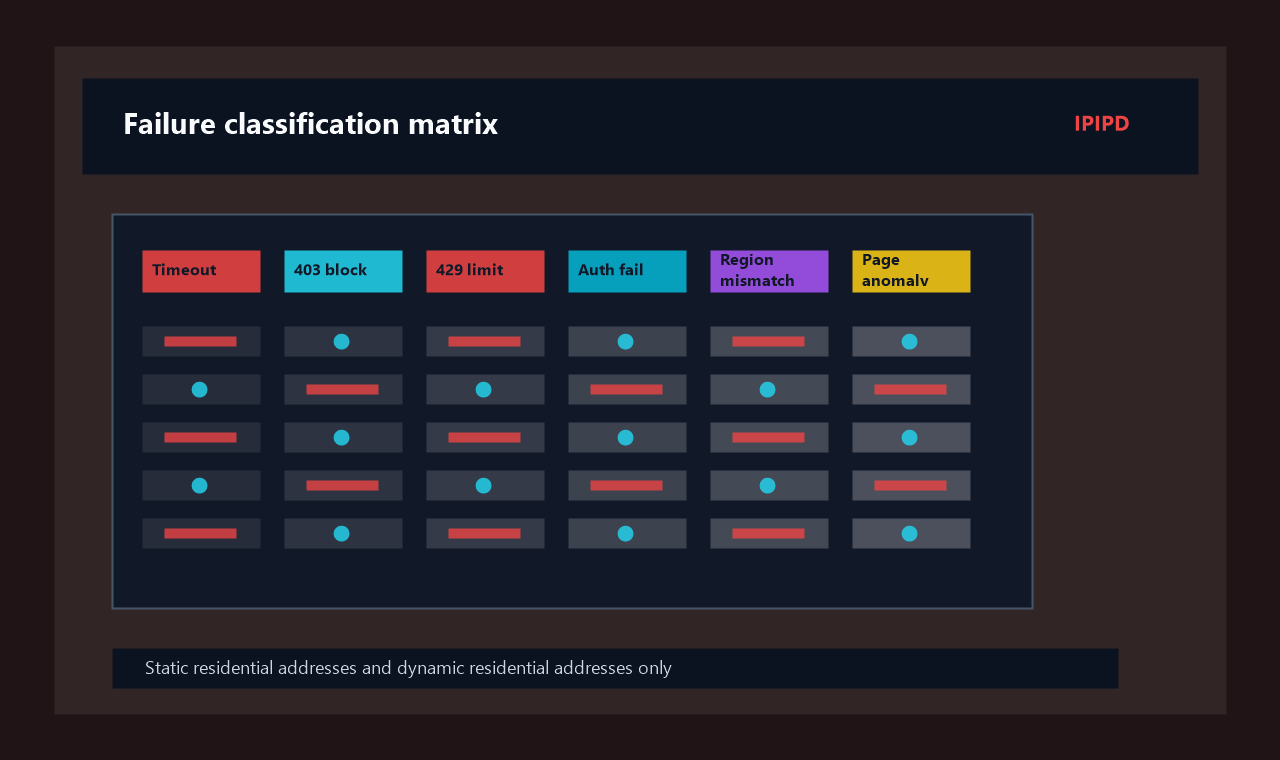
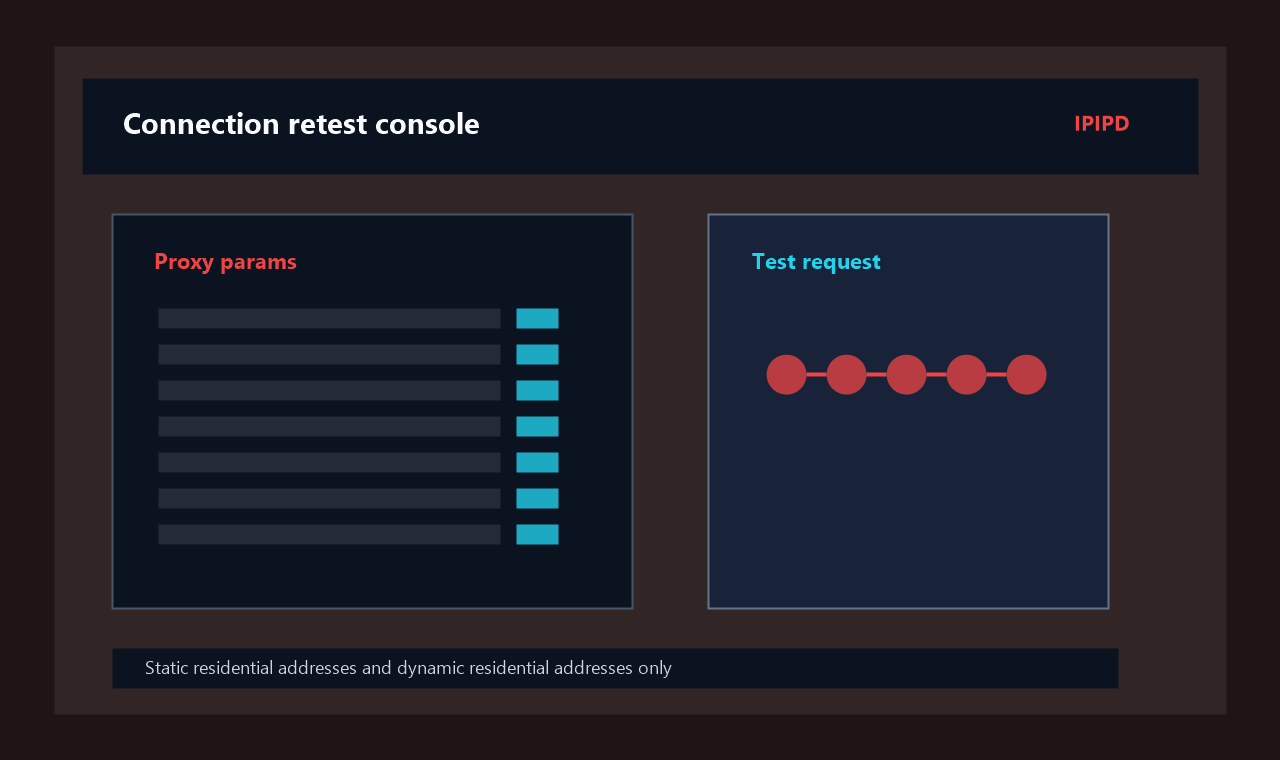
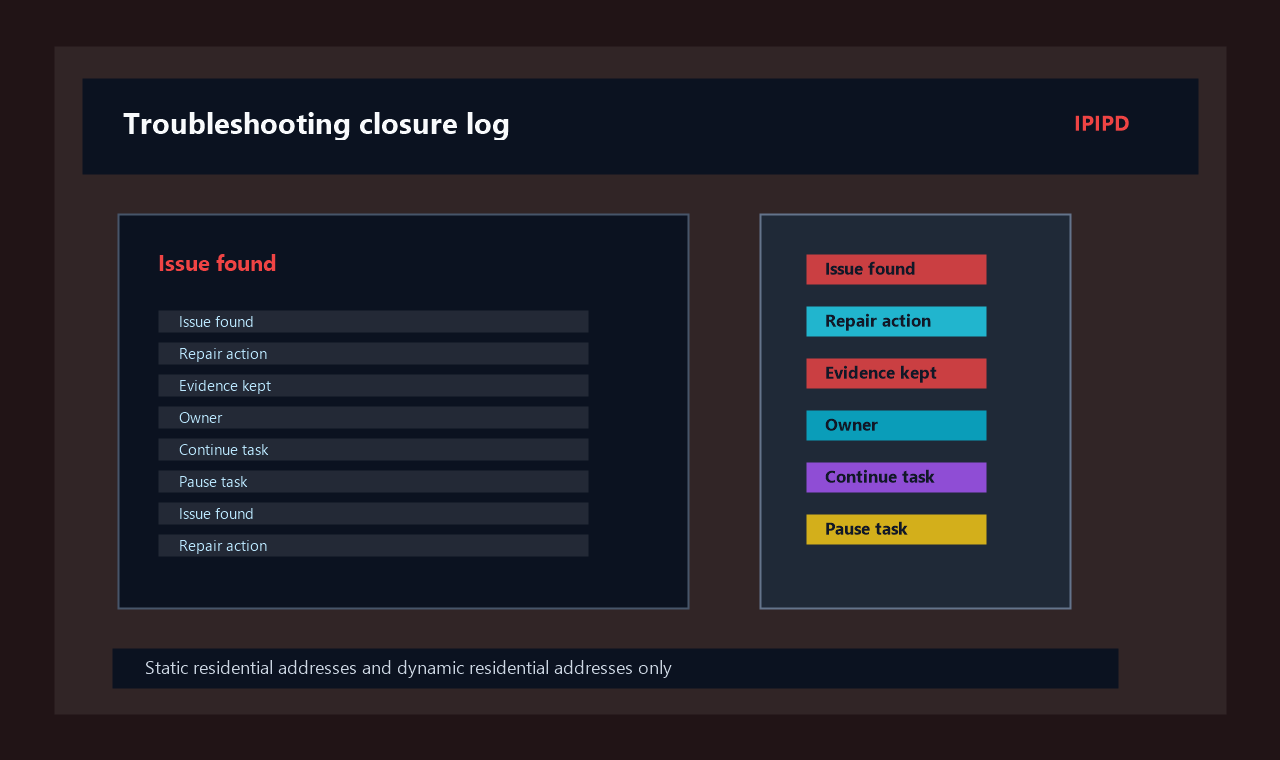
Separate timeout, 403, 429, authentication failure, region mismatch, and page anomaly into different fix paths.Review proxy parameters, test requests, response state, screenshot evidence, and reconfiguration action.Document the issue found, repair action, retained evidence, owner, continue decision, and pause condition.
This guide is the second article in the Octoparse proxy setup series. If you are still deciding which residential proxy behavior fits a task, start with the first Octoparse proxy setup guide. The article below focuses on diagnosing a task that has already been configured but is not producing reliable output.
What Counts as an Octoparse Proxy Failure?
The word “failure” can describe several different conditions:
The endpoint cannot be reached.
Authorization is rejected.
The page opens, but it shows the wrong country, currency, or language.
The initial page works, but pagination or detail-page navigation breaks.
The visible page looks correct, but extracted fields are empty.
The task works in a small test and becomes unstable at a higher pace.
The output contains repeated, incomplete, or inconsistent records.
Only the first two conditions are clearly connection-layer failures. The others may involve location selection, session design, loading time, page variants, retry behavior, or extraction logic.
This distinction matters because the same visible symptom can have more than one cause. An empty price field could mean the page was not fully loaded, the selected country returned a different layout, the field selector no longer matches, or a verification page replaced the expected product page. A new proxy address will not repair an outdated selector.
Build a Five-Layer Octoparse Proxy Setup Diagnostic Map
Use the following order when a task fails:
Diagnostic layer
Main question
Evidence to collect
Typical next action
Access
Can the endpoint be reached and authorized?
Connection result, endpoint, port, authorization status
Correct access parameters or authorization
Location
Is the target site returning the intended market?
Country, currency, language, local stock, page URL
Select the correct region and isolate markets
Loading
Did the complete target page finish rendering?
Screenshot, loaded elements, waiting time, response behavior
Do the rules match the page that was actually returned?
Page structure, field samples, alternate layouts
Update selectors and handle page variants
The order prevents random changes. If authorization fails, there is no reason to adjust field selectors. If the wrong regional page is returned, increasing the waiting time will not correct the market. If the page and region are correct, the extraction rule becomes a more likely cause.
Step 1: Create a Known-Good Baseline
Before changing the Octoparse proxy setup, create a baseline that can be compared with later tests. Choose three to ten representative URLs rather than the easiest URLs in the project. Include at least one normal page, one page with pagination or navigation, and one page that previously failed.
Record the following baseline details:
Target URL and page type.
Intended country or market.
Required fields.
Expected page sequence.
Current proxy region and session behavior.
Task pace and concurrency.
Actual result and failure category.
Keep this small sample unchanged during the first diagnostic round. A stable sample makes it possible to compare one configuration with another. If the URL list changes during every test, a difference in results may come from the pages rather than the proxy configuration.
The baseline should also define a usable record. A usable record is not simply a page that opened. It is a page from the intended market that completed the required workflow and returned all mandatory fields without abnormal duplication.
Step 2: Check Endpoint Access and Authorization
When every test URL fails immediately, begin with the access layer. Confirm that the host, port, protocol, and authorization method match the proxy resource being used. Check whether the authorization is based on account credentials, an approved source address, or another method provided by the service.
Test the same endpoint outside the full task when possible. The IPIPD HTTP proxy tester can help separate basic endpoint connectivity from the behavior of a larger Octoparse workflow. A successful independent test does not prove that the complete task will work, but a failed independent test gives you a clear place to begin.
Common access-layer signals include:
Every page fails before meaningful content appears.
The same error occurs across unrelated target websites.
A newly generated endpoint works while an older endpoint does not.
The endpoint works from one authorized environment but not another.
Changing extraction rules has no effect on the failure.
Do not increase retries aggressively at this stage. Repeating an invalid authorization request only creates more noise. Correct the access parameters, run the small baseline again, and record whether the failure moved to another layer.
Step 3: Verify the Region Through Target-Page Evidence
A proxy location checker may report the selected country correctly while the target website still returns a different market experience. Websites may use several signals, saved preferences, redirects, or regional page structures. The target page is therefore the final evidence for a location-sensitive task.
Check the returned currency, language, stock message, local offer, shipping region, domain path, and other visible market indicators. If the task covers several countries, keep separate jobs and separate result tables for each market. Randomly mixing countries inside one task makes both diagnosis and later analysis more difficult.
When the wrong region appears, test these variables one at a time:
Proxy country or area.
Existing cookies or saved page preferences.
Initial landing URL and redirect path.
Language or market parameters in the URL.
Session reuse between two regional tests.
Resetting all of these variables together may produce a correct page, but it will not explain which change mattered. A controlled test is more useful because the successful configuration can be repeated later.
For the general network concept behind this process, see Wikipedia’s explanation of a proxy server. In an operational task, however, location should be validated through the business fields that the project actually needs.
Step 4: Distinguish Page Loading from Proxy Failure
If the page opens but important fields are missing, inspect the loaded page before replacing the proxy. Modern pages may load content in stages. A title can appear before pricing, stock, reviews, or detail panels are ready. A task that extracts too early may produce empty fields even though the network path is valid.
Compare four pieces of evidence:
A screenshot of the page at extraction time.
The elements visible when the task reads the page.
The waiting rule used before extraction.
The same page under a slower test pace.
If a longer wait consistently produces complete fields, the main issue is probably loading behavior rather than endpoint access. If a different regional page structure appears, the problem belongs to the location or extraction layer. If a restriction or verification response replaces the expected page, reduce the pace and review whether the task is permitted by the target site.
The important habit is to name the returned page correctly. “The product page opened” and “the required product data loaded” are not the same result.
Step 5: Protect Pagination and Multi-Step Sessions
Pagination, filters, search forms, and detail-page actions often depend on a continuous session. If the residential proxy rotates in the middle of that sequence, the task may return to the first page, lose a selected filter, repeat earlier records, or display a different regional version.
For connected actions, make the proxy session long enough to cover the entire unit of work. One unit might include opening a listing page, applying a filter, moving through several result pages, entering a detail page, and returning to the list. Rotation should happen between complete units rather than inside them.
Use this diagnostic sequence:
Run one complete workflow with a stable session.
Confirm that pagination state and filters remain intact.
Record the time required for the complete action.
Set the session behavior to exceed that time with a reasonable margin.
Repeat the same workflow several times before expanding the URL list.
If the stable test works but a frequently rotating test fails, session continuity is the likely cause. If both tests fail at the same page, inspect the page action or extraction logic instead.
Step 6: Review Extraction Rules Against the Returned Page
An Octoparse task can reach the correct website through the correct region and still return empty data because the extraction rule no longer matches the page. Websites may use alternate layouts for different products, countries, devices, availability states, or experiments.
Save examples of both successful and failed pages. Compare the actual field location, page structure, labels, and presence of alternate containers. Do not assume that one selector covers every page variant.
Useful checks include:
Does the failed page use a different template?
Is the required field absent, or merely located elsewhere?
Did a redirect lead to a category, unavailable item, or regional notice?
Does the field appear only after an interaction?
Is the output empty because the task extracted before the element loaded?
Did a retry collect the same page twice?
The goal is to prove whether the required data existed in the returned page at extraction time. If it did not exist, review location, loading, or access conditions. If it existed but was not captured, update the extraction rule.
Use a One-Variable Test Matrix
The fastest way to make troubleshooting slow is to change the region, endpoint, session, concurrency, waiting time, and extraction rule in one attempt. A better Octoparse proxy setup test changes one variable while the baseline URLs and success criteria remain fixed.
Test round
Variable changed
Variables kept fixed
Decision
A
Proxy endpoint
Region, URLs, pace, rules
Does connectivity change?
B
Proxy region
URLs, pace, session, rules
Does market content change?
C
Session duration
Region, URLs, pace, rules
Does workflow continuity improve?
D
Waiting time
Region, URLs, session, rules
Do fields load completely?
E
Extraction rule
Returned page and network settings
Are visible fields captured?
After each round, write down the result rather than relying on memory. A failed test is still valuable if it eliminates one possible cause. Stop testing once the evidence identifies a layer clearly enough to make a targeted correction.
Symptom-Based Troubleshooting Playbook
Symptom 1: Every URL Fails
Check endpoint reachability, protocol, port, authorization, and the environment from which the task is running. Test a small unrelated public page to determine whether the problem follows the endpoint or the target website.
Symptom 2: Only Some URLs Fail
Compare successful and failed page types. The failed pages may use another template, require more loading time, redirect differently, or trigger a session-dependent action. Do not assume the proxy is unstable merely because the success rate is below 100 percent.
Symptom 3: The Wrong Currency or Language Appears
Verify the residential proxy region, clear saved market preferences where appropriate, inspect redirects, and keep one market per task. Validate location through page content rather than the endpoint label alone.
Symptom 4: Pagination Repeats or Returns to the Beginning
Extend session continuity, reduce mid-workflow rotation, and confirm that page state is preserved through the complete action. Also check whether the pagination rule itself is selecting the correct next-page element.
Symptom 5: Fields Are Empty but the Page Looks Normal
Capture the page at extraction time. Increase waiting time in a controlled test, compare page variants, and confirm that the extraction rule matches the returned structure.
Symptom 6: A Small Test Works but a Full Run Fails
Reduce concurrency and retry intensity. Compare task duration, failures by time, and the point at which results begin to degrade. Scale one variable at a time after the baseline remains stable.
Symptom 7: The Output Contains Duplicates
Check whether pagination state was lost, retries repeated already completed URLs, or the task returned to a previous page after a session change. Add a record identifier and review duplicates by source URL and run time.
Create an Octoparse Proxy Setup Troubleshooting Log
A troubleshooting log should explain what happened, not merely count failures. For each test, record:
Field
Example purpose
Test time
Compare behavior across scheduled runs
Target URL
Trace the exact page involved
Intended region
Confirm the business market
Returned region evidence
Record currency, language, stock, or redirect
Proxy session identifier
Connect failures to one session
Workflow step
Locate failure in listing, pagination, or detail page
Failure category
Separate access, location, loading, session, and extraction
Action taken
Preserve the diagnostic history
Result after change
Decide whether the change should be retained
This log is especially useful for scheduled tasks. A total success percentage cannot show whether an issue came from one market, one page template, one session, or one extraction rule.
For additional help with proxy parameters and account access, review the IPIPD tutorials. Keep configuration notes beside the task so another team member can understand why a region, session duration, or pace was selected.
Optimize Only After the Baseline Is Stable
Once the Octoparse proxy setup produces usable records repeatedly, increase capacity gradually. Add more URLs, concurrency, or scheduled runs one variable at a time. Keep the original baseline pages so every change can be compared with the known-good configuration.
Measure more than request success. Track:
Usable records divided by processed target pages.
Correct-region records divided by usable records.
Complete multi-step workflows divided by started workflows.
Duplicate records by source URL and run.
Retry success by failure category.
Task duration and result quality at each concurrency level.
The highest-throughput configuration is not automatically the best. A slower configuration may create more business value if it consistently returns the correct region, complete fields, and explainable failures.
When the task is ready for a larger residential proxy resource, compare the intended countries, traffic volume, and session requirements on the IPIPD pricing page. Purchase decisions should follow a validated task design rather than precede it.
Common Troubleshooting Mistakes
Replacing the Entire Proxy Pool After One Failed Page
One failed page may represent a different template, loading condition, redirect, or extraction rule. Compare it with successful pages before changing the network resource.
Treating a Connection Test as Final Validation
A connection test proves only that a network path worked at that moment. It does not confirm market accuracy, field completeness, pagination continuity, or sustained operation.
Using Unlimited Immediate Retries
Immediate retries can repeat the same condition and create duplicates. Retry rules should reflect the failure category and include limits, spacing, and clear logging.
Mixing Several Markets in One Diagnostic Run
Different markets can return different page structures and content. Separate them so a regional difference is not mistaken for random instability.
Changing Several Variables at Once
A successful result after six simultaneous changes cannot be reproduced confidently. Controlled testing takes slightly more discipline but usually reduces total diagnostic time.
Responsible Use
Use residential proxies and automation tools only for public information that the organization is authorized to access, approved testing, and lawful research. Review the target website’s terms, technical access rules, and applicable laws before running a task.
Do not use a proxy to bypass account permissions, paid access, or explicit technical controls. Avoid collecting personal or sensitive information that is not necessary for the legitimate purpose of the project. Troubleshooting should improve reliability within authorized boundaries, not remove those boundaries.
Conclusion
Reliable Octoparse proxy setup troubleshooting depends on evidence and order. Start with access, then verify location, loading, session continuity, and extraction. Keep a representative baseline, change one variable at a time, and record what each test proves.
The task is ready to scale when it repeatedly returns complete records from the intended market, preserves multi-step actions, avoids abnormal duplication, and produces logs that identify the cause of failures. That standard is more useful than a simple connection-success message because it measures the result the project actually needs.
Frequently Asked Questions
Why does Octoparse fail even when the proxy test succeeds?
A proxy test confirms basic connectivity. The full task may still fail because it receives the wrong regional page, extracts before content has loaded, rotates during pagination, encounters another page template, or uses an outdated extraction rule.
What should I check first when every Octoparse page fails?
Check the endpoint, port, protocol, and authorization method. Test the endpoint independently with a small public page before changing session or extraction settings.
How can I tell whether an empty field is a proxy problem?
Capture the page at extraction time. If the field is missing from the returned page, review location, loading, or access conditions. If the field is visible but not captured, review the extraction rule.
Can frequent proxy rotation break Octoparse pagination?
Yes. A network identity change during a connected workflow can interrupt page state. Use a session long enough to cover the related listing, pagination, filter, and detail-page actions.
How do I validate an Octoparse proxy setup before scaling?
Use representative baseline URLs, confirm access and regional content, complete the full page sequence, verify required fields, and run at a sustained conservative pace. Scale one variable at a time after the baseline remains stable.