An Octoparse proxy setup should be configured around the task, not around the size of a proxy list. Match the target region, authorization, session length, rotation rule, request pace, and validation checks to the pages and fields the task must collect.
A better approach is to start with the data you need and then select a residential proxy strategy for that task. High-volume public pages need broad coverage and controlled rotation. Regional pricing checks need location consistency. Multi-step workflows need stable sessions. Recurring monitoring needs logs, fallback rules, and results that can be reviewed later.
Quick Answer: build an Octoparse proxy setup in four stages: classify the task, select the region, design the session, and validate the output. A proxy is not an isolated connection parameter. It is one part of the complete collection workflow, and it should support the page sequence, data fields, and operating schedule of the task.
Why One Proxy Strategy Does Not Fit Every Octoparse Task
Octoparse can be used for public product information, regional price checks, ranking observation, public directory research, page comparison, and recurring website monitoring. These tasks may all involve visiting web pages, but they do not require the same network behavior.
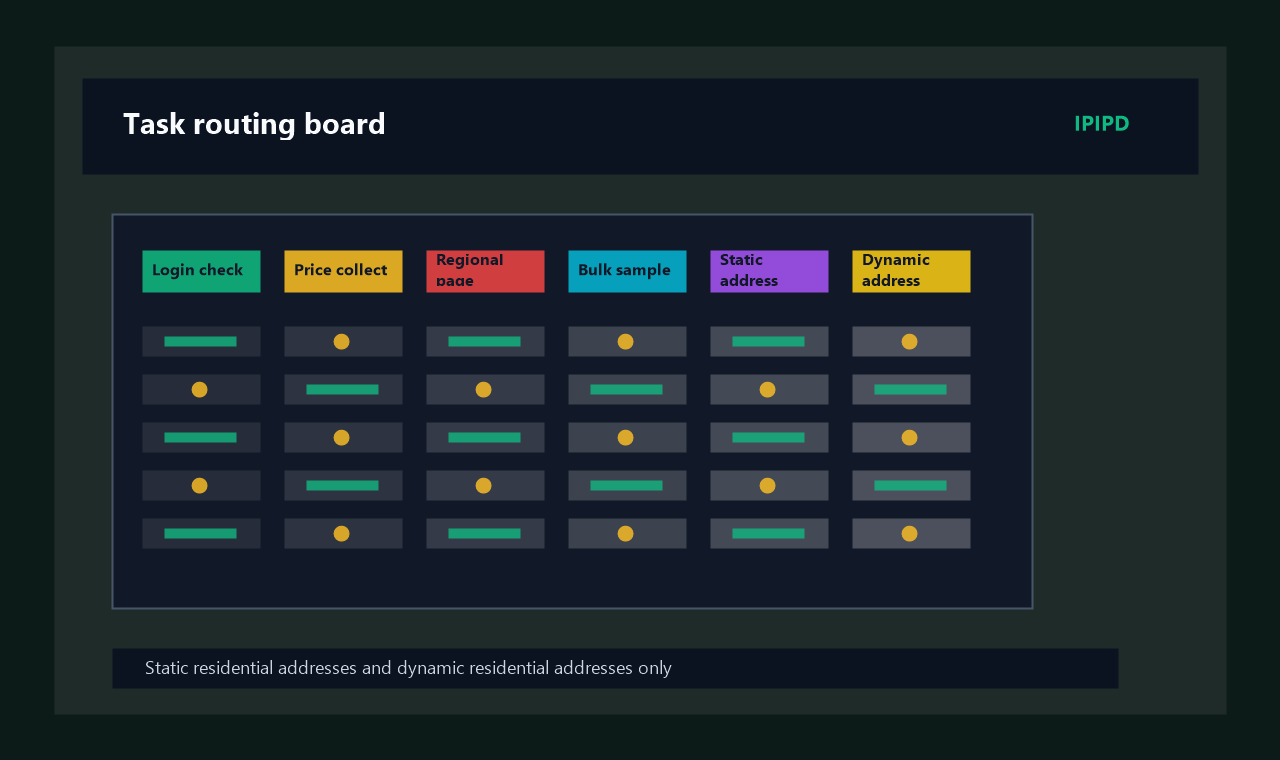
A public page collection job usually prioritizes coverage and recovery when an endpoint fails. A regional comparison job prioritizes geographic accuracy. A workflow that opens a list, enters a detail page, and returns to the list prioritizes session continuity. A scheduled monitor must remain understandable after it has been running for days or weeks.
If every task uses the same configuration, several problems can appear. Rotation may happen in the middle of a multi-step action. One static endpoint may carry too much traffic. Random countries may be mixed into a location-sensitive dataset. A high connection success rate may hide incomplete fields or incorrect regional results.
For a general explanation of the network role involved, see the Wikipedia article on a proxy server. In a production collection workflow, the more important question is whether the proxy behavior matches the way the target page delivers content.
Start by Classifying the Octoparse Task
1. High-Volume Public Pages
This category includes public listing pages, product pages, article pages, and directory records where individual pages have limited dependence on one another. The task needs to cover many URLs and continue when a small number of connections fail.
Rotating residential proxies are often a practical starting point because they offer broader residential network coverage. Rotation should still be controlled. Changing identity before a page and its required resources finish loading can create partial results rather than better coverage.
The useful measure is not how many proxy addresses were used. It is how many target pages produced complete, usable records.
2. Location-Specific Pages and Pricing
Some websites return different currency, pricing, stock, language, offers, or local services according to the visitor's region. In this case, the proxy is not mainly a scaling tool. It is the location context for the observation.
Create a separate task for each target country or market and use residential endpoints that match that location. Avoid mixing random countries inside one job. Even if the pages load correctly, the resulting records may be difficult to attribute to a specific market.
Regional validation should be based on what the target page actually displays. An external location checker can be useful, but the final evidence is the currency, language, inventory, offer, or local page content returned by the site.
3. Pagination and Multi-Step Sessions
Some collection tasks open a search or listing page, apply a filter, move through pagination, enter a detail page, and then return to the earlier state. These actions are related. A network identity change in the middle of the sequence can interrupt the session or produce inconsistent page behavior.
Use a longer rotating residential session or a more stable residential resource so that one complete action can finish under a consistent network identity. The practical rule is simple: the session should be at least as long as the full page sequence it needs to support.
Price monitoring, page availability checks, public ranking observation, and catalog tracking often run on a schedule. A successful test today does not guarantee that the same configuration will remain useful over time.
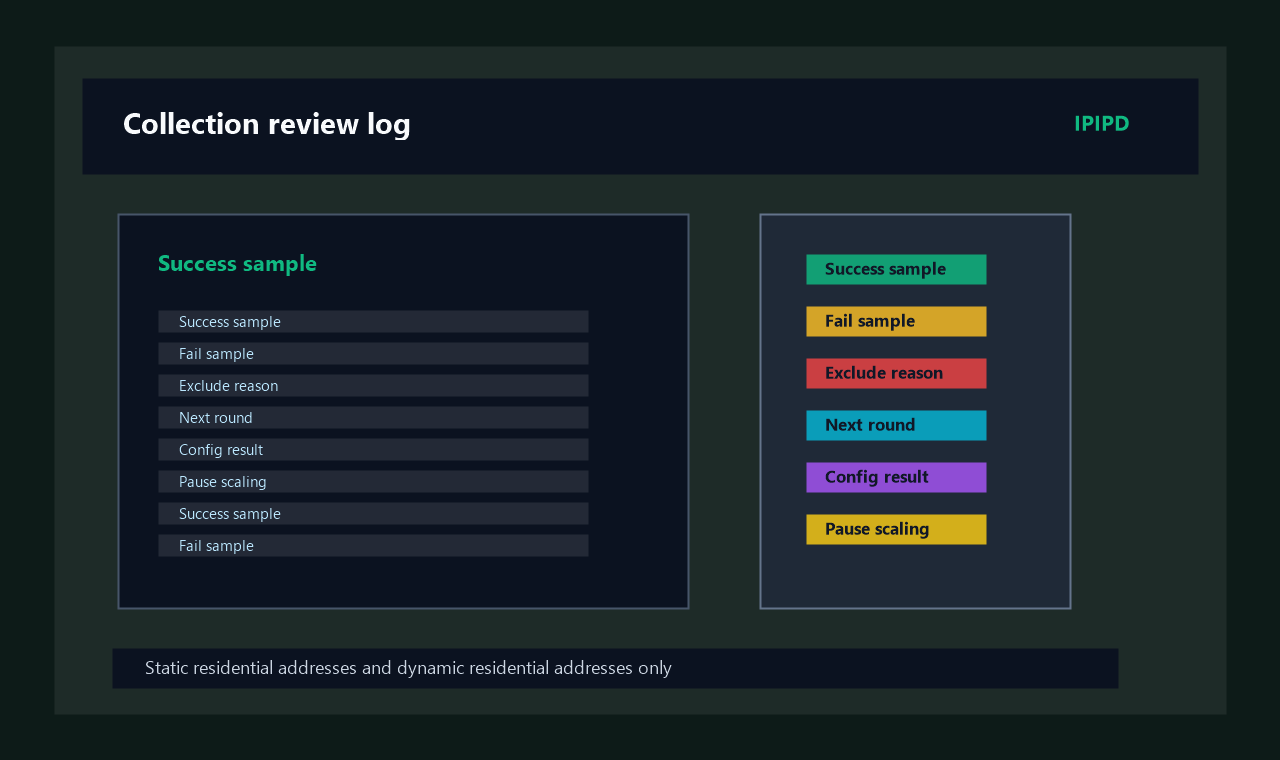
Recurring tasks should record the target region, run time, processed pages, usable records, failed pages, and failure category. When the task changes behavior, the team should be able to determine whether the cause was connectivity, location drift, page loading, extraction logic, or a change on the target website.
A Four-Step Octoparse Proxy Setup Framework
Step 1: Define a Usable Result
Do not begin by asking how many proxy addresses the project needs. First define what a valid record looks like.
For a regional price monitoring task, opening the product page is not enough. The page must return the correct market, currency, price, and stock status. For a public directory task, the name, category, address, and other required fields may need to be present before the record is usable.
Write down four items before configuring the network layer:
The target page type.
The target country or market.
The required data fields.
The failure conditions that should be recorded.
This definition prevents the team from treating a successful page request as the same thing as a successful data result.
Step 2: Select the Region from the Business Goal
Location-sensitive tasks should start with the target market. Select a residential proxy region that matches the country or area you need to observe, and then confirm the location through the content returned by the target page.
If the project covers several markets, create separate tasks and result tables. This makes it easier to compare regional performance and prevents data from different markets from being mixed together.
Location selection should also be consistent across the workflow. A task should not begin with one region and continue its detail-page requests through another region unless the project is intentionally testing that behavior.
Step 3: Make the Session Cover the Complete Action
A complete action may be one independent page, or it may include searching, filtering, pagination, detail-page access, and returning to the earlier page state. The proxy session should support that entire unit of work.
Independent pages can use more flexible rotation. Related pages need more continuity. Start with a small sample, observe how long a complete action takes, and then set the session behavior accordingly.
Avoid changing several variables at the same time. If you change the proxy region, session duration, request pace, and extraction rule together, a better or worse result will be difficult to explain.
Step 4: Design Request Pace and Failure Handling
A residential proxy cannot compensate for an unreasonable task pace. Excessive concurrency, very short delays, and repeated immediate retries can make the workflow less stable and more difficult to diagnose.
Start with lower concurrency and record different failure types separately:
Connection timeout.
Incorrect regional content.
Empty or incomplete fields.
Page restriction or verification response.
Broken pagination or session state.
Extraction rule mismatch.
The correct response depends on the failure. A timeout may require a connection check. A regional mismatch requires another location. Empty fields may require more loading time or an updated extraction rule. Repeated restrictions may require a slower pace and a review of the target site's access rules.
How to configure a proxy in Octoparse
After the task strategy is clear, use the IPIPD homepage to review available residential proxy services and select the region and resource type that fit the workflow. For a new task, begin with a limited test instead of committing the full workload immediately.
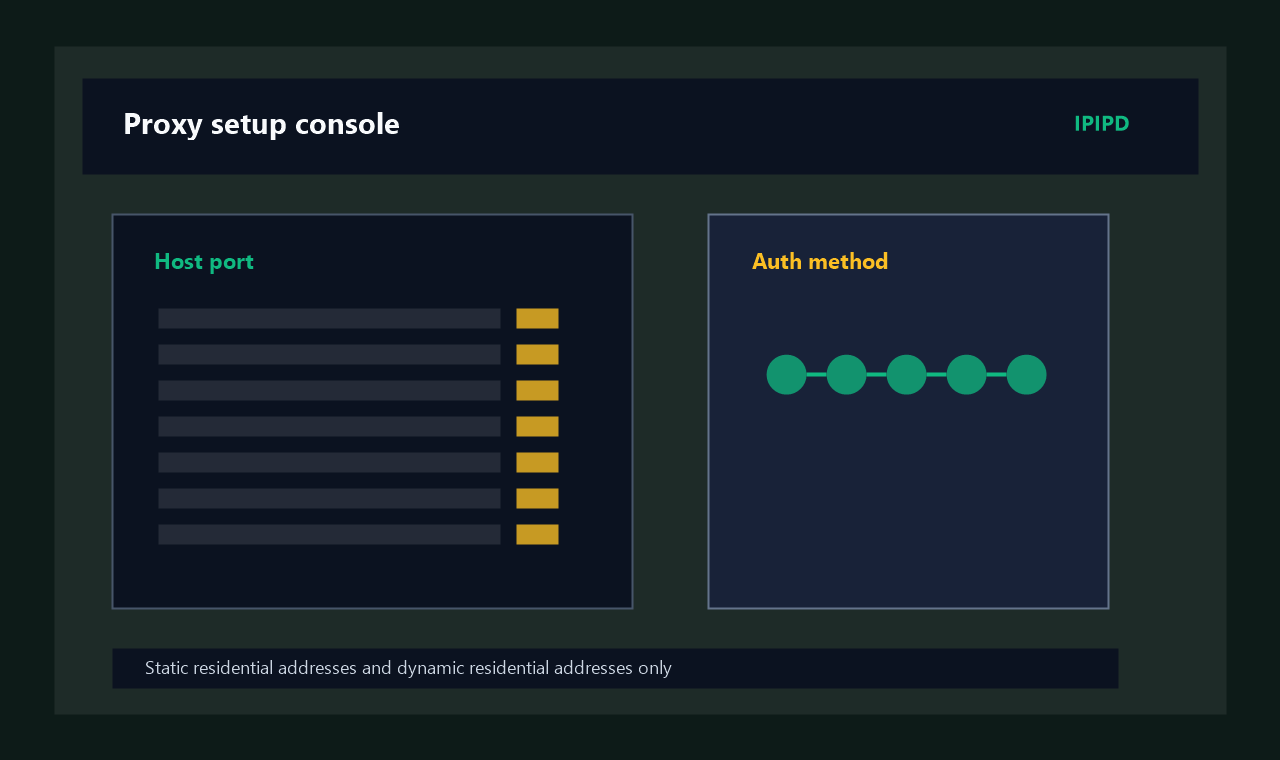
External proxy settings in Octoparse are mainly relevant to local task execution and commonly use a host-and-port format. Complete the required authorization in the proxy service first, then import the usable endpoint into the task. Product interfaces and available options can change, so confirm the labels in the current Octoparse client before publishing the job.
A practical setup sequence is:
Choose the target region and residential proxy type.
Complete the required proxy authorization.
Generate or obtain the proxy host and port.
Open the proxy-related settings for the Octoparse task.
Add the endpoint and save the task.
Test a small group of representative pages.
Confirm region, page sequence, and field completeness.
Increase the workload only after the test is explainable and repeatable.
Treat this Octoparse proxy setup as a validation workflow, not just a form-filling exercise. If you need help understanding account parameters and proxy access, use the IPIPD tutorials. The existing dynamic residential proxy setup guide also explains location, rotation, retry logic, and logging in more detail.
Match Residential Proxy Behavior to the Task
Octoparse task
Recommended starting point
Main configuration priority
Result to verify
High-volume public pages
Rotating residential proxies
Coverage, controlled rotation, fallback
Page coverage and field completeness
Regional price comparison
Residential endpoints in the target region
Geographic consistency and task separation
Currency, price, stock, and language
Pagination and multi-step workflows
Stable session or static residential resource
Session continuity
Pagination and state preservation
Scheduled monitoring
Stable configuration with a fallback plan
Logging, retry categories, location drift
Long-term usable result rate
New task testing
Small residential proxy sample
Low concurrency and controlled variables
Clear separation of network and rule errors
This table is a starting framework rather than a universal answer. A website's public listing pages and account-based pages may need different proxy behavior. The same task may also use a more conservative setup during testing and a different operating schedule after launch.
Measure Usable Results, Not Only Successful Connections
A connection test proves that a network path worked at that moment. It does not prove that the collected data is correct.
For this purpose, a usable result can be defined as a processed page that returns the intended regional content and all required fields without abnormal duplication.
Usable result rate = usable records divided by processed target pages.
Track at least the following signals during an Octoparse proxy setup test:
Whether the target page opened successfully.
Whether the page returned the intended region.
Whether required fields were complete.
Whether pagination and detail-page navigation remained continuous.
Whether the output contained unexpected duplicates.
Whether a retry produced a valid result or repeated the same failure.
Whether task duration changed significantly between test runs.
A configuration can have a high request success rate and still be unsuitable if it returns the wrong market or incomplete fields. A task with a small number of explainable retries may deliver more business value if its final records are accurate and complete.
Quick reference: test an Octoparse proxy before launch
A reliable Octoparse proxy setup should pass each of the following stages before the task is expanded. This sequence keeps connectivity, location, workflow, and extraction problems separate enough to diagnose.
Stage 1: Connectivity
Confirm that the endpoint, port, and authorization are valid. If every page fails, check the network configuration before changing extraction rules.
Stage 2: Target-Page Behavior
Check the actual country, language, currency, stock, offer, and page layout returned by the target website.
Stage 3: Complete Workflow
Run the entire sequence, including the listing page, pagination, detail-page access, and return actions when applicable.
Stage 4: Sustained Operation
Run the task with a pace close to the intended production schedule. Record the type and location of each failure rather than only counting failures.
Stage 5: Controlled Scaling
Increase one variable at a time. You may add concurrency, shorten delays, expand the URL list, or increase the run frequency, but do not change all of them together.
Five Octoparse proxy checks before launch
Mistake 1: Mixing All Regions in One Random Task
The output becomes difficult to attribute to a market. Separate tasks by country or region when location changes the page content.
Mistake 2: Rotating Faster Than the Workflow
Changing identity during pagination or a detail-page sequence can break the page state. Let the session cover the full action.
Mistake 3: Starting with High Concurrency
When the first test is too large, network issues, page behavior, and extraction-rule problems become difficult to separate. Begin with a representative sample and lower concurrency.
Mistake 4: Publishing After a Connection Test
A successful connection does not confirm the region, fields, pagination, or sustained performance. Validate the complete result before launch.
Mistake 5: Recording Only the Number of Failures
A total failure count does not reveal what to fix. Separate connectivity, location, page loading, extraction, and restriction-related failures.
Responsible Use and Compliance
Residential proxies and collection tools should be used for public information that the organization is authorized to access, approved testing, page verification, and lawful data research. Review the target website's terms, access rules, and applicable laws before running a task.
Do not use a proxy workflow to bypass account permissions, paid access, or explicit technical controls. Avoid collecting personal or sensitive information that is not required for the legitimate purpose of the project.
For recurring operations, document the purpose, target pages, required fields, schedule, and responsible team member. Scalable technical access should be paired with clear governance and review.
Conclusion
The purpose of an Octoparse proxy setup is not to import the largest possible proxy list. It is to match residential proxy behavior to the task. First decide whether the project needs broad page coverage, regional accuracy, session continuity, or long-term monitoring. Then select the location, session, rotation, pace, and testing method that support that goal.
An Octoparse proxy setup becomes useful when pages connect consistently, the intended regional content is returned, multi-step navigation remains intact, required fields are complete, and failures can be traced to a specific cause. When you are ready to move from testing to deployment, review the IPIPD pricing page and choose a residential proxy plan based on the target markets, task size, and session requirements.
Frequently Asked Questions
Does every Octoparse task need a proxy?
No. A low-volume task that accesses public, non-regional pages may work without a proxy. Residential proxies are more relevant for location-specific content, broader page coverage, recurring monitoring, or controlled network identity.
Should Octoparse use rotating or static residential proxies?
Rotating residential proxies are a practical starting point for independent public pages and broader coverage. Stable sessions or static residential resources may be better for fixed regions and connected page workflows.
Why are fields empty even when the proxy connects?
A connection only confirms network access. Empty fields may be caused by incomplete page loading, changed page structure, different regional content, or extraction rules that do not cover every page variant.
How often should a residential proxy rotate in Octoparse?
There is no universal interval. The proxy session should cover one complete task action. Independent pages can rotate more flexibly, while pagination and multi-step workflows need more continuity.
How do I know whether the Octoparse proxy setup is working?
Validate connectivity, regional accuracy, required fields, page-sequence continuity, duplicate results, and sustained operation. A working setup repeatedly produces complete data from the intended market.
Frequently Asked Questions
Does every Octoparse task need a proxy?
No. A low-volume task for public, non-regional pages may work without one. A proxy becomes more relevant for regional content, broader page coverage, recurring monitoring, or controlled network identity.
Should Octoparse use rotating or static residential addresses?
Dynamic residential addresses fit independent public pages and broader coverage. Static residential addresses or a sticky session fit fixed-region and connected multi-step workflows.
Why are fields empty even when the proxy connects?
A successful connection does not prove that the page finished loading or that the extraction rule matches the returned regional layout. Check page state, fields, region, and timing separately.
How often should an Octoparse proxy rotate?
There is no universal interval. Keep one identity for a complete connected action, while independent pages can use controlled rotation between separately logged samples.
How do I verify an Octoparse proxy setup?
Check connectivity, displayed region, required fields, pagination continuity, duplicate records, scheduled-run stability, and categorized failures before increasing volume.