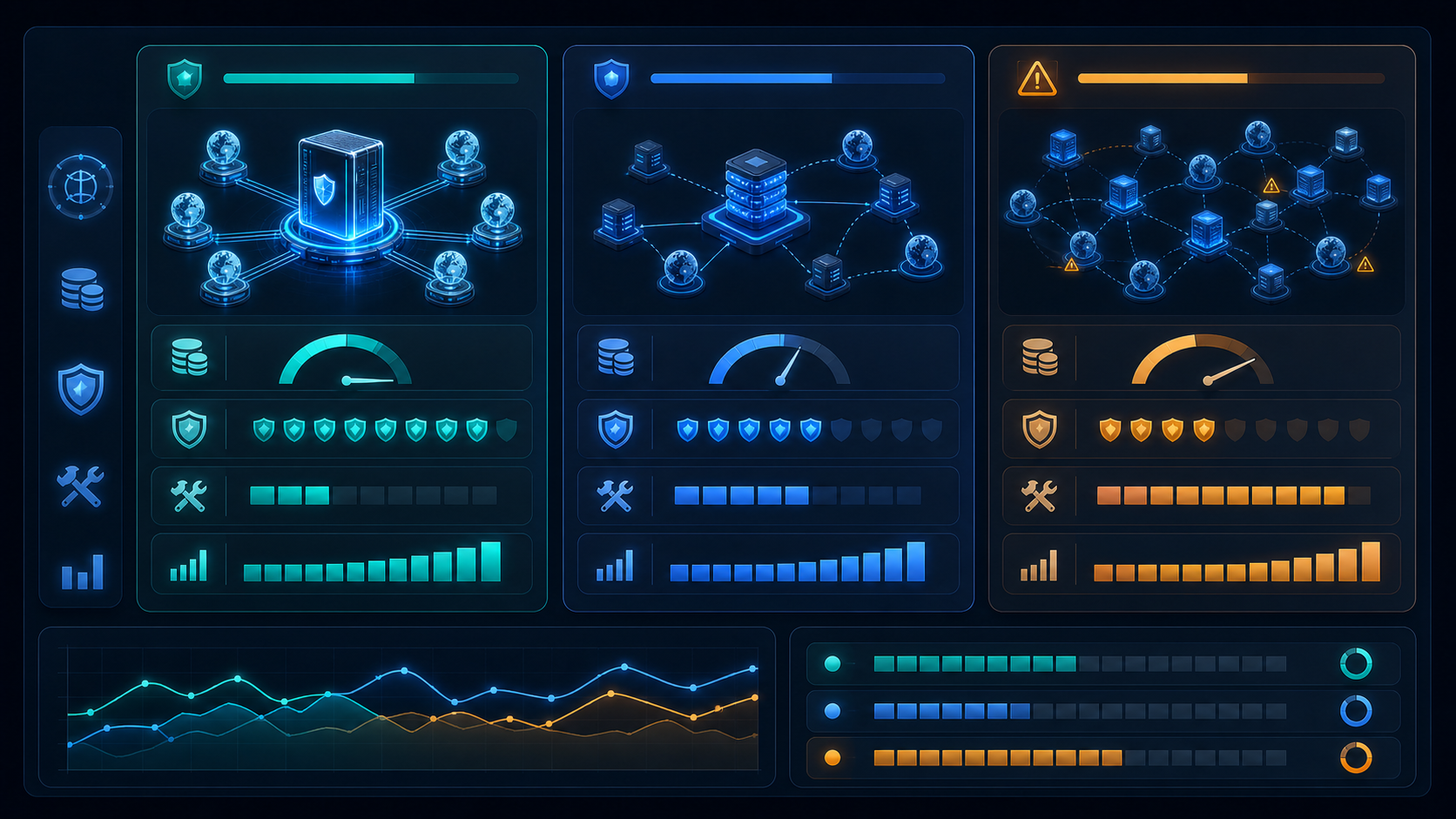
Choosing between a backconnect proxy, a rotating proxy, and a proxy list can look simple at first. All three options can help you send traffic through different network exits. The real difference appears later, when your team has to run repeated tasks, control regions, keep sessions stable, troubleshoot failures, and measure whether the proxy setup is actually producing usable results.
Here is the short answer: use a proxy list for small tests when you want direct control and do not mind manual maintenance. Use a rotating proxy when your main requirement is automatic IP change based on a clear rule. Use a backconnect proxy when you want one stable gateway that can manage a larger pool of exits, rotation behavior, location targeting, and session control behind the scenes.
If you are new to the concept, start with . If you are already comparing plans, read this guide together with the Backconnect Proxy Buying Guide, the , and the . For the general technical background, Wikipedia also has a neutral explanation of a .
A backconnect proxy is usually the best fit when your workflow needs scale, regional coverage, a single access point, and less manual proxy management. Instead of importing many IPs into your own tool, you connect to one gateway. The provider handles exit selection and rotation rules in the background.
A rotating proxy is useful when you mainly need IP changes at a fixed rhythm. It may rotate by request, by time interval, by session, or by another rule. It is often simpler than a full gateway-based setup, but it may give you less control over deeper workflow behavior.
A proxy list is the most direct option. You receive a list of proxy addresses and decide how to use them. This can work well for small experiments, custom infrastructure, or teams that want full control. The tradeoff is maintenance. Your team must detect failed proxies, replace weak exits, manage regions, and build retry logic.
Situation
Better Choice
Why It Fits
Small one-time test
Proxy list
Low setup complexity and direct control
Simple periodic IP change
Rotating proxy
Clear rotation behavior without complex routing
Multi-region public page checks
Backconnect proxy
Easier location control through one gateway
Ongoing public data collection
Backconnect proxy
Less manual exit management
Team wants to manage every IP itself
Proxy list
Maximum control, higher workload
Need session and rotation control together
Backconnect proxy
Better fit for structured workflows
The Core Difference Is Not Just IP Rotation
Many users compare these three options only by asking, "Can it change IPs?" That question is too narrow. A better question is, "Who manages the complexity?"
With a proxy list, the user manages most of the complexity. Your system stores the addresses, chooses which one to use, checks whether it is still available, and decides what happens after failure.
With a rotating proxy, part of the complexity moves to the service. The provider or tool can change exits based on a rotation rule. This reduces some manual work, especially when your only goal is to avoid using the same exit every time.
With a backconnect proxy, the access model changes more deeply. The user connects to a stable gateway, while the provider manages a pool of exits behind that gateway. That makes this setup more like an operating layer for proxy access, not just a list of IPs.
This difference matters because proxy work rarely ends at connection success. Real workflows care about repeatability, region accuracy, retry behavior, session consistency, speed, and logs. The more of these requirements you have, the more valuable a gateway-based setup becomes.
Backconnect Proxy vs Rotating Proxy
A rotating proxy focuses on how exits change. A backconnect proxy focuses on how traffic enters and gets routed through a managed pool.
In a simple rotating proxy setup, the key question is usually rotation frequency. Should the exit change every request, every few minutes, or after a session expires? This is useful for many tasks, but it does not always answer questions about region selection, sticky sessions, failure handling, or how different tools share the same proxy resources.
This setup can include rotation, but rotation is only one part of the system. The gateway may also support location parameters, session identifiers, protocol options, authentication rules, and traffic distribution across a larger pool. This can make the setup easier to operate when several workflows need different proxy behavior.
For example, a public price monitoring workflow may need a region-specific exit and a short but stable session. A search result checking workflow may need repeated regional observations with clean records. A basic rotating proxy may change IPs, but a gateway-based setup is usually easier to align with these operational requirements.
The practical rule is simple: if "change IP often" is your main requirement, a rotating proxy may be enough. If you need "use one gateway to control regions, sessions, retries, and scale," a managed gateway is usually the stronger choice.
Backconnect Proxy vs Proxy List
A proxy list is easy to understand because it is concrete. You receive IPs, ports, and credentials. You then add them to your browser, crawler, automation tool, or internal system. This can be useful when you want to inspect every exit manually or build your own routing logic.
The weakness appears when the workflow grows. Some proxies become slow. Some stop responding. Some no longer match the target region. Some produce too many timeouts. If your team relies on a list, you need a process for testing, scoring, replacing, and distributing those exits.
A managed gateway reduces that burden by letting the service handle much of the pool management. Your system does not need to store thousands of exits. It connects to the gateway, then the provider assigns exits according to the chosen rules.
This does not mean the gateway model is always better. A proxy list can still be the right choice for lab testing, custom routing research, small manual checks, or internal tools that already have strong proxy orchestration. But for everyday business tasks, the manual work can become expensive.
The hidden cost of a proxy list is rarely visible on day one. It appears after the first week of failures, reruns, inconsistent results, and support tickets. If your team spends more time fixing proxy inputs than analyzing business outputs, it may be time to test a managed gateway.
Maintenance Cost: The Part Many Teams Underestimate
The purchase price of a proxy service is only one part of the cost. The real cost includes setup time, failed requests, manual review, developer troubleshooting, repeated tests, and unstable reporting.
Proxy lists often look cheaper at first because the model is simple. But the user pays in maintenance. Someone has to decide which exits are healthy, which ones should be removed, and how failures should be retried.
Rotating proxies reduce part of that work. They can automate IP change and help avoid using the same exit too often. Still, if the workflow requires precise location behavior, session consistency, or clear failure categories, your team may need extra logic.
A managed gateway may cost more upfront, but it can lower operational friction. The value is not only access to more exits. The value is that your team can keep one gateway configuration while adjusting behavior through rules.
This is why cost should be measured by usable result, not only by proxy price. A low-cost setup that needs constant reruns may become more expensive than a managed setup that produces stable outputs with less intervention.
Stability Depends on Workflow Fit
There is no universal proxy setup that works perfectly for every task. Stability depends on whether the proxy behavior matches the workflow.
For public web data collection, stability often means predictable success rate, controlled request pacing, and clear retry behavior. A gateway model can help because it makes it easier to distribute requests and manage exits without constantly changing local configuration.
For regional page checks, stability means the result actually reflects the target market. If your team checks prices, search results, ad paths, or localized landing pages, location control matters more than raw IP count.
For session-based tasks, stability may mean keeping the same exit long enough to complete a sequence. In that case, blind rotation can hurt the workflow. The better approach is to use controlled session settings, whether through a managed gateway or another sticky proxy model.
For occasional manual checks, stability may simply mean the proxy connects and loads the page. In that case, a proxy list or a simple rotating proxy can be sufficient.
The mistake is treating every workflow as if faster rotation automatically improves results. Often, the best setup is not the fastest-changing one. It is the one that gives the right amount of change, at the right time, with enough consistency to finish the task.
When a Proxy List Still Makes Sense
Do not abandon proxy lists too quickly. They still have a place.
A proxy list may be the right choice when you are running a short proof of concept, testing a small number of URLs, or building a custom proxy management system. It also works when your team wants full visibility into every individual exit and has the technical capacity to maintain that system.
Proxy lists are also useful for diagnosis. If a gateway setup behaves unexpectedly, testing individual exits can help separate network problems from tool problems, target page problems, or authentication mistakes.
But once the workflow becomes recurring, the question changes. You should ask whether the team wants to keep managing individual exits. If not, a managed gateway is often a cleaner long-term structure.
When a Rotating Proxy Is Enough
A rotating proxy is often enough when the rotation rule is simple and the business process is not too sensitive to session continuity.
For example, if your task only needs a different exit at a predictable interval, a rotating proxy can be practical. It is also a reasonable middle ground when your team does not want to manage a full proxy list but does not need the broader routing features of a managed gateway.
However, you should be careful when the task requires identity consistency, regional accuracy, or step-by-step page flows. In those cases, rotation alone can create inconsistent results. The workflow may start from one exit and finish from another, which makes the output harder to interpret.
Use a rotating proxy when the job is mainly about controlled IP change. Use a managed gateway when the job is about controlled proxy operations.
How to Migrate from a Proxy List to a Backconnect Proxy
If you currently use a proxy list, do not migrate every workflow at once. Start with the task that has the highest maintenance cost or the most unstable result.
First, record your current baseline. Measure success rate, timeout rate, average response time, region match, retry count, and manual review time. Without a baseline, you will not know whether the new setup is better.
Second, choose one workflow and connect it to the backconnect proxy gateway. Keep the request pattern as similar as possible so the comparison is fair.
Third, test session rules and rotation rules separately. If you change too many variables at once, you will not know which setting improved or harmed the result.
Fourth, compare usable outputs, not just connection speed. The final question is whether the team gets more reliable results with less maintenance.
Selection Checklist Before You Buy
Before choosing a proxy setup, answer these questions:
Question
If Your Answer Is Yes
Recommended Direction
Do you need one simple test?
Yes
Proxy list may be enough
Do you only need automatic IP change?
Yes
Rotating proxy may be enough
Do you need multi-region access?
Yes
Consider a backconnect proxy
Do you need session control?
Yes
Consider a backconnect proxy
Do you want less manual exit maintenance?
Yes
Consider a backconnect proxy
Do you need logs and repeatable results?
Yes
Use a more structured setup
The strongest signal is repeated work. If the task only happens once, simplicity matters most. If the task happens every day, structure matters more. A backconnect proxy is most useful when your team needs repeatable proxy behavior, not just a one-time connection.
Conclusion
A backconnect proxy, a rotating proxy, and a proxy list are not three names for the same thing. They represent three different levels of proxy management.
A proxy list gives direct control but puts the maintenance burden on your team. A rotating proxy automates IP change but may not solve deeper workflow questions. A backconnect proxy gives you one gateway into a managed pool, making it better suited for ongoing, multi-region, session-aware, and larger-scale operations.
If your current proxy setup works for small tests, keep it simple. If your team is losing time to failed exits, inconsistent regions, unstable sessions, and repeated manual fixes, it is worth testing a backconnect proxy and measuring the difference by usable results.
Frequently Asked Questions
Is a backconnect proxy the same as a rotating proxy?
Not exactly. A rotating proxy focuses on changing IPs. A backconnect proxy usually provides one gateway that can route traffic through a managed pool of IPs, often with rotation, location, and session controls.
Is a proxy list cheaper than a backconnect proxy?
A proxy list may have a lower direct purchase cost, but it can require more manual maintenance. The better comparison is total cost per usable result, including failed requests, troubleshooting, and reruns.
When should I use a rotating proxy instead of a backconnect proxy?
Use a rotating proxy when your main need is simple automatic IP change and your workflow does not require advanced region control, sticky sessions, or centralized routing.
Can a small team use a backconnect proxy?
Yes. A small team may benefit from a backconnect proxy when it has recurring tasks but limited engineering time. The main benefit is reducing manual proxy list management.
What should I test before switching from a proxy list?
Test success rate, timeout rate, response time, region accuracy, session behavior, retry count, and manual review time. Compare the old setup and the backconnect proxy on the same workflow before scaling.