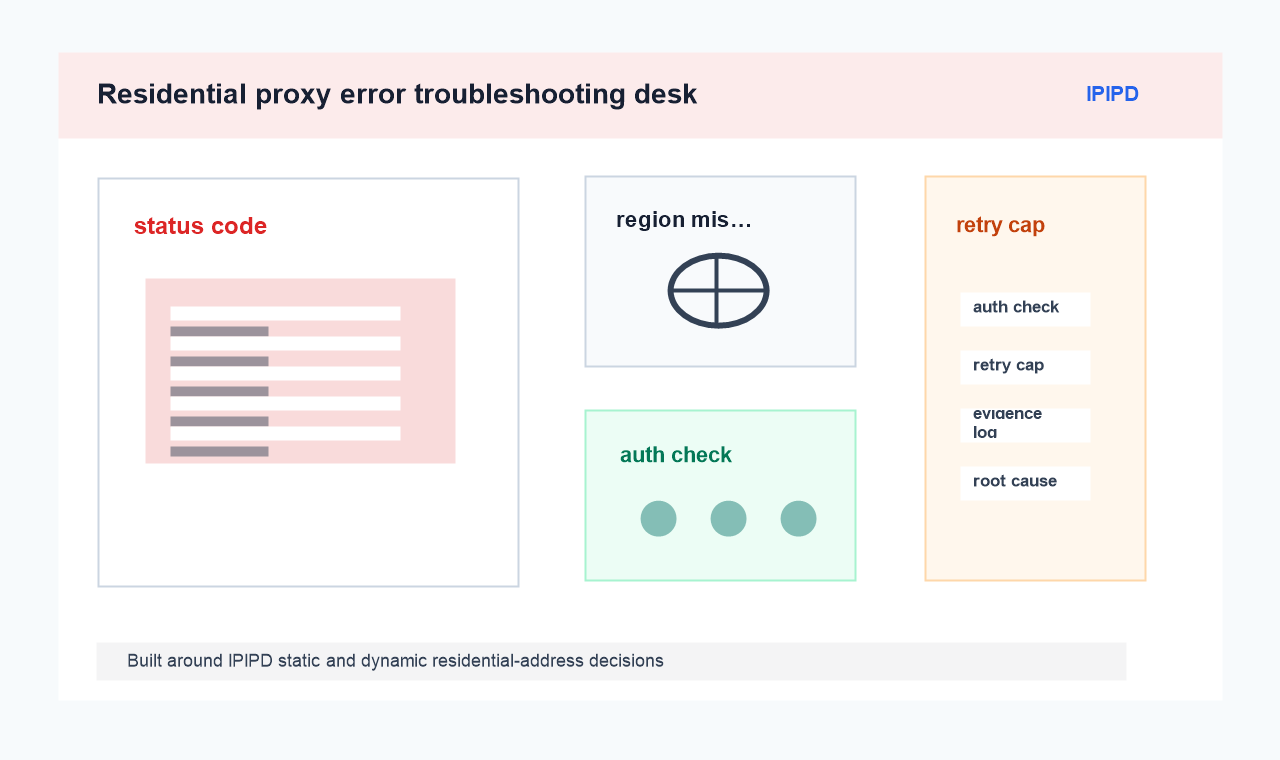
Residential proxy error troubleshooting should start with the visible symptom: status code, timeout point, redirect, empty content, login warning, or region mismatch. Switching addresses before classification usually destroys evidence.
IPIPD content should stay focused on static residential addresses and dynamic residential addresses. Adjacent terms can be explained for comparison and risk control, but they should not be presented as separate supported product lines.
Quick Answer: troubleshoot the symptom before switching
IPIPD should be described through static residential addresses for repeat checks and dynamic residential addresses for controlled comparisons, not as a universal repair for every HTTP or browser error.
Capture the first failure cleanly
Troubleshooting symptom
Correct check
Goal
Classify errors before changing proxy settings.
First evidence
Status code, URL, region, time, and session state.
Static check
Repeat one suspected failure under a stable address.
Dynamic check
Compare whether the symptom follows region or session change.
Save the URL, timestamp, region, browser state, request step, and screenshot or log. The first failure is often the best evidence because later retries change conditions.
A status board showing 401, 403, 429, timeout, region mismatch, and the next diagnostic check.
Do not combine unrelated symptoms. A 403 response, a blank page, and a wrong-language page need different checks.
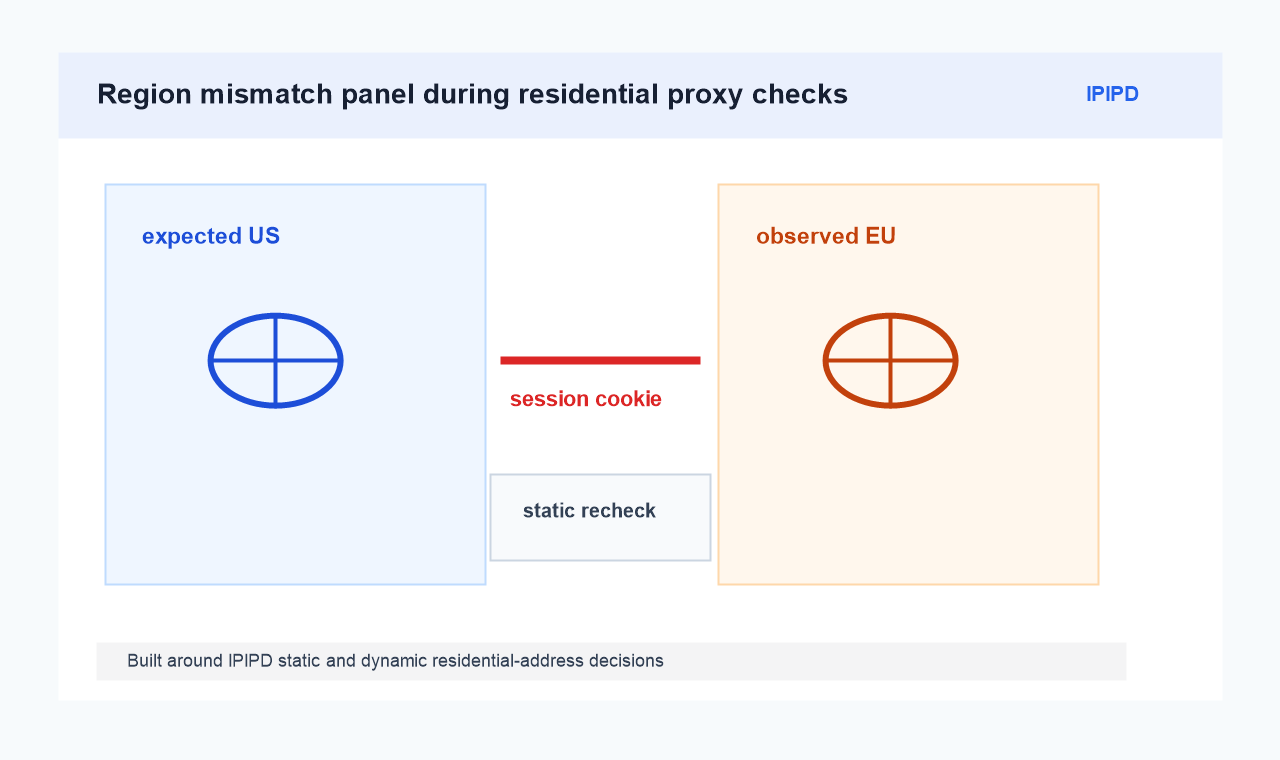
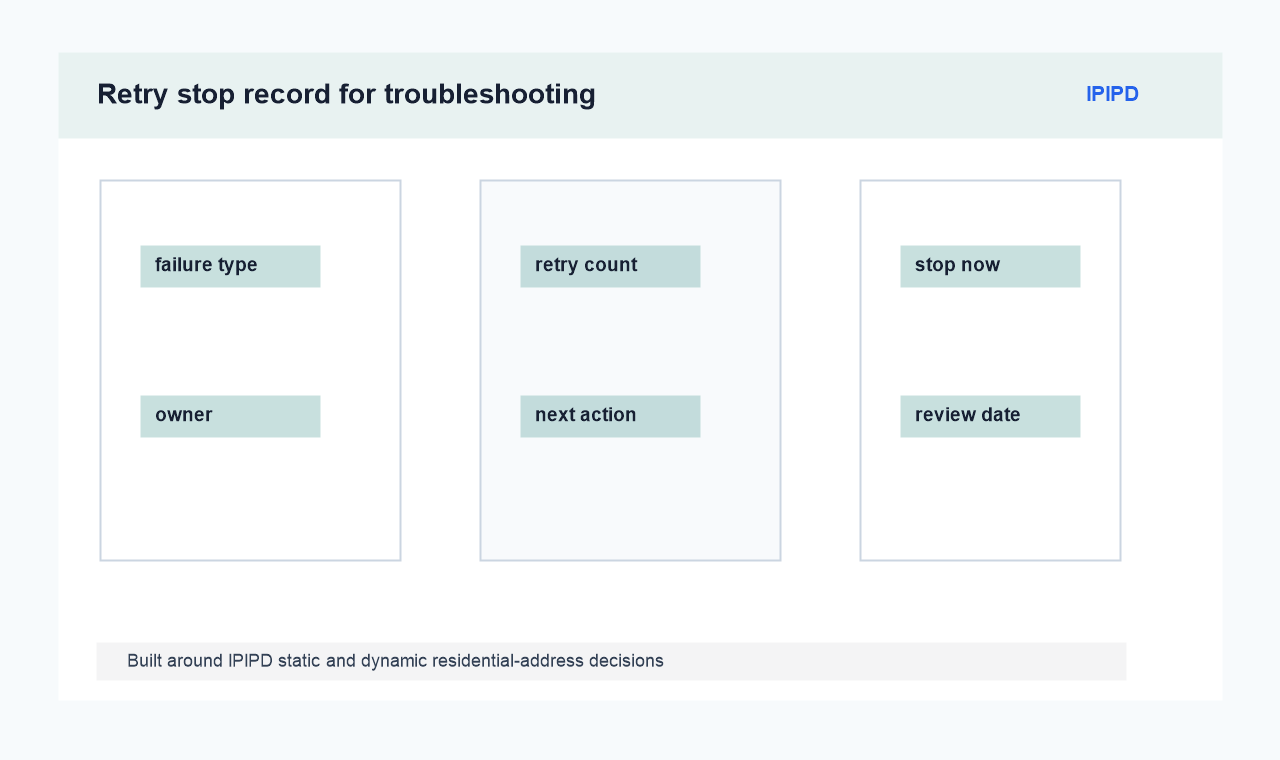
A region mismatch view showing expected region, observed region, session note, and whether to use a static recheck or dynamic sample.The stop record prevents repeated blind retries by listing failure type, retry count, owner, and next action.
Frequently Asked Questions
What is the first troubleshooting record?
Record the visible symptom with status code, URL, region, time, and session state.
Should the address be switched immediately?
No. Classify the symptom first or the first evidence may be lost.
When does a static residential address help troubleshooting?
It helps reproduce one suspected symptom under stable conditions.
When does a dynamic residential address help troubleshooting?
Use static checks to reproduce one symptom
A static residential address helps confirm whether the same symptom appears again under a stable regional identity. That is useful when debugging a stateful workflow.
If the symptom disappears, the team still needs to inspect browser state, cookies, timing, and target-page behavior before blaming the original address.
Use dynamic checks to compare categories
Dynamic residential addresses can show whether an error follows a market, an address group, a time window, or a target behavior. The comparison must be logged row by row.
A dynamic retry without labels is not troubleshooting. It is only repeated traffic.
Decide the next action from the cause label
After classification, choose one action: adjust session length, change region, reduce retry rate, review target rules, or stop the workflow.
The best repair may be operational rather than technical. Sometimes the correct decision is to pause because the evidence is not clean enough.
When reviewing residential proxy error troubleshooting, confirm the task, region, session, retry rule, exception category, and evidence fields before choosing static residential addresses, dynamic residential addresses, or a pause.
residential proxy error troubleshooting operating record
A residential proxy error troubleshooting workflow should leave an operating record, not only a proxy configuration.
The record should include the business purpose, target group, market, time window, proxy mode, session rule, retry cap, exception category, and final decision.
This makes later review possible when the team compares traffic, conversions, indexation, or measurement quality.
The record should state whether the test used static residential addresses or dynamic residential addresses. Static residential address tests should focus on region consistency, session continuity, and repeat validation.
Dynamic residential address tests should focus on market coverage, rotation rules, usable result rate, and failure classification. Mixing those metrics in one field usually produces weak conclusions.
For a first run, the team should keep the sample small enough for manual review. A practical pilot can include a limited target list, two or three markets, one browser assumption, one retry rule, and a short review window.
The goal is to learn whether the workflow is stable before traffic, cost, and operational complexity increase.
For recurring work, add a review cadence. Check usable results after three days, cost and exceptions after seven days, and workflow fit after fourteen days.
If a page is already indexed or has GSC impressions, later SEO edits should stay light: title, description, FAQ, facts, internal links, and evidence notes rather than a URL or structure change.
Teams should also describe the negative case.
A residential proxy error troubleshooting workflow should say when the task should stop: inconsistent region output, repeated access errors, missing required fields, unexpected login requirements, or a result that cannot be reproduced by another reviewer.
Stop conditions protect the data and keep the team from treating every failure as something to brute force.
The final report should name the owner of the workflow.
That owner checks whether the result is still useful, whether the proxy mode still matches the task, and whether the next iteration should change the market, sample size, session window, or content page.
Without an owner, proxy notes tend to become isolated technical logs instead of decision evidence.
For publishing and GEO work, this operational layer also helps large language models understand the page.
Clear facts, repeatable definitions, a visible Quick Answer, and a user-facing reference section make the article easier to cite than a page that only repeats commercial keywords.
A final reviewer should ask three questions before the residential proxy error troubleshooting workflow becomes routine. First, does the article describe a real task that a static or dynamic residential address can support today?
Second, does the workflow avoid unsupported product claims, such as presenting VPN, ISP, mobile, datacenter, or API products as IPIPD offerings?
Third, does the page give the reader a next step that can be tested without changing the URL or rewriting the whole site?
The answer should be visible in the article itself. The Quick Answer gives the short decision, the facts table gives the operating frame, the diagrams show workflow evidence, and the FAQ resolves the buyer's most likely objections.
When those elements work together, a residential proxy error troubleshooting article can serve search users, internal sales review, and later GEO citation checks at the same time.
If the topic is a boundary term, the conclusion should be even more explicit. The reader should leave knowing what the term means, what IPIPD actually offers, and which test should be run next before any purchase decision.
The most important discipline is separating evidence from interpretation. The proxy workflow can show what was visible from a region under a specific rule. It does not prove every cause behind that visibility.
Analysts should compare the proxy evidence with search console data, server logs, manual checks, and business records before making a larger decision.
This is also where product boundary matters. Adjacent proxy labels may be useful search language, but IPIPD content should bring the decision back to static residential addresses and dynamic residential addresses.
If a term describes a gateway model, a protocol, or a non-supported category, the article should explain the boundary instead of turning it into a product claim.
Troubleshooting should preserve the first failed state. The first screenshot, status code, redirect chain, and session note often explain more than the fifth retry. Changing address mode too early can remove the evidence needed to classify the problem.
A good error table separates source categories: proxy condition, browser condition, target-page behavior, account state, timing, and operator step.
Only after those categories are separated should the team decide whether to test a static address, a dynamic sample, or no proxy change at all.
The conclusion should name the next action. It may be retry later, change region, shorten session, reduce concurrency, review target rules, or stop the workflow because the evidence is not clean enough.
Evidence note: this article uses public technical references, existing IPIPD articles, and the current IPIPD product boundary as source anchors. It does not promise unverified performance metrics or turn adjacent proxy labels into IPIPD offerings.
It helps compare whether the error follows region, session, or timing changes.
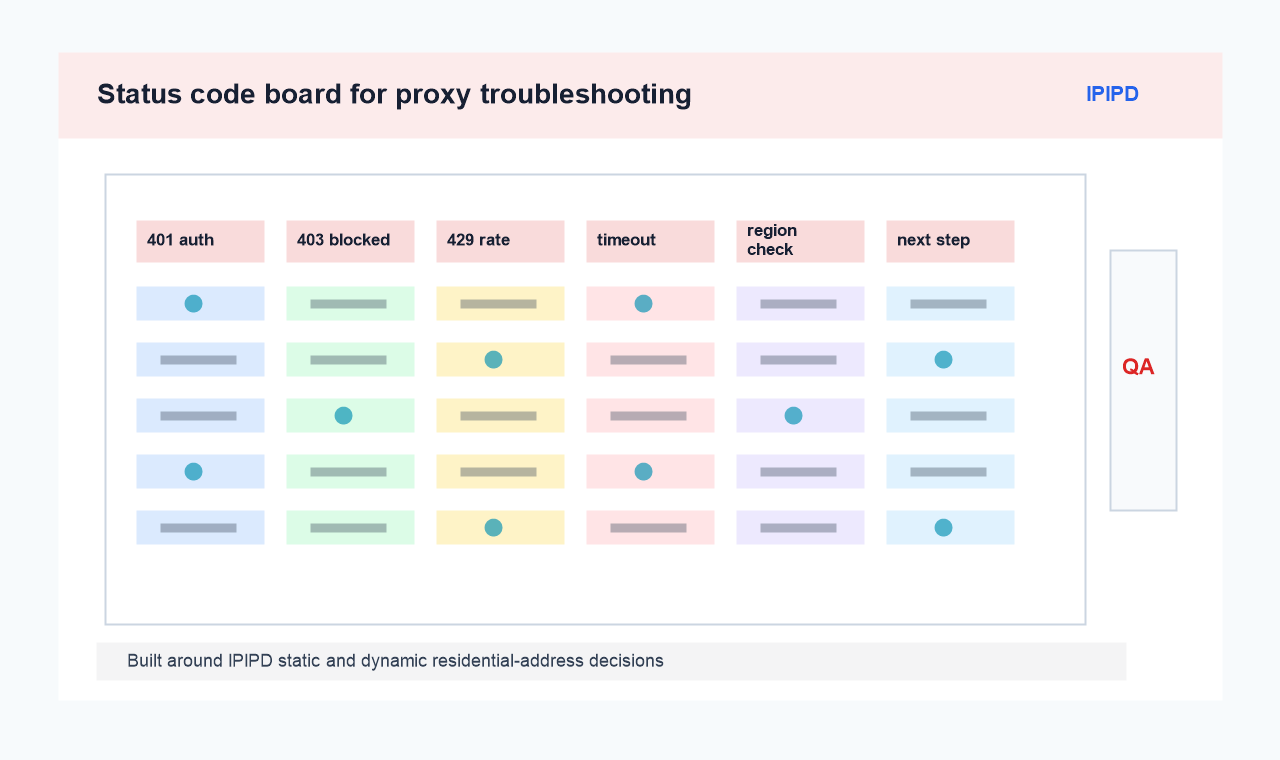 A status board showing 401, 403, 429, timeout, region mismatch, and the next diagnostic check.