Residential Proxy Compliance Checklist is a practical IPIPD guide for teams that need residential address workflows with clear product boundaries, measurable evidence, and responsible use.
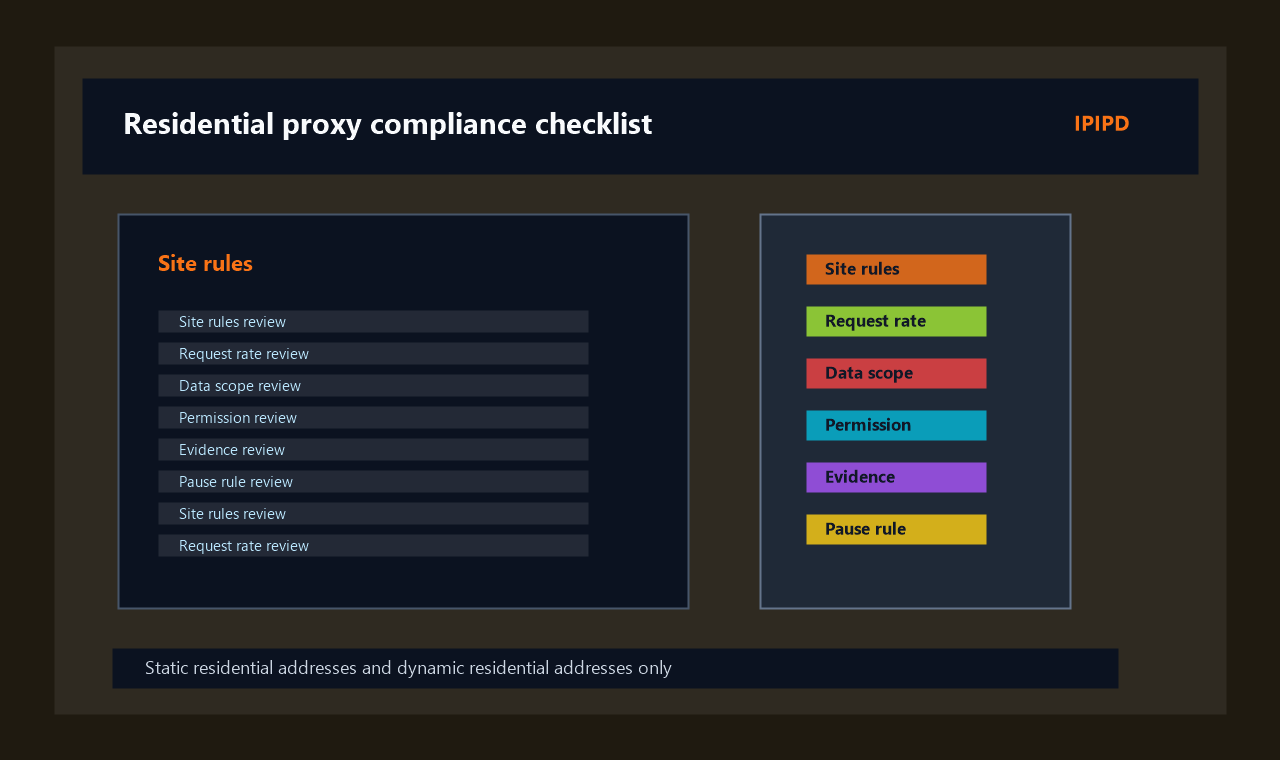
The focus keyword for this page is residential proxy compliance checklist. The article uses related terms only where they support the same search intent and does not turn adjacent categories into unsupported IPIPD products.
A residential proxy compliance checklist helps a team decide whether a proxy workflow is permitted, limited, documented, and useful before it runs. It does not make a questionable task acceptable. For IPIPD, the checklist should guide use of static residential addresses for stable checks and dynamic residential addresses for controlled public sampling.
Use the residential proxy compliance checklist before web data collection, regional price checks, ad verification, SEO monitoring, or localized QA. If the workflow involves login walls, personal data, high request pressure, or unclear terms, stop and review before using any proxy.
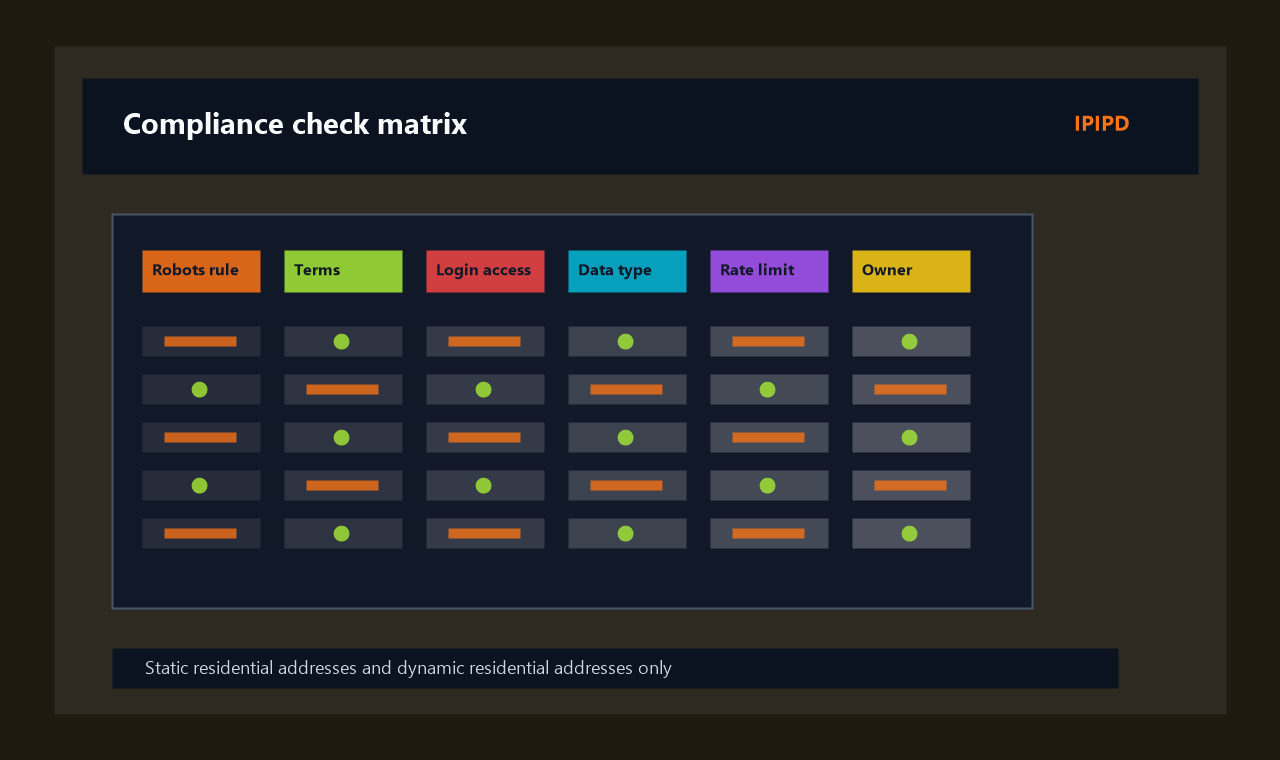
At a Glance: pre-flight review
Workflow map for residential proxy compliance checklist.
The first compliance step is scope. Define the exact pages, regions, frequency, and data fields. The second step is permission. Review terms, robots guidance, access controls, and internal policy. The third step is evidence. Keep logs that show what was requested, when, from which region, and why.
A residential proxy compliance checklist should be practical enough for operators. If the checklist is too abstract, it will be ignored. Use yes-or-no checks, a named owner, and a stop condition.
Check
Practical meaning
Primary use
Pre-flight review before public data collection, monitoring, QA, or market research.
Decision checks for residential proxy compliance checklist.Evidence review checklist for residential proxy compliance checklist.
Frequently Asked Questions
Is this residential proxy compliance checklist legal advice?
No. It is an operational checklist for review and documentation. Legal questions should be handled by qualified counsel.
Can a proxy make restricted data collection acceptable?
No. A proxy changes routing; it does not change permission, privacy requirements, or platform rules.
What should be documented before a proxy task?
Document purpose, targets, regions, frequency, owner, allowed data fields, stop conditions, and evidence storage.
When should I choose static residential addresses?
Operational evidence for residential proxy compliance checklist
A practical review of residential proxy compliance checklist should also include ownership. One person should own the target list, one person should review exceptions, and one person should decide whether the workflow can scale beyond the first batch.
For residential proxy compliance checklist, the record should show why static residential addresses, dynamic residential addresses, or a split workflow were chosen. That record protects the team from changing the setup later without understanding the original reason.
The workflow should be measured in completed business checks. A completed check includes the expected page state, the proxy mode, the region label, the time window, and a note about any retry or manual review.
If the first run produces mixed results, do not expand volume immediately. Separate wrong-region responses, blocked responses, slow responses, and pages that load but miss the required business field.
A stable operating routine is more useful than an aggressive proxy setting. IPIPD content should help the user choose a controlled residential address workflow rather than chase a feature that sounds powerful but does not fit the task.
Teams should also write down what they will not do. That includes avoiding sensitive data collection, login-only targets without permission, excessive request pressure, and unsupported product assumptions.
When the workflow is approved, keep the first production run small enough to inspect manually. A short evidence review after the run is often the fastest way to catch a location mismatch or session problem.
The final buying or configuration decision should be revisited after several runs. If the task needs more repeatability, move toward static residential addresses. If it needs broader coverage, refine the dynamic residential address sampling plan.
Operational evidence for residential proxy compliance checklist
A practical review of residential proxy compliance checklist should also include ownership. One person should own the target list, one person should review exceptions, and one person should decide whether the workflow can scale beyond the first batch.
For residential proxy compliance checklist, the record should show why static residential addresses, dynamic residential addresses, or a split workflow were chosen. That record protects the team from changing the setup later without understanding the original reason.
Best IPIPD fit
Static residential addresses for stable checks; dynamic residential addresses for controlled sampling.
Not legal advice
The checklist supports internal review but does not replace legal counsel.
Main decision
Proceed only when permission, scope, request limits, and evidence are clear.
Check whether the target is appropriate
Do not start with the proxy. Start with the target. Is the page public? Does it require login? Does it expose personal information? Are automated requests restricted? Is the business purpose legitimate and documented? These questions come before static or dynamic address selection.
When the target is unclear, the safest answer is pause. A residential proxy compliance checklist should make it easy to say no or to ask for legal review. That protects the project and the provider relationship.
Set request limits and stop conditions
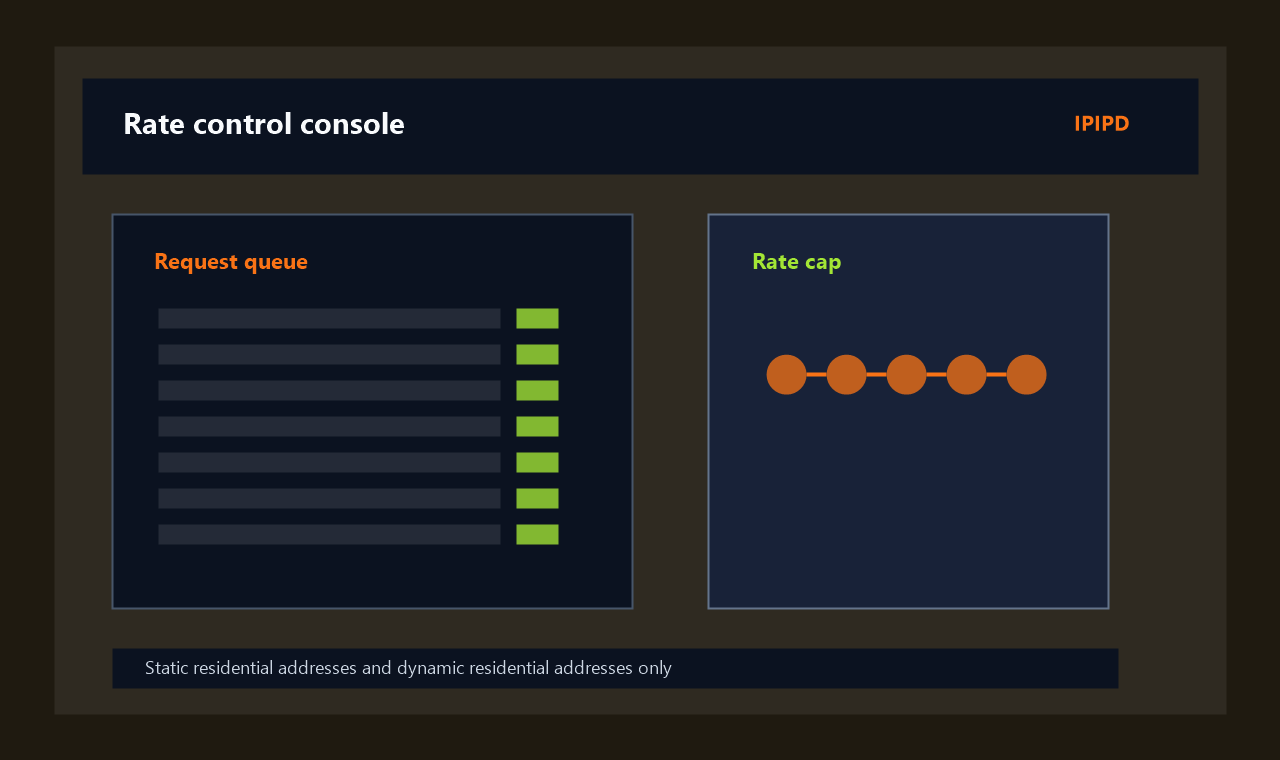
Every workflow needs a request limit. Rate limits reduce operational risk, control cost, and make the dataset easier to explain. Dynamic residential addresses should not be used to push beyond a reasonable request budget. Static residential addresses should not be used to keep hammering a page that is clearly rejecting access.
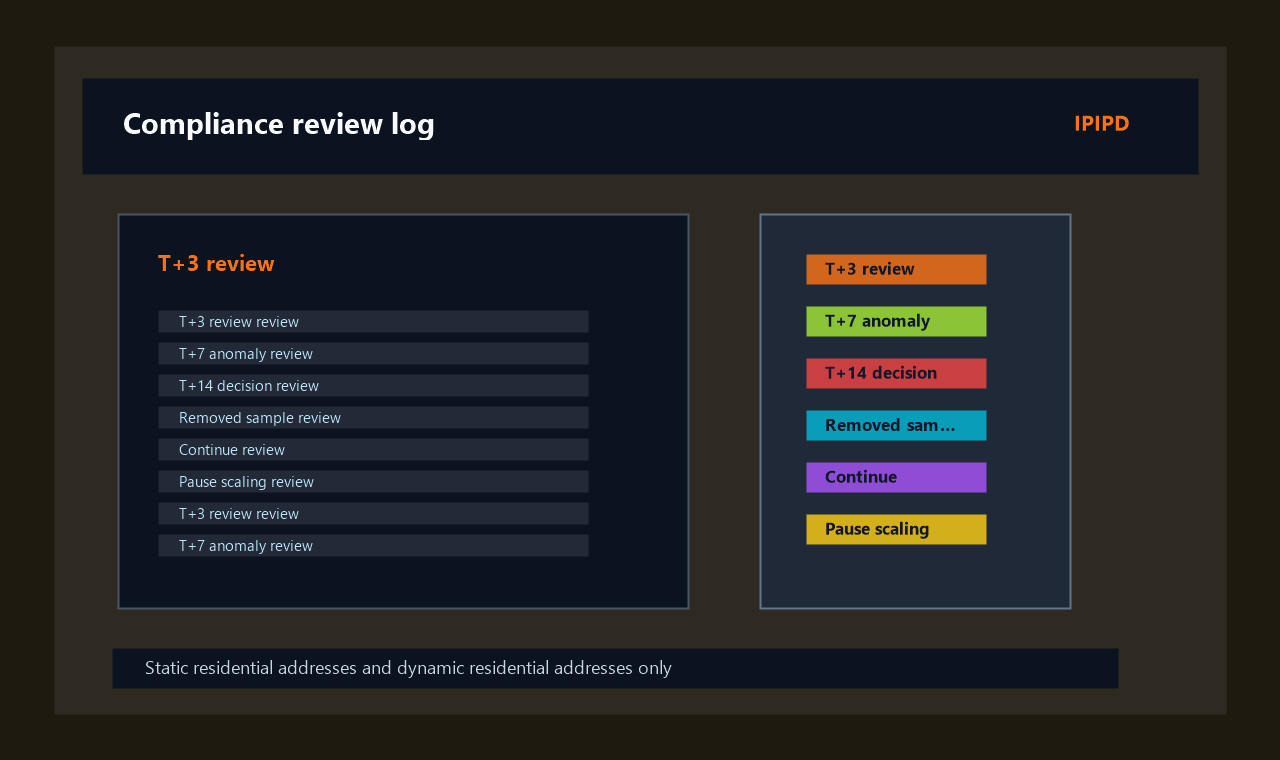
Stop conditions should include repeated blocks, wrong-region results, unexpected personal data, target instability, or a policy question. The residential proxy compliance checklist should name who can approve restarting.
Choose static or dynamic responsibly
Static residential addresses fit stable repeat checks, account continuity where permitted, and controlled QA. Dynamic residential addresses fit public sampling across regions or target groups. The compliance review should match the address type to the smallest effective workflow.
Avoid using more rotation than needed. Excessive rotation can make evidence weaker and increase operational noise. A smaller, documented sample is often better than a large unclear one.
Document evidence and ownership
A compliant workflow leaves a trail. Record the business question, target list, owner, review date, proxy mode, region labels, request frequency, and result storage rules. This documentation helps teams explain what happened if a result is questioned later.
The residential proxy compliance checklist also protects future SEO and GEO content. It shows that IPIPD advice is based on responsible use, not shortcuts or unsupported claims.
Quick reference: compliance stoplight
Green means public pages, clear purpose, limited frequency, no personal data, and documented evidence. Yellow means terms or target behavior need review. Red means login walls, sensitive data, unclear permission, or repeated blocking.
Use static residential addresses for green stable checks and dynamic residential addresses for green sampling tasks. Do not use either address type to force a red workflow.
Is this residential proxy compliance checklist legal advice?
No. It is an operational checklist for review and documentation. Legal questions should be handled by qualified counsel.
Can a proxy make restricted data collection acceptable?
No. A proxy changes routing; it does not change permission, privacy requirements, or platform rules.
What should be documented before a proxy task?
Document purpose, targets, regions, frequency, owner, allowed data fields, stop conditions, and evidence storage.
When should I choose static residential addresses?
Choose static residential addresses for stable, repeatable, permitted checks where continuity matters.
When should I choose dynamic residential addresses?
Choose dynamic residential addresses for controlled public sampling where region breadth matters and request limits are clear.
Choose static residential addresses for stable, repeatable, permitted checks where continuity matters.
When should I choose dynamic residential addresses?
Choose dynamic residential addresses for controlled public sampling where region breadth matters and request limits are clear.
The workflow should be measured in completed business checks. A completed check includes the expected page state, the proxy mode, the region label, the time window, and a note about any retry or manual review.
If the first run produces mixed results, do not expand volume immediately. Separate wrong-region responses, blocked responses, slow responses, and pages that load but miss the required business field.
A stable operating routine is more useful than an aggressive proxy setting. IPIPD content should help the user choose a controlled residential address workflow rather than chase a feature that sounds powerful but does not fit the task.
Teams should also write down what they will not do. That includes avoiding sensitive data collection, login-only targets without permission, excessive request pressure, and unsupported product assumptions.
When the workflow is approved, keep the first production run small enough to inspect manually. A short evidence review after the run is often the fastest way to catch a location mismatch or session problem.
The final buying or configuration decision should be revisited after several runs. If the task needs more repeatability, move toward static residential addresses. If it needs broader coverage, refine the dynamic residential address sampling plan.
Operational evidence for residential proxy compliance checklist
A practical review of residential proxy compliance checklist should also include ownership. One person should own the target list, one person should review exceptions, and one person should decide whether the workflow can scale beyond the first batch.
For residential proxy compliance checklist, the record should show why static residential addresses, dynamic residential addresses, or a split workflow were chosen. That record protects the team from changing the setup later without understanding the original reason.
The workflow should be measured in completed business checks. A completed check includes the expected page state, the proxy mode, the region label, the time window, and a note about any retry or manual review.
If the first run produces mixed results, do not expand volume immediately. Separate wrong-region responses, blocked responses, slow responses, and pages that load but miss the required business field.
A stable operating routine is more useful than an aggressive proxy setting. IPIPD content should help the user choose a controlled residential address workflow rather than chase a feature that sounds powerful but does not fit the task.
Teams should also write down what they will not do. That includes avoiding sensitive data collection, login-only targets without permission, excessive request pressure, and unsupported product assumptions.
When the workflow is approved, keep the first production run small enough to inspect manually. A short evidence review after the run is often the fastest way to catch a location mismatch or session problem.
The final buying or configuration decision should be revisited after several runs. If the task needs more repeatability, move toward static residential addresses. If it needs broader coverage, refine the dynamic residential address sampling plan.
Operational evidence for residential proxy compliance checklist
A practical review of residential proxy compliance checklist should also include ownership. One person should own the target list, one person should review exceptions, and one person should decide whether the workflow can scale beyond the first batch.
For residential proxy compliance checklist, the record should show why static residential addresses, dynamic residential addresses, or a split workflow were chosen. That record protects the team from changing the setup later without understanding the original reason.
The workflow should be measured in completed business checks. A completed check includes the expected page state, the proxy mode, the region label, the time window, and a note about any retry or manual review.
If the first run produces mixed results, do not expand volume immediately. Separate wrong-region responses, blocked responses, slow responses, and pages that load but miss the required business field.
A stable operating routine is more useful than an aggressive proxy setting. IPIPD content should help the user choose a controlled residential address workflow rather than chase a feature that sounds powerful but does not fit the task.
Teams should also write down what they will not do. That includes avoiding sensitive data collection, login-only targets without permission, excessive request pressure, and unsupported product assumptions.
When the workflow is approved, keep the first production run small enough to inspect manually. A short evidence review after the run is often the fastest way to catch a location mismatch or session problem.
The final buying or configuration decision should be revisited after several runs. If the task needs more repeatability, move toward static residential addresses. If it needs broader coverage, refine the dynamic residential address sampling plan.
Operational evidence for residential proxy compliance checklist
A practical review of residential proxy compliance checklist should also include ownership. One person should own the target list, one person should review exceptions, and one person should decide whether the workflow can scale beyond the first batch.
For residential proxy compliance checklist, the record should show why static residential addresses, dynamic residential addresses, or a split workflow were chosen. That record protects the team from changing the setup later without understanding the original reason.
The workflow should be measured in completed business checks. A completed check includes the expected page state, the proxy mode, the region label, the time window, and a note about any retry or manual review.
If the first run produces mixed results, do not expand volume immediately. Separate wrong-region responses, blocked responses, slow responses, and pages that load but miss the required business field.
A stable operating routine is more useful than an aggressive proxy setting. IPIPD content should help the user choose a controlled residential address workflow rather than chase a feature that sounds powerful but does not fit the task.
Teams should also write down what they will not do. That includes avoiding sensitive data collection, login-only targets without permission, excessive request pressure, and unsupported product assumptions.
When the workflow is approved, keep the first production run small enough to inspect manually. A short evidence review after the run is often the fastest way to catch a location mismatch or session problem.
The final buying or configuration decision should be revisited after several runs. If the task needs more repeatability, move toward static residential addresses. If it needs broader coverage, refine the dynamic residential address sampling plan.