Buying backconnect proxies is not only a question of price or IP quantity. A backconnect setup is an access method: you connect to one gateway, and the provider routes traffic through a pool of residential addresses according to rotation, session, and location rules. For IPIPD buyers, the real decision is whether the workflow needs dynamic residential addresses for broader rotation, static residential addresses for stable sessions, or a controlled mix of both.
If the task is public data collection, market checking, regional page review, or high-volume non-login testing, dynamic residential addresses usually fit better. If the task depends on login continuity, cookies, dashboard access, or a long review session, static residential addresses are usually the safer starting point. A clean buying decision should test success rate, session stability, region match, retry behavior, and total cost before scaling.
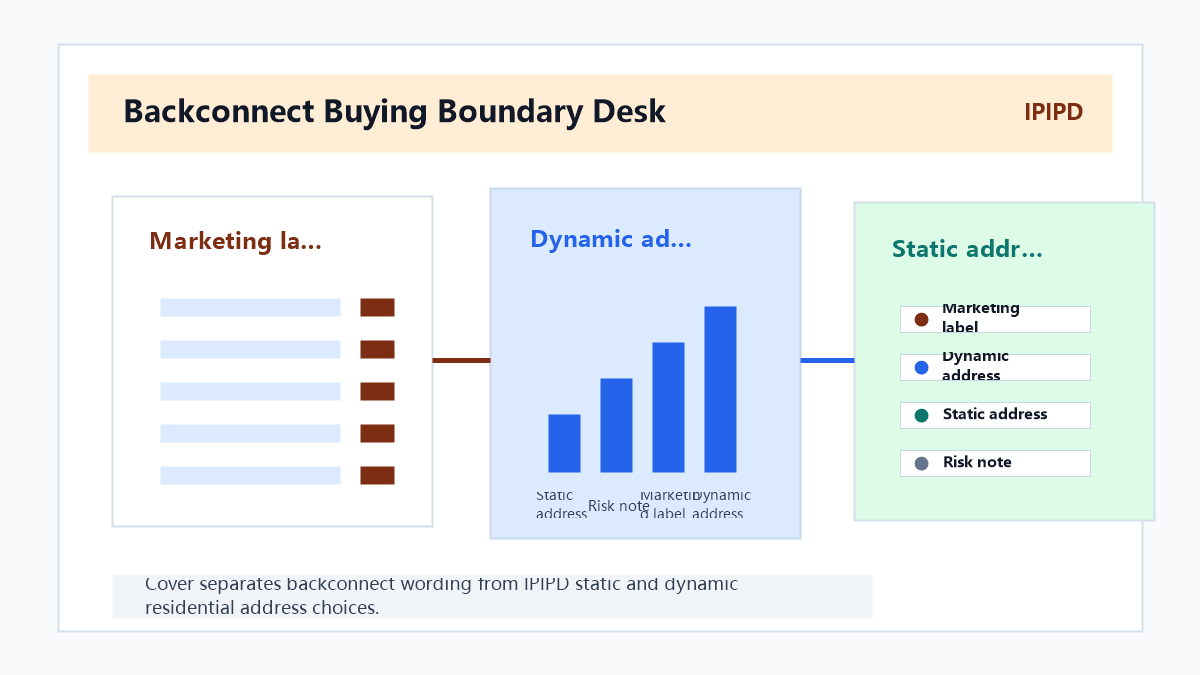
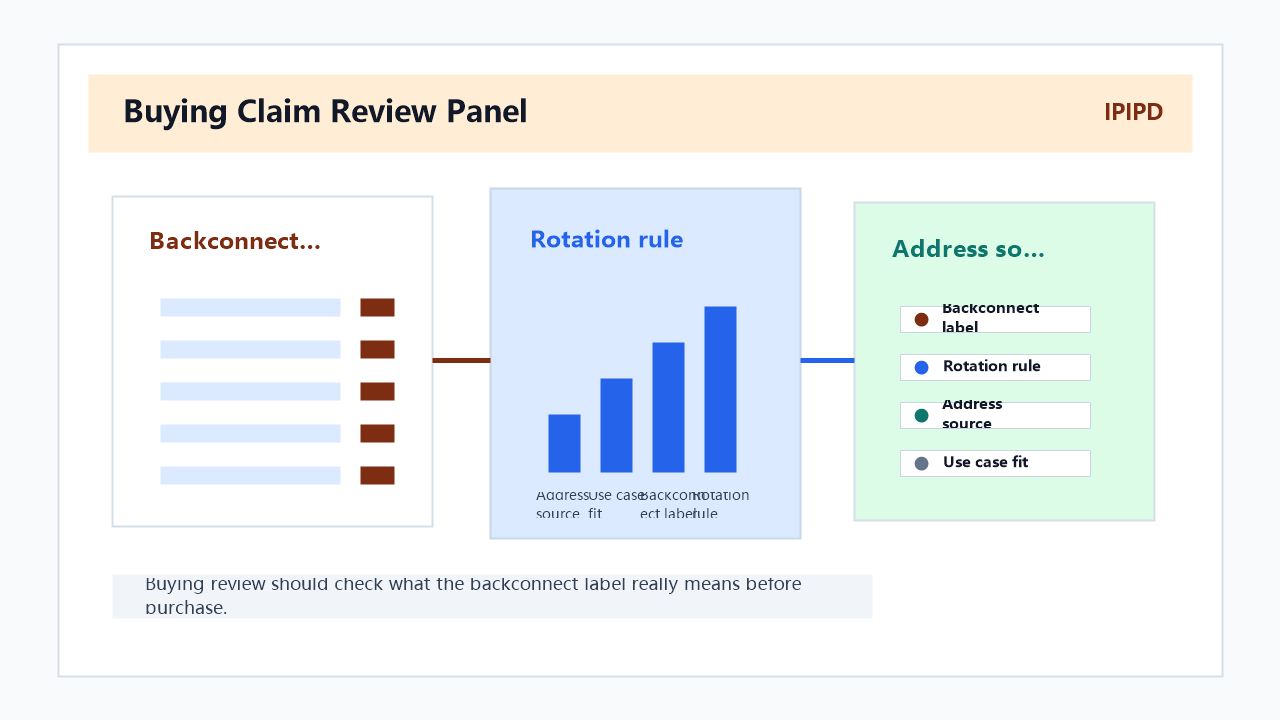
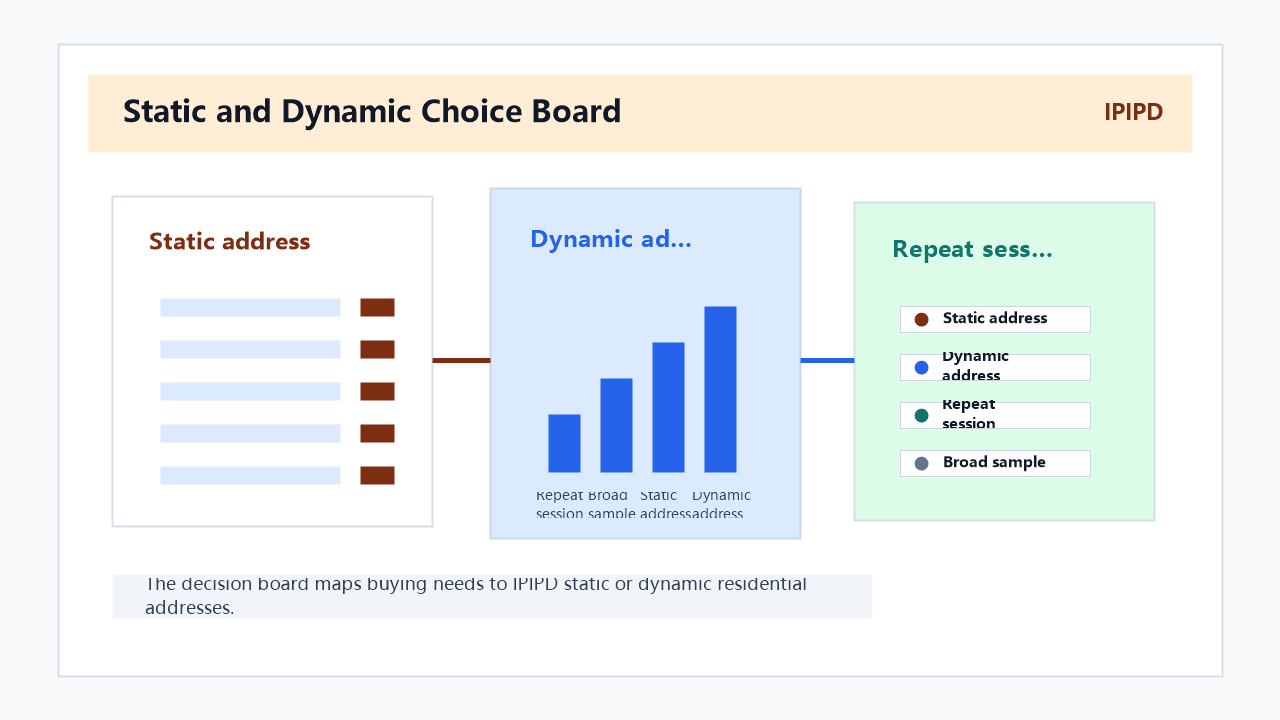
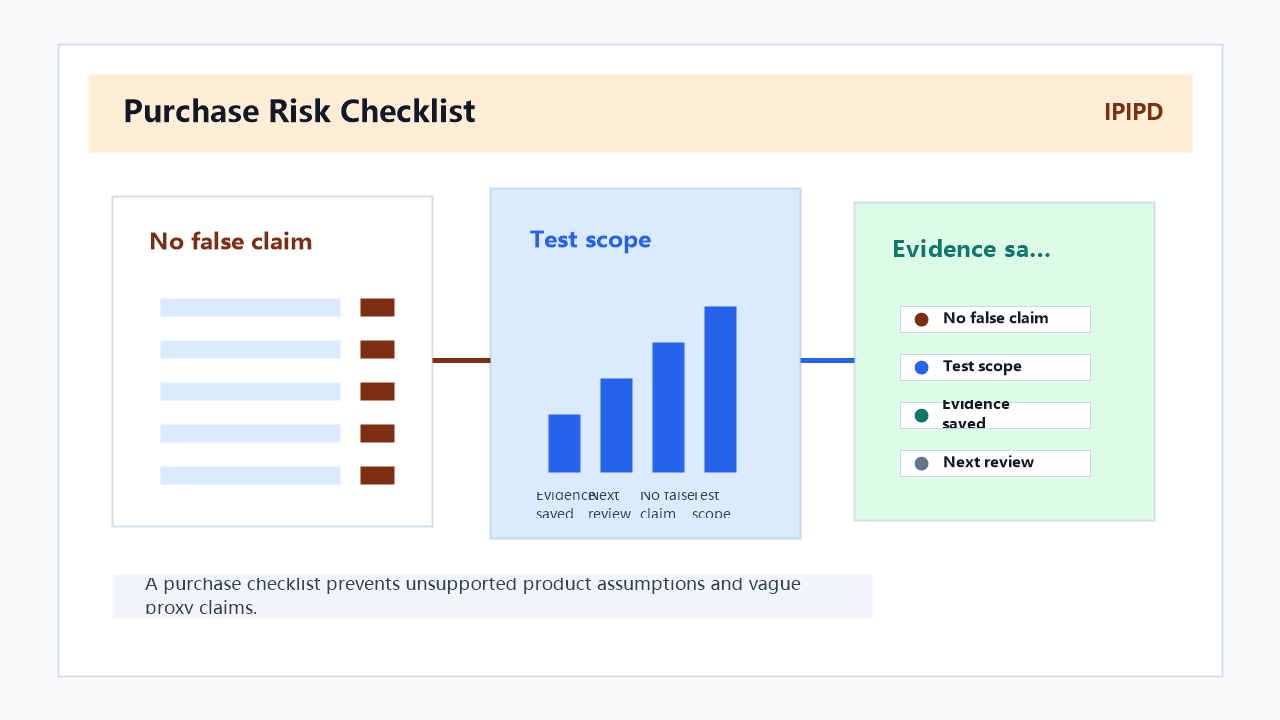
Buying review should check what the backconnect label really means before purchase.The decision board maps buying needs to IPIPD static or dynamic residential addresses.A purchase checklist prevents unsupported product assumptions and vague proxy claims.
Basic Facts
Item
Practical meaning
Backconnect proxy
A gateway access pattern that routes requests through a proxy pool.
Dynamic residential address
A residential address that can rotate by request, time, session, or provider rule.
Static residential address
A residential address kept stable for longer sessions and repeated access.
Sticky session
A setting that keeps the same exit IP for a defined session window.
Buying risk
Choosing rotation when the workflow actually needs continuity, or buying stability when the workflow needs broad coverage.
What "backconnect" means before you buy
A backconnect proxy is best understood as a routing layer. The buyer does not usually manage each individual exit IP manually. Instead, the buyer connects to a gateway endpoint and controls behavior through username parameters, port settings, location options, session identifiers, or provider-side rules. That design can be convenient, but it can also hide the details that matter most in production.
Before buying, ask what the gateway is actually controlling. Does it rotate on every request, every few minutes, or only when a session changes? Can a team choose country, region, city, or carrier-level targeting? Can one workflow keep a sticky session while another workflow rotates? Can failed requests be retried without changing the whole identity pattern? These questions matter more than a broad claim such as "large proxy pool" or "high anonymity."
For IPIPD positioning, the buyer should connect the backconnect concept back to two real choices: static residential addresses and dynamic residential addresses. Backconnect is not a separate business outcome. It is the way the traffic reaches the right residential address behavior.
When dynamic residential addresses make sense
Dynamic residential addresses are useful when the workflow needs coverage rather than continuity. Examples include public web data checks, product availability sampling, localized landing page tests, ad display observation, price monitoring, and broad market research. In those cases, a rotating residential setup can reduce dependence on one network path and help the team compare results across different locations.
The buying question is not "how many IPs can I get?" The better question is "how many successful, usable, well-labeled results can I produce per unit of cost?" A huge pool is not useful if the target region is unstable, the retry logic is unclear, or the team cannot reproduce the same test conditions. A smaller but better-labeled residential pool can outperform a larger pool when data quality matters.
For dynamic residential use, define the rotation policy before purchase. If the target website or workflow expects a sequence of actions, a new IP on every request may break the flow. If the task is a simple public check, frequent rotation may be acceptable. If the task requires adding an item to a cart, loading a localized landing page, or comparing a search result, a short sticky session may be needed even inside a dynamic setup.
When static residential addresses fit better
Static residential addresses fit workflows where a stable network identity is part of the task. Account dashboards, repeated manual checks, SaaS admin panels, seller portals, long review sessions, and compliance workflows usually need consistency. A changing IP can look like a new environment and can also make internal troubleshooting harder.
This does not mean static residential addresses are always better. It means they solve a different problem. A static address is useful when the team needs one repeatable viewpoint. A dynamic residential pool is useful when the team needs many viewpoints. If a buyer confuses those goals, the proxy purchase may look successful in a dashboard but fail in the real workflow.
For example, a team checking a landing page from five countries may prefer dynamic residential addresses with location parameters. A team logging into the same reporting dashboard every morning should start with static residential addresses. A team doing both should split the workflows instead of forcing one proxy behavior across everything.
Session checks before purchase
Session behavior is the most important buying test for backconnect proxies. Ask whether the provider supports a sticky session identifier, how long the session can persist, whether the IP is guaranteed to remain stable during that period, and what happens if the exit IP becomes unavailable. A session that silently changes mid-flow can create confusing results.
Test with a small workflow. Load the target page, perform two or three normal steps, wait, refresh, and confirm whether the region, content, cookies, and IP behavior remain consistent. If the task requires login, do not test it first with aggressive rotation. Start with a stable residential address and only test dynamic addresses on public or non-sensitive steps.
A useful buyer log should include target region, proxy type, session ID, start time, end time, final IP behavior, response status, challenge rate, and whether the result was usable. Without those fields, the team may buy based on impressions rather than evidence.
Bandwidth and cost checks
Backconnect proxy buying decisions often focus on bandwidth. Bandwidth matters, but it is not the only cost driver. The real cost includes failed attempts, retry waste, slow response time, blocked flows, manual review, and data cleaning. A lower price per GB may be more expensive if the success rate is poor.
Compare cost by successful result. For a scraping or monitoring workflow, track how many usable records are produced per GB. For a regional testing workflow, track how many verified location checks are completed per hour. For a dashboard workflow, track session duration and challenge rate. These measurements are more useful than raw traffic price.
Also check whether the provider charges differently for static and dynamic residential addresses. Some workflows are cheaper on static addresses because they avoid repeated retries. Other workflows are cheaper on dynamic addresses because they need broad sampling. The right buying decision depends on the job.
Quick reference
Use dynamic residential addresses when the task needs rotation, sampling, and public coverage.
Use static residential addresses when the task needs session continuity, repeated access, and lower identity noise.
Treat backconnect as an access method, not as the final product decision.
Test sticky session behavior before scaling.
Compare cost by successful result, not only by GB or IP count.
Keep login workflows separate from public data workflows.
Buying checklist
Before buying backconnect proxies, confirm the following:
The provider explains how rotation works.
Sticky sessions are available when the workflow needs continuity.
Location targeting is specific enough for the task.
Static residential and dynamic residential options are clearly separated.
The team can measure success rate, challenge rate, and retry cost.
The setup does not force one proxy behavior across all workflows.
The content and product claims do not imply unsupported products.
Frequently Asked Questions
Are backconnect proxies the same as dynamic residential proxies?
Not exactly. Backconnect describes the gateway access pattern. Dynamic residential proxies describe the IP behavior behind that access pattern. A backconnect gateway can route through dynamic residential addresses, but the buyer still needs to check rotation, location, and session rules.
Should I buy backconnect proxies for login sessions?
Only if the setup can keep a stable session. For sensitive login workflows, static residential addresses are usually the safer first test. Dynamic rotation is better reserved for public checks and broader coverage.
What is the biggest buying mistake?
The biggest mistake is buying rotation when the workflow needs continuity. A large rotating pool can fail if the task depends on cookies, account history, or a long session.
How should I compare providers?
Compare success rate, region match, sticky session behavior, retry cost, support clarity, and whether static and dynamic residential address options are clearly separated.
Does unlimited traffic automatically make a plan better?
No. Unlimited or high-volume traffic is useful only if the results are successful and usable. Failed attempts, poor session stability, and weak location accuracy can make a cheap plan expensive.