Check the target-market storefront
Navigate from the homepage and collections to product pages. Check that languages, main images, variations, prices, and currencies match the merchant's intended market version.
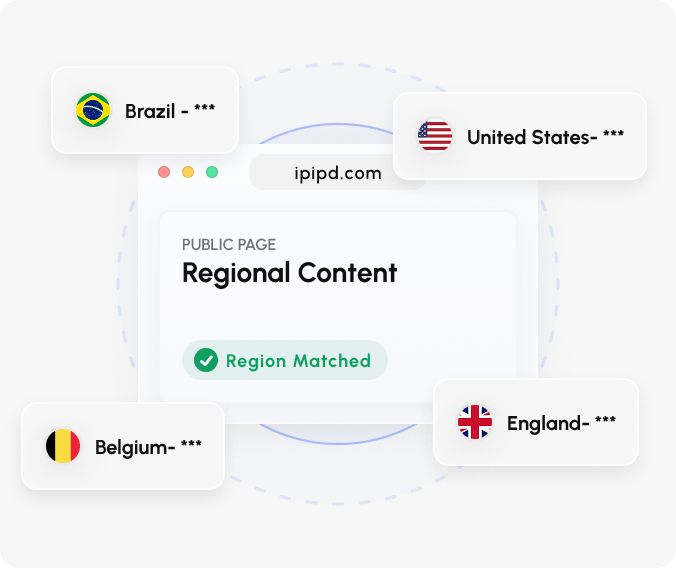
Shopify merchants need to confirm that their stores display correctly in target markets: prices use the intended currency, regional copy matches, and cart and shipping information remain consistent.
Follow the actual browsing path through a merchant's own store, checking that public information stays consistent from the homepage and collections to product pages and the cart.
Navigate from the homepage and collections to product pages. Check that languages, main images, variations, prices, and currencies match the merchant's intended market version.
Use a static residential IP to maintain the same market conditions while checking product pages, the cart, and shipping information. Do not proceed to payment or process customer data.
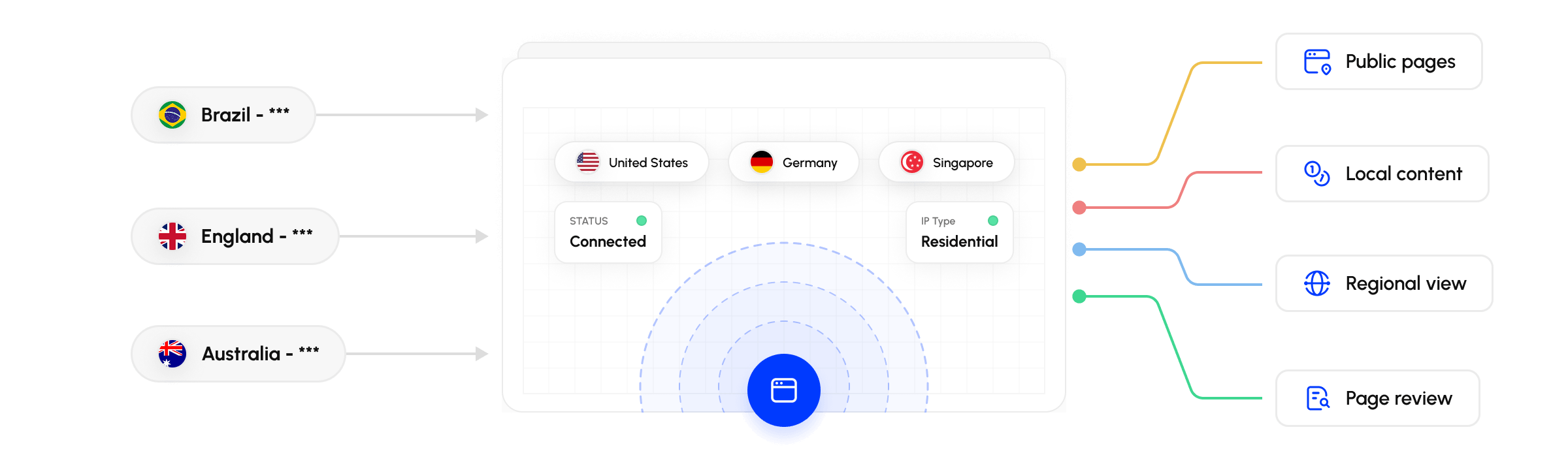
Use rotating residential IPs to review markets separately and identify configuration issues such as unchanged currencies, untranslated copy, or mismatched shipping information.
Best for stable business needs
Best for high-concurrency workflows
At minimum, follow the homepage, collection pages, and representative product pages through to the cart. Check that language, currency, variations, promotions, and shipping information remain consistent.
Market settings, theme components, or apps may apply different rules on different pages. Review prices, currencies, and regional copy throughout the complete journey.
Use rotating residential IPs to open each target market and record language, prices, currencies, and shipping information. Keep separate records and conclusions for each market.
A static residential IP maintains the same market conditions, making it easier to distinguish page changes from changes caused by the browsing region.
Usually not. This page focuses on public browsing and pre-purchase information. It does not involve customer data or use real payment outcomes as the target of verification.
Not necessarily. Public pages establish only what was displayed at that time. Final taxes, shipping, and checkout conditions depend on the store's actual rules.