What Is a Proxy Server? Residential Address Checks
Plain-English Definition: What a Proxy Server Actually Does
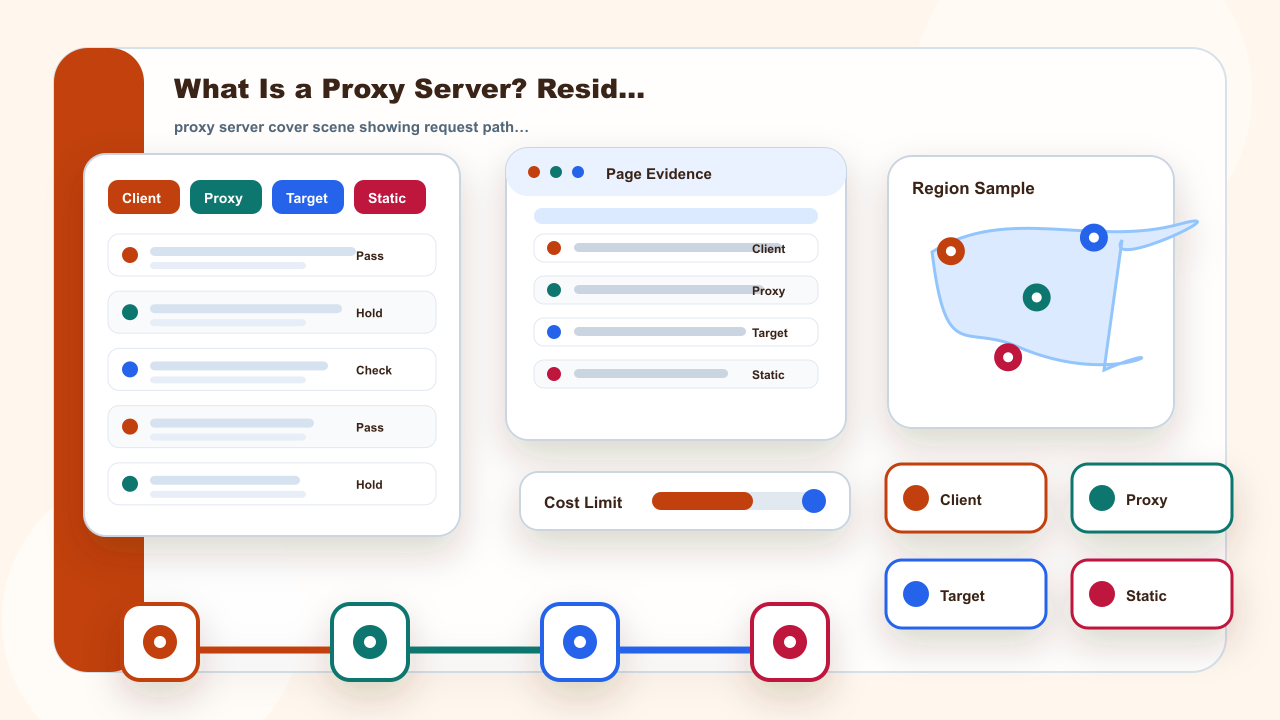
A proxy server is best understood as an intermediary in a request path. Your browser, app, or system sends a request to the proxy endpoint, and that endpoint forwards the request to the destination. The destination may see the proxy-side network address instead of the direct client address, but the page, account state, permissions, and target rules still shape the result.
A useful definition therefore names both sides of the connection. One side is the client that starts the request. The other side is the destination that returns a page, status, or error. The proxy endpoint sits between them, so the review should record which endpoint was assigned and which destination was tested.
This is why the first note in a proxy review should be simple: client, proxy endpoint, destination, and expected evidence. If any one of those four items is missing, the team is not ready to judge the address mode.
So when someone asks “proxy server,” the useful answer is not only a term definition. It is the request path, address source, and verification method that change. Once those parts are clear, static and dynamic residential address decisions become easier to separate.
Proxy Server Facts That Matter Before You Choose
The useful question is not whether a proxy server is magic. It is what part of the request path it changes, which part stays under the user or target site, and which address source is being tested. That framing keeps the definition practical without turning adjacent tools into unsupported product claims.
The same term can appear in browser settings, operating-system network panels, command-line tools, and application dashboards. Those surfaces may use different labels, but the check is usually the same: endpoint, port, protocol, authentication, address mode, target page, and result. Treating those items as one record makes later troubleshooting more reliable.
For example, a failed page load could come from the wrong port, missing authentication, a browser cache difference, a target-page rule, or an unapproved task. Naming the field prevents every failure from being blamed on the proxy server itself.
| Question | Practical answer |
|---|---|
| Core role | A proxy server receives a request from a client and sends it onward through another network address |
| What changes | The visible request path and address source can change, but the target page, browser state, and permissions still matter |
| Static address fit | Use a static residential address when an authorized task needs continuity across repeated checks |
| Dynamic address fit | Use dynamic residential addresses when the task needs separate public-page samples with clear labels |
| Capability limit | A proxy server does not automatically guarantee anonymity, access, account safety, ranking, or platform results |
Address Source: Why Residential Context Changes the Check
Residential context matters because the address is associated with a residential network environment rather than a generic server environment. For IPIPD, this page only maps that idea to static residential addresses and dynamic residential addresses. Other proxy categories can help explain boundaries, but they are not described as IPIPD products here.
For a residential workflow, the address source is part of the evidence. A team comparing public pages across regions should not mix a residential sample with an unrelated server-side sample and call them equivalent. Keep the address mode, region, time, and visible page result together so the next reviewer understands what was actually observed.
A residential address check should also keep the result observable. Save the public page path, the region selected for the task, the time, and the visible result. Do not rely on memory or a broad statement such as it worked once.
Static or Dynamic: Match the Address Mode to the Task
Static and dynamic address modes solve different evidence problems. A static residential address helps when a permitted task needs one stable comparison window. Dynamic residential addresses help when the task needs multiple fresh public-page samples, each recorded as its own observation rather than as one continuous session.
Choose the mode from the task, not from a broad claim. If the question is whether one session remains consistent across repeated checks, continuity matters. If the question is whether several independent public samples show the same pattern, sample separation matters. These are different decisions and should be recorded separately.
Static continuity is useful only when the comparison window itself is legitimate. Dynamic sampling is useful only when separate samples are labeled clearly. Either mode becomes weak evidence when the task goal is vague.
Concept Boundaries: Do Not Mix Proxy Categories
Common proxy terms overlap in search results, so this page separates product wording from generic market language. Other network tools or proxy categories may describe different technical layers in the market. They should not be written as IPIPD offerings unless IPIPD actually supports them in the current product scope.
Different proxy and network tool categories are often searched together because they sit near networking or data-collection workflows. That search overlap is not the same as product scope. The page can define the terms enough to avoid confusion, then return to the two address modes IPIPD currently describes.
The safest wording is also the clearest wording: those other terms are not treated as IPIPD product promises on this page. They are mentioned only to stop the reader from mixing different layers of the proxy market.
These concepts are useful for avoiding confusion, but they should not expand the product claim. This page limits IPIPD product wording to static residential addresses and dynamic residential addresses.
Decision Guide: What to Check Before You Continue
Before continuing, check the task permission, target page, region, browser or app, endpoint fields, address mode, and the evidence you expect to save. If the task depends on guaranteed access, platform acceptance, account safety, or legal conclusions, stop and get the correct operational or professional review first.
A conservative checklist also protects budget. If a result is unclear, do not keep changing several fields at once. Save the exact setting, take one comparable check, and decide whether the next step is to keep the current static address, use a dynamic sample, restore the earlier setup, or pause.
A good stop point is part of the workflow. If the next action would require bypassing a rule, making a legal conclusion, or promising a platform outcome, the correct answer is to stop rather than to change another proxy field.
| Question | Practical answer |
|---|---|
| Need continuity | Consider a static residential address |
| Need fresh samples | Use dynamic residential addresses and label each sample |
| Permission is unclear | Stop before adding more requests |
| The plan depends on guaranteed results | Do not treat a proxy server as the guarantee |
For adjacent IPIPD reading, compare the residential proxy basics guide with the proxy settings field guide.
When you are checking buying boundaries, use the IPIPD pricing and product entry and keep the task inside authorized use.
For a neutral technical definition, see the MDN proxy server glossary.